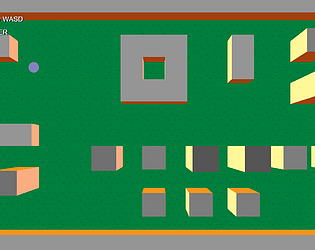
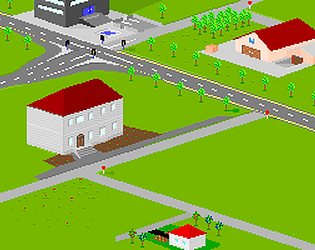
Yeah, thanks, that simple 3D shapes I am experimenting for other (pre)project :)
TibiSoft
Creator of
Recent community posts
Thank you, I'd have couple of questions, but I know it is not a training section :)
I do not know so much about shader-magic; but I can see that is used mainly to draw the world.
What would be the reasoable way to add decor items to the map, like 3D buildings? Adding simple 'billboard' trees seem to be easy
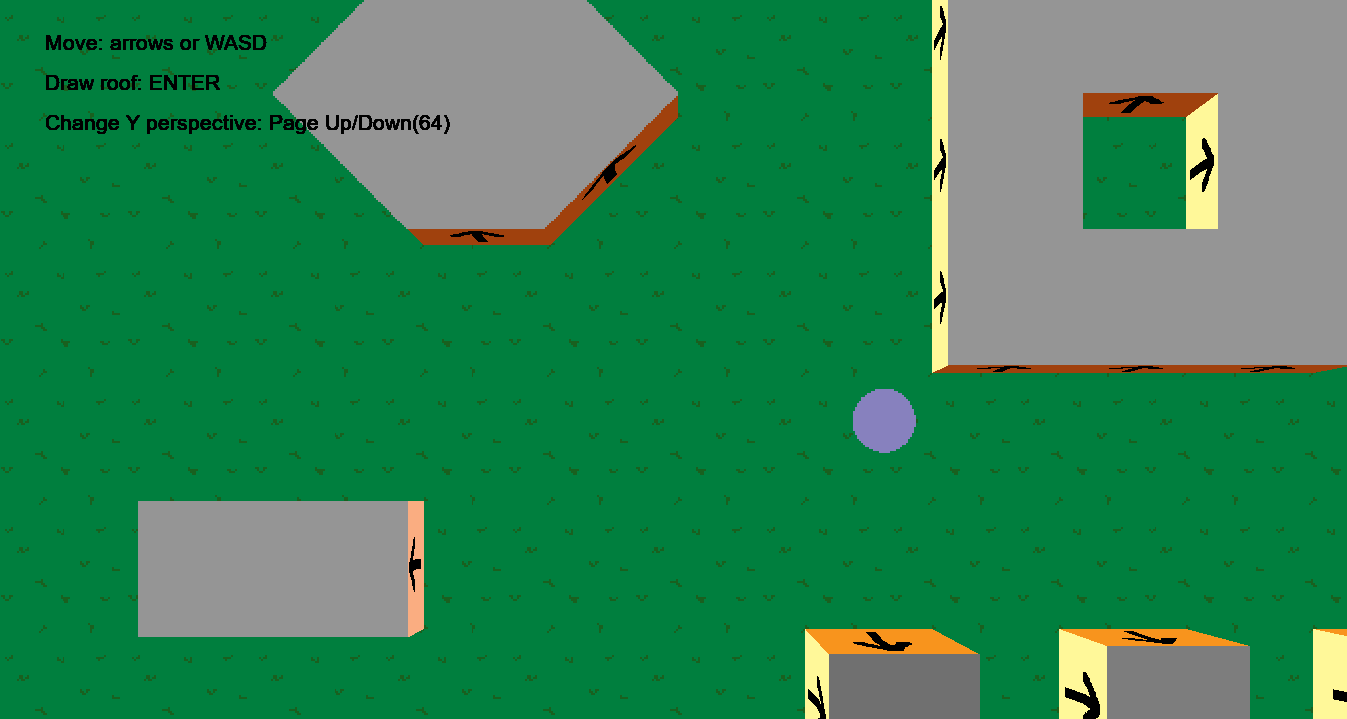
Hi, to be honest my core game-code was also asset based; if I remember well that was made for GM1.4; and I modified and extended. So I think I am not allowed to share it with anybody, but I will double check the original source if that is still available.
Edit:
https://marketplace.gamemaker.io/assets/472/top-down-box2d-car-movement
Wow, thanks for the detailed answer.
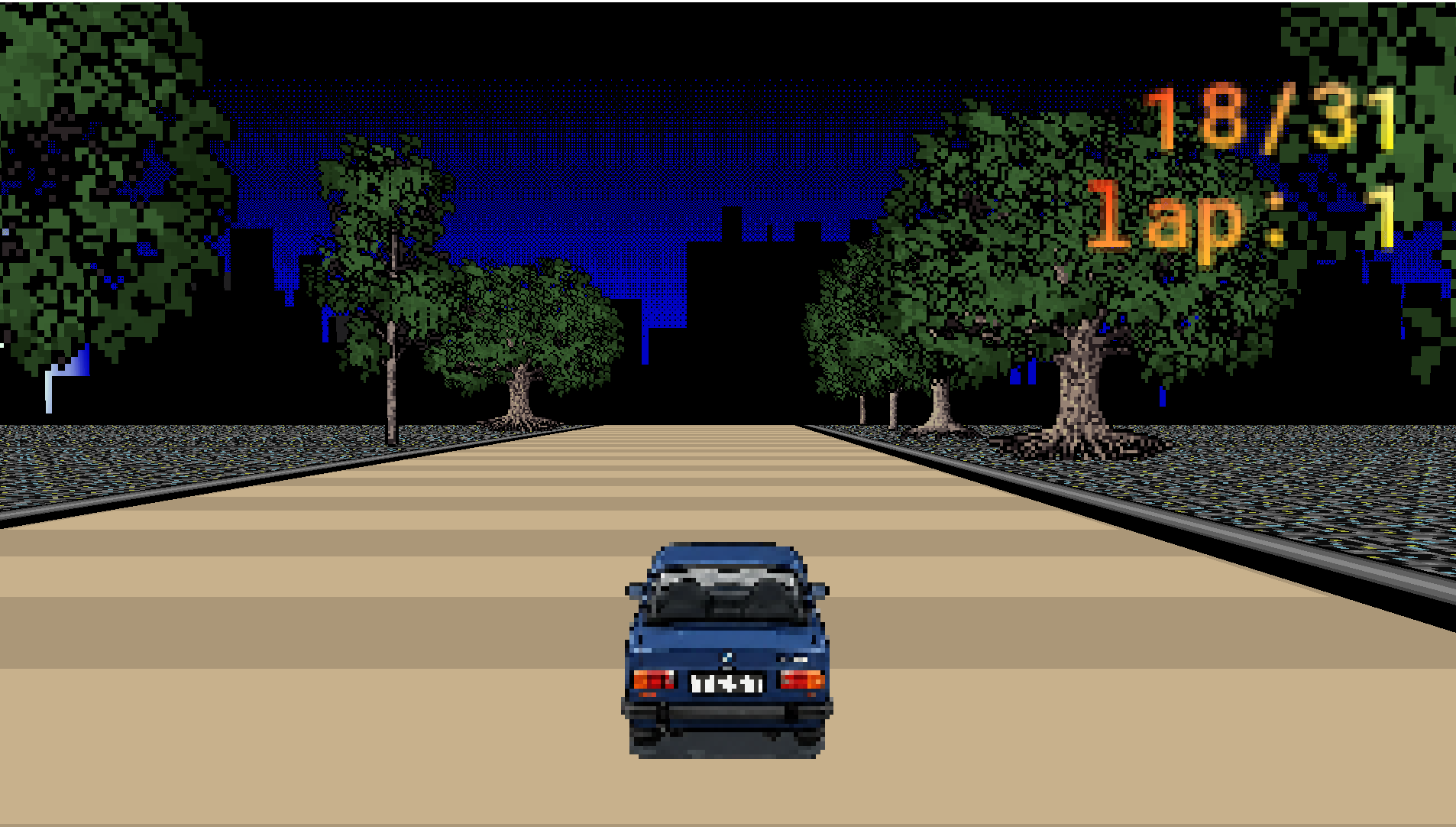
I was trying different methods of fake 3d solutions for different type of games, mainly as prototypes, like
or
but yours seems to be really complex and ready to use for little games.I am just wandering how you can increase the resolution (texture and/or entire game window) and how it is affecting performance.
Anyway, as I am curious, I plan to buy yours, maybe only for learning purposes, but with a chance to create a fun project. :)
Interesintg question, did not work on that.
But I think you need to have a different code for that. Need to rotate the base and top sprites by 45degree, and you need to connect the certain poins by the side drawing. Probably different ones than originally.
It is a theory, but I would make some trials like that.
Thanks for your kind feedback.
To be honest I am not actively working on this, but can update or correct it if needed.
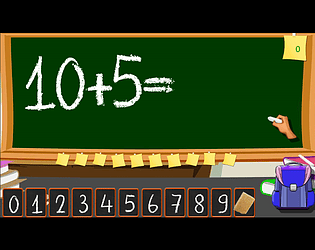
1. This little game was created for mobile, so the orientation was considering such devices, I agree it is not optimal for desktop version.
2. Pace might require some balance for kids, but I am not sure if that would not be boring in the beginning... Anyway, I will keep that feedback in mind, Thanks.
Thanks for your quick reply and confirmation.
Basically I did the same (create sprite from surface), but just made a simple mistake when used draw_sprite_pos_fixed. I switched y3 and y4, and interestingly the normal draw_sprite_pos gave a twisted sprite (what was not an intention basically), however this fixed one had no outcome at all just a black screen, and I just thought it is surface related...
But I just corrected it, thanks for your help, your asset is working perfectly.