On Sale: GamesAssetsToolsTabletopComics
Indie game storeFree gamesFun gamesHorror games
Game developmentAssetsComics
SalesBundles
Jobs
TagsGame Engines

stoat

3
Posts
1
Topics
7
Following
A member registered Apr 15, 2016 · View creator page →

Recent community posts

(3 edits)

ahh this program seems really great!! I haven't gotten to dig too deep into it yet but I so much love open-source options, thank you 🙏 

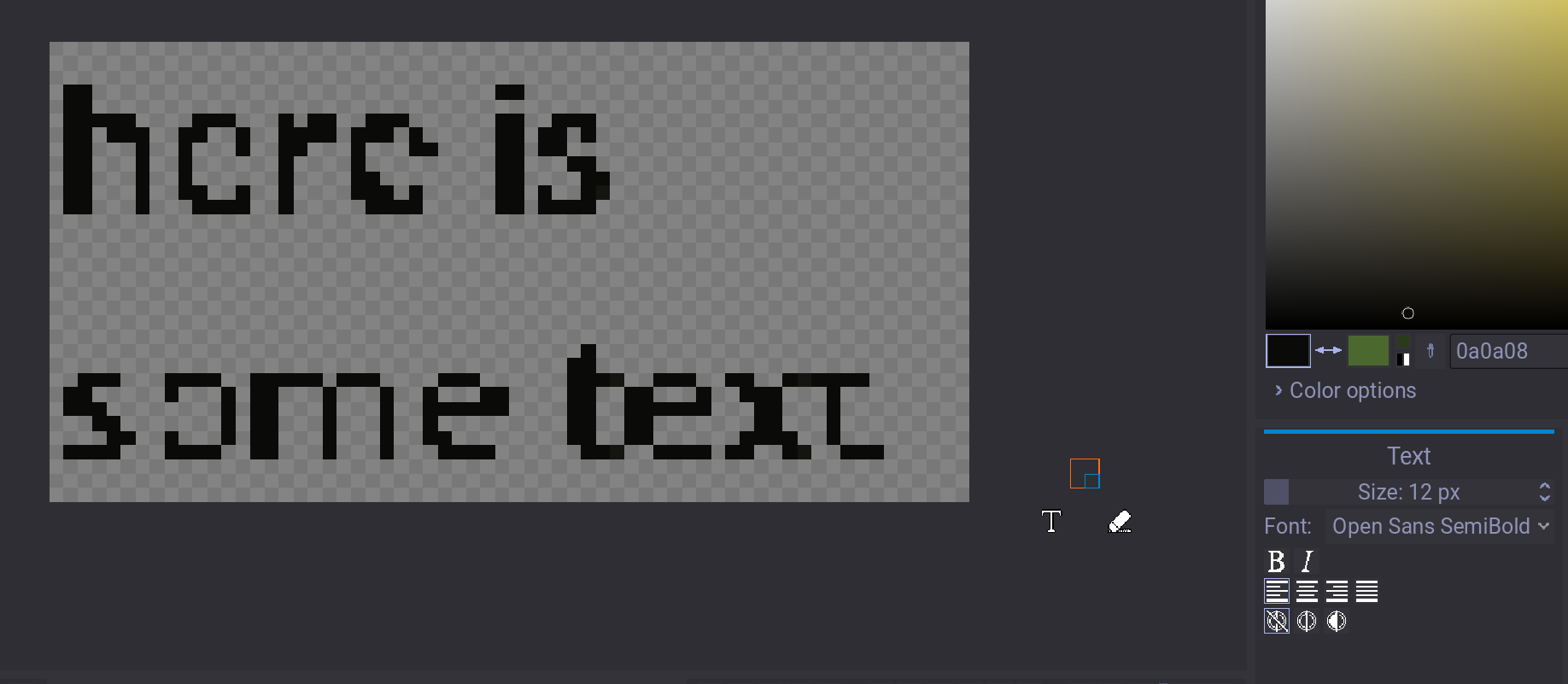
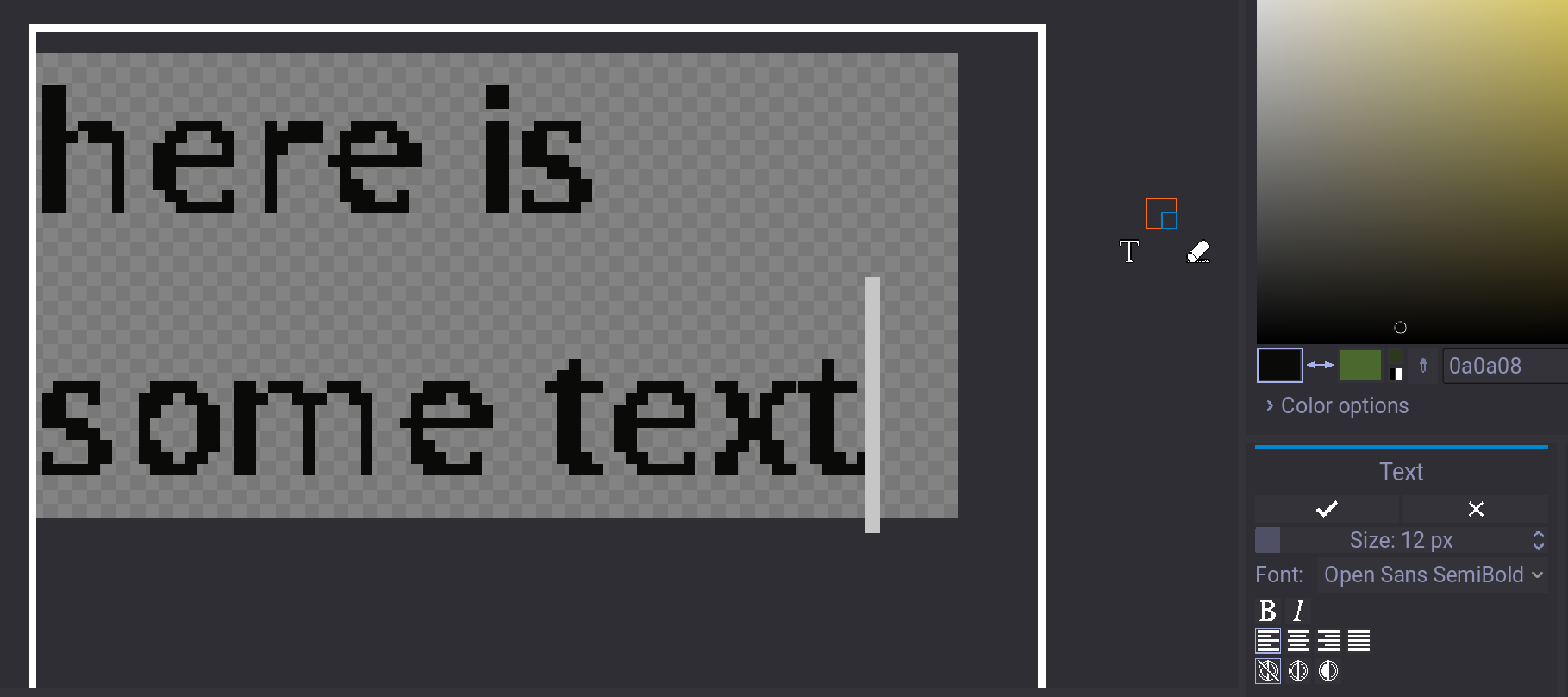
I'm having an issue with the text tool though, where the output ends up pretty far from the preview. the deformation is happening regardless of size, font, or alignment (alignment doesn't update in the preview either). before and after:
sometimes it'll have additional artifacts, particularly when put on other stuff in the same layer. the brighter the color, the worse it is, like there's some lightening blending going on.
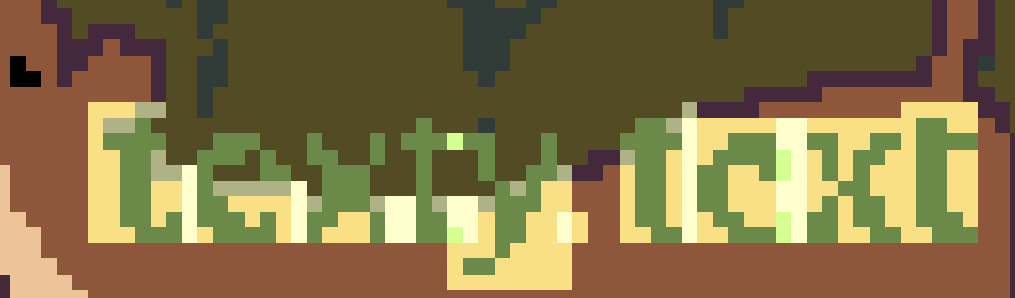

given the comment below I figure this isn't a universal issue, so I'm on Windows 10 x64bit, if that helps! otherwise, I'm having fun designing buttons for my webpage :D

(1 edit)

Ack, my bad. It's #276632. Tysm!

Hey all. I sent in a ticket about this when it happened (May 10th), but no response. Not sure if that's a normal timeline or if my ticket has just been scrapped, but some advice would be nice.

When I've purchased bundles in the past, I had to go to the individual pages to add them to my owned items -- it's my understanding that this is by design, so as not to flood our libraries. However, when I purchased the Crips for eSims for Gaza bundle, the entire contents of the bundle (237 items!) were immediately and automatically added to my library of owned items. I don't know why it did this -- I don't even know a way to do this on purpose, much less on accident -- and I can't find any way to undo it or even remove items manually.

It's made my library basically unusable, and it's really frustrating. Any help appreciated :(