

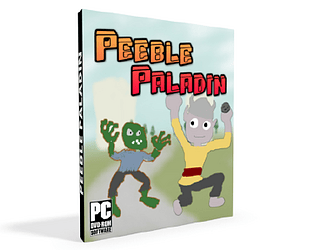
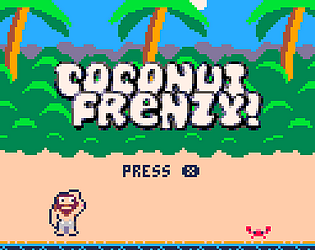

I only played the first chapter for now but I loved it!!
A member registered Oct 01, 2015 · View creator page →
Creator of
Des fiches de personnages pratiques et nécessitant moins d'encre
Comment une petite IA peut-elle apprendre à gérer des espaces verts en bord de route ? C'est tout une aventure...
Play in browser

Can you and your friends perform the most popular music show?
Adventure
Play in browser

Pose Café est un party-game en multi/local. Prenez la pose, prenez un café !


Play in browser

Play in browser


Physics-based demo


Made for Global Game Jam 2016


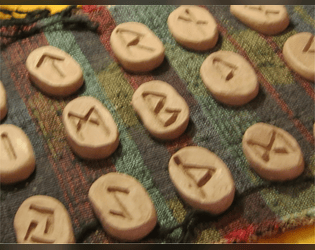
A D&D minigame supplement

Un JDR pour des rencontres du sixième type.
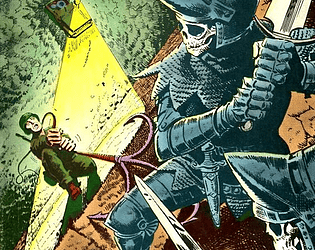
Un JDR post-apo dans un pays de fantasy.
A one-page fantasy dungeon. Dare ye enter?

Une nouvelle fiche pour le JDR papier
Un mod pour Le Comité pour l'Exploration des Mystères
Incarnez une tribu errant aux quatre coins du monde
Incarnez des super-flics dans une ambiance retrowave
Recent community posts
Hello !
I'm currently testing "complex" scenes with existing tilesets, and I haven't found a way to create two obejcts with different tilesets in the same scene. The second object I try to creat end up referencing an empty texture. Here's a picture :
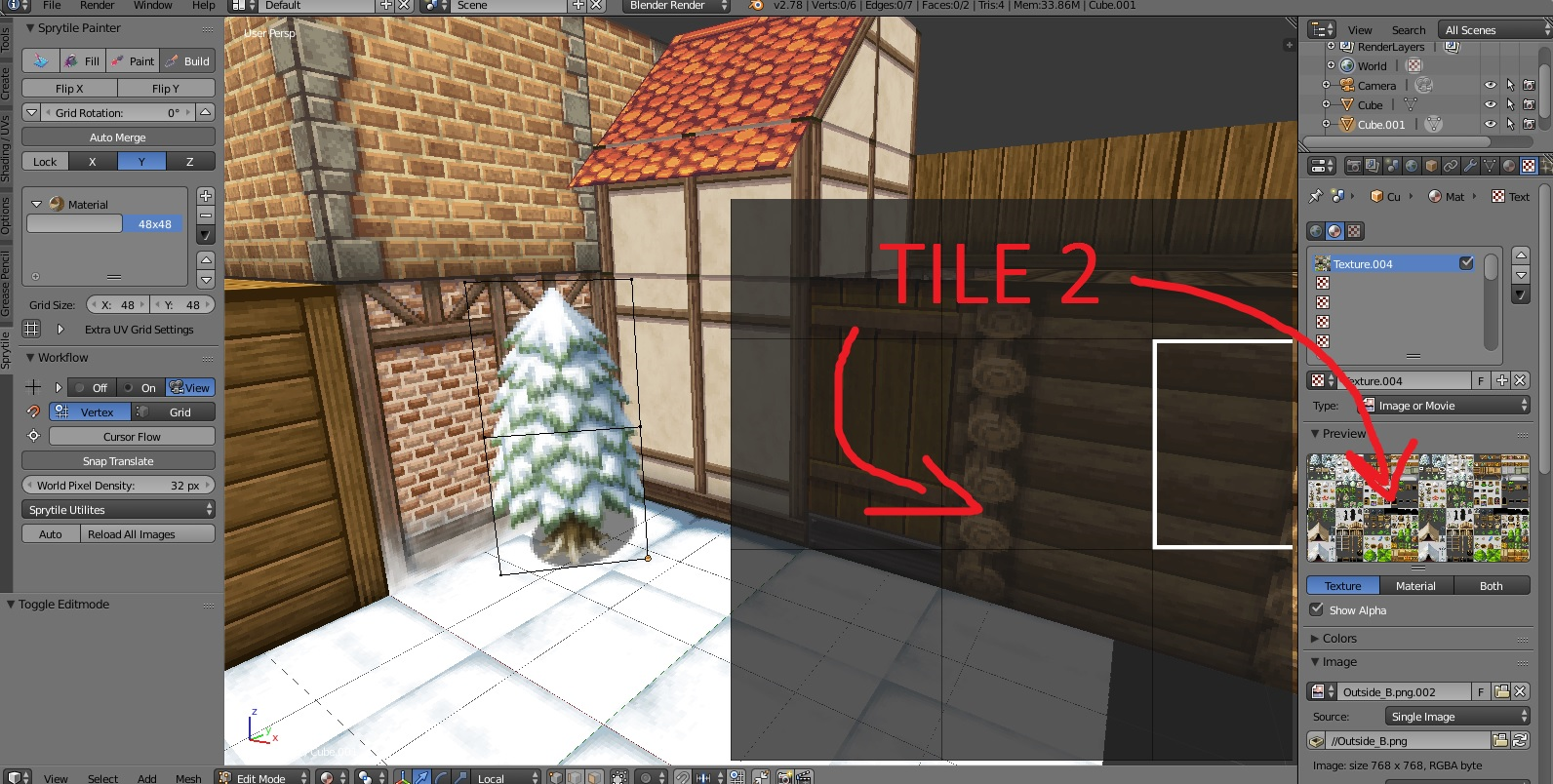
The buildings are made with a "buildings" tileset, and I tried to add objects from an "objects" tileset, applied to another Blender entity. Sadly the tileset doesn't load. I figured that if I copied and pasted objects from another scene (as I did with this pine tree in the corner), it works, but the referenced tileset is still blank on the plugin ; though blender can find the material as you can see on my screenshot.
Do you have to load a single tileset with all your graphics or did I do something wrong here?