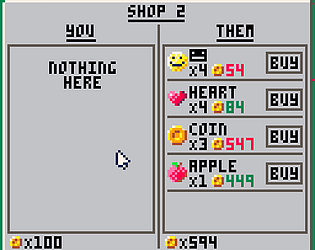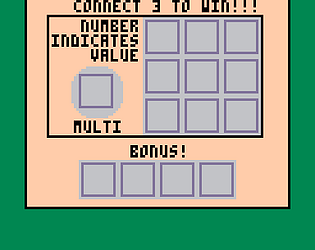
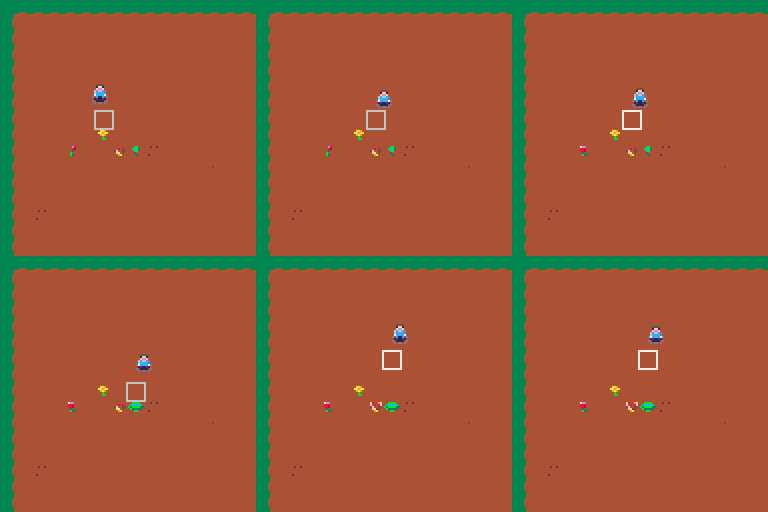
Yeah without all the artwork it's a little difficult to visualise what is happening haha. I had a friend run into the same issue and it was because you're meant to click the fossil when they're green and that 'collects' the fossil, otherwise they are just in the drawer uncovered but not collected
RTficial
Creator of
Recent community posts
There are already a couple of different tools in the game but I didn't have the time to link it up fully so they will be in the finished version :), currently you just use a little sandblaster but I have a spoon and chisel set up, I just need to come up with more comical tools too, maybe an electric whisk? Haha
yeah the controls were stressing me out towards the end, I only managed to make wasd and space work for controlling him shortly after submissions ended... Turns out I was reading like 5 lines too low on the reference guide haha oops.
After the power up system I'm thinking I might make bosses also at the end of each level so that should be an added challenge
Yeah I ran into all the last minute bugs that I didn't see any time during early testing which sucks, and I didn't get around to sound so you weren't imagining things haha. Thank you for the feedback though :), it's definitely gonna be updated when I manage to fix the issues and add some additional features
Yeah I can kinda see that, I think minesweeper had the little timer and counter in the top corners too. I originally only had the timer but then realised the levels can get pretty difficult so needed a way to back out :P.
Hard mode is pretty difficult yet, and I haven't finished nightmare mode but I got close a couple of times so I think its possible! It works on mobile so that might be easier? :P (only slightly though surprisingly)
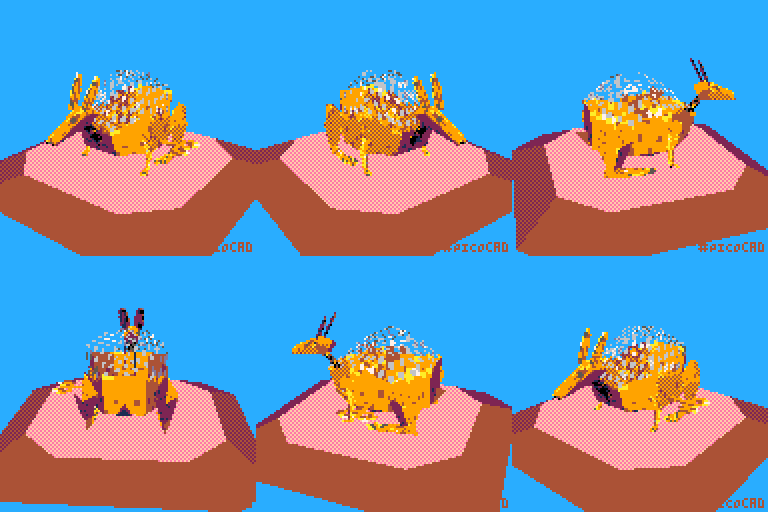
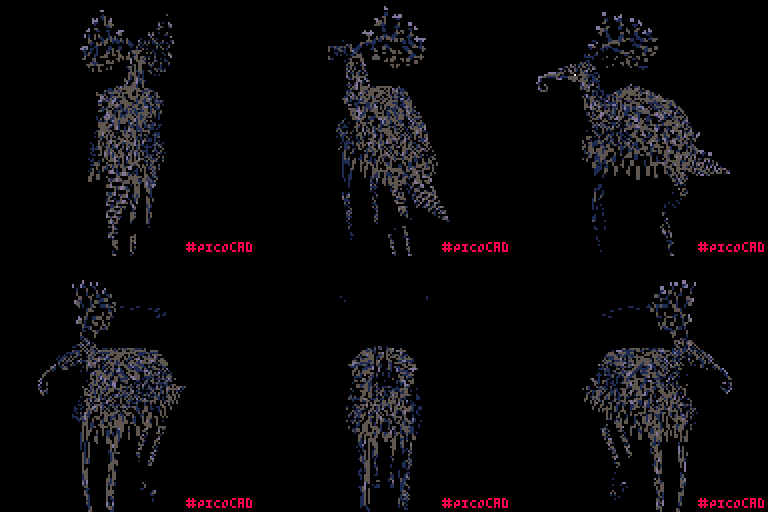
No worries! Thanks for the comment! Moth wasn't in the original equation with this haha, but I can definitely see it! The tongue and antlers especially, the antlers were meant to just been wild and chaotic :). Though those who have seen it aren't able to convey what they see well of course so who knows ;D
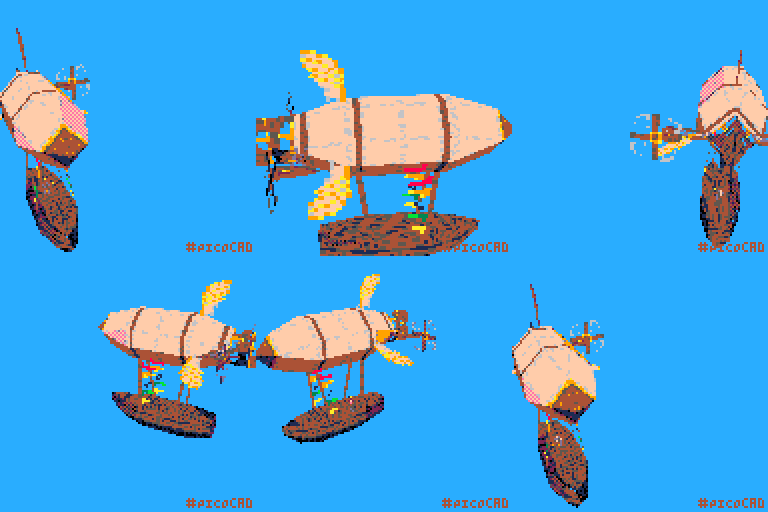
I uploaded a new gif, it has a lime green background so should be easy enough to remove now? :). The software sometimes still causes little holes in the model so if you see that in any of the frames, replacing it with black will probably be a good choice haha.
Hope it is what you were hoping for, let me know!
sure thing, I made a gif of it already but I want to just wait until the voting period for the jam is over because there's a black and white 'limitation' so I didn't want there to be a coloured image just yet. However if you didn't wish to wait I updated the installation instructions so you can do it yourself. If you can wait for another 14 hours or so, Ill upload the picture :), sorry about the wait.
- I could be wrong but I think the arrow keys move 0.25 in space (someone correct me if that isn't true) so move it 4 times if you want to move it by 1
- I think it varies depending on the mesh, so I don't know off the top of my head sorry
- the only way I think is looking into the text file that is the model, but then you cant easily distinguish the vertices apart
- the model coordinates only relate in whatever way you use them, if you have a 1x1 plane and apply a 64x64 pixel texture to it, and then a 128x128 pixel texture, the first will just look more zoomed in if that makes sense? the bigger the texture, the more it gets 'squashed' to fit the face of a model you're applying it to (I recommend just messing with them to see how it works :) )
Hope any of this helped haha