Indie game storeFree gamesFun gamesHorror games
Game developmentAssetsComics
SalesBundles
Jobs
TagsGame Engines

Beancakes

14
Posts
2
Topics
2
Followers
2
Following
A member registered Feb 17, 2025 · View creator page →

Creator of
Recent community posts

Hmmm, what model of GPU do you have? maybe it's an older one that isnt compatible with newer runtimes of GMS2(It did just release a major update prior to this) that now require "Direct3D 11" features. Also, are you running this on a virtual machine? 

Alright, so i don't think this is an issue with the game itself, but is  an issue with incompatible hardware on your end. Has this issue happened before on any previous Gamemaker Games recently? Are your graphics drivers and Windows updated?

Strange...I'm really not too sure what could be causing this, but I'll try to take a look at it tommorow (small question, did you extract the .zip file first?)

(1 edit)

Thank you! This fixed the issue!! What you said about the floppy disk being a higher resolution than everything else makes sense because it was the ONLY sprite that was having this issue (probably because it was one of the earliest sprites i made for the game, and has actually looked a bit weird in-game without the CRT anyways), but I'll keep the code as a safeguard against this issue in the future. The only thing  that I don't understand is why that sprite specifically is higher resolution than the rest, even though i tried scaling it down to 16 x 16 and made sure it wasnt being scaled by any non-integer value. 


EDIT: 

oh my gooodness  it WAS scaling, i found out when i checked the instance of the object in the room editor :0 

Anyways, that  solved the root cause of the issue, and I'll keep scaling sprites properly in my mind from now on, thanks again for the help figuring all this out!

(1 edit)

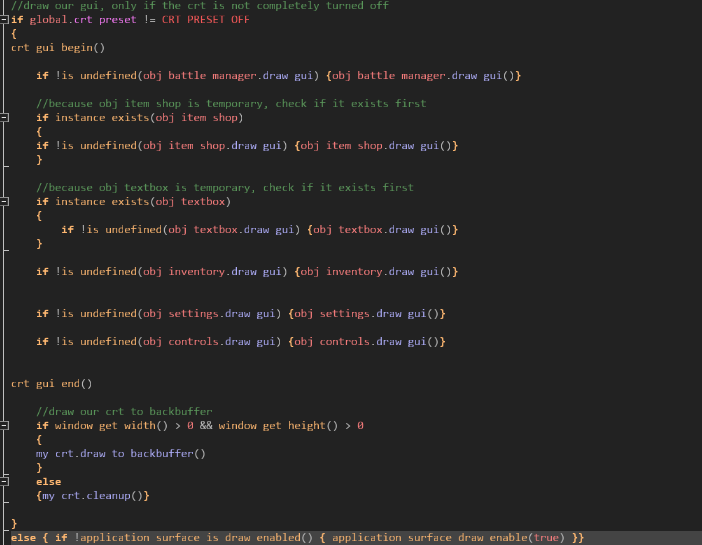
Hello again, I've been trying to figure out how to  toggle the CRT effect in-game without any lingering distortion, because it seems when i turn it off anytime after initialization,  for some sprites, they remain in the same distorted state as they were when the CRT was active and my camera also seems to become much more jittery. Is there already a function for cleanly toggling off and on CRT on the go? Any help would be appreciated as I am currently stuck on what is causing the distortion and jitter in my game.

Here's how im currently toggling it
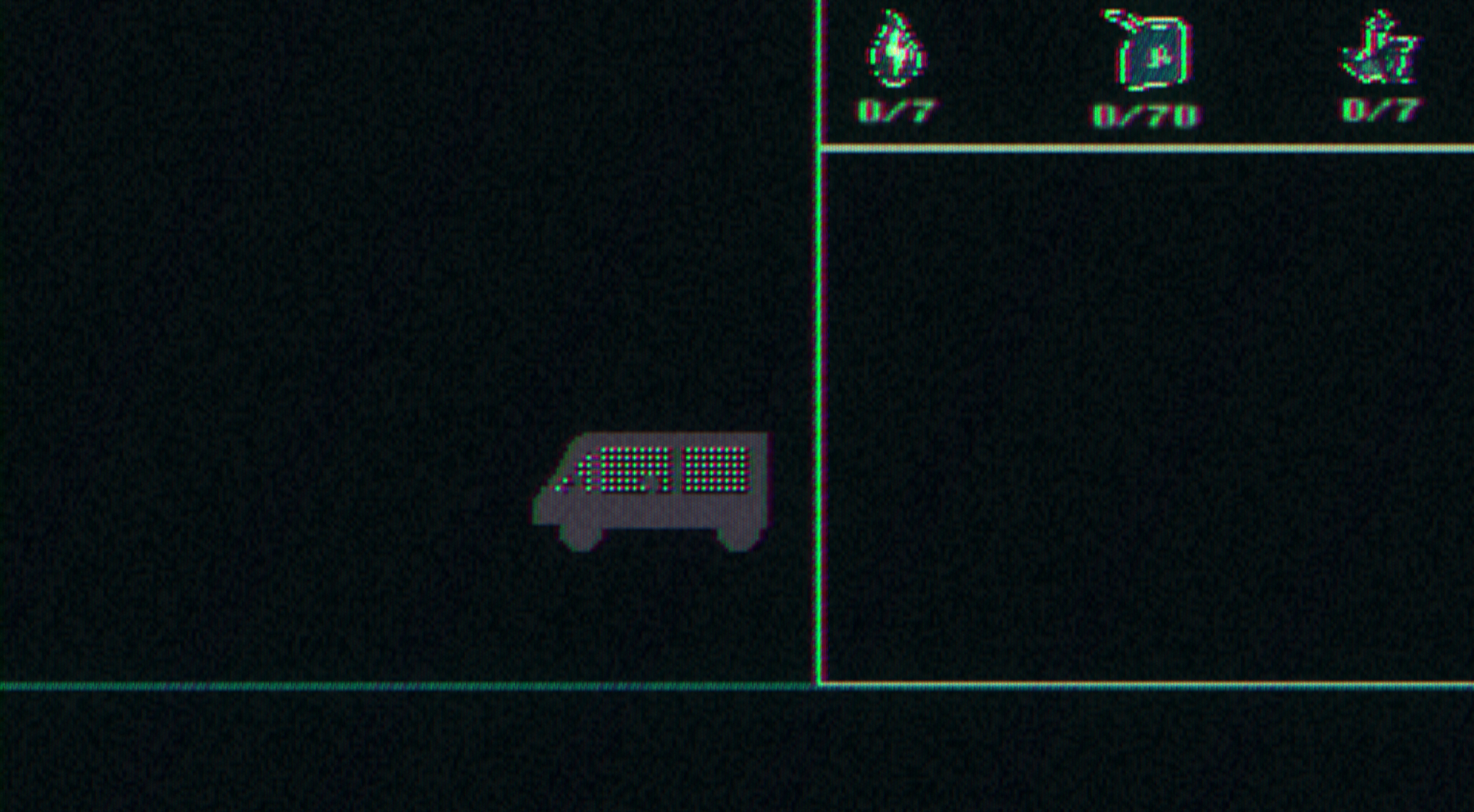
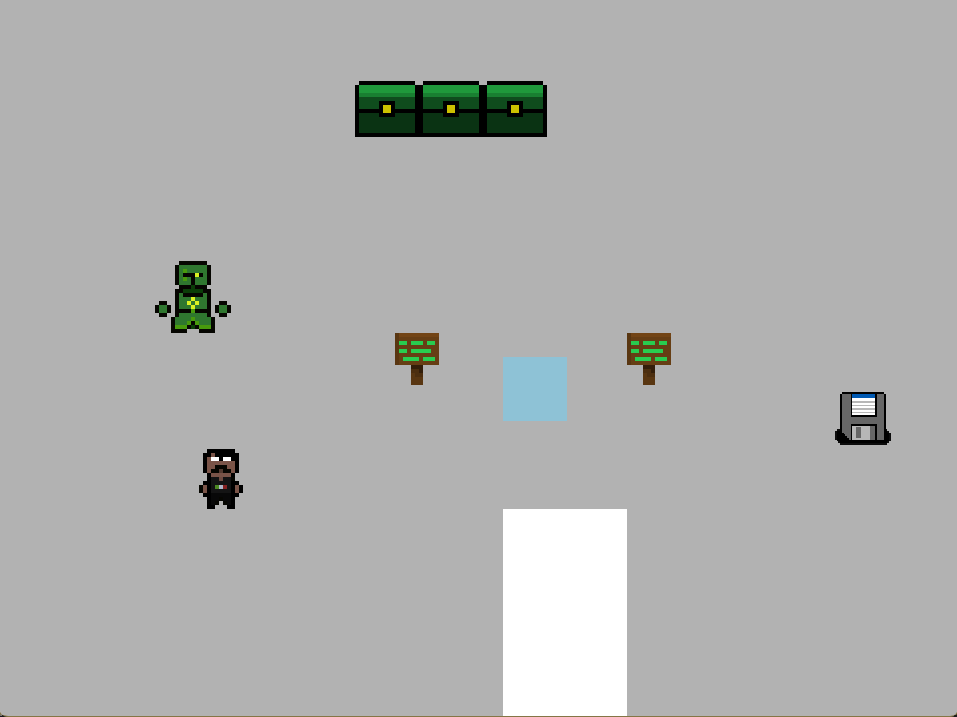
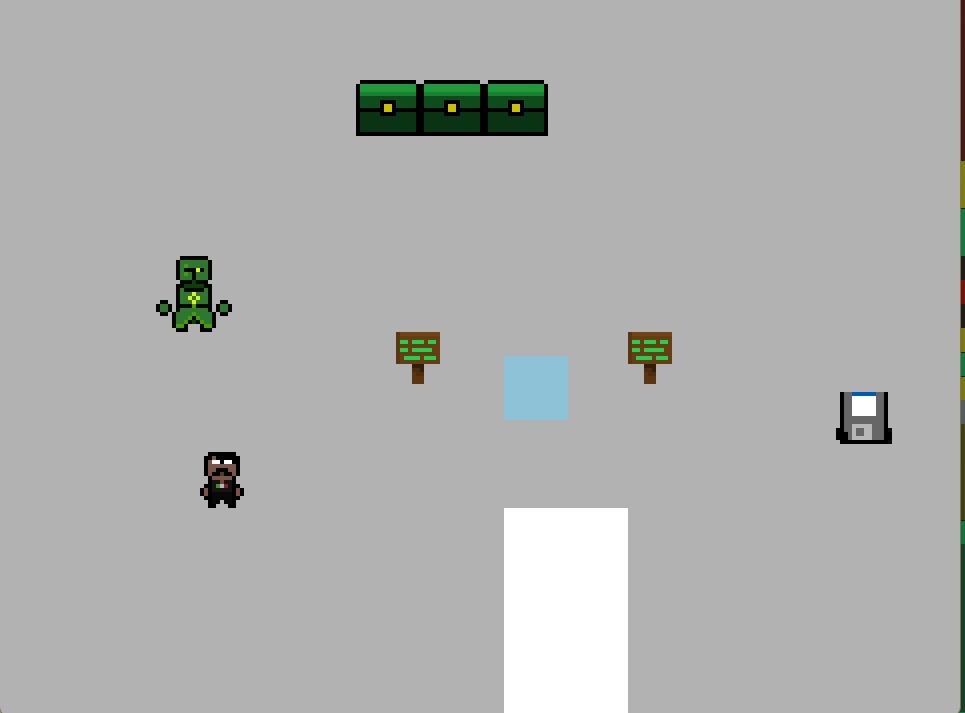
Here's a before(CRT is off  by default) vs. after(CRT is turned off mid-game)

(2 edits)

I'm assuming it's the message above this one, ill try it out, thanks!

I believe the issue's been fixed now, thanks for the help!

Alright, I'll see if the issue pops up again under similiar circumstances and let you know!

Oh, as a side note, is this shader compatable with DrawGUI? in the sense that things drawn in DrawGUI can go under the shader? 

(2 edits)

alrighty, i got the issue again, the first image is how it should normally look and the second is the distorted version

(1 edit)

I'll try to see if i can reproduce the issue, but it may take awhile to get back to you with it as I'd have to wait for the game to be running for a long period of time (also considering the facts that the variables that may have caused the issue may be hard to replicate, for example, if the application should be minimized or left open in the backrgound for the issue to even appear)

(1 edit)

Hi! First off, thanks for making a shader this high quality free, I really appreciate all the hard work you put into it! Now, I've been experiencing an issue of when a game is left open (seemingly on an awake computer, when minimized and im working on something else) for too long, the CRT effect begins to distort pretty badly, is there a possible fix to this?

Yeah i believe it was how my game was scaling, i was able to make my own in the end, thank you for the response though!

I just got the shader and for some reason its zooming into my screen, covering everything, and when full screen, drawing out of bounds, is there a fix for this?