On Sale: GamesAssetsToolsTabletopComics
Indie game storeFree gamesFun gamesHorror games
Game developmentAssetsComics
SalesBundles
Jobs
TagsGame Engines

Cole Beernaerts

30
Posts
5
Topics
27
Followers
23
Following
A member registered Apr 29, 2017 · View creator page →

Creator of
Recent community posts

They've talked about their situation before when it first started happening, not sure if anything changed since then but I take it this is their way of testing the waters. If steam itself already approved the page, then I don't see any issues they should encounter

I've checked it out. The array IS being reassigned somehow to an empty array. I've looked through the code, and found no place where it is happening, even testing the data in it. 

I tried running without using any steam functions, but it still happened so it's probably not the steam extension -- it may still be this though, my platform options are a bit complex in the code, but it shouldn't use any steam functions on the test I did. 

really stumped with it. The array I'm currently testing holds all the keybinds in the game. I do save out the array to cache in the game which gets saved out to file, and this error is happening when I go to change one of the keybinds. However... it's only briefly possible to have this issue pop up right after starting the game. Which makes me think it's coming from an alarm/async event, or the steamworks extension. I'll have to test a bit more for this I think. 

Though there are other instances in the game where I have arrays being cleared out of nowhere. So something in the game is causing a leak somehow. It's just really hard to track it down because I can't find when or where it's happening. 

And again, it doesn't seem to be happening on consoles, just PC from what I've witnessed.

I'll check those out, thanks!!

You might be on to something with steamworks, the problems I'm having only happen on the PC version of my game it seems... and one of them stops happening when steam cloud saves is turned off. I'll have to take a look at that I think. I'm using leaderboards, cloud saves, and achievements in the game. 

I'm currently facing an issue with tracking down where exactly an array is being destroyed in my project and I'm wondering if this could be adapted to work with arrays or structs. 

I've tried everything I can imagine, but this array is just being reset to an empty array somehow. 

I've tried putting in checks everywhere on every type of step event, but it seemed to happen after the draw_gui_end and before the begin_step events. I'm sure I could try checking every call of deleting values or clearing an array, but that could take large amounts of time.

Seems it was because my Project Tool was of a higher version than it should have been. I was using the Beta version on another project but I guess that set it for the regular engine too. it was on 2024.14.xxx, I set it to 2024.13.111 and it fixed the import issue. 

Thanks so much for the quick work! I'll check it out later this week

This currently isn't working for 2024.13... Haven't tried other versions, it just won't import, says there's an error loading it in

Fun little game! Love the dithering and art style. The swappable weapons was a lot of fun

BUBBLEWARE

Perfect, thank you!

(1 edit)

I should have posted the other photo - when the frame isn't being drawn, there's still this border around the window. Wonder if there's a way around it. 

Hey! 

I'm using this along with the custom window frame and I'm wondering if there's a way to disable the window borders when needed, such as when the top bar isn't visible and when the window isn't in focus

I'd ideally like to have the window outlines show up when the bar does, and to hide them otherwise so it still has the window shape.

Thanks!

The chromakey option works great, thanks! 

It worked with my original vector image but this time I applied some dithering to the edges

Ok I'll check it out and let you know

I also noticed large amounts of lag when I used window_shape_create_polygon_from_array() to create the polygon with an array size of 364. Is that too much? 

(1 edit)

Hi, 

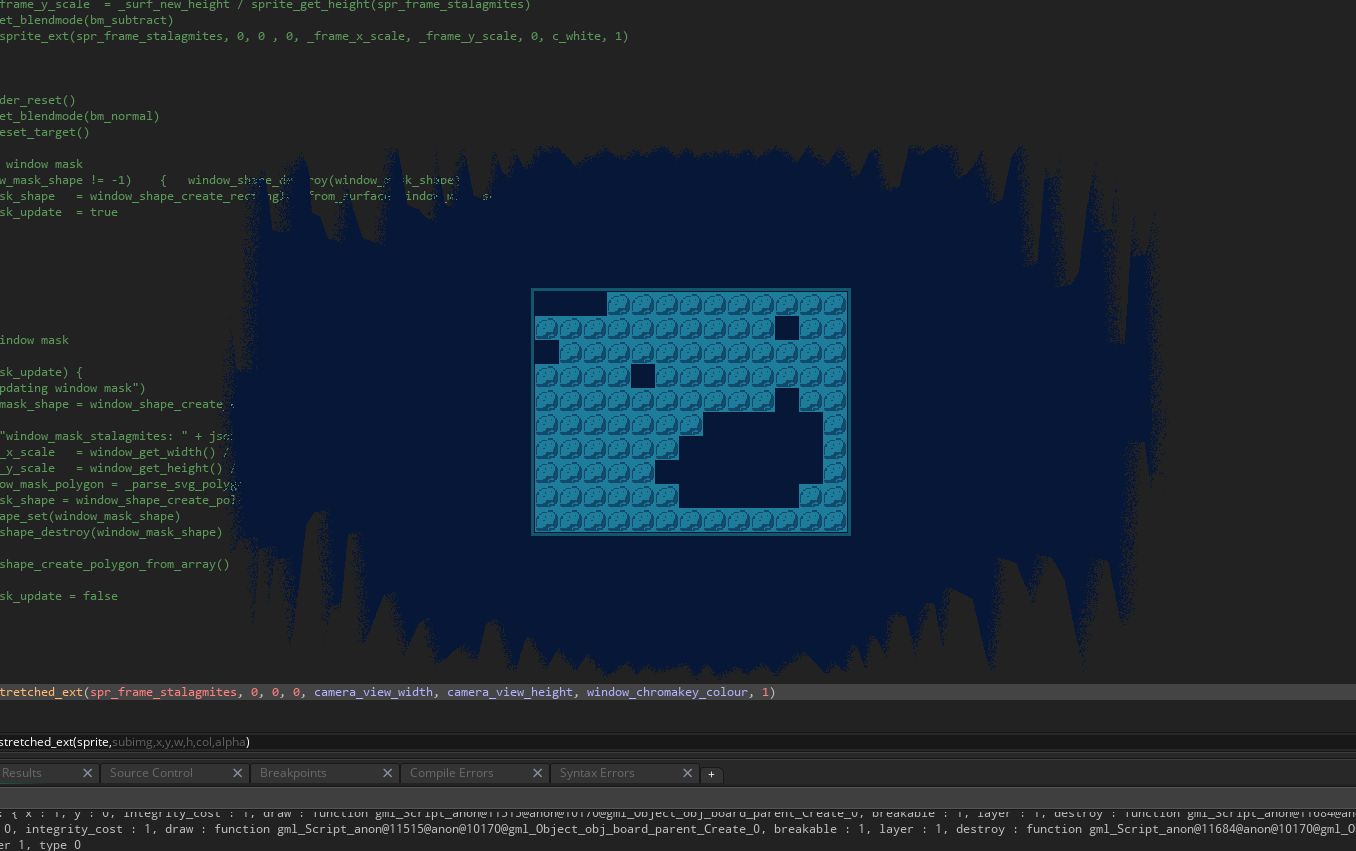
I tried using this in a game using the window_shape_create_rectangles_from_surface() function with a surface I created previously and it seemed to completely lag out my machine when the game was running. It worked with the mask I gave it but was completely unusable. I'm not sure what I may have done wrong. 

I ensured it only ran once to create the surface, the shape, and to set it to the window and have tried a lot of debugging on it. 

Currently using IDE v2024.4.1.152, Runtime v2924.4.1.202, built for windows VM

using other shapes like ellipses works perfectly fine. I'm currently resorting to converting vector assets to polygons via arrays, but I'd hope to be able to use sprites. 

I got 04.26s

Don't be a cunt, punt that bunt! 


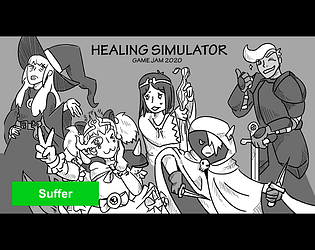
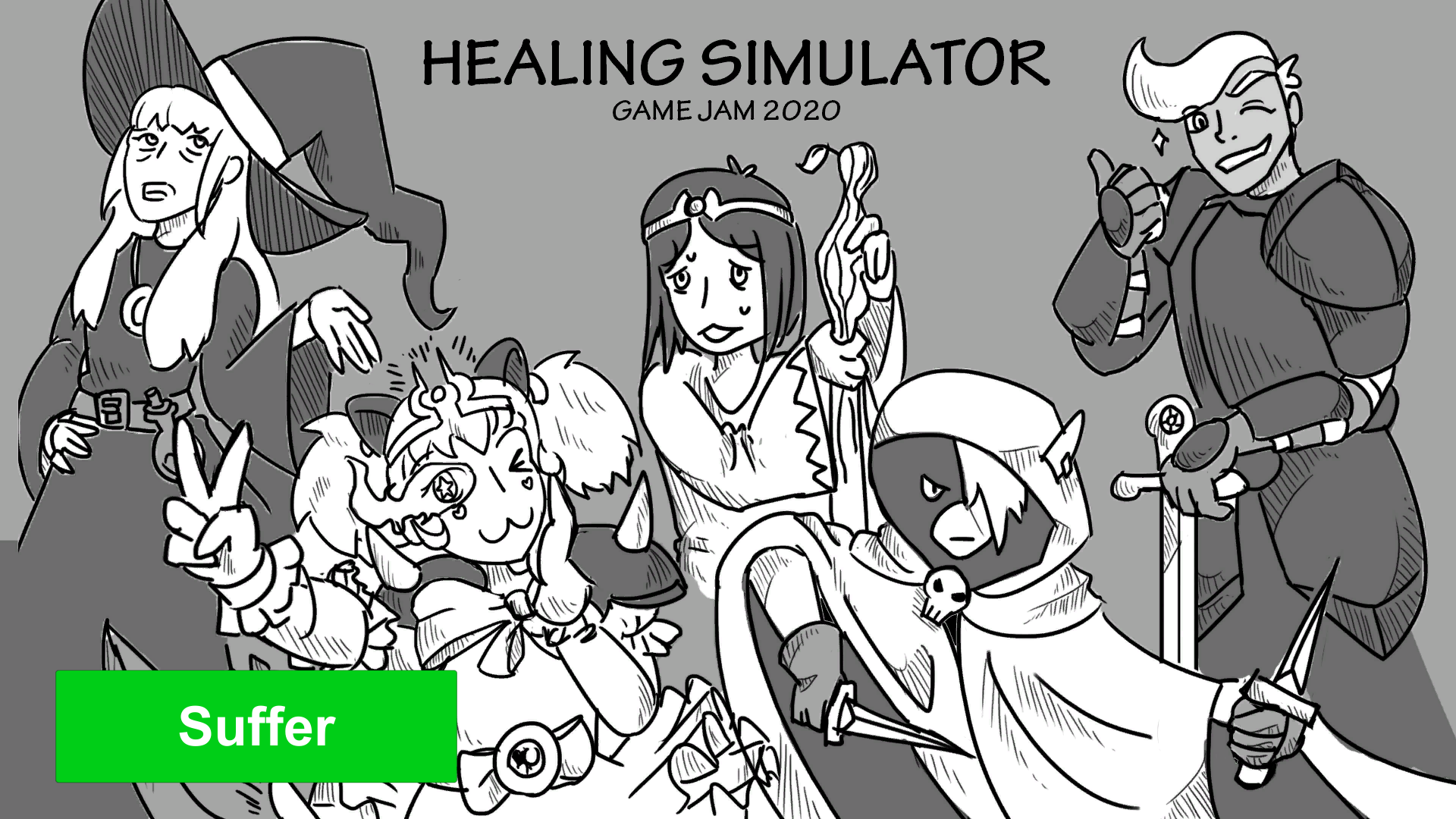
MMORPG HEALING SIMULATOR

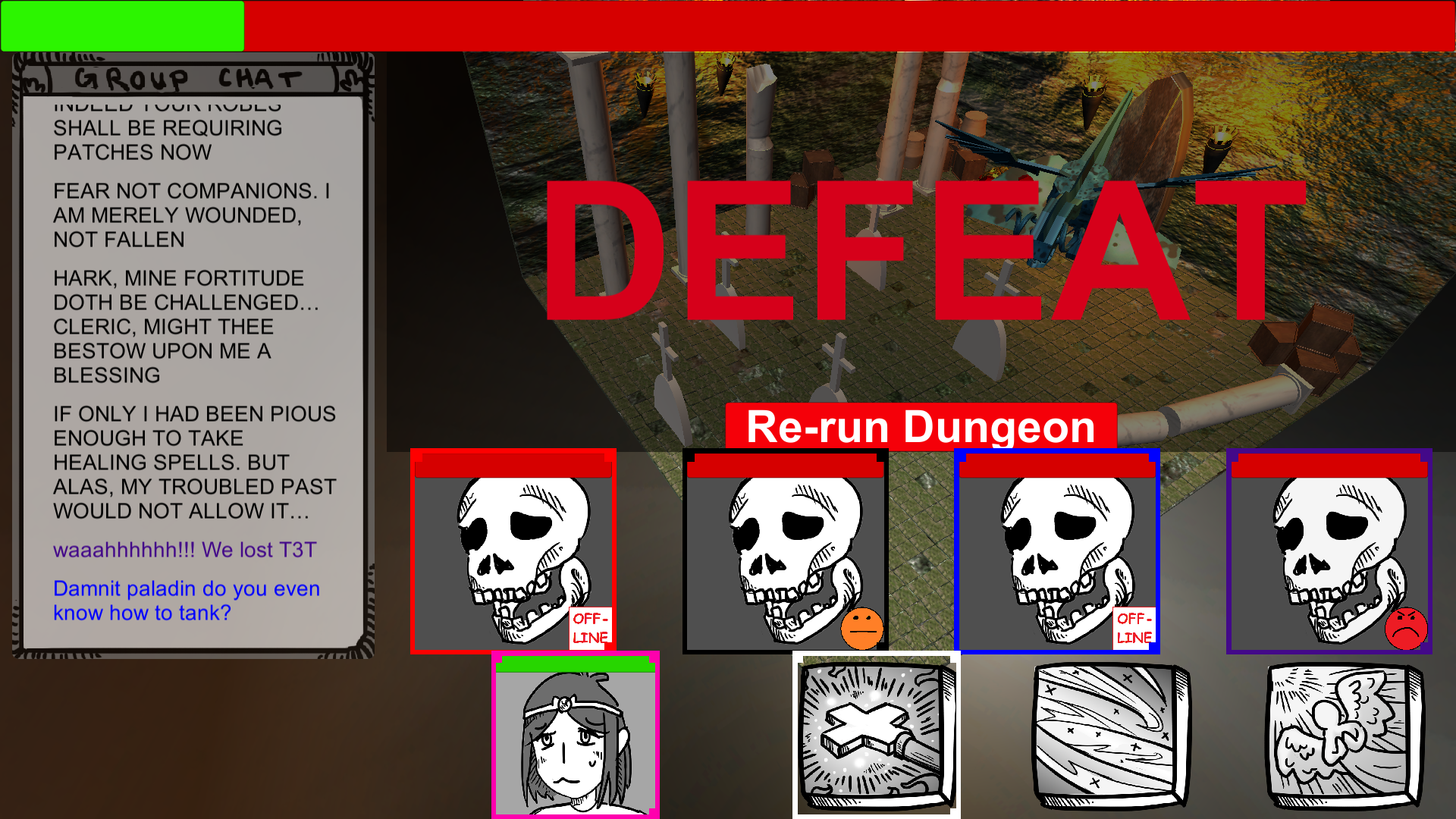
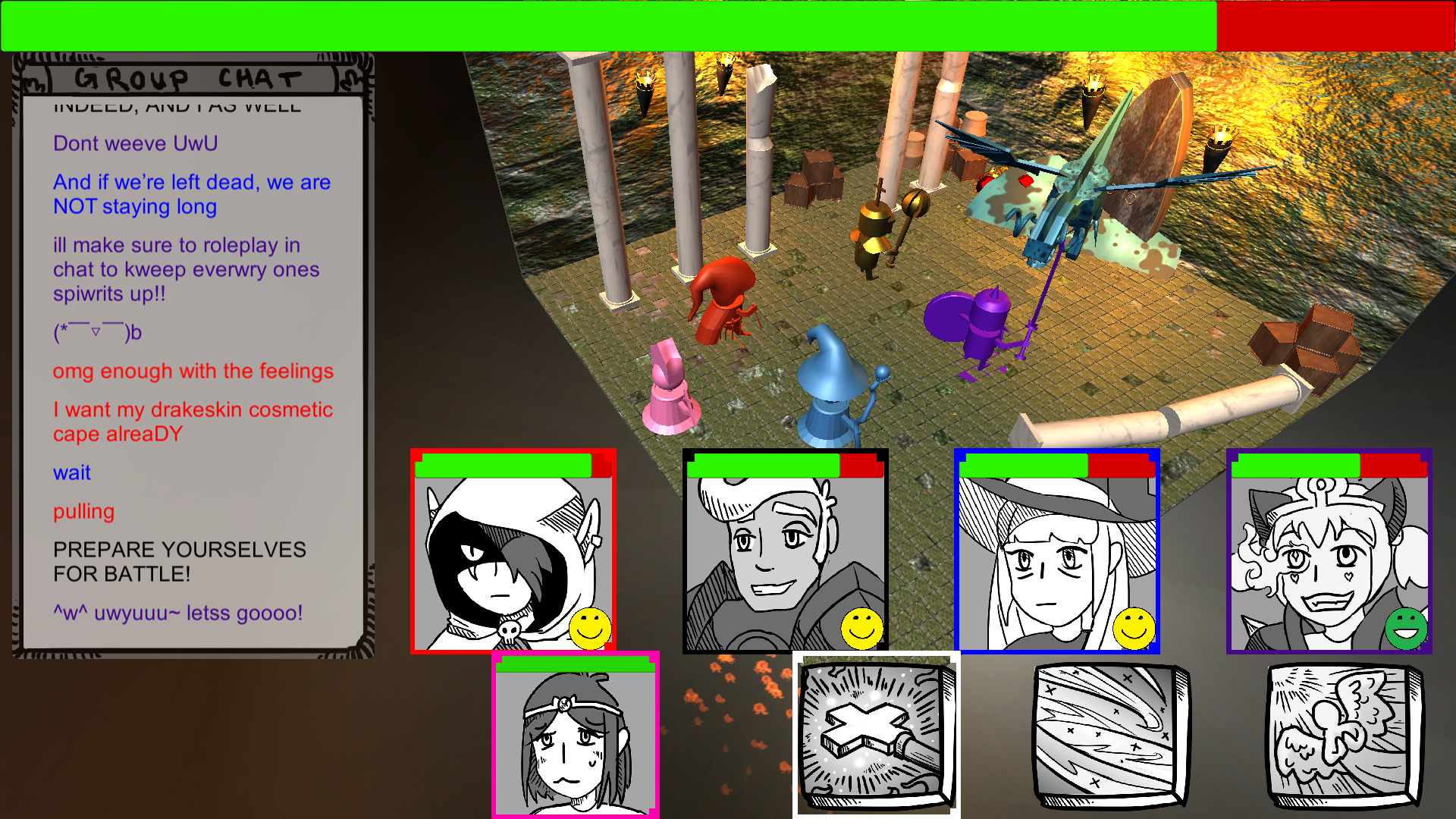
A thrilling simulator of what its like to play a support for an overly ambitious dungeon group! Don't let your nerves of steel be fettered by the dangerous actions of your teammates.... You're here for one reason and one reason only: to heal your friends both physically and emotionally. Good Luck!

Originally part of the Global Game Jam 2020, I came to realize I never uploaded it to my profile here on itch! So in a blast from the not-so-distant past, please enjoy this suffering! 

I really enjoyed working on this project with my team and coming back to it years later has only made me enjoy it more. The dialogue system we created was so silly and the characters' dialogue just feels too real to the actual experience. The try-hard edgelord rogue, the stout in-character role-playing paladin, the better-than-you veteran mage, the UwU meme-poster warrior, and last but not least you, the fill-in cleric just trying their best. 

Play it here: https://rayflower.itch.io/healing-simulator

Thanks! What did you like about it?

Awesome! Thanks!

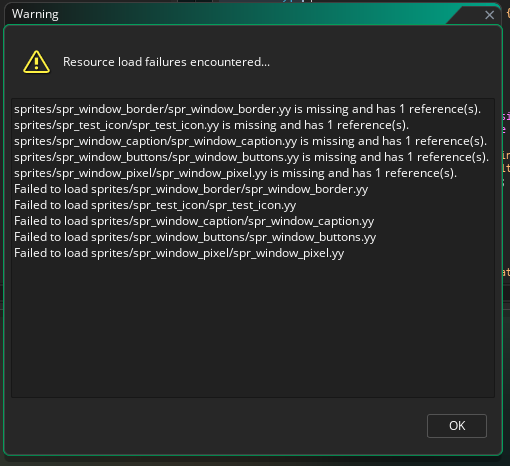
So it seemed the sprite WERE there in the files, but for some reason they just didn't import. 

So I re-added them to the project with the same name. All seem to work, except for the border. I added them with default settings and top-left origin point. I'm not sure why its doing this compared to the application demo, it works fine there. 
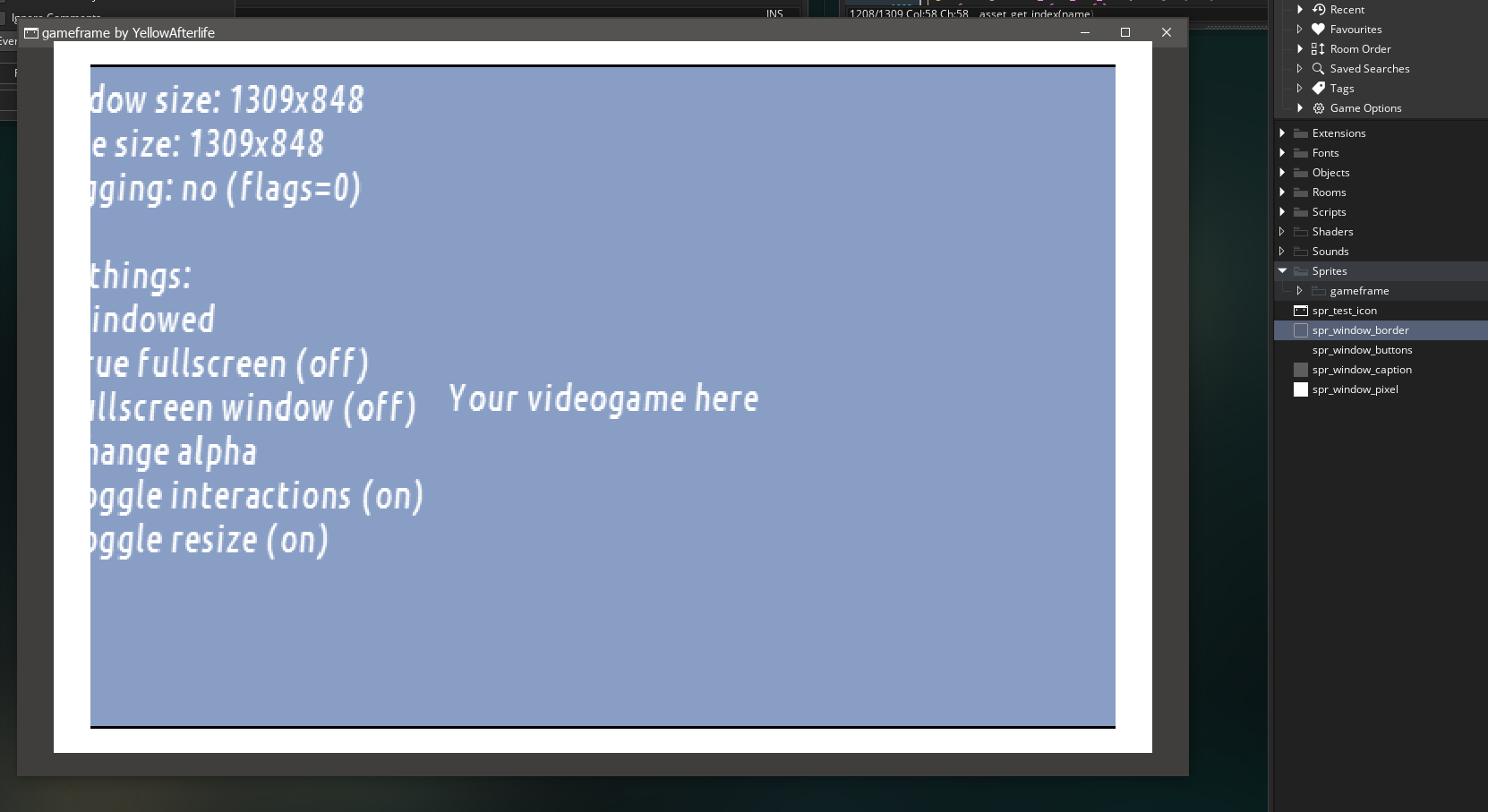
I'll see if I can import them from git. I forget an error occurred when importing, here's the screenshot 

I opened the demo project in GMS2 IDE v2.3.3.574 (runtime v2.3.3.437) and the project file did not include the sprites needed to run the project. 

I can run the application demo just fine, but I'd love to know the dimensions / image ratios / details of the sprites and what sprites it uses so I can properly implement it quickly

Thanks!

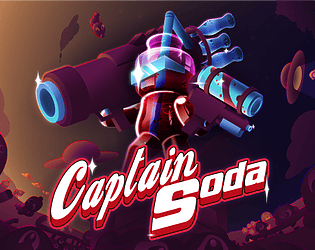
Thanks a bunch! super cool effect. Going to use it in my project, Captain Soda! I will credit you in it. https://www.colebeernaerts.com/captainsoda

Man, the sexual humor is great XD Really frustrating but equally rewarding

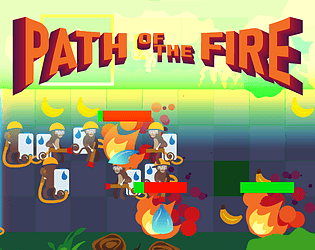
Awesome game!!! Big fire elemental GF is the best grill

I like the concept for this game. I've never played a pachinko-styled game, and I think this has a lot of potential for something amazing. 

I think this would be a great mobile game, something to just relax with in bed. Music is nice, I like it, it didn't loop though, so it stopped after a while, then resumed after I completed the apple level.

I would have loved for some different level layouts to make levels more interesting, maybe like pegs in the shape of a tree, or upside down tree, or other obstacles in the level that the faces follow to make me guess where they are going to end up. The different shapes for the pegs was interesting and fun, but doesn't change too much on a per-level basis, the smiles still travel in the same directions. The level with the squirrels, birds and dolphins in the third area is good, exactly what I wanted. I loved the space level! the starts lighting up surprised me. I would have loved for some levels like these to appear in the earlier areas to have some variety. 

When the eyes appeared, that was a fun and surprising moment. Guessing what it is they are looking at, and seeing a gold smile drop down but then miss it was really engaging. Definitely the kind of thing I was hoping for to change things up. 

I didn't realize you could click on the smiles to get bonus points, I only figured that out after two got stuck on some pegs and I clicked them hoping they got free, and they did! Smart design! It also makes for some interesting min-max gameplay, trying to click on them as they fall to get a lot of points. (funny thing, you still get points if the game is paused and you click on them XD)

Sometimes the smiles go much further outside the range that I can catch them, the basket wont go to the edge of the screen, that part I don't like a lot. 

Overall, I really enjoyed the game. It was really surprising and fun, and definitely refreshing as Smol Beans says, this is a kind of fun that I never expected or had before. 

uwu!