
Your post has been hidden. The jam doesn't start until next year, and this is not a jobs board.
A member registered Jun 03, 2015 · View creator page →
Creator of
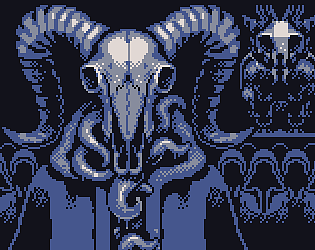
a 144x160 art piece
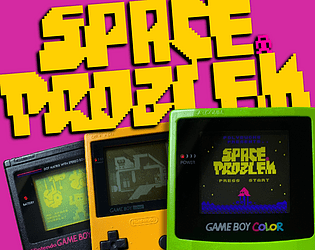
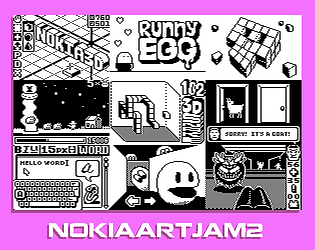
Image entries for Nokia Jam 2
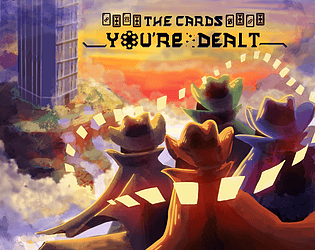
Shuffle your deck and trade abilities with your friends in this intense multiplayer boss-rush game!
Action
Play in browser
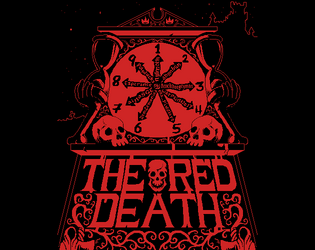
Pixelart comic about an Edgar Allan Poe's tale
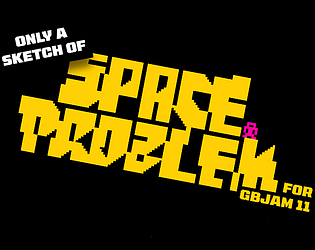
A concept outline for GBJam
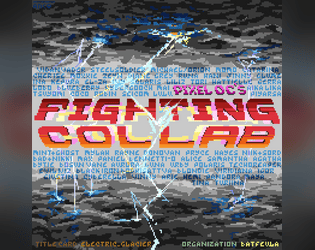
A zine focused around the fighting game genre drawn in sparkling pixelart!
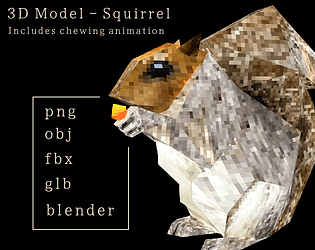
A chewing squirrel asset

A zine focused around the dating sim genre drawn in lucious pixelart!
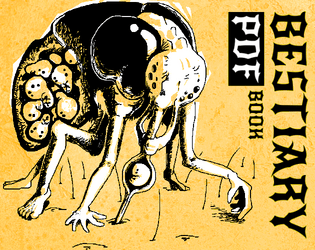
BESTIARY is a book of monsters for the MÖRK BORG TTRPG.
a 1bit asset
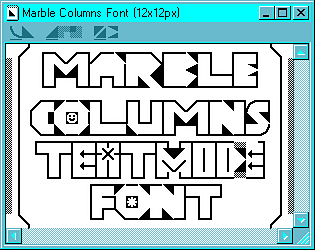
A font for making textmode art with notepad and a keyboard
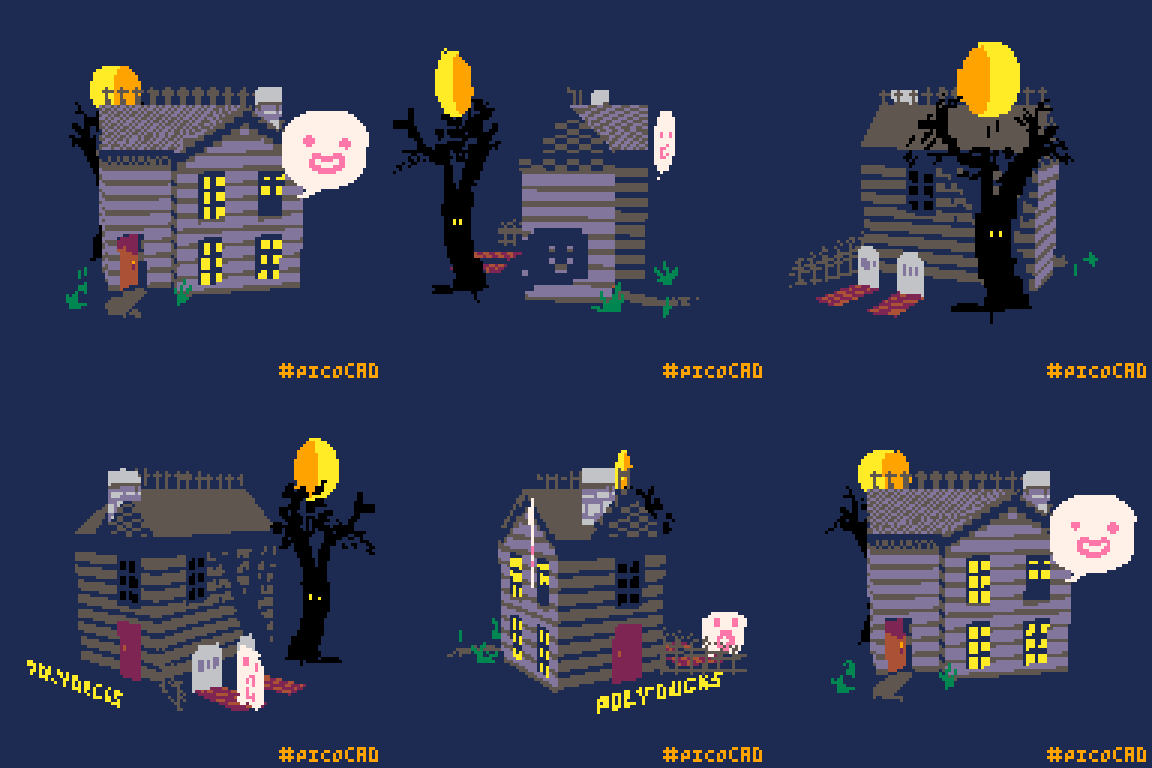
An entry for the PicoCAD jam theme : Building
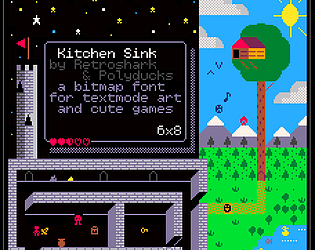
A font for an adventurous textmode game

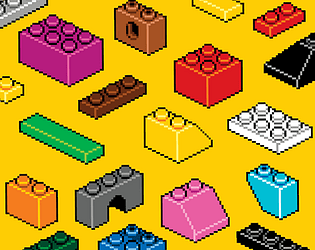
A set of isometric pixelart assets
a powerfully simple interactive text game engine
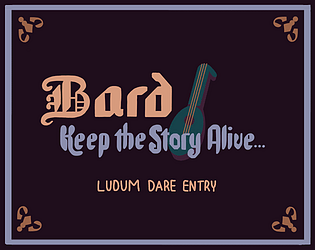
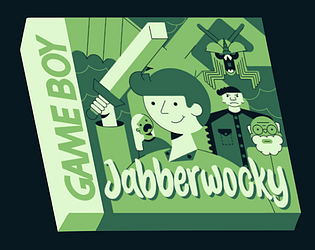
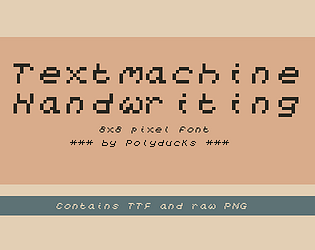
An 8x8 pixel font in .TTF and .png format
A short 1-bit comic about bubblegum houses