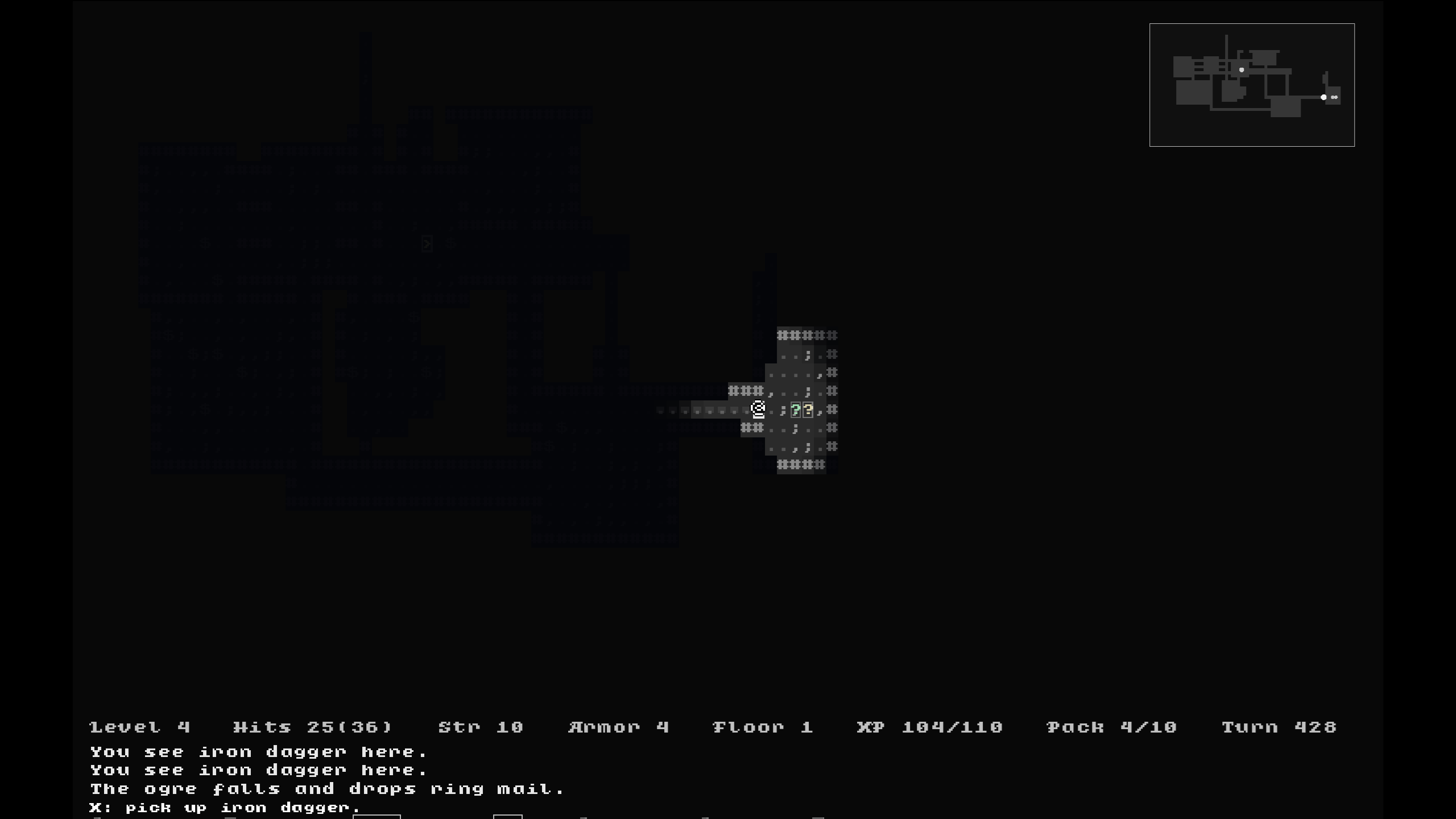
Hi Julian, was just wondering if there was an in game command guide, or is it just the PDFs in the docs folder? Thanks for a superb game <3
EDIT: I'm an idiot. I should have known it was "?" for help with this being a Roguelike. Sorry, ignore me!
Hey, I have a quick question about the general mechanics of the game. Does it have a time limit? I remember reading somewhere recently that it has a time limit of a month in game time where the princess will be killed. Thing is, I cannot for the life of me find that source again after SO much searching. Is this the case?
Thanks for the reply! Yeah, playing in full screen. I only thought about it because I was in game and wondered if I could quit back to the main menu to watch the intro! It's not an issue at all.
Anyway, thank you for all your work on this, been playing it all day with moody dungeon synth music playing in the background. It's definitely a vibe :)
(Amazing job on JSW on Vic-20 too BTW)
This is fantastic, thank you so much for concentrating on controllers. I was using the other Unity port and messing around with mapping keys to the controller through Steam. It was not nice...
Are there any plans on UI scaling?
Looking forward to Hold too, good luck :)
EDIT: Quick question, is there another way of quitting, or is Alt-F4 the only way? Am I being super dense and missing something? (This is the most likely answer).
Hey, sorry for the late response (didn't see the email notification!). Thanks for the reply but unfortunately it doesn't seem to be working still.
Just to clarify, It's a wireless Xbox One controller (connected through wireless dongle), I start the game up (with the controller already connected), use the keyboard in menu to select Settings->Input->Select controller->XBOX One S controller #1 but there's no response. I can see that the buttons are assigned there too. I wonder if the fact that it's wireless (not bluetooth) makes a difference?
Anyway, thanks again for the reply :)
What a lovely warm feeling I got from this when the music kicked in, felt like I was in my old bedroom again back in the 80's! Got 18 coins and the diamond, no bugs found as of yet. Have you thought of employing a different filter over the music for each system too, or different instruments so it's still the same tune, but sounds like a different machine? Best of luck with the rest of development :)
Avast is my main Antivirus detector too, and it hasn't detected anything thus far (although I only downloaded the Zip). I think it's a false positive to be honest. (And having played for a few hours, also seeing the file structure of the game, e.g, A few standard Microsoft dlls and a data directory with just the expected .pcx, .wav and .ogg extensions, I think this is as clean a package as you'll get!).
Also, it's a great game :)
My pleasure, You should be well proud of it. Loved the few hours I've played tonight. Really intuitive UI and the Abraxas Guide is such a lovely extra. Horrible feeling I'm going to run out of torches in the Den of Blood... ah well, time to fight some Orcs in the wilderness and back to town to train up a bit I guess... :)
Nah, no need to be sorry! Screen resolution is usually 1366x768 (Usual res of past few laptop iterations), and tried all resolutions down to 800x600 with same result. If you need any more info (dxdiag, etc...) just let me know. To be honest, it's just good to give you some platform information so indie developers such as yourself are better equipped for your future releases :)
Looks really great, although I'm having a bit of trouble getting it to run :( When I double click the .exe I get a blank screen with music. Alt Tabbing out and back in results in the menu screen showing, and I can hear the click of the menu items when I select with the arrow keys but the display is not updating to reflect this :(
Probably the rubbish Intel integrated graphics I've got on this potato ;)
i5 2540m
HD 3000 chipset
8gb
Direct X 11
Have tried fullscreeen, and windowed from a shortcut, although curiously when I select options ingame (by alt tabbing out and back in between cursor presses), the fullscreen option is greyed out and shows only "on".
Anyway, All the best :)