


what’s your computer’s OS? and send me a log file please! (instructions are at the bottom of the devlog)
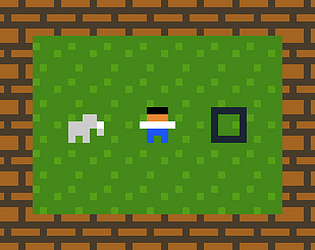
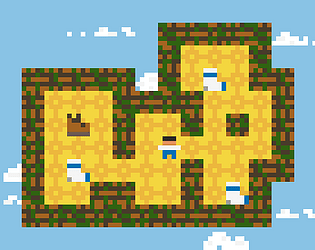
“stopping me from clicking anything” - do you mean that the small area right behind gary is unclickable, or your entire desktop is unclickable?
No, for now it’s mouse-only. I tried adding “mouse emulation” to the game itself but I wasn’t happy with my attempt, especially for how much space it used up in the cart. (Not too much, but not nothing either!)
I can try again, but in the meantime I think the miyoo mini has options to simulate a mouse – e.g. this guide https://youtu.be/QgJPNhgJ1ss&t=232 . you’ll just need mouse movement and left click
Does that work for you?
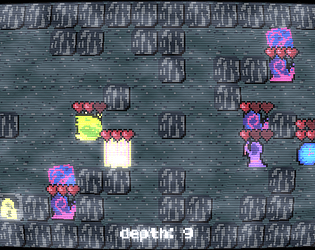
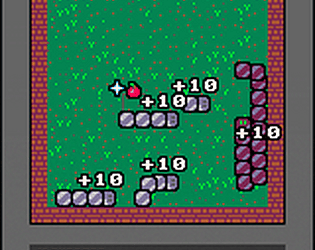
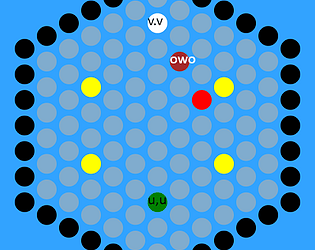
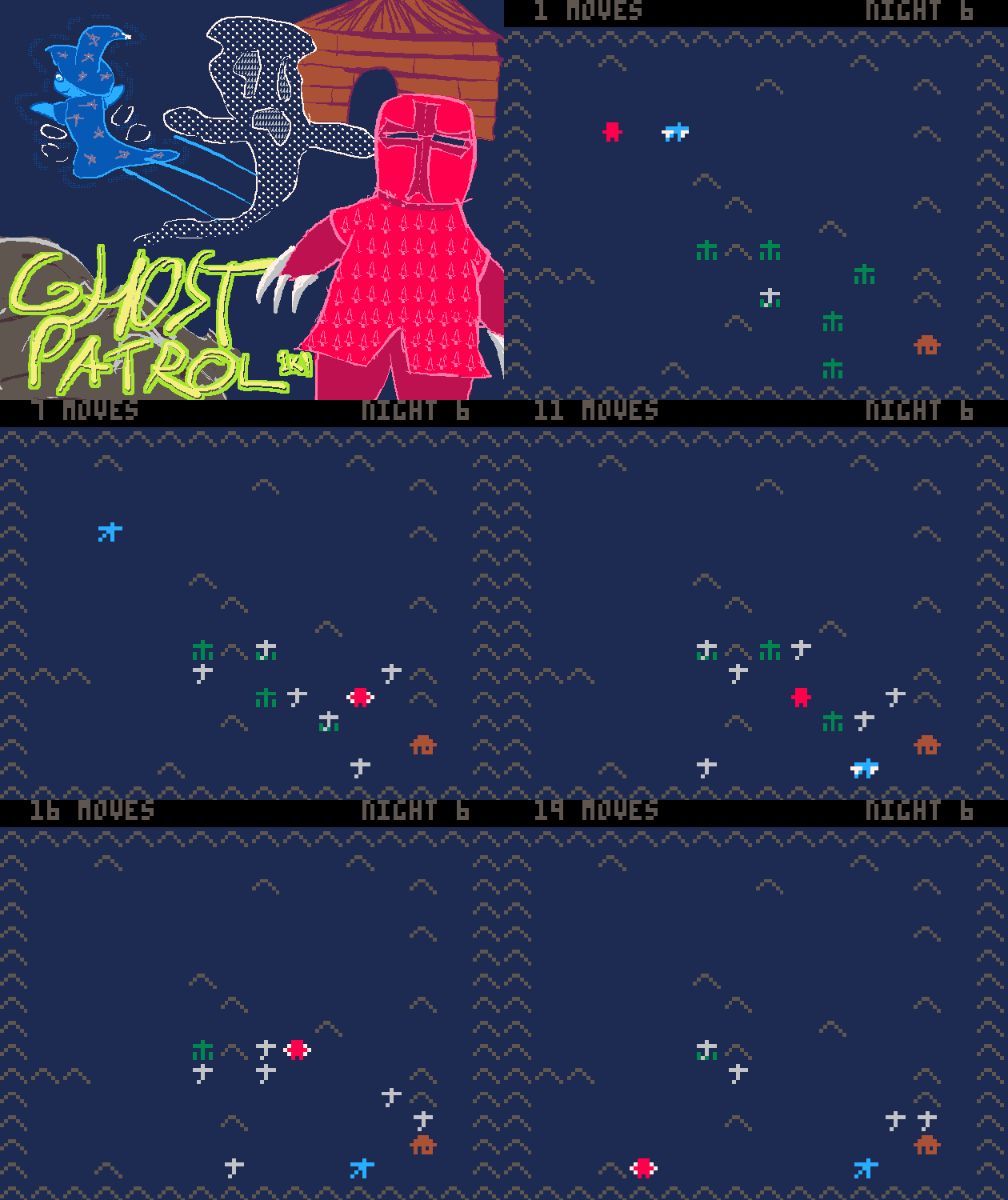
fun! I didn’t figure the ghosts out entirely but I felt pretty competent by the end, just going on intuition. I wish eating a power pellet and hitting a ghost at the same time didn’t kill you (the end fruit too? I don’t think I tested that actually, but I avoided trying it b/c I assumed it would kill me)
here’s my vague theories about the ghost behaviors: (rot13.com)

thank you! I’m quite proud of those shadows
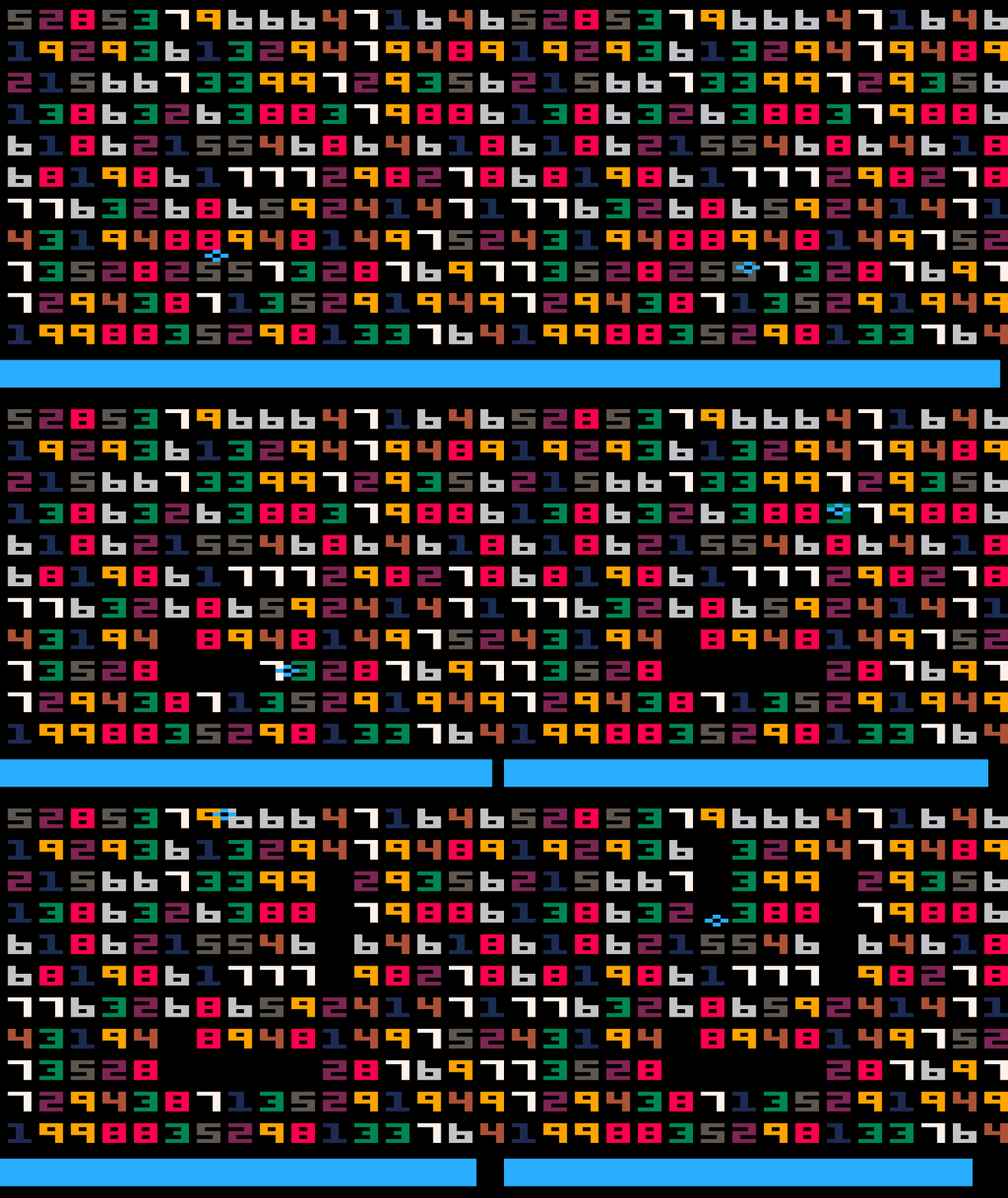
part 1: bitplanes! basically it’s a pico8 feature that lets me write colors to the screen without completely overwriting the old colors. earlier in the code poke2(-15-😐,...) sets up the palette that makes this work
part 2: flr(63-😐) happens to be equal to 0x5f5e, which is the address I need to poke to configure the bitplanes
putting it together:
poke2(0x5f5e,0x00f4) --enable bitplanes. (poke would make more sense, but poke2 works and we have it saved as a single-letter-variable)
rectfill(x-1,y-1,x+width,y+height,4) --draw the shadow
poke2(0x5f5c,0xffff,0xffff) --disable bitplanes (also disable btn() repeat -- we need to do that anyway, and here is convenient)
Yup, the save data is stored externally; delete this file to delete your save data and start fresh:
~/.lexaloffle/pico-8/cdata/pancelor-make-ten-dx.p8d.txt/Users/YOUR_NAME_HERE/Library/Application Support/pico-8/cdata/pancelor-make-ten-dx.p8d.txtC:/Users/YOUR_NAME_HERE/AppData/Roaming/pico-8/cdata/pancelor-make-ten-dx.p8d.txtNot easily, but it’s possible with a bit of effort. I wrote a script and some instructions to help; leave a comment there or here if something’s unclear or you run into other issues
the p8 manual has instructions for uploading to itch, and here’s a video tutorial (I haven’t watched it and I have no idea why it’s so long, but it’s a great channel and I’m sure it covers the basics well)
essentially you need to EXPORT -F MINES.HTML, zip up the folder it creates, then upload that
mhm! goto has some rules about jumping into other scopes (like functions). but if you remove all the functions then it works. here’s a minimally edited version: (a lot of spaces can be removed)
r,x,y,f=rnd,3,3,1
::i::
e={}a=r(8)\1b=r(8)\1
for i=1,5do repeat g=r(8)\1v=r(8)\1until g-x|v-y!=0e[i]={x=g,y=v}end
::m::
d=16for y=0,114,d do for x=0,114,d do
fillp(r(♥))rectfill(x,y,x+d,y+d,2)end end
?"▒",a*d+4,b*d+5,9
?"🐱",x*d+4,y*d+5
?f,2,2,6
for j in all(e)do
z=r(4)\1/4
j.x+=cos(z)j.y+=sin(z)?"😐",j.x*d+4,j.y*d+5,8
if(j.x==x and j.y==y)stop()
if(x==a and y==b)f+=1goto i
end
repeat
flip()
v=btnp()
until v>0
x+=v\2%2-v%2
y+=v\8%2-v\4%2
goto m
I noticed that the spawn check isn’t working – the enemies won’t spawn on the player, but the enemies get to move once after spawning!
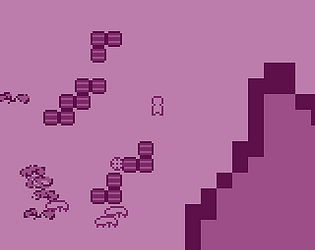
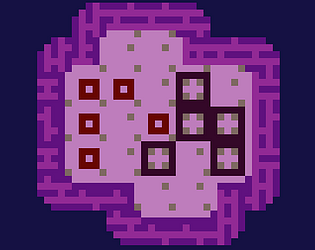
best score: 17. I love the visuals! like a nice purple quilt
and you’ve nerdsniped me; here have some sizecoding tips:
a!=x and b!=y becomes a-x|b-y!=0 (basically, check that a-x and b-x both don’t have any bits set, i.e. both are zero) This can save a few chars in 3 different places
enemy movement: If you want them to only move in 4 directions, this should do it:
R=rnd(4)\1/4
j.x+=cos(R)
j.y+=sin(R)
(costs 12 chars ish)
stop() can be run(), saving a char. this makes the game autorestart instead of freezing – might be nicer? hard to see your score tho
you can save some chars in init with temporary vars: for i=1,5do repeat A=r(8)\1B=r(8)\1until A-x|B-y!=0e[i]={x=A,y=B}end m()end
input code:
::m::
-- TODO delete m() and put the code inside it here
repeat
flip()
v=btnp()
until v>0
x+=v\2%2-v%2 --extract the x bits
y+=v\8%2-v\4%2 --extract the y bits
goto m
Its arcane but it works! it will let the player move diagonally tho. I also have an incredibly cursed snippet for 4-way movement if you prefer
goto instead“Can you explain more about how goto works?” ummm let’s see, basically these two carts are equivalent:
function _draw()
--stuff
end
and
::d::
--stuff
flip()
goto d
searching for “lua goto” might help too.
I don’t know how to explain it succinctly, but here’s an example where I used multiple goto/labels to have an “init” phase and a “draw” phase, sorta like what you have here.
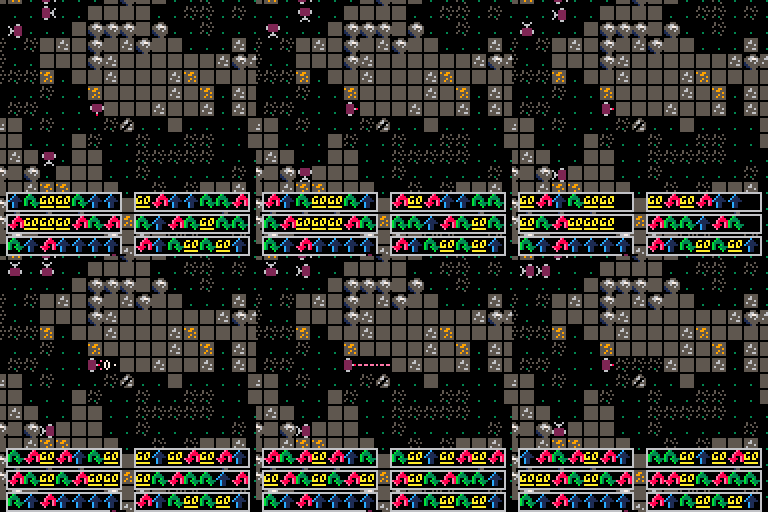
thank you! You can try that yourself, if you want – the main menu has a key-rebind submenu.
I tried a few different control schemes (qwe|zxc|asd, ewq|zxc|asd, 1qa|zxc|de3) and finally settled on the current one (qwa|zxc|dse). A friend of mine suggested qaz|zxc|cde which was kinda wild – overlapping keys! asz|wse|xsd is hard to play but kinda fun, as S extends all the arms at once. I’m curious to hear if anyone discovers other weird or intuitive controls.
I tried your suggestion (1qa|2ws|de3) for a bit – it’s interesting! I found it a bit difficult to control multiple arms at once, but that’s probably just due to my playing too many hours on the “default” controls :)
ah, sorry about that! I just pushed an update that might fix it; here are some steps to follow if you’d like to troubleshoot it with me:
%APPDATA%\Godot\app_userdata\gary\logs\godot.log)