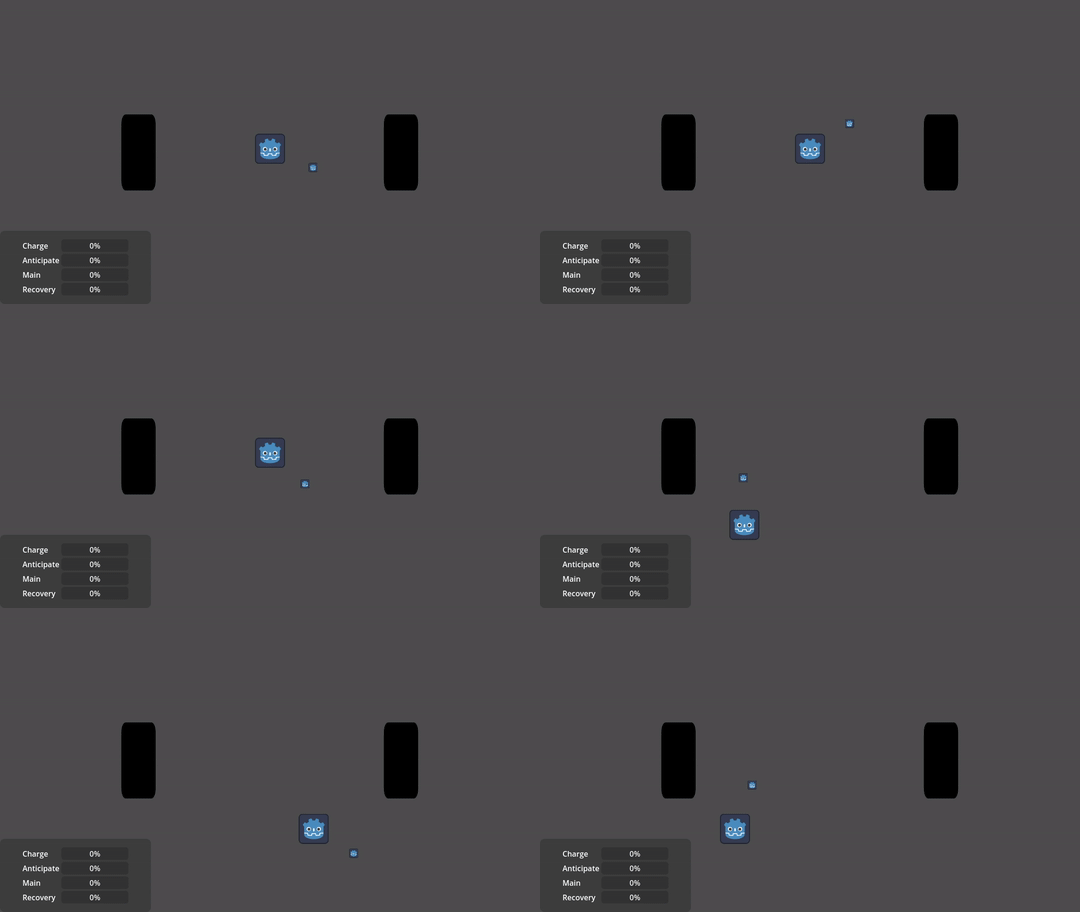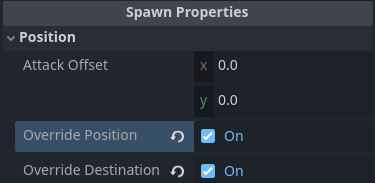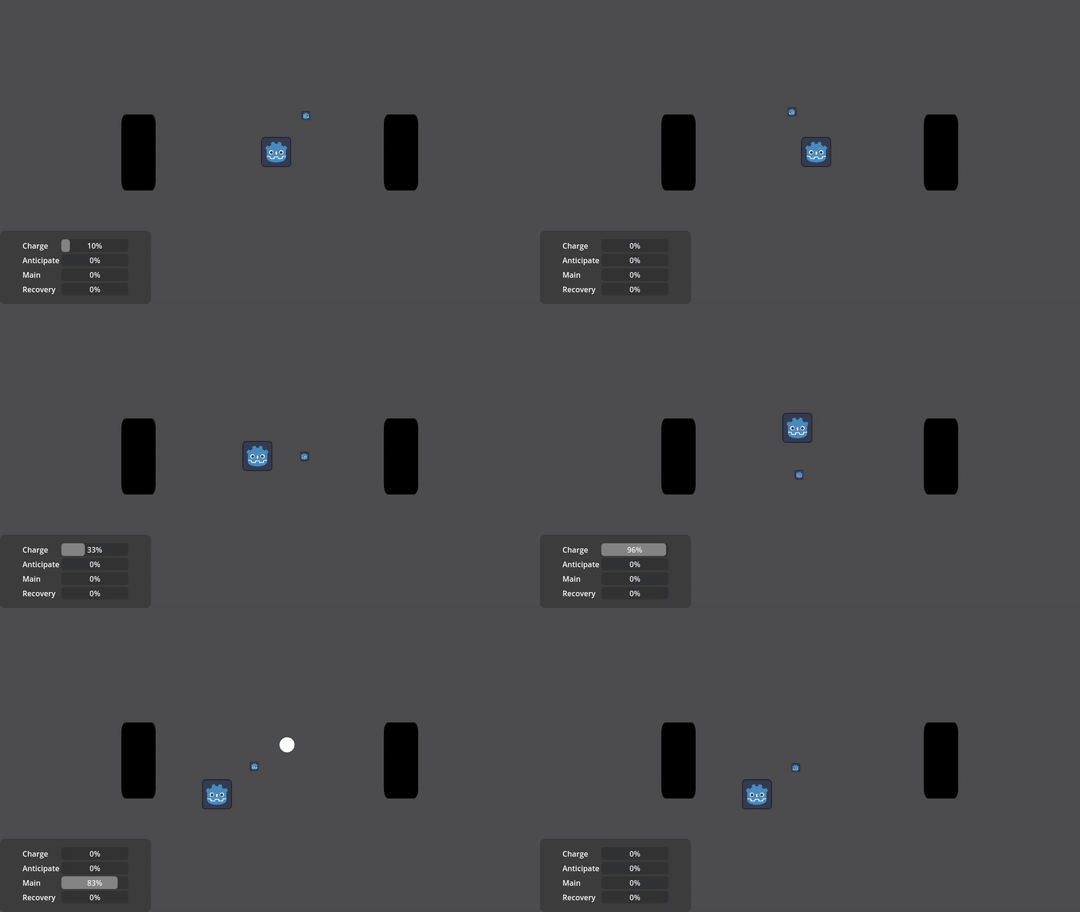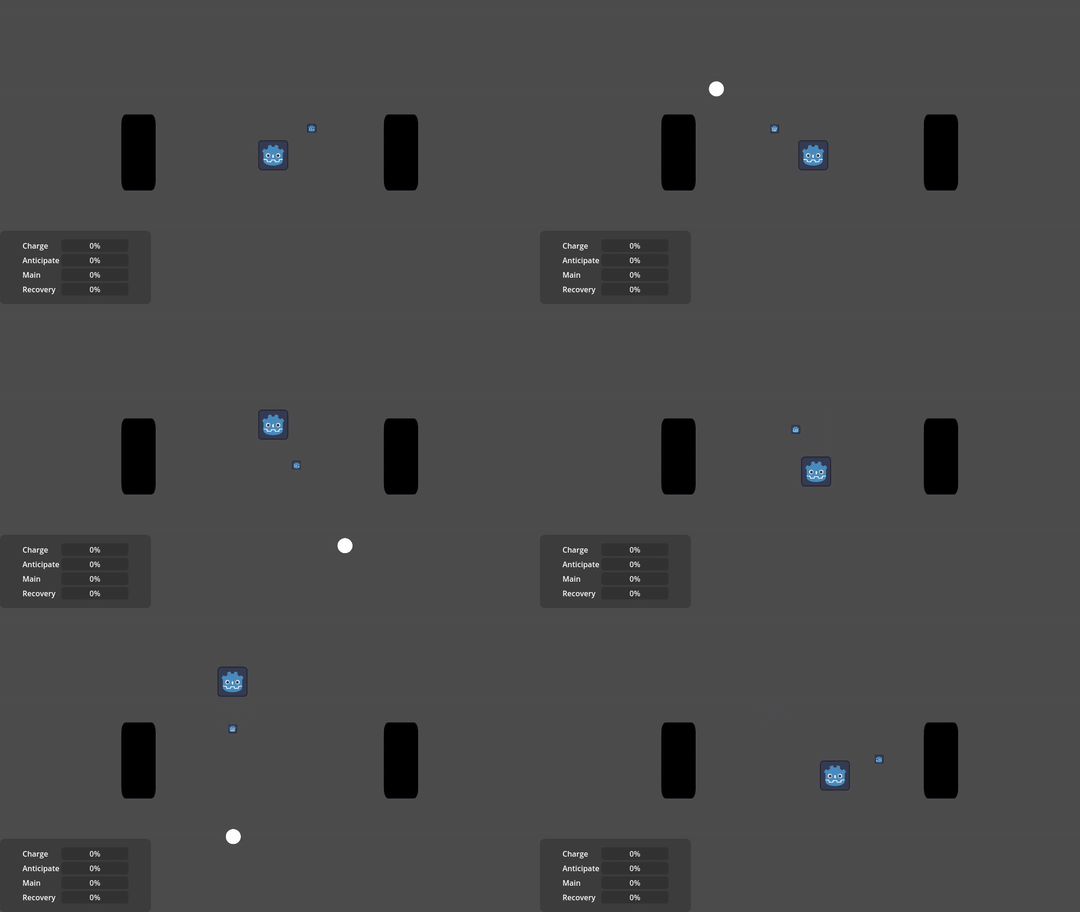

Hi! override_position and override_direction are Attack properties.
You can see more info in the Documentation!
Hi! override_position and override_direction are Attack properties.
You can see more info in the Documentation!
Managing attacks is a bit complex but don’t worry, let’s break it down:
As you inferred, whenever you request an attack, the first position and destination parameters given are the ones that will be used throughout the rest of the attack.
This behavior is intentional by design so your attacks can whiff:

However you still have some quick tools to overwrite this:

When you overwrite position, you are telling the attack to ignore any given positions and to use its own physical Node position instead, and so you can dictate your final result just by modifying its position:
func _process(_delta: float) -> void:
...
# -> Like this!
projectile_manager.global_position = end_of_gun.global_position
if charging and Input.is_action_pressed("mb_left"):
projectile_manager.request_execution(0, 0, end_of_gun.global_position, get_global_mouse_position())
...

In case you need more control or you don’t want to use the overrides, you will have to modify the behavior of your attacks:
func _ready() -> void:
# -> Here we set the methods themselves on the attack
projectile_manager.get_attack(0).set_on_charge_exit(on_charge_exit).set_on_main_enter(on_main_enter)
func on_charge_exit(attack: Attack2D) -> void:
# -> Here we are setting the final destination *only* when the charge is finished.
# -> "pi" refers to *PackedInfo*, a helper class that stores all the information about how a projectile is initialized.
attack.pi.destination = get_global_mouse_position()
attack.charge_exit()
func on_main_enter(attack: Attack2D) -> void:
# -> Here we are setting the projectile position, just before spawning.
attack.pi.position = end_of_gun.global_position
attack.main_enter()

All of this will be explained in the Documentation, again sorry it is not finished yet but I hope this clarification will help you in your project!
I’m here if you need more help. Regards.
Modifying your projectiles and attacks behaviors is a bit complex but bear with me.
Let’s say I want to modify a projectile speed, right at the start of instancing it. First, I need to create a function that modifies ANY projectile:
# In this example the parameter “proj” is a representation of the Projectile to modify.
# So in order to modify its speed, I need to change the speed property of “proj”
func custom_start(proj: Projectile2D) -> void:
proj.speed = 50
Then I would have to attach it to my desired projectile, like this:
# In this example, I’m requesting and modifying the projectile with index “0” of the “Projectile Resources” array
projectile_manager.get_projectile(0).set_on_start(custom_start)
# To be clear, you can reuse the “custom start” function to modify any other projectile, like this:
projectile_manager.get_projectile(1).set_on_start(custom_start)
projectile_manager.get_projectile(2).set_on_start(custom_start)
At the end, you should have a script similar to this:
extends Node2D
@onready var projectile_manager: ProjectileManager2D = $ProjectileManager2D
# In this example the "custom_start" function is set as the "start_method" of the projectile at index “0”.
func _ready() -> void:
projectile_manager.get_projectile(0).set_on_start(custom_start)
func _process(_delta: float):
if Input.is_mouse_button_pressed(MOUSE_BUTTON_LEFT):
projectile_manager.request_execution(0, 0, position, get_global_mouse_position())
# This function will change the projectile "speed" property at projectile creation.
func custom_start(proj: Projectile2D) -> void:
proj.speed = 50
You can change all projectile behaviors in this way:
func _ready() -> void:
projectile_manager.get_projectile(0).set_on_start(custom_start).set_on_move(custom_move).set_on_collision(custom_collision).set_on_expired(custom_expired)
The documentation is not yet up to date, but this page should give you an idea of the form and parameters needed for each behavior method.
Now, attacks work almost the same. Using your question I can modify an attack internal and external variables and methods on its recovery phase like this:
func _ready() -> void:
projectile_manager.get_attack(0).set_on_recovery_enter(custom_recovery_enter).set_on_recovery_exit(custom_recovery_exit)
func custom_recovery_enter(attack: Attack2D) -> void:
attack.attack_duration_time += 0.5
attack.request_projectile()
attack.projectile.instances += 1
enter_executions += 1
on_enter()
func custom_recovery_exit(attack: Attack2D) -> void:
attack.attack_duration_time += 0.5
attack.request_projectile()
attack.projectile.instances += 1
exit_executions += 1
on_exit()
However THIS WILL NOT WORK, because unlike projectiles, assigning custom methods to your attacks will overwrite its “normal” methods.
To recover its normal functionality you will have to invoke the “normal functions” inside your custom methods, like this:
func custom_recovery_enter(attack: Attack2D) -> void:
attack.recovery_enter()
func custom_recovery_exit(attack: Attack2D) -> void:
attack.recovery_exit()
So you will end up with a script like this:
extends Node2D
@onready var projectile_manager: ProjectileManager2D = $ProjectileManager2D
var enter_executions: int
var exit_executions: int
func _ready() -> void:
projectile_manager.get_attack(0).set_on_recovery_enter(custom_recovery_enter).set_on_recovery_exit(custom_recovery_exit)
func _process(_delta: float):
if Input.is_mouse_button_pressed(MOUSE_BUTTON_LEFT):
projectile_manager.request_execution(0, 0, position, get_global_mouse_position())
func custom_recovery_enter(attack: Attack2D) -> void:
attack.recovery_enter()
attack.attack_duration_time += 0.5
attack.request_projectile()
attack.projectile.instances += 1
enter_executions += 1
on_enter()
func custom_recovery_exit(attack: Attack2D) -> void:
attack.recovery_exit()
attack.attack_duration_time += 0.5
attack.request_projectile()
attack.projectile.instances += 1
exit_executions += 1
on_exit()
func on_enter() -> void:
print("Hi, there are %d enter executions" % enter_executions)
func on_exit() -> void:
print("Goodbye, there are %d exit executions" % exit_executions)
Remember, in order to see these changes, your attack blueprint “attack recovery time” property should be greater than zero, otherwise the “recovery phase” will just be skipped.
Hope that helps!
Any other questions I am here to help!