Hello,
I recently discovered that the Windows version of iiMii Maker's download button has been hidden for months now and I had no clue until now.
This has been resolved. You can all go back to business on the Windows version.
Hi!
I apologize. I began developing a browser-based version of the game and attempted some testing uploads of it. It wasn't finished so I hid the browser version from being played and somehow hid the Desktop (Windows) version this entire time instead. :S
This has been resolved. If you wish to play iiMii Maker on Windows, it is recommended to download the Windows version. I wish I caught this sooner.
Hi!
I apologize. I began developing a browser-based version of the game and attempted some testing uploads of it. It wasn't finished so I hid the browser version from being played and somehow hid the Desktop (Windows) version this entire time instead. :S
This has been resolved. If you wish to play iiMii Maker on Windows, it is recommended to download the Windows version.
Hey! Good news. I believe I know what the problem is. If you're having this same issue, two files will probably be missing from your folder.
You CAN fix it yourself right now if you want but I'm hard at work making an update for it either way.
Navigate to Android/Data/com.Nivium.iiMiiMaker/files
Place 2 files there:
DefaultM.iimii
DefaultF.iimii
You can grab any of the .iimii files in iiMii folder and copy-paste it there and rename it. These are the default Miis (Which are planned to be customizable in the future) which it seems the game didn't create for you on startup, as it should have. (If you don't have any .iimii files, you can get some from Reddit in the /iimii subreddit posted by SirenXY. I know this is a bit inconvenient if you don't use that platform. Otherwise just wait a bit more for the update that hopefully fixes your issues.)
EDIT: The update is out. Please try it out!
If you still get the same error, click and hold the app icon, go to App Info (Settings of the app) and ensure you allow Permissions (Photos and videos). This permission allows iiMii Maker to detect iimii files. (The default ones, specifically)
This new version has a few bug fixes and lighting fixes. It needs some good testing so be sure to check it out!
This version was originally still being worked on and was planned to get more back-end optimization over the coming days/weeks before releasing but I decided to release it in the state it's in because it has come to my attention that, for some reason, some Android devices were having "App not compatible" error therefore this is just a hotfix. This hopefully fixes many of those incompatibilities but I will continue to make more and more devices compatible in the future.
I have some good news. I was able to reproduce the missing asset glitch on Android.... I was only able to reproduce is once, though, out of chance. It seems to be a strange glitch. Simply closing, reopening and trying again fixed it for me. It seems to happen by random and, so far, only once ever on my device. I'll keep trying to figure it out. :)
I appreciate the suggestion and desire to modify iiMii Maker to import your own assets. I haven't originally created this tutorial because I wanted to be sure people were actually interested in doing so. (It's hard enough getting people interested in using the app as it is) The method of doing so is actually a bit non-user friendly as the existence of the modelcustomization file is mostly just intended to dodge any DRM notices by Nintendo.
This tutorial may not happen anytime soon because to modify your own assets require you to be able to create an AssetBundle which is a Unity Editor-specific feature at the moment. (Sort of like many Unreal Engine mods requiring to create the mod using Unreal Engine itself for building it into the proper mod format.) Which isn't necessarily an issue in itself since many game mods require some adverse applications just to develop them but I'd rather go in and make creating your own modelcustomization file more convenient which will require another update to iiMii Maker and then make a tutorial for THAT instead of making a tutorial for the current, quite difficult, method. That takes a lot of time and effort to develop, however, and as of now you're quite literally the ONLY person that has even mentioned modifying the modelcustomization. (Even though I tried letting people know that's what it's for - to customize in-game assets)
In the future I may create a more robust, user-friendly method of making your own modelcustomization file but, as of now, creating a tutorial for something of such low demand takes time I sadly don't possess. :(
It has come to my attention that iiMii Maker (Specifically the one on my Patreon but it's possible it effects Itch.io-downloaded iiMii Maker as well) on Windows 11 has a chance to come in an improper state.
The modelcustomization file (iiMii Maker_Data/models/modelcustomization) can sometimes be downloaded and a .bin extension can be appended to the file name automatically. modelcustomization file should NOT have any extension. If you open iiMii Maker and it says to add custom models or, worse yet, has missing/improper models then ensure both that the file exists and it does not have any extension.
Please note that this testing was very irregular. I do not own Windows 11 and will have problems helping people get it started using this operating system in any ways that it may differ from Windows 10, which iiMii Maker was designed on and for. If people would like to test Windows 11 functionality then please feelr more than welcome to do so.
Thanks for this screenshot. When you try clicking any of the hair types, do they appear? I haven't tested this on Android 14 since I don't own an Android 14 so maybe that's a factor. Here's what you can try:
Download modelcustomization file from Gamebanana or my Patreon page: https://gamebanana.com/mods/610962
Place the file in "Android/Data/com.Nivium.iiMiiMaker/files/", overwriting the one that's already there (If one is there) then restart iiMii Maker. See if that makes a difference. Also I apologize for getting back to you so late. I have been checking Itch.io everyday and have gotten no notification. I only saw it when I manually checked the comments of posts.
There's actually a bit of interesting history here.
The iiMii version of Default Fe/Male was handmade by me the best as I could but originally, you could change the Default archetypes using the DefaultM.iimii and DefaultF.iimii files that are in your folder. (Latest version may have removed these two files, however) I wanted iiMii Make to be as customizable as possible that you could even get straight into editing with your own templates.
This was scrapped, however, simply because while developing the Android version of iiMii Maker, I didn't want users to fiddle with the files to customize the templates since it's looked down upon to Android users, compared to Windows users. I could re-enable it, though, in the next update for you!
Thanks for the feedback, by the way.
Please help support iiMii Maker's continued development by posting bug reports here in this thread.
Bug Reports should be in this format:
Platform - Windows or Android?
Bug Description - Describe the issue.
Expected Behavior - What should happen instead?
Extra Notes - Anything more that I should know about.

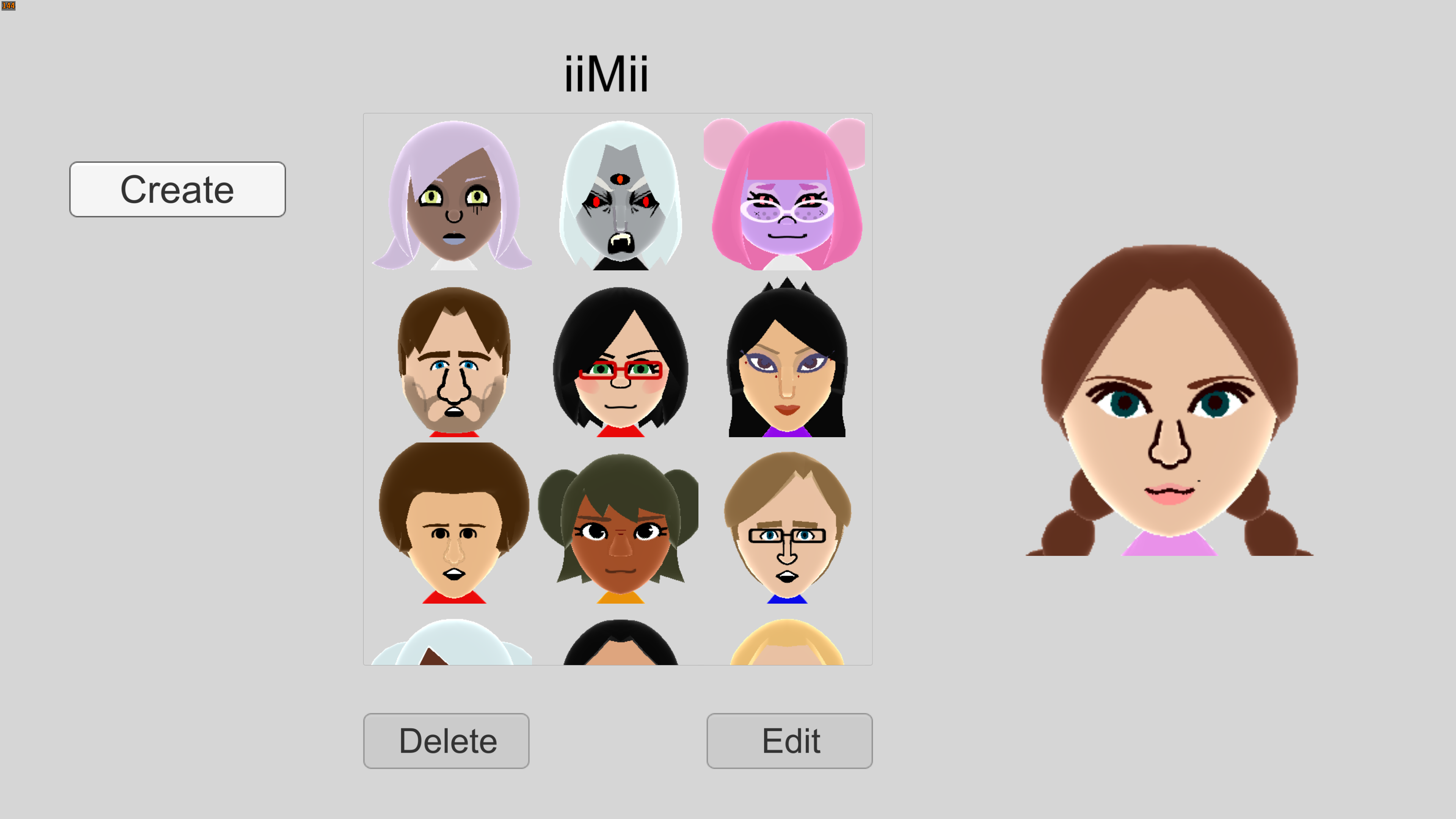
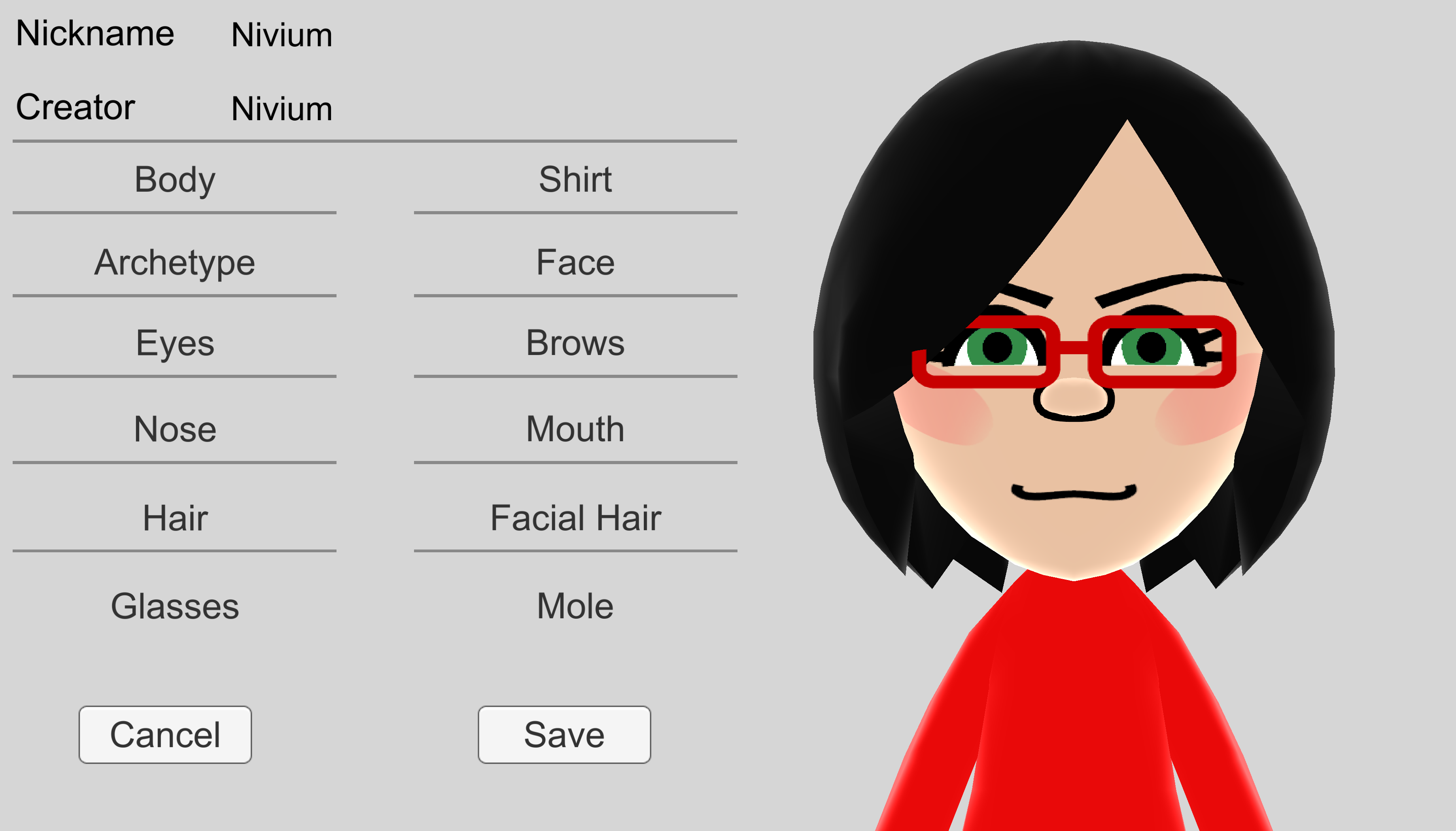
iiMii Maker (Interactive-Internet Mii) is a finished project I've been working on solely for about 2 years now while juggling my personal life. It's an ambitious PC/Mobile remake to Nintendo's official Mii Maker! The idea is to remove many of the superficial restrictions of Mii Maker, fix some of its issues and add more features and, most importantly, easily share your Miis with your friends through a simple file share.
So many new features and even new Mii assets designed from scratch
From complete color customization, to a brand-new hair feature called "Extensions" and much more, iiMii Maker is truly the most definitive Mii Maker that adds so much to Mii Maker without straying from the Mii aesthetics that others (such as Miitopia) are victims of. Ontop of that, this is a Windows application so you can play it in glorious HD without the need of a beefed-up computer or an expensive Nintendo console!
A full breakdown of much of the new features can be found on my Youtube showcase here: