Indie game storeFree gamesFun gamesHorror games
Game developmentAssetsComics
SalesBundles
Jobs
TagsGame Engines

Mr. Balls 25

12
Posts
1
Topics
A member registered 45 days ago

Recent community posts
I tried one more thing and it worked! In Blender before exporting I tried setting the material to just a flat colored one, and after exporting it and readding my texture in the editor it wokred for some reason? No idea why, but hey I fixed it :D

(2 edits)

I don't understand what that means, sorry. I'll probably just give up on this honestly, I'm having too many nonsensical issues to deal with it much longer.

How do I check the directories actually? Again I’m not very familiar with this stuff, I know the basics though at least lol

It looks fine in the editor like I showed above, but when I get it into gmod the textures are missing. In Blender they look fine too, so I’ve got no clue. Maybe it’s the directories somehow?

Here's what they say from top to bottom, is any of this wrong to you? I don't know much about vmt files, but I know what they do at least, lol


VertexLitGeneric

{

$basetexture "models/Felix/synth/_Downloads_Synthrewrapped"

$bumpmap "models/Felix/synth/flat_height_912382513"

}


VertexLitGeneric

{

$basetexture "models/Felix/synth/_Downloads_Synthrewrapped"

$bumpmap "models/Felix/synth/_Downloads_Synthrewrapped"

$translucent  0

$alphatesting  0

$alphatestreference  0.0

$allowalphatocoverage  0

$halflambert  0

}


VertexLitGeneric

{

$basetexture "models/Felix/synth/id_Downloads_IMG_0327"

$bumpmap "models/Felix/synth/flat_height_912382513"

}

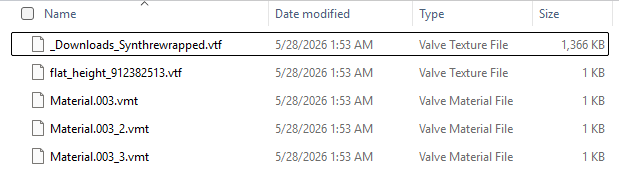
Here's the materials folder, I don't think there should be this many though? I might've exported them weirdly in Blender or something.

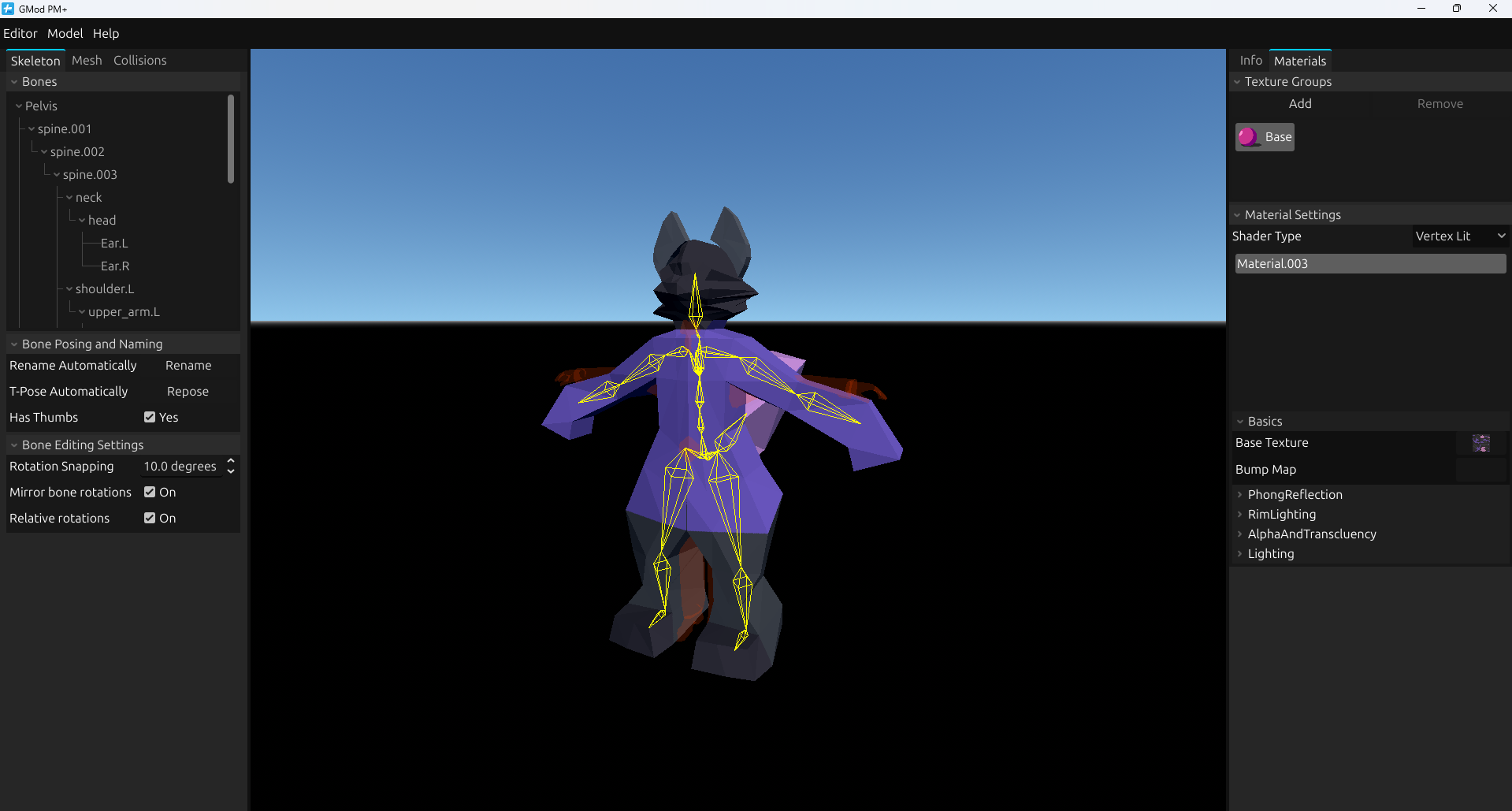
Never mind, lol. I don't want to be annoying or anything with constant questions, but this is the last thing I seem to have an issue with. The texture works fine in the editor, but in game it's a missing texture. I added a screenshot to show the materials tab, it seems like it should work to me.

IT WORKS YIPPIE!!! WAHOO!!!

On a serious note thank you, lol

https://gofile.io/d/GkUOSe this should work, let me know if it doesn't lol

I’ve reread the instructions several times just to be sure I’m doing it right, I have no clue why it wouldn’t be working. I import my model, rename some bones in the feet to gibberish since it has one too many in each foot, then I rename them automatically, set them to T pose, generate collisions, and set their material to vertex lit generic and try to compile. Am I missing anything necessary there? I’ve got no idea why it’d crash.

(1 edit)

Thank you! After changing my path to that though it didn't change anything, it still crashes when I try and compile. I've been using a simple model just to try and get it working, it shouldn't be an issue with the verts. I should mention that the program itself didn't open at first until you updated it to work on older computers, maybe it's something to do with that?

GMod PM+ community · Created a new topic Need some help

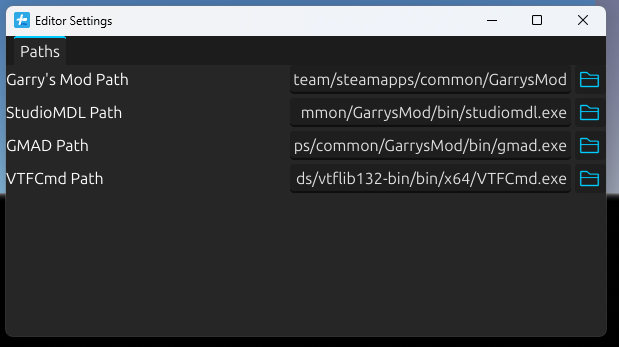
Hello, I've tried using this program a few times and it works great up until the compiling at the very end. I'll click the button to do it, but nothing seems to happen. If I click it again it freezes up for a few seconds then crashes. I feel like it's something to do with my paths maybe, mainly VTFCmc, I don't see in your tutorial where to get it from exactly. I've linked a picture of my paths here, so they seem right?