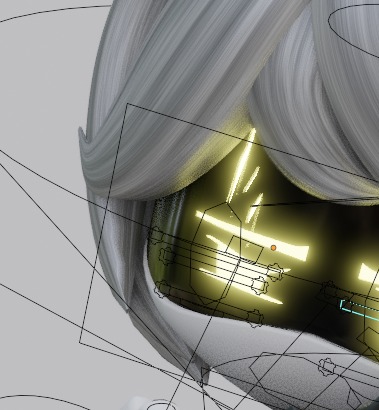
Oh yeah! And not only that) I have one trump card, I made one model using his models, I don’t know why, just because. I hope Toxilisk won’t mind :>
A member registered Mar 29, 2025
Recent community posts
I'd like to ask Toxilisk directly: Are there any plans to update the mouth in the future to make it look more like the original?
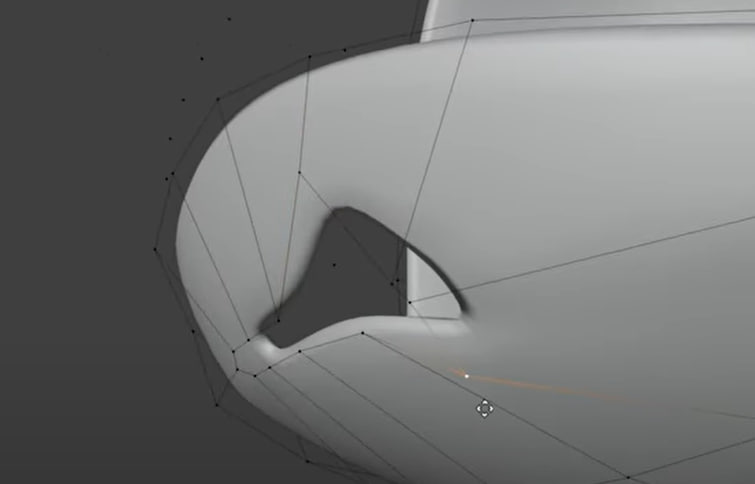
A frame from a video by Ghalux Productions.
I’m trying to implement it myself, but it’s not working out very well so far.
Also, I’d love to know—what made you decide to go with the boolean operation for the mouth?
Did you try the more original-looking method but it didn’t work out? And to anyone else—have you tried creating something similar?
If so, could you share some tips or maybe help a bit?
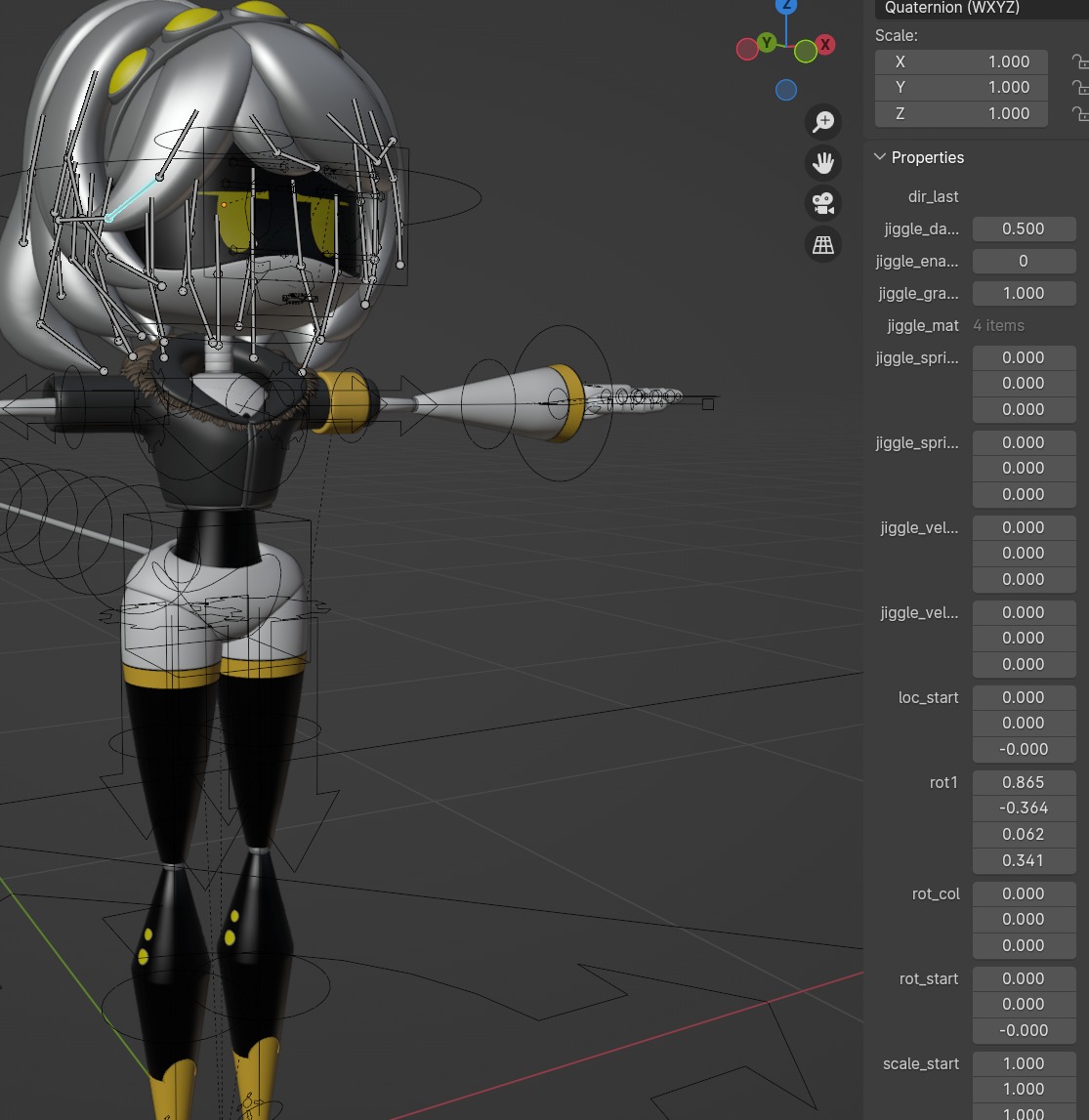
(v2.0) Toxilisk's Murder Drones Models comments · Replied to Toxilisk in (v2.0) Toxilisk's Murder Drones Models comments
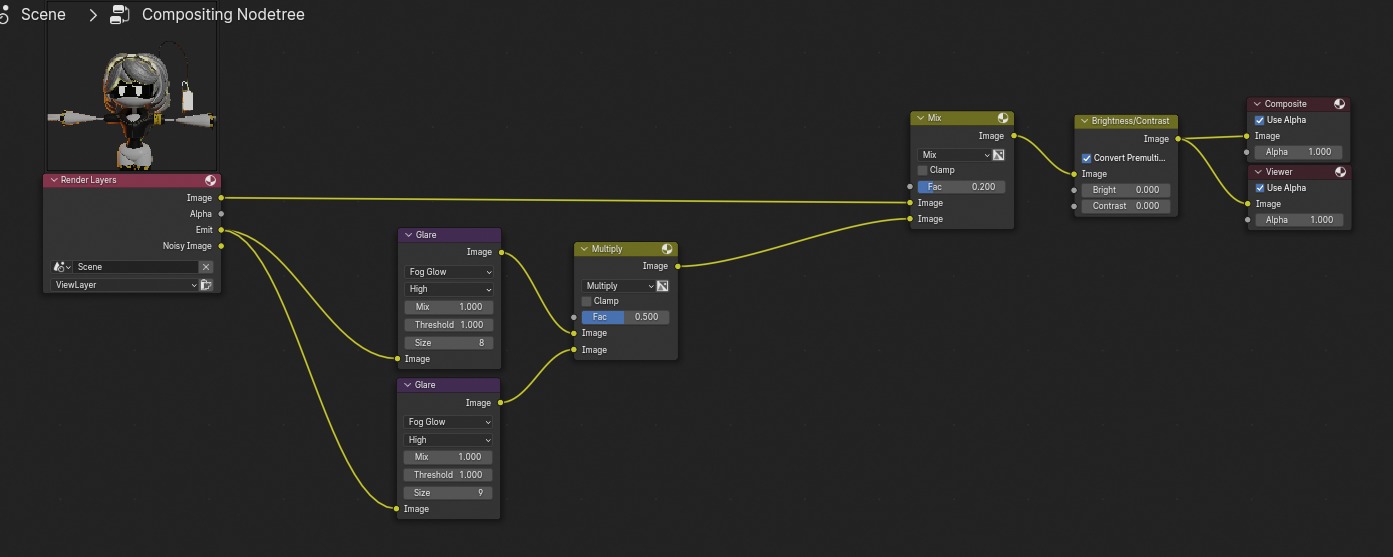
Some time ago, I tried to achieve lighting similar to Glitch.
I slightly changed the eye color, adjusted the color of the upper elements, and increased their intensity. There was also an issue where I couldn't get the eyes to appear in the glow layer within the compositing nodes. This was fixed by replacing the display material with a Glass BSDF + Transparent BSDF in a Mix Shader, which allowed me to modify only that specific layer.
In the end, I’m using this node setup. Soon, I’ll try adding a Glare effect with the Streaks type, making sure it doesn’t look strange.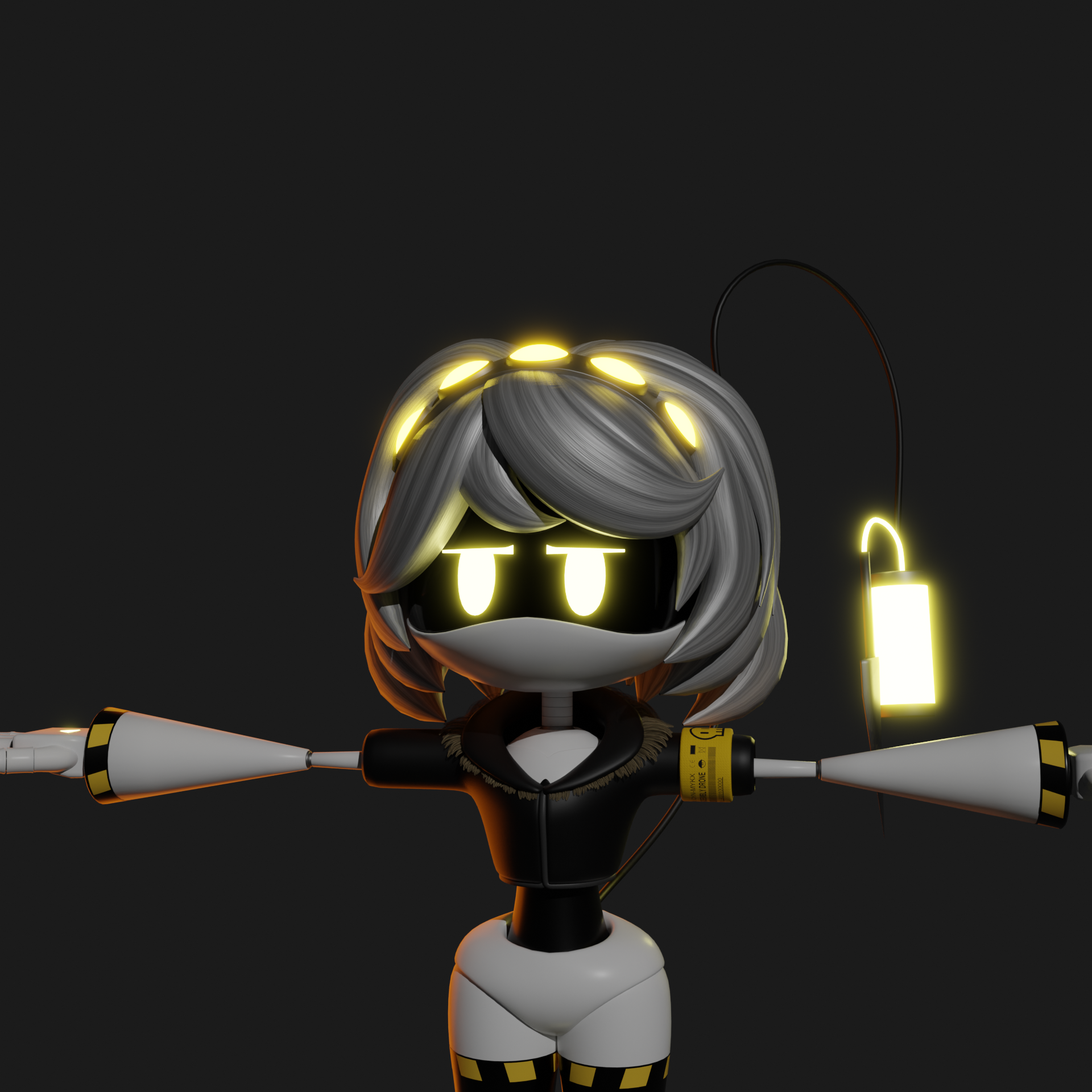
(v2.0) Toxilisk's Murder Drones Models comments · Replied to Toxilisk in (v2.0) Toxilisk's Murder Drones Models comments
For now, it’s not a big issue, so everything is great!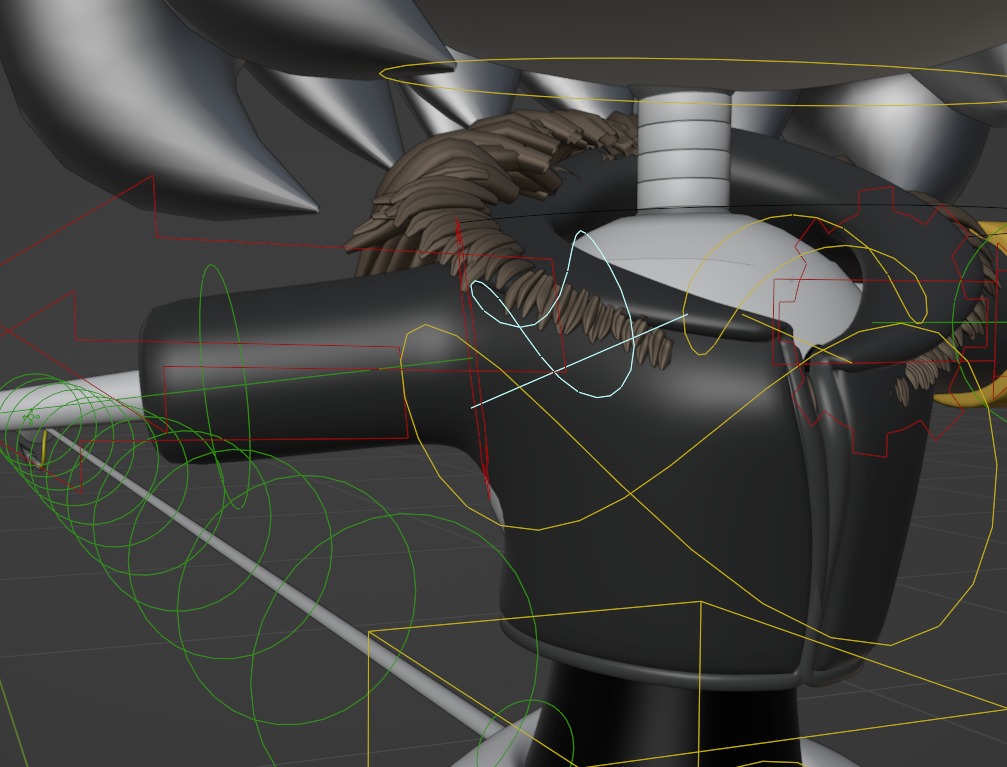
There’s another bug related to the shoulder. The fur on the sweater doesn’t seem to be attached properly and doesn’t follow the movement, and the sweater itself slightly separates.
That being said, none of the bugs I’ve found are critical, and regardless, it’s an absolute pleasure to work with your models!
(v2.0) Toxilisk's Murder Drones Models comments · Posted in (v2.0) Toxilisk's Murder Drones Models comments
Hello Toxilisk! Your models are the best. And on top of that, they are available for free download! Thanks to you, many people can start animating. Thank you for your work!
I also wanted to ask how to fix this issue. I encountered a problem where the boolean operation on top_eyelid doesn't always work correctly. This is the mildest manifestation of this bug, but in some keyframes, the eye completely stops subtracting, and I have to slightly adjust the position of top_eyelid to make it work again. I feel like the eyebrow geometry is breaking, though I’m not entirely sure. How can I fix this permanently? Thanks in advance!
P.S. I'm using your models in my animations and uploading them to YouTube. I always include a link to you in the comments. Looking forward to updates, and best of luck with your work!
P.S.S. It would also be great if future versions of the rig had controls for the upper expression marks.