

Doesn't seem to do it on a vanilla project. I'll have to do some digging as to what's going on. I'll assume that it has something to do with something that I did somewhere (the fun of game design). I appreciate you testing things on your end though.
*update after 3 minutes*
I apparently had the HUD for quest tracking huge and it messed with the screen. Changed the size of that and everything is looking right.
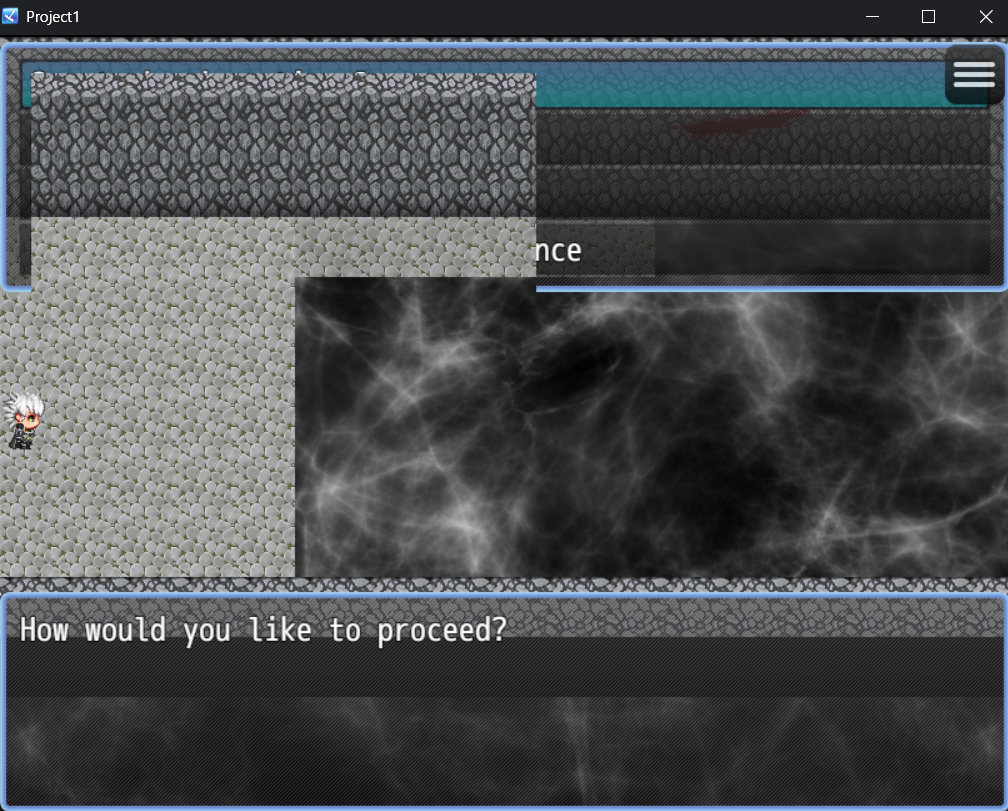 Alright, I've got another oddity. I've turned off every plugin and then turned them back on individually and it seems to be something going on with the quest plugin blocking part of the screen while also being transparent? I'm using another plugin for choices just to show the rough size of the issue that I'm encountering but as you can see, there appears to be an invisible menu that is blocking the choices menu at the top of the screen. If I use the default show choices option, the upper left part of that window is cut out. Any ideas if it's a setting that I have going on?