Not bad! Not bad at all!
JayVinci Studios
Creator of
Recent community posts
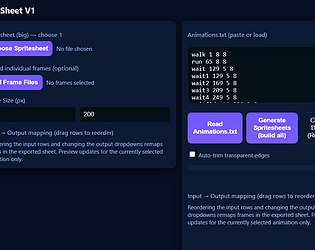
no not really... it takes 3d models and centers the cameras in the right way to create 2d spritesheets. with addins like direct and indirect lighting, basically most of the goodies from Blender for making models, my only issue is the inability to use Blender's holdout feature to bring a set of models and then spritesheet parts (clothes and things without the inner parts)
other than that, a rare find, and kudos.
I DO have an idea that you might want to implement. A radio box that automatically deletes the sprites after they've been made into the spritesheet. Some people might want to preserve their sprites, while others might want to make sure those sprites are now out of the way, so that you can go straight to the next set of sprites.
this is going to sound VERY weird... I have a tileset that's 10000x10000 with each 'frame' being 200x200, DOES this software have the ability to...
Allow for custom character sets.
Not choke on files that size.
allow me into the backend to set categories and perhaps hues...
That's not a dig on your software, most other sprite collations can't do it either.
However! If you don't mind this workaround, it might allow you to start 'texturing' your models - Go into blender and on each model, create new Material slots (woodenPK, metalPK, stonePK, GlassPK) Then, if you look at your particular UV map for the blender file, you'll see that some of the model takes up a section of the UV. Grab up each section of the model, and ASSIGN those vertices to that particular material. Then save as OBJ file. If you use a uniform format for the materials of each structure model, you SHOULD be able to affect each one. ALSO!!!!
I have found that importing each model into Blender as 1.2 scale makes each wall approximately 3 units. This makes things a bit easier to work with for me and the gridding.
Your models are perfect for working with RPG Developer Bakin Game engine as well. even though to make things easier for fitting to the terrain, I DID change the apex of some of the hilly and cliffy items from "1.2" to "1.25" as the blocky terrain is split up into fourths as well.
*chef's kiss* These will be a good foundation for me to manipulate and customize.
You can keybind keys via the bind command options, this may be important.
Bind keys to up and down for your menu as well as use and escape, and create scripts that if those keys are pressed, you're navigating a variable up or down or choosing an item, or escaping the menu
Create images that go on screen, dending on where those two variables are, These will be your cursors.
Then for each inventory item you have, you'll create a place on the screen to store that image, and a script that goes with it. So. when you scroll to each item, and then hit enter. It will 'USE' that menu item. Of course, Easy FPS Editor IS limited by what you can DO with that. But.... have fun?
sorry it took so long to get back to you. go to 3d stamps then underneath it where it says models, find your model.
It will show a panel on the right with material 1 - in that box is a little white icon with an arrow pointing left.
this will show THAT model's material settings. in the middle of the panel on the right is where shader settings are, a)n, map_nolit, whatever, etc. that's where you can change its shader style, as well as the UV map that it uses.
I think I may have misunderstood the original request, not to reveal a model that's onesided, but to have decorations for the internal of a model..
Sorry!
But, to answer. What I really like is that Keith already took care of that with all sorts of little wooden beams and such for his Modular village, so that an AssetForger (yes, I'm coining that as a term now) could easily add baseboards, half wall panels even articulate walls inside. He can even use some of those panels for other things like wall bookshelves and more. Scaling, rotating and moving the various blocks to fit certain ideas can really make the blocks sizzle, without a huge Poly boost.
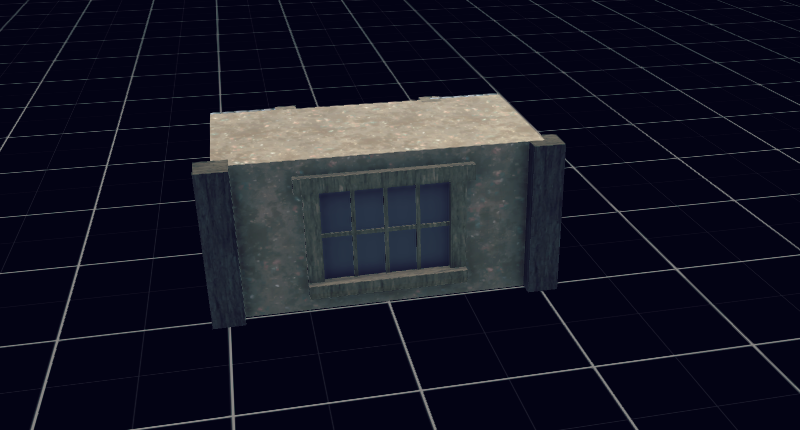
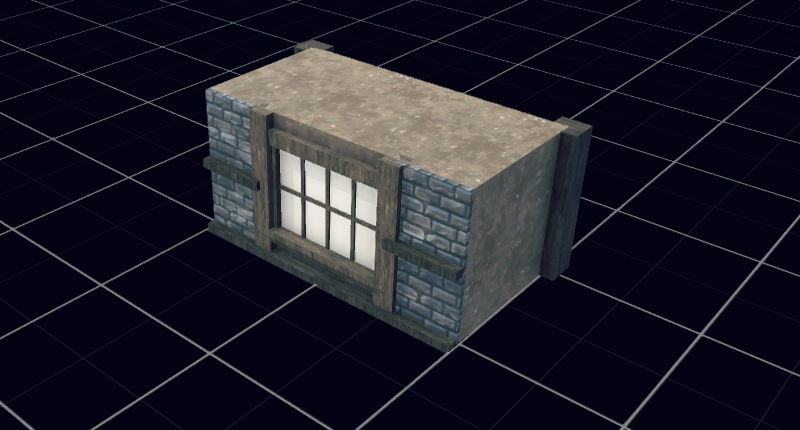
well, there's a few ways to kind of do it, like if you have LithUnwrap - choose each material group, and then move those UV maps to specific corners of a single UV map. ANOTHER method would be to import your OBJ, and then use Texture Atlas to bring all the textures down into one UV map. It won't be pretty but it WILL be one image for multiple materials. Plus this will help you later when converting to a single FBX mesh that uses just one texture as well.