No problem. It sounds like you did all the right things. It may be useful to leave the Godot splash screen enabled while debugging so that you see at least something on the screen after hitting the Run button. And also some distinguishable clear color instead of black. Good luck next time!
exigo
Creator of
Recent community posts
What was the problem? Here are some general instructions for creating a Godot web export:
In Godot's Project->Export window, do "Export Project" (not "Export PCK/ZIP"). Make sure the main file is called "index.html", itch.io requires this. Then package all the files in a ZIP-file so that the files are in the root of that .zip and not in some subfolder. On itch.io's Edit Game page, change "Kind of Project" to HTML, upload the zip, and then tick the "This file will be played in the browser" check box. Remember to save the changes. The game should now at least load & run. You can tweak the other settings later, and don't forget to change Visibility to Public to make the game available for everyone else.
If the game runs, but doesn't play correctly, try checking the console for errors first (F12 key in browser usually). You can also add printing in the game + upload + check again.
If the game loads external data files dynamically during the game, like load("intro.txt"), you'll probably need to include these in the export folder before zipping it. The other option is to try to include these within the export settings on Resources tab.
Thank you very much for your comments and for playing the game! Means a lot!
Regarding 3D, I noticed the other day that Dungeon Crawler Jam 2026 is almost around the corner and for a brief moment considered turning this into a 3D dungeon crawler :D I doubt I've time for that though. But I'll let you know if ever make 3D of it in any way!
I too have games now that are having their graphics and layout distorted because they can't handle resizing well. I think that the newly opened window should restrict its initial size to what's specified in the game's 'Viewport dimensions' option, AND that the new window should be created as non-resizable UNLESS explicitly marked as resizable (e.g. by providing some new 'Allow resizing pop-up HTML window' embed option solely for this purpose). Or if non-resizable window is not feasible, just restrict the size of the viewport in the new window too.
Anyway, it's great that you're looking for solutions regarding the SharedArrayBuffer problems related to Godot+Firefox as it's been a pain lately. I do hope that at some point these tricks won't be needed anymore.
Update: found a workaround to the stats bug. Click Options and then Apply. After this the character is able to move again, although the stats remain on the top. Hiring heroes and entering dungeon is still possible although a bit harder 😅
However, this time the dungeon got stuck when the heroes were fleeing the combat:
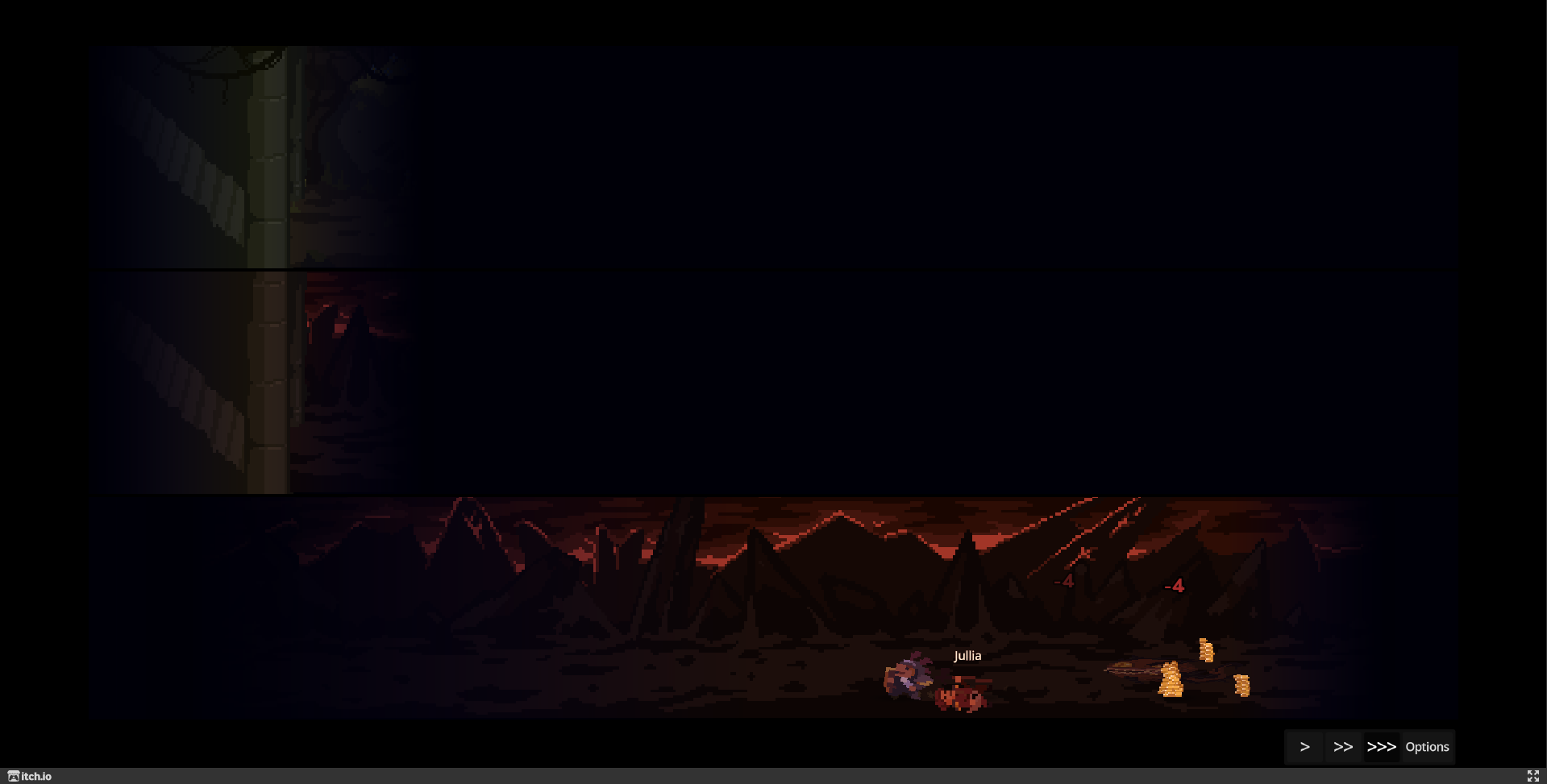
Great little management game with very nice pixel art and music! =)
Some issues noted while playtesting:
- Managed to kill the level 3 boss many times, but nothing special happened. Not entirely sure when the game should have ended. Maybe some of the heroes were not ready for level 4?
- I run into a bug where the battle stats window eventually became too large and I couldn't press the Close button anymore (effectively ending my game session, but I'll consider it a victory anyway 😂):
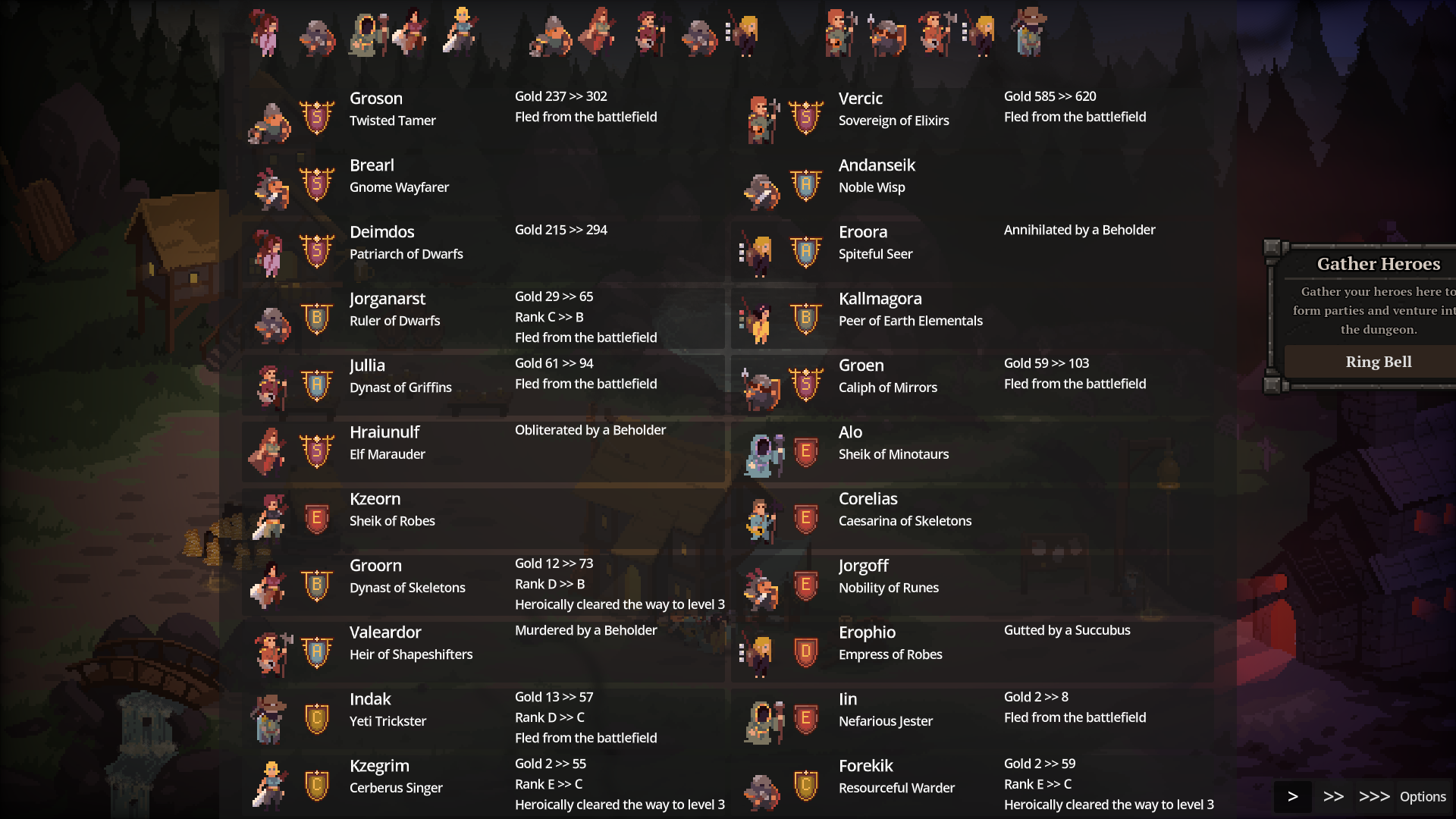
After this the only thing I could do was to ring the bell continuously 😁 - Using Swap and Kick orders wasn't that intuitive, or useful even. Brute forcing the dungeon with more heroes felt like an easier strategy.