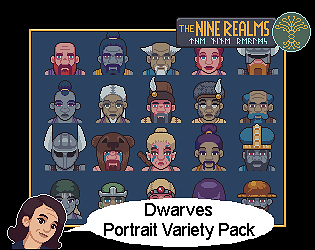
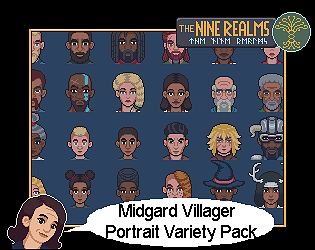
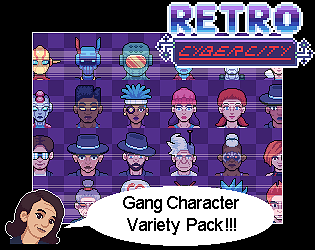
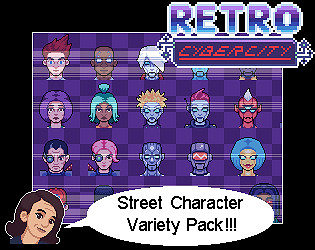
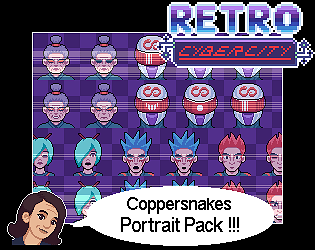
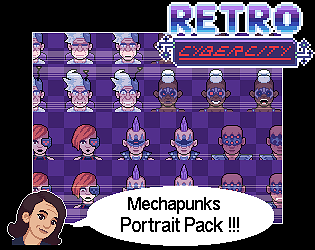
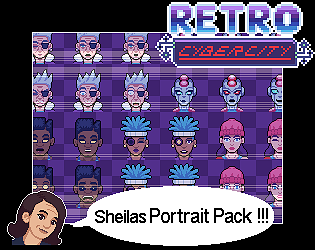
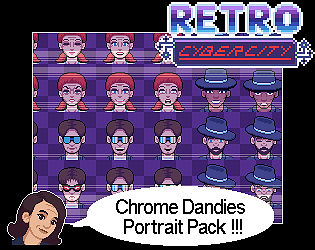
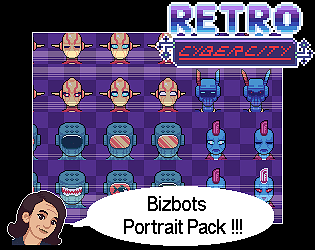
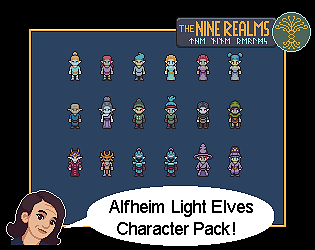
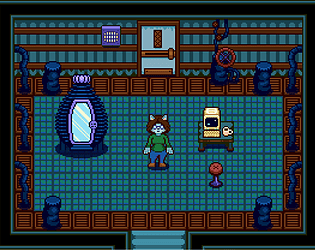
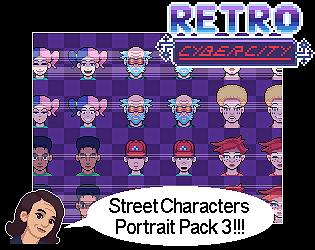
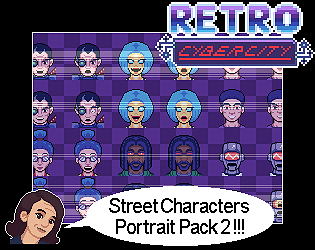
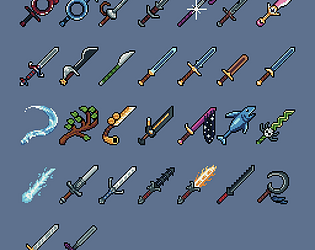
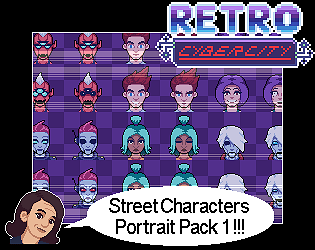
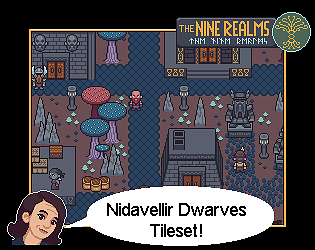
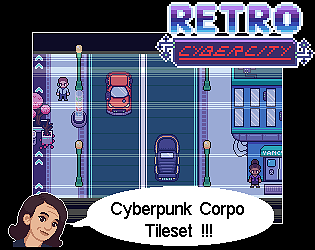
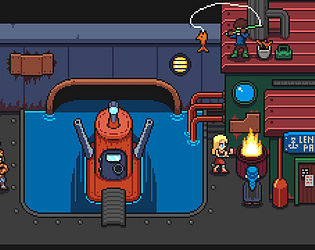
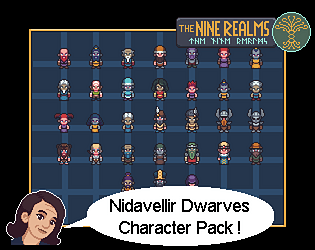
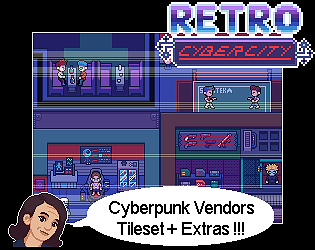
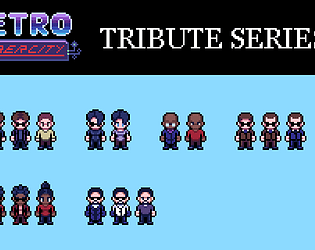
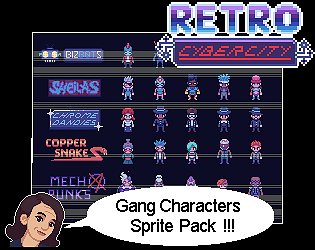
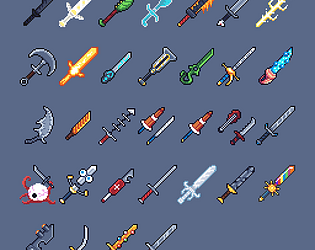
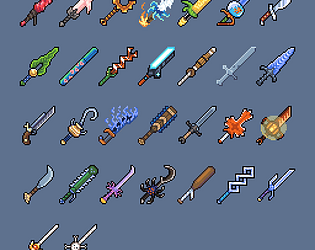
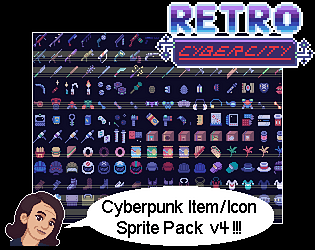
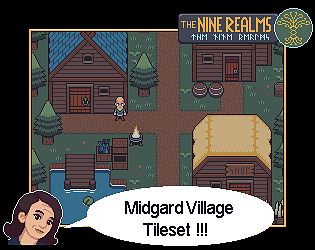
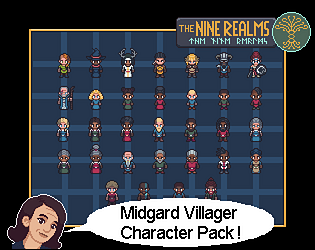
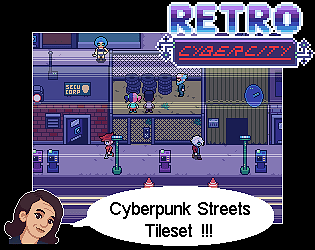
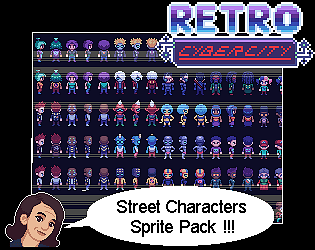
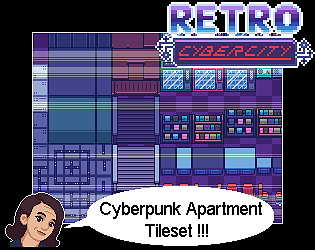
Just so you know, I’ll be releasing an update to this w/ the features you requested as well as an entirely new page of items. Different sorta theme than the others but I think you’ll enjoy it. I’ll try to get it out soon!
everlyspixelsandpens
Creator of
Recent community posts
Hi. Sorry, I’m not sure I understand. You don’t see the folder but the ones in the folder don’t match w/ RPG maker? I included an “RPG Maker Compat” folder w/ every portrait pack, I am looking at the .zip contents right now, and those sheets are made using the RPG Maker official template dimensions. That doesn’t mean I didn’t make a mistake somewhere! I definitely could have. I just need your help narrowing it down a little more. Please provide some more detail.
The way sprite sizing works, 16x16 defines the tile size not so much the character size. Essentially, the character fits on a 16x16 tile grid but is a little taller than the tiles because of perspective. You don’t want the character to appear to be the same height as a table or for their feet to line up exactly with the bottom of a tile. Doing so causes visual issues with this and similar art styles. There are, however, art styles that are stricter with this and you’ve likely seen pixel art games, especially ones with smaller resolutions (like 8x8) that follow different perspective rules. Games with sprites that are somewhat taller than the tile size became more common in the SNES era which is my main inspiration for the itch assets.
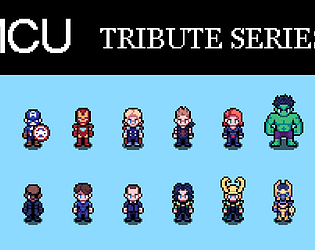
Some of the characters are larger scale because they needed to be much larger than the usual human-sized sprites (such as Hulk, Hulkbuster, etc). It’s probably not a mistake that you’re noticing the sizes aren’t exactly as labeled, it’s intentional, but I can see how this might be confusing if you’re new to pixel art scaling stuff.
If there is an error, like a 16x16 sprite that is twice as large as it should be, it could be scaling error from when I was producing he sprite sheets. To know for sure, I’d need more details. Can you tell me what you’re trying to achieve with these assets? Were there specific ones that seemed the wrong size?
EDIT: Misunderstood what you were asking a little. Here’s a better answer.
You could achieve this pretty easily by upscaling the 16x16 assets (there are 16x16 and 48x48 included in the pack) by 2x. You would want to use “nearest neighbor” settings to avoid distortion. These assets already use solid black outlines, you could in most cases simply paint bucket the black to white for selection UI stuff. There may be a few examples where this wouldn’t work but would require minimal editing to fix.
If you don’t have the know-how to do this, I can put together an update that includes both 32x32 versions AND white outline version. No one’s ever asked for this before but more options can’t hurt. I should probably just do it anyway.
Just an FYI that a major update has now been uploaded. It has somewhat different file name and packaging but all sprites have been tweaked at least a little so feel free to DL and use the new ones or mix and match! The new content is a few new sprites for AoU and a huge pile of Captain America sprites.
Haha no worries. Thanks for coming back to edit! You can use these in commercial games just bear in mind I don’t own these IP so I release fanwork for free just to acknowledge that. But at the same time, there’s an entire fanworks gray market where people are able to make money producing art and material of big IPs. There’s also that the translation to pixel art might be enough of an aesthetic change to cancel out the similarities to the original material, whether it’s an animated show like Edgerunners or a live action movie like The Terminator.
So, long story short, use your best judgment!
Ah, ok. Cool. You’re looking for basically the Harvest Moon template of tools and NPC archetypes. I can definitely consider that.
I meant to mention that I do have plans for an animation template pack that will be basically “blank” character sprites in a variety of animations with instructions on how to recreate existing sprites from RCC, RDC or NR or make custom sprites. If and when I do this, farming animations are definitely something I can add.
Hi! I’m so glad you like them! I’ve actually been asked to add some features to Nine Realms that would work for a farm sim style game. I’m slow with new stuff but I like to try and respond to requests like this.
By farmer using tools I’m assuming you mean something like the standard roster of tools from something like SDV. So: pick, shovel, hoe, watering can, axe, etc?
If you don’t mind, can you say more about what you’d be looking for from an NPC pack focused on farming? I’m assuming you’d want it to be compatible with the Nine Realms theme overall.
Thanks for your input! I’m definitely willing to consider this so the more detail the better.
Ah. Cool. I’ve worked on autotiles in the past, specifically for RPGmaker. I wonder how much overlap there is between Godot’s system and that one. Autotiles are interesting. When I started out, a lot of people were using custom maps made with placeable tiles and props and then importing them to engine. Autotiles just didn’t seem all that in demand but I imagine projects that use procedural generation (or folks who need to make a lot of maps quickly) could make great use of them.
Yeah! Gamedev (and related pursuits) is hard! We gotta support each other when we can, I think.
As for assets… what kinda biomes we talking? I haven’t worked directly with Godot’s autotile format (I mostly make grid-based tilesets like digital lego I guess) but is there a place I can find out more about that? It might be worthwhile to create some stuff that autotiles but in the past it hasn’t really been great from a time spent vs. client demand standpoint. Things have probably changed as Godot becomes more popular, though!
Hey, we can all relate to delayed projects or having too many to deal with! I’m so slow! Haha.
Don’t be hard on yourself and thank you so much for the compliment. There’s more to come including new portraits for the added characters, revamps of all the other RCC character sprites, etc. I am currently working my way through the Gang Packs!
Also got a few surprises in store that I’m slowly putting together. Can’t wait to share them but wait I must haha. Til they’re ready anyway.
Yes. There is an update in the works. It’ll be free for anyone who has previously purchased the pack.
There is also an update coming for the Dwarven tileset as well as a Light Elf tileset to go with the characters.
Progress on Nine Realms content has been slow as I’ve been focused on other projects but I’m eager to update this theme as I love working on it!
If I understand your question correctly, I wanna reassure you that I don’t expect you to change to a link in-game. It might be fairly difficult for you to change the name as well, but if you could do that in-game that would be wonderful.
What I meant was just this page. Since it is also hosted on itch, it would be great if my entry in your credits list above could link back to my store under the correct name.
I know the name of the URL is the old name, but that’s something I can’t fix easily so for now I am stuck with it.
The link is: https://evanwritesgames.itch.io/
I really appreciate that you’ve already given me credit, this is just about correcting the name and asking for a link.
Thanks so much.
Hi again! For clarity, in case anyone is not sure what ending they’ve got and doesn’t mind spoilers, I’ll include here (deep in our convo ahahaha) a little guidance.
**SPOILER WARNING for anyone reading this who has not played through the game and wants it to be spoiler-free when they do! **
The four flashbacks are: 1 in school, 1 in diner, 1 on roof of gas station, and 1 in the house. If you’ve seen flashbacks in all 4 of these locations, there is a particular ending you get. Most would call it the “good” ending. The other ending occurs if you have missed 1 or more flashbacks and most would think of it as a “bad” ending. Haha.
There is one additional secret in the game, a bunker you can access, but it’s got nothing to do w/ the ending or flashbacks.
Good points btw about the UI and the benefits of incl. that as part of general asset packs. For Dead City, we did want to make more use of the custom item menu and generally have a more point+click approach to items in the game itself. Didn’t really feel necessary in the end so we cut it down to what is there.
You are absolutely right that UI/X is underrated as a part of game design. Totally true. I think a big part of the problem is that UI is different from UX (this is poorly understood) and UI artists often are specialists at a particular kind of artistic expression/utility that doesn’t necessarily overlap w/ other forms of game art. And is often less fun for those of us who like drawing creatures, characters, etc. Then UX itself isn’t necessarily part of the expertise of a UI artist so there’s a lot of collaboration that has to be done (or one genius who gets it right and has a vision). At least that’s my take on it.
BUT pixel art actually does overlap beautifully w/ UI art and I think that somehow occurred to a bunch of asset sellers like me all at once a while ago and they all started adding it in.
Where I kinda fall in this is that I was challenged/asked (haha) to make RDC a pack that includes all the elements someone would need to start making an RPGmaker game (sprites, portraits, tiles, battlers and UI) w/o having to buy multiple packs or wait for me to get around to doing more extensive UI stuff.
So I did that and it was fairly painless, espec. if just a reskin, and now I am seeing, partly thanks to feedback like yours, that even if it is a separate pack, it ought to be a thing in every theme I do. So that means UI reskins for RCC and NR will be added eventually or rolled into existing packs.
Anyways. Thanks so much for your time and support. Good luck to you as well!
Thanks for the follow-up! I’m so glad you were able to progress. Did you finish? Both endings?
Thank you for the note about the UI. We weren’t able to make our custom menu all that relevant for this particular game but it was fun to try and do something different. Thanks to Manuel, we were able to find a plugin that worked for us and make some other small changes to the start screen, etc. That was all his area.
You may know this but so far the only theme I have that includes UI, which is really just a reskin of the default RPGMMZ UI assets, is the Retro Dead City theme. I think I should probably add similar assets to the other two themes I sell, right? A while back, a lot of asset sellers started doing UI elements all at once so it seems like something we might have collectively overlooked but that helps new creators immensely!
Hi! Thanks so much for trying it out!
The two endings are determined by how many flashback cutscenes you’ve found while playing.
If you’ve seen all 4, you get the “secret” ending.
If you haven’t, you get the standard ending.
At this time, both endings refer to the other ending as the “secret ending” which isn’t exactly correct but will be fixed eventually (after judging is over for the jam).


