If you need me to provide you with more, please tell me. I'll do it without any problem :)
A member registered Mar 07, 2024 · View creator page →
Creator of
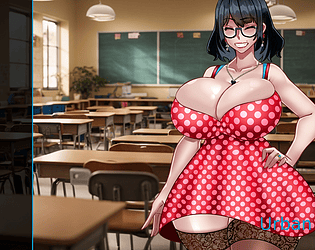
#storydriven erotic game about the love and affairs of a young adult
Visual Novel
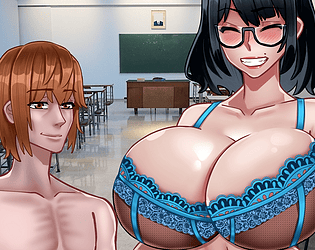
#storydriven Dramatic Romance story about love, ambition and revenge
Visual Novel

Story-driven game with a mix between western RPG and JRPG features
Role Playing
Recent community posts
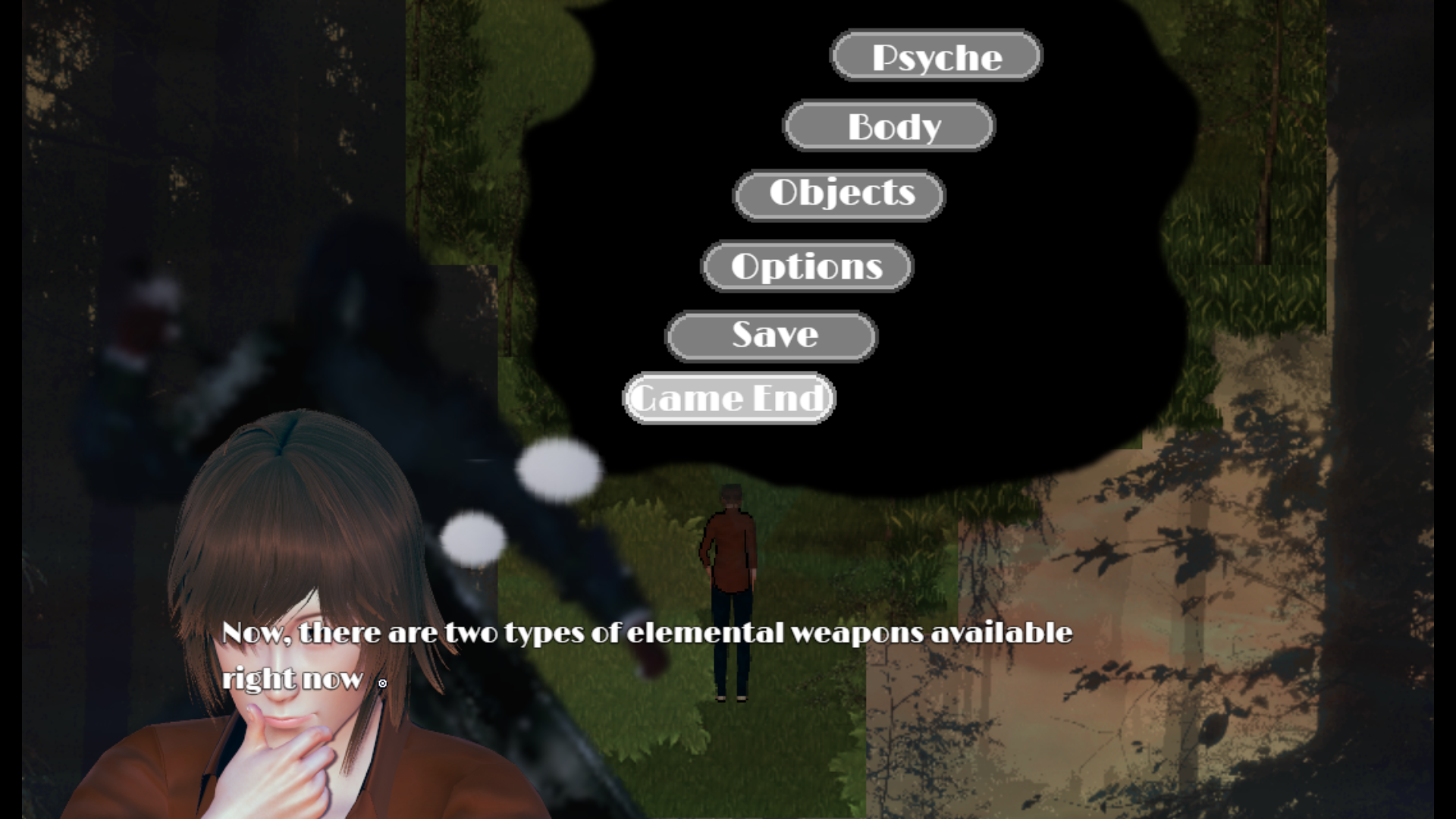
Pictures UI Creator - RPG Maker MV/MZ plugin community · Created a new topic [ANSWERED] Issue when opening scenes
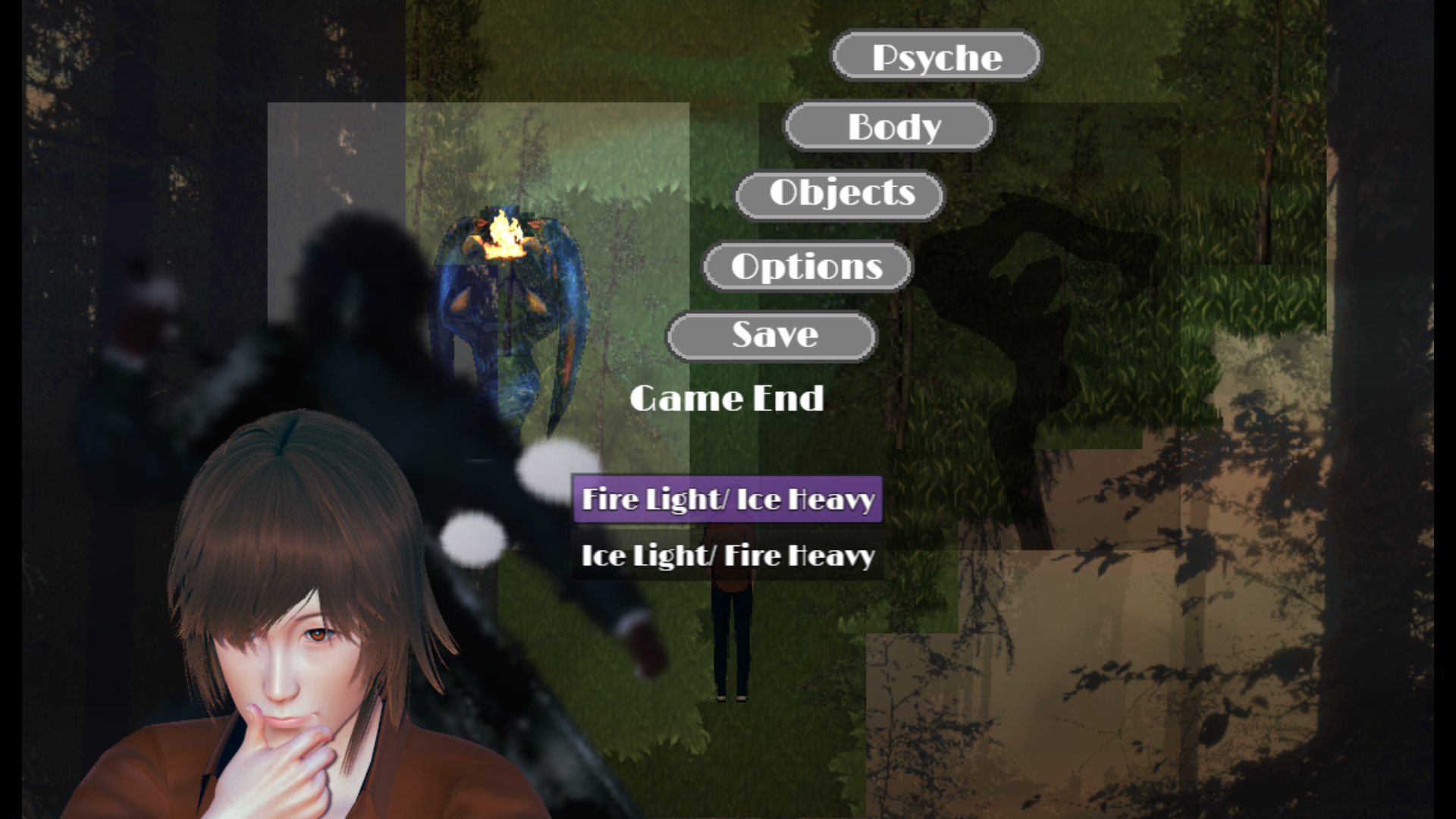
Animated Message Window Plugin - RPG Maker MZ comments · Posted in Animated Message Window Plugin - RPG Maker MZ comments
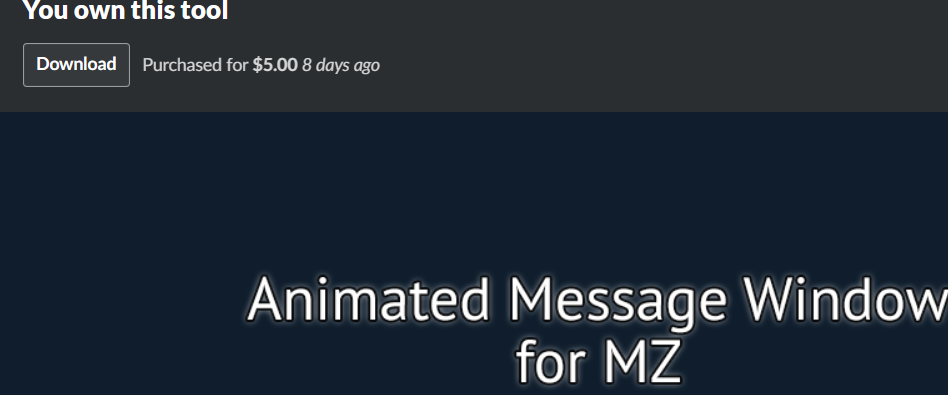 But I have a doubt if it is possible to add this look in the choices box, just like persona games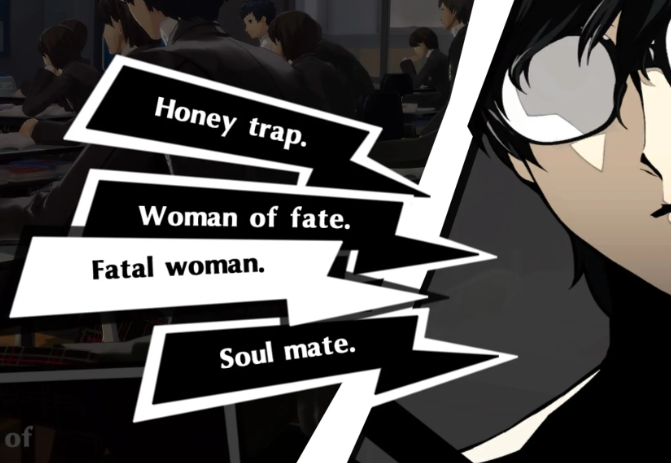
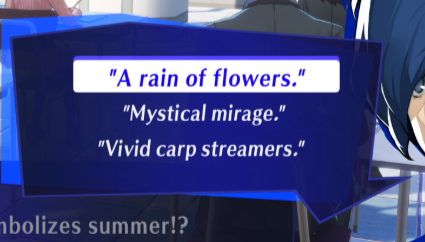
Hakuen Studio Choice Manager for RPG Maker MZ community · Replied to Hakuen Studio in Issues with picture choices (too complicated to use) and can I have a pre-set demo?
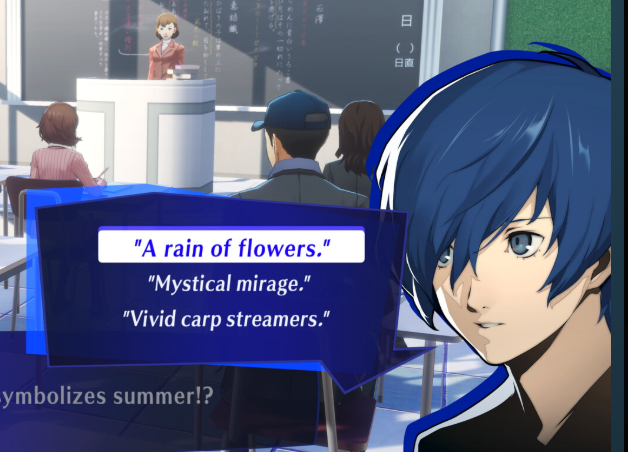
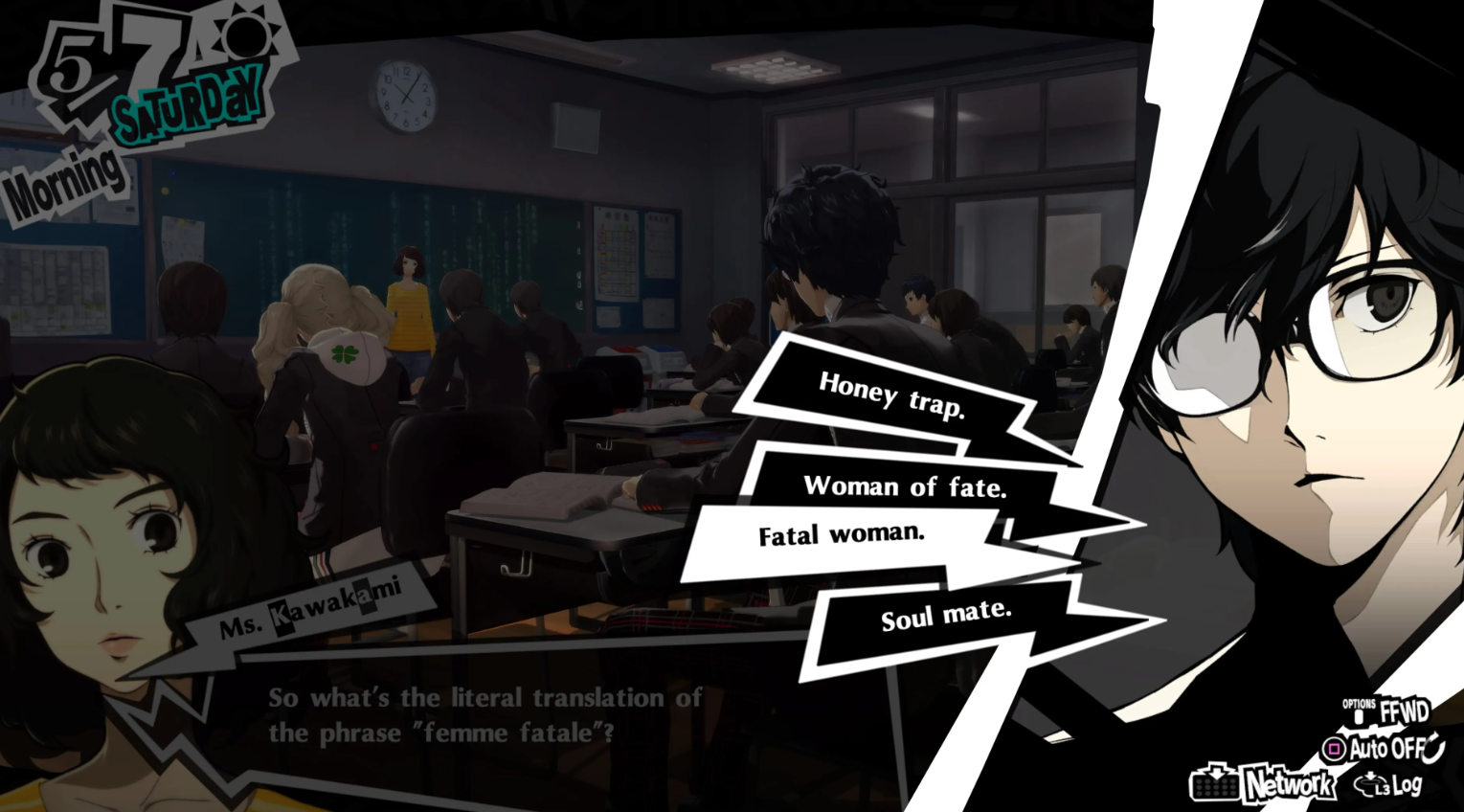
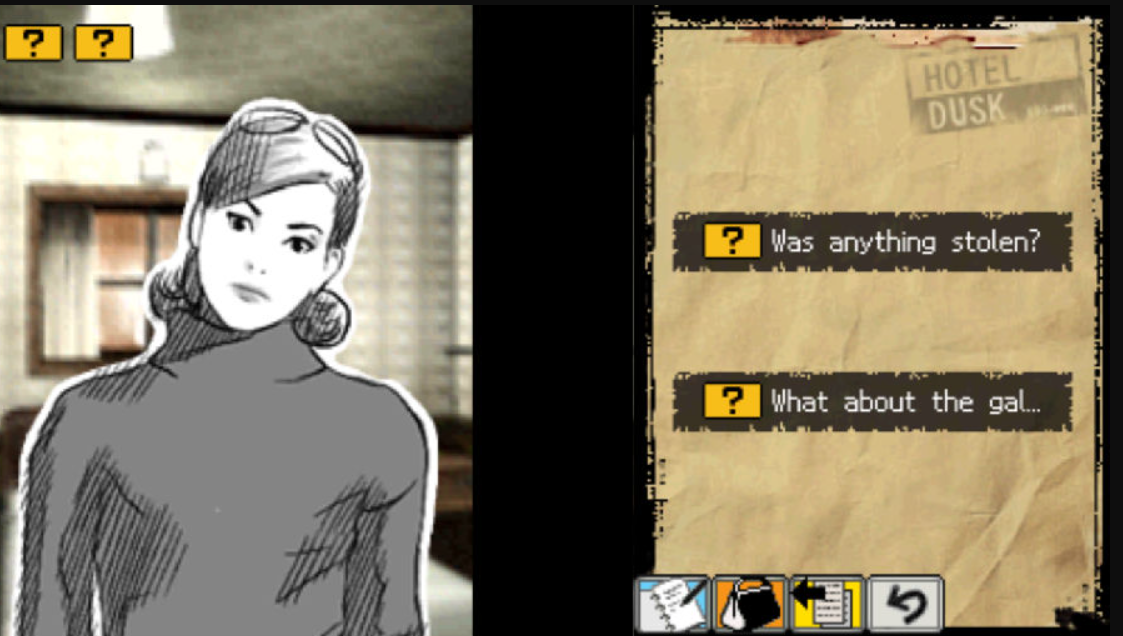
Hakuen Studio Choice Manager for RPG Maker MZ community · Created a new topic Issues with picture choices (too complicated to use) and can I have a pre-set demo?
Hi! I just bought this plugin 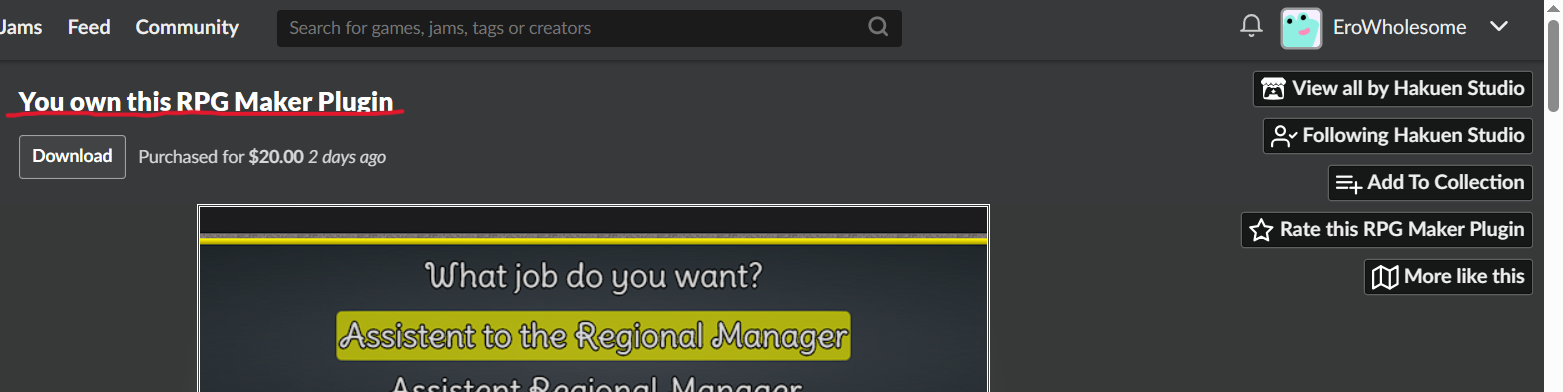 and I having trouble with attaching pictures to the plugin. I already read and did what you put in it https://docs.google.com/document/d/1MHIoQZoYSP5qd-A2dalC7m6NGpOcocjIPY8NGWXaoOA/... and I find it very difficult to use and understand. For instance,
- like what is the Id Picture exactly, is the name of the picture from my folder?
- how do I attach a picture, do I use the id of show pictures
- How can I move the picture
- and so on...
So, I would appreciate if I can have a demo with a pre-set configuration to know more graphically how to use it like a lot of other plugins does or a tutorial video for knowing how to use it?
Keyboard Gamepad Solution - RPG Maker MZ plugin community · Posted in [ANSWERED] Question about mouse configuration
I used Conditional Branch Script: Input.isTriggered('leftclick') then I put different actions (just for testing) and none of them works: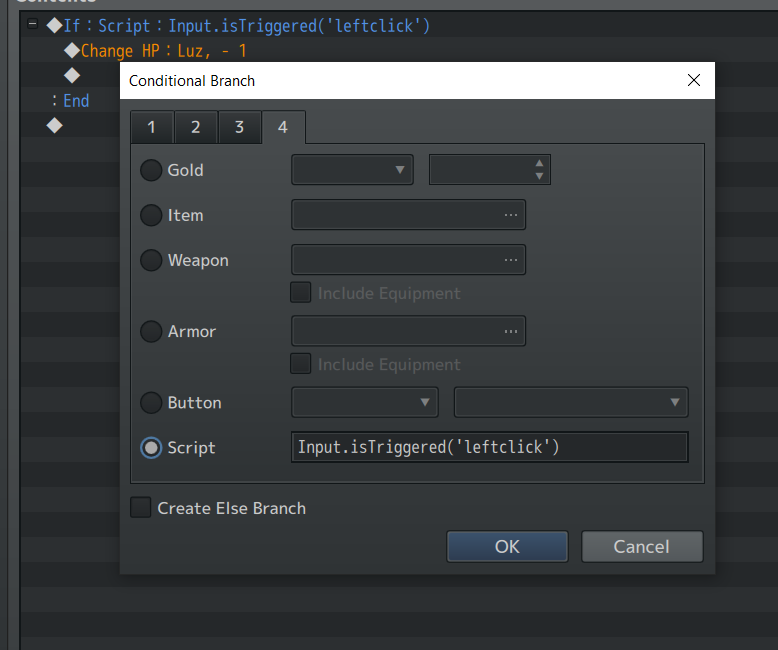
Maybe the Symbol ('leftclick') isn't the right one? And How can I know what's the symbol or the script name in rpg maker?
Other than that the plugins have been working great! (I have the premium version btw)
Alternative Scene Options - RPG Maker MZ Plugin comments · Replied to Eroticview in Alternative Scene Options - RPG Maker MZ Plugin comments
Alternative Scene Options - RPG Maker MZ Plugin comments · Replied to Sang Hendrix in Alternative Scene Options - RPG Maker MZ Plugin comments