On Sale: GamesAssetsToolsTabletopComics
Indie game storeFree gamesFun gamesHorror games
Game developmentAssetsComics
SalesBundles
Jobs
TagsGame Engines

Eldricus

324
Posts
7
Topics
128
Followers
7
Following
A member registered Apr 17, 2020 · View creator page →

Creator of
Recent community posts

It should work like you described: when you choose add-player, it will only add players that have an outfit in the current location. If no one matches, then no one gets added.  There might be a bug, but it's more likely something is configured wrong on your end.

Note: The locations are assigned to the outfits, not the players.  

Also note:  Not having a location is itself a location, so add-players with no location set will add other players with location-less outfits.

Final note:  if your game started with a mix of players wearing outfits from different locations, then ALL these locations are eligible when hitting add-player


Hope that helps.

I'm not sure there ever was a clear direction, lol.  I don't have any big features I'm looking to add at this point, but I've also been saying that for like 3 years, so who knows? 

 We're definitely past the point of diminishing returns in terms of adding new ladies or outfits, especially when you include all the additional opponents that are available.  I also haven't been super into doing renders for a while now. There's a bunch of existing outfits that could use some fleshing out and maybe some finales, so some of that may be coming, and maybe some more ez-composite retrofits.

I got some candid feedback a while back about how the voices are cringy and there's 0 explanation for the mechanics of the game, and the landing page could use some sprucing up, and the game's main menu looks amateurish at best , so if I'm going to focus on something next, it'll probably be that, starting with the voices.   

The other huge problem is that making people install obsolete java runtimes to play this game is just terrible and a huge barrier, but I'm not sure there's a fix for that other than a full rewrite.

Good catch.  Here's a little easter egg hint as your bug-bounty: You can find out Denise's last name if you pay attention to the new content...

I tried to have that effect by giving most of the christmas outfits large props to fill in the void a little.  
I've thought of swapping in different backgrounds for the composites in the void based on the outfits involved as well, but that's as far as it could go. There are no ezcomposites in the void, and re-rendering all the other images would be too much work (the whole point of the void was that it was easier to render in). It might be  jarring to alternate between composites with a christmas backdrop and regular images that don't have one, too.

This is be the kinda experiment an eager volunteer could take on btw ;)   No coding or rendering skills required.  Just start with a composite image of the void with all the christmas ladies, have AI fill in the background, then magic-eraser the ladies. Then just  swap that image in for the void backdrop jpg in the game folder and see how that plays...

That _might_ be fixable? The logic for picking images is getting pretty hellishly complicated at this point.  Another solution might be to fill out more ezcomposite undressing shots.  Which character/location was this?

 Streamlined mode seems to correctly only show pictures of the undressing character, so if there isn't an ezcomposite of them undressing, it won't show an ezcomposite at all in the first place.  Is this happening in classic mode?   

Part of the quiet was that I was actually out of the US for the last few weeks.  Back now, so hopefully some small updates coming soon.

Stockings definitely help too.

Sometimes things are just better because you had to wait for them.

Y'all seem a little  disappointed.  Maybe I should improve this update by GIVING THEM SOME FINALES?

my daz install is showing signs of trouble as well. might have to reinstall soon too

Mary's composite shadows look a bit different than Candy's in the same spot, so you might have slightly different lighting going on too, but I'm guessing it's close enough to look right in the composed shot anyway.

If the composites are rendering quickly but coming out grainy, there's a few tricks you can use:

  • Make sure the rendering converged ratio is set really high (95% is the daz default, but 99.9 makes sense in an image where 95% of your pixels are blank)
  • Bump up the min-samples (for the office, this is my go-to trick)
  • Double the resolution, then shrink the image by 50%. Wasteful but effective
  • Set the spot-render tool to render in a window, and select the part that came out grainy. Then photoshop that back into the original grainy image.  Don't ask me why that works better than the converged ratio trick. Used this one a lot in the inn.

Woohoo! Sadly i have a busy weekend but looking forward to trying it out

That's why I like the ezcomposites ;)

you could try taking an ezcomposite approach to the thing and iteratively bake the extra characters into the background. it's a bit of work but you can reuse most of it if you keep the camera in the same spot.

it might be a fun feature to add some of the existing characters with alternate composites into the composite/ez-composite shots, and not that hard to add.  I'll think about it.

Sorry, there's no more room!

Not going to affect things much, but fixed. Thanks for the callout.

FYI that one had the weird name because I ran it through an AI generator to touch up that spot where the skirt and the chair meet.

(1 edit)

One more thing: layer needs to be 3 for Kim 

layer=1 for player avatar, 

layer=2 for first row of chairs

layer=3 for between the chairs

layer=4 for back chairs

layer=5 for behind the back chairs

Squirrel girl!

(1 edit)

I haven't noticed the ezcomposites going missing.  You should probably set the ezCompositeIndex to like 1 or 2 so she appears more to the left (it keeps the positions more consistent with the regular composites).

There's definitely too much light going on with Kim's ezcomposites though. (Saiki and Elenas were fine). Some lighting probably somehow carried over from a previous scene.  When that happens I usually just export only the model as a scene subset, then reload the office ezcomposite scene fresh, then merge in the model.

I've finally gotten around to starting rendering on Vivian, so that should be ready soonish.
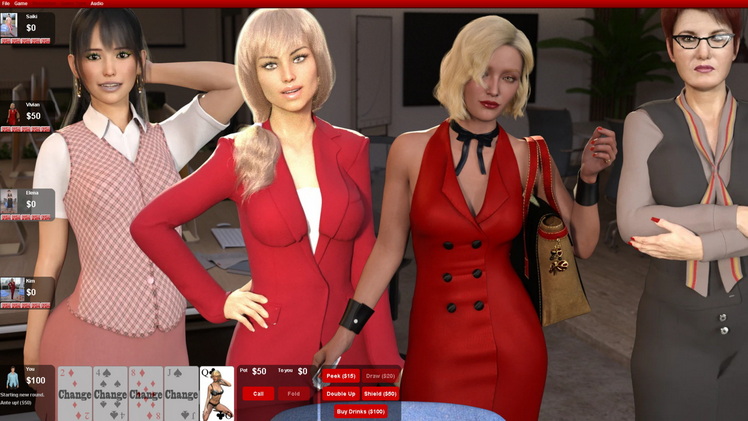

You've got the likeness of a real world actress, and she looks a bit younger than "definitely 21" too, so I'm not super comfortable hosting that set here.  It doesn't look photo-realistic enough for anyone to think it's actually her, and she does look like a "probably 18", so your link can stay, but I won't be including in to the sticky post or anywhere else.

Nicely executed set though. Those renders are well lit and very polished. The only bug I found is that you might want to change the outfit.location=bedroom to something else so the game doesn't try to pair her with the regular bedroom sets when picking opponents.

The  voice pack is really nice too.  What did you use to make the voice? The stuff I used to do the voices for the regular opponents is super-dated and I'm looking for something better to redo them all in.

Looking forward to seeing what you do next!
 

Feel free to post a  link to it.  Looking forward to trying it out!

Candy's a special case, but she' got enough of a fan club that I'm not going to be regretting that character choice any time soon. :)

Careful putting people in the side-in-between spots. Those spots are ok as alternates but I wouldnt recommend making them someones primary position.

Crystal can barely be seen in the composite above depending on which way Saiki is leaning. And making Crystal stand up to be more visible would start blocking Leah behind her. 

A lot of the expressions start looking really cartoonish when you dial them to 100.  Even the default smiles I usually keep dialed down to like 40% because of that.

There's a couple that work really well all the way to 100. The expressions that came with Amira (aka Leah) look really good including on other characters. There's also one called "Bereft" that I use a lot on Crystal when she starts losing, combine it with open-mouth at 30% and she looks utterly devastated. Not sure what set that came with but I suspect it's a core one you might have?


You can also put Kim in Leah's chair too.  I'll be adding alternate composites for Leah to move over if someone else is in her chair.  I've already got some going for Crystal and Sandra that'll be in the next release.


Woo, that office is getting crowded.  Suddenly I'm a big fan of RTO!

A couple things I wanted to point out:

Elena's properties file should have the following values:

outfit.layer=2
outfit.ezCompositeIndex=7


Saiki should have the following:

outfit.layer=2
outfit.ezCompositeIndex=1

(also don't forget to dial the micropressure morphs back to 0 when the clothes creating them come off!)


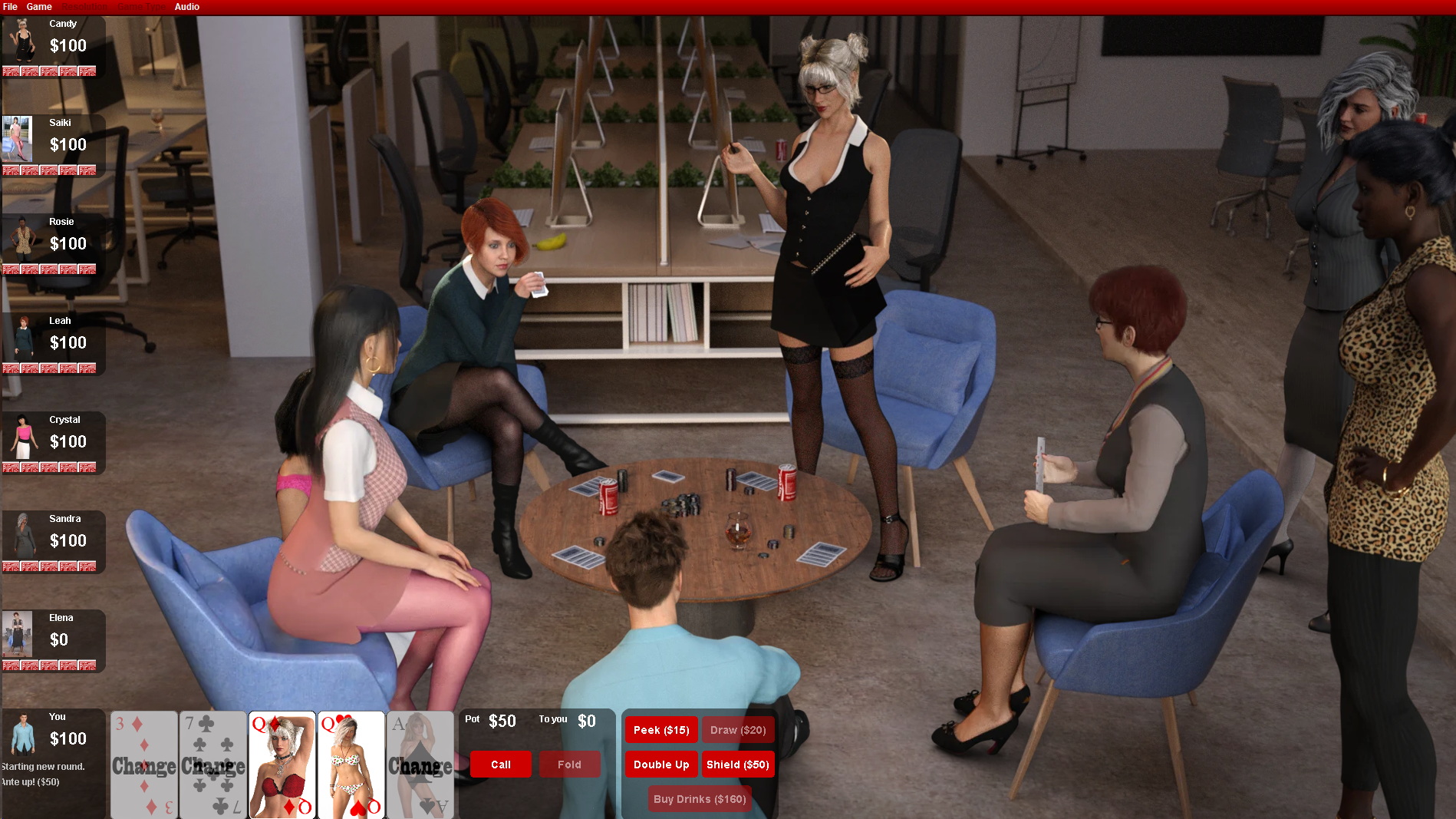
Meanwhile I'm working on Denise's office set, here's a preview!


Oh wait, that's Vivian.  My mistake.  I'm working on Vivian first!

It's the skin tone. The red outfit plus strong lighting is making her skin look more yellowish. Try less light? Or make it redder??

The slightly robotic pose, the blank expression, and the stare-forward-into-nowhere eyes complete the office-barbie look. But then that's prototype shots for you.

She's looking a tad cross-eyed too. Are you using point-at on the eyeballs? That'll do that if the object isn't far enough away. I usually stick with eyes-side-to-side and eyes-up-down. Sometimes its just a sloppy model. Leah's got a bad case of cross eyed by default I never managed to properly fix.


The main trick for making a scene look set in a dark room is to have bright spotlights that light up your characters, while the broader environment lights are left very dim. The rest of the scene will be dark and convey the impression of darkness while your characters are still decently lit.


Or you can take the lazy route and adjust the exposure in the camera settings to make the scene look brighter or darker.   Easier than adjusting 4 lights.

Great so far.  And... oddly kinky? At this point I wouldn't be surprised if a round of strip poker broke out at the next tavern I visit...

Managing expectations: I've got people visiting for a few days, and also just got sucked into Baldur's Gate 3, so not going to be doing a lot for the next week or two. ;)

Nice set!  The ezcomposites work and everything!

Nice to see the office with like 6 ladies in it. Though I guess I forgot to check with you which spot Saiki would be in, else I would've made sure Crystal had some alternate composites going on. And there's a resizing issue with the ezcomposites sometimes when there are 5+ players, so that's what I'll be dealing with next.  Oh and I finally found an office-y outfit for Denise so she'll be taken care of. (some time in 2026)

Couple office tips:

  • Those chairs are bit tricky to sit in. For the composite shots I recommend sinking the model's butt into the chair a bit more than normal so they don't look like they're floating over it.
  • Composites on the front two chairs spots will block the view of the rear two chair spots if they are not sitting in the chair. Sit down, Sandra.
  • The spotlight for the composites doesn't extend as far as it should on the sides, so alternate composites of the ladies standing behind the chairs might come out kinda dark.  (see Rosie's alternate composites).  Cheat and boost the lights if you need to on those.

Denise!

Oh yeah she's definitely going to be the last one done.

Eventually.  Gotta get these 4 ready for business first, though.

Updated the render toolkit to 1.11.1 to fix some small issues. (mainly the rear-left chair was floating a few inches up in the air.)

Yes I just noticed that too.  Looks like Stripe is holding out on us again :)

(2 edits)

EZcomposite! 

I also took the liberty of adding a few props and moving the chairs around to make the place a bit less sterile.   The props are all from the other CSP room sets, so you probably have them already.

The background took over 3 hours to render, but Leah rendered in 2 minutes. :)


That looks better than I thought it would. The velvet feet are a little odd, but it's not the most noticeable thing ever, and if you can split that surface then it's a win.

Working on an office ez-composite for you now.

Next problem: Those chairs.  They look too good.  That yellow really pops. Unfortunately, it's going to outshine the ladies and clash with skin tones when under-dressed ladies are sitting in them.

And double-unfortunately, the office set does not come with alternate textures for them, nor does it have separate surfaces for the different parts of the chair, so changing their color is probably going to be more trouble than it's worth. Which is too bad, because they're kinda perfect in all the other ways. They look comfy and luxurious, they have detailed textures, they're the perfect height, and they're really easy to sit characters into in various poses.

See what I mean? Leah's exposed skin should be the main attraction here, but instead it's getting lost in the yellow chair. Dark-skinned ladies will probably have issues here too: they'll contrast better with the chair, but since they tend to need more light for their skin tones the chair will get even brighter and colorful around them.


For comparison, same exact image with the boring grey office chair swapped in. Now you see Leah.


Now I'm realizing there's also a lot of skin-matching beige in this office. That desk could probably use a few more things on it to break that up. And that random coffee-table texture I threw on there was definitely not a good choice.