


dont need, its very simple
A member registered Jul 01, 2018 · View creator page →
Creator of
Card Game
Recent community posts
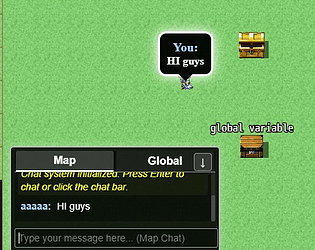
I released MMO XP(Free).
Yes, now you can create a MMO using RPG Maker XP. I know that this engine is not in use for many people, but i love RMXP since my childhood.
https://decinbr.itch.io/mmo-xp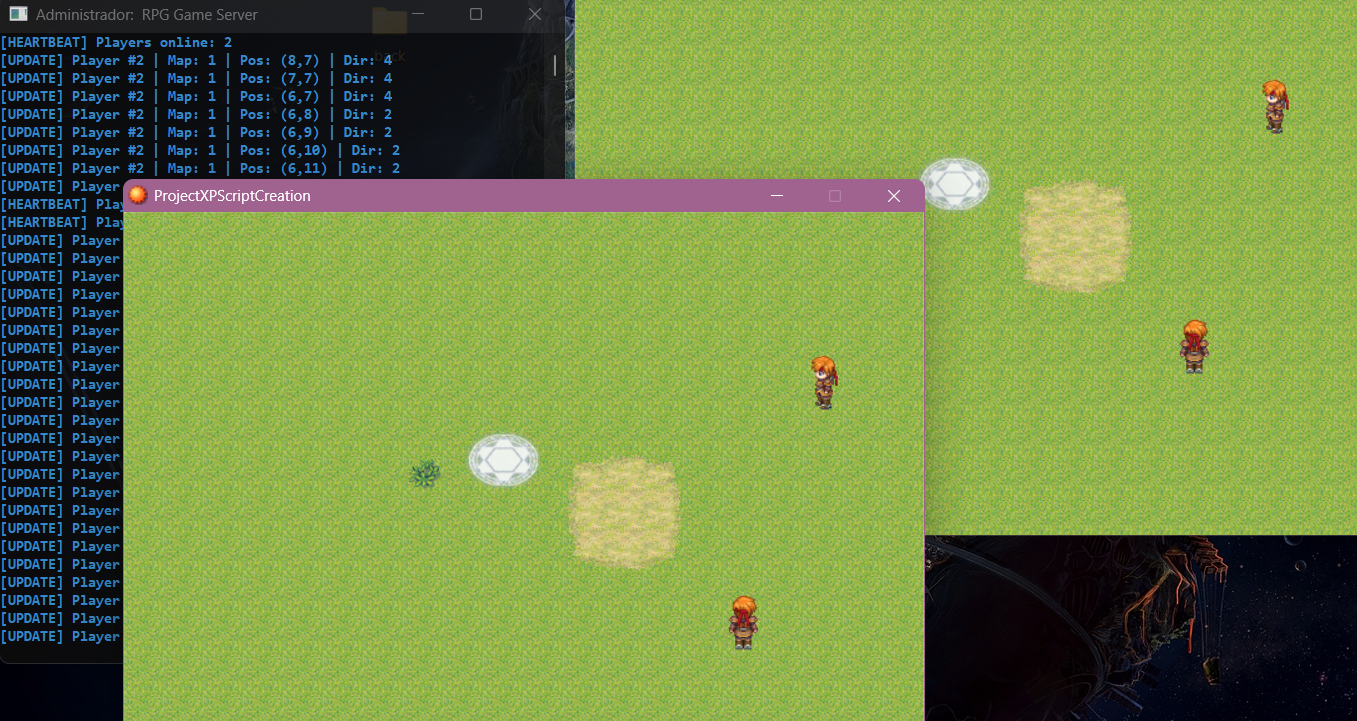
RmmzEncripterTool
Author: ProtoX
https://decinbr.itch.io/rmmz-encripter
Overview
- Encrypts your RPG Maker MZ project assets with AES-256-GCM.
- Protects JavaScript (main.js and plugins) via encrypted stubs.
- Includes a runtime decrypter (js/desencrypt.js) that is automatically obfuscated.
- Designed for NW.js environments, compatible with standard RMMZ builds.
Purpose
- Deters cheating and unauthorized tampering or extraction of assets and code.
- Combines encryption, obfuscation and runtime hooks to make reverse engineering harder.
- Raises the barrier for would?be attackers; no protection is absolute.
Prerequisites
- Node.js with npm (to run the tool and install the obfuscator automatically).
- RPG Maker MZ (NW.js runtime) to execute the game with the runtime decrypter.
- Optional: Internet access for npm to fetch `javascript-obfuscator` if it is not installed.
- No Python is required; the tool does not compile native modules.
Security Model
- Uses AES-256-GCM with a 32-byte key (hex). GCM provides integrity via an auth tag.
- Encrypted files include a custom header, 12-byte IV and 16-byte tag.
- Runtime checks the header and only decrypts buffers that match; plain assets still load if present.
- The decrypter (`js/desencrypt.js`) is obfuscated to hinder reverse engineering.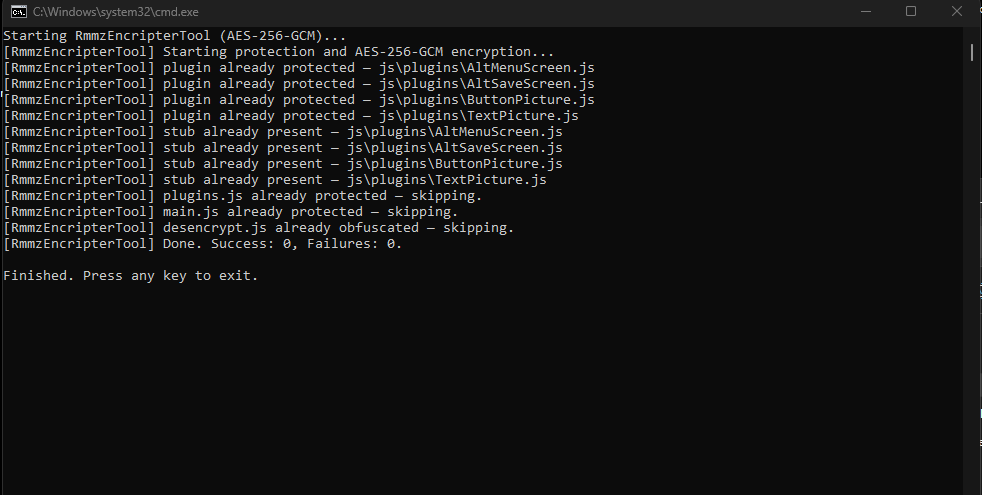
Im creating a Yugioh game with Animated Battle System, with MMO and Map Exploaration.
https://decinbr.itch.io/yugioh-dimensions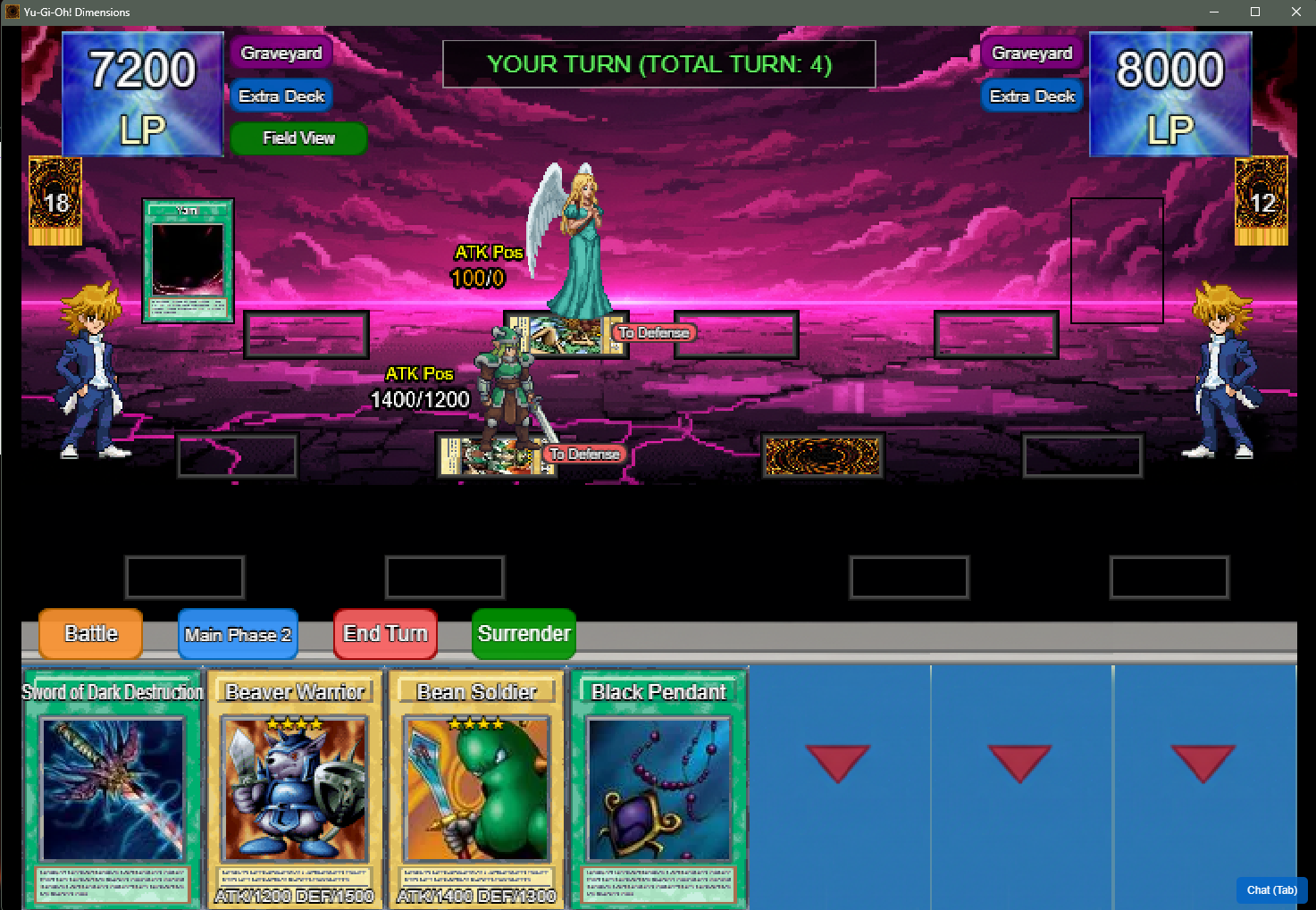
itch.io Community » Game Development » Help Wanted or Offered · Created a new topic I create RPG Maker Script/Plugins
itch.io Community » General » Release Announcements · Created a new topic Falcon MMO-MZ Plugin Update!
New update for the Falcon MMO-MZ plugin!
Added the tool to ban or unban players, and they will be removed immediately if they are online.
https://decinbr.itch.io/falcon-mmo-mz/devlog/972762/controlpanel-added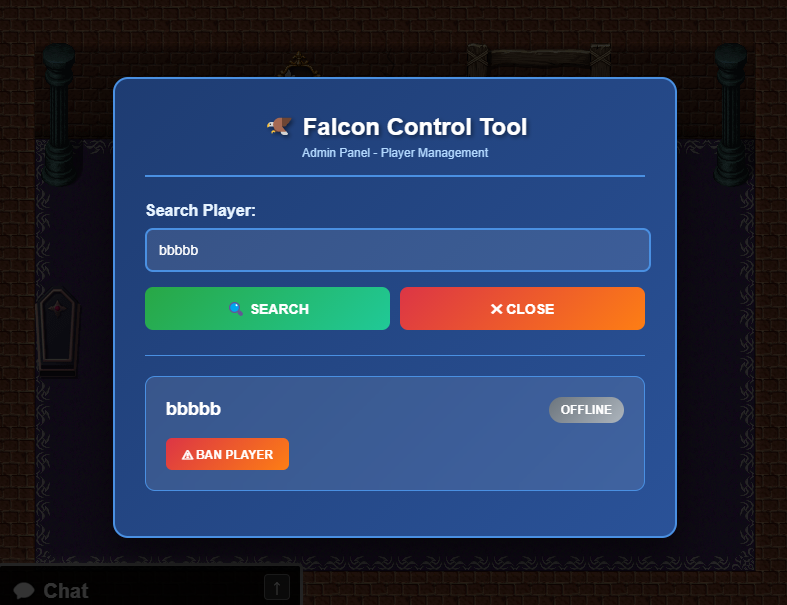
itch.io Community » General » Release Announcements · Created a new topic Free RPG Maker XP Script - Diagonal Movement
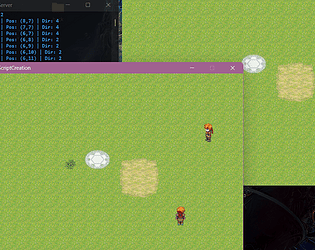
RPG Maker XP script - Diagonal Movement!
Free script to add to your project.
It's quite simple, adding diagonal movement to the player.
https://decinbr.itch.io/rmxp-script-diagonal-movement
(If you have any doubts hit me up!)
itch.io Community » General » Release Announcements · Created a new topic RPG MAKER XP SCRIPT - Mouse System!
https://decinbr.itch.io/rpg-maker-xp-script-mouse-system
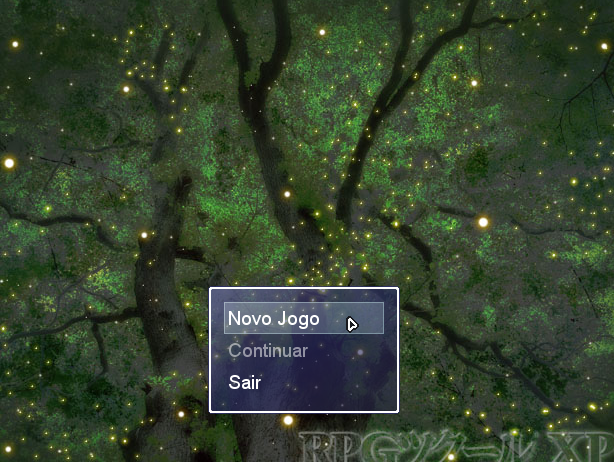
Interactive Mouse System! (Script for RPG Maker XP)
I tested some scripts for using the mouse with RPG Maker XP, but unfortunately many bugs appeared.
I decided to create my own script, and here's the result:
-By default, when you set the game window to Fullscreen mode, the mouse is invisible. To solve this problem I created a custom mouse cursor image that should be inside Graphics/Cursor, and the file name should be “defaultCursor” (You can use any image you like), I left it at 18 x 18 and it was fine. This mouse file comes with the script.
-You can interact with the events when you are next to them.
-Mouse Hover works as if you were using the keys in selectable scenes, such as menus and choices, etc.
-Movement when you click on a tile in the maps and pathfinder if there is a blockage
-You can scroll through messages or make choices with the mouse.
-Interaction with the battle, both to choose enemies and allies.
I've made everything as similar as possible to the mouse interaction in RPG Maker MZ.
The left mouse button is ok, and the right mouse button is cancel, so you can call up the main menu by right-clicking on the map.
If you have any doubts hit me up!
I have free Plugins also, and work making commissions for any Maker
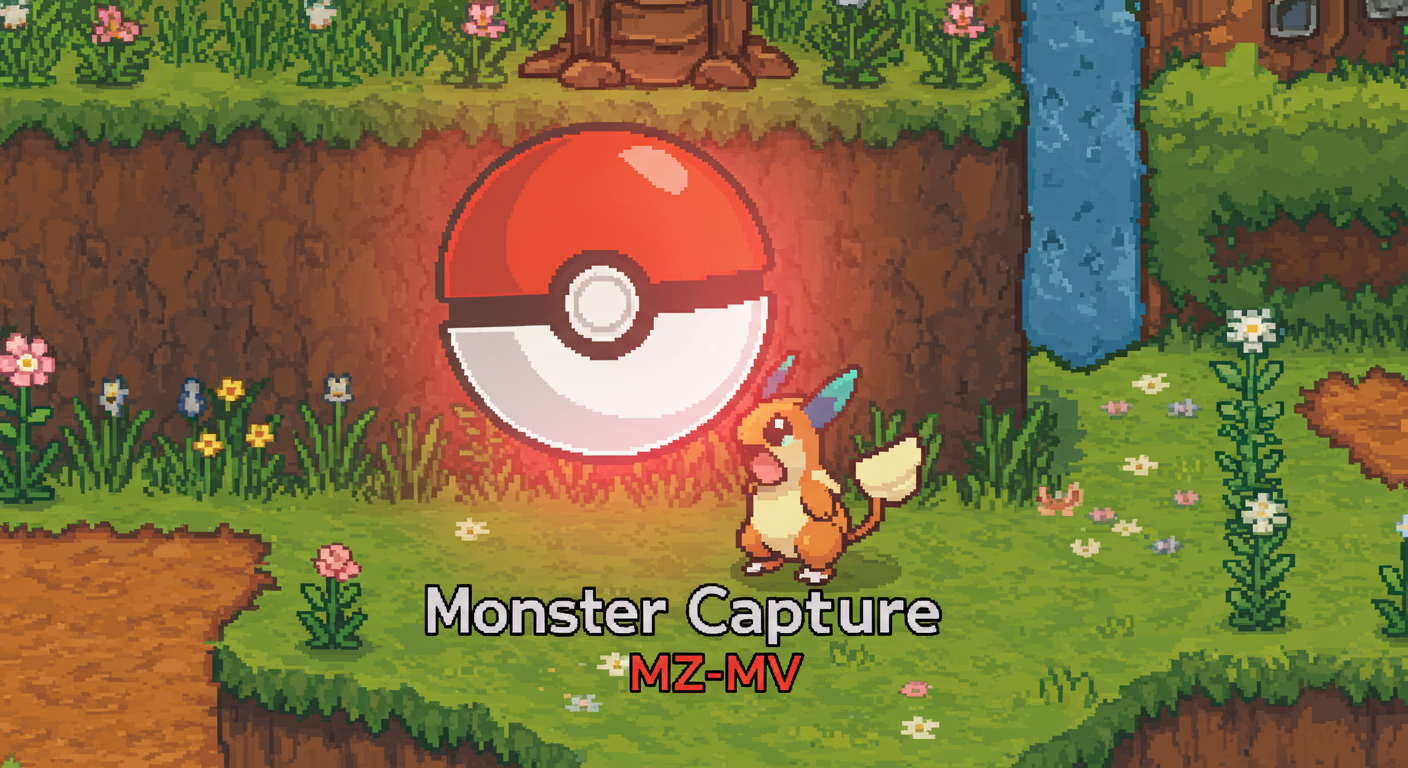
itch.io Community » General » Release Announcements · Created a new topic Monster Capture Plugin for RPG Maker MZ-MV
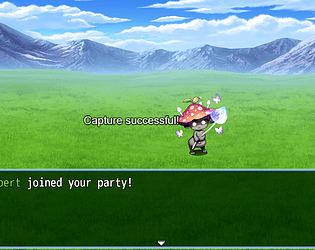
Capture enemies using common items.
Enemies become actors when they are added.
The capture percentage and ID are defined in the enemy's notes.
For the item to capture the enemies use the tag on the item called <captureItem>.
The tag for configuring the enemy is <capturableEnemy: actorID percentage>.
for example: <capturableEnemy: 5 50>
This means that this enemy can be captured with a 50% chance, and if the capture is successful the actor ID 5 will be added to your party.
If there is no such tag on the enemy, the item will not be used and a message will appear on the screen saying that the enemy cannot be captured.
When the enemy is captured it disappears in battle and the actor is added immediately, and the exp, gold and drops will not be counted for that enemy, since you are not defeating it, but capturing it.
Bitmap Font plugin for RPG Maker MZ (Easy-to-use) comments · Replied to Adam.k.hartrum@gmail.com in Bitmap Font plugin for RPG Maker MZ (Easy-to-use) comments
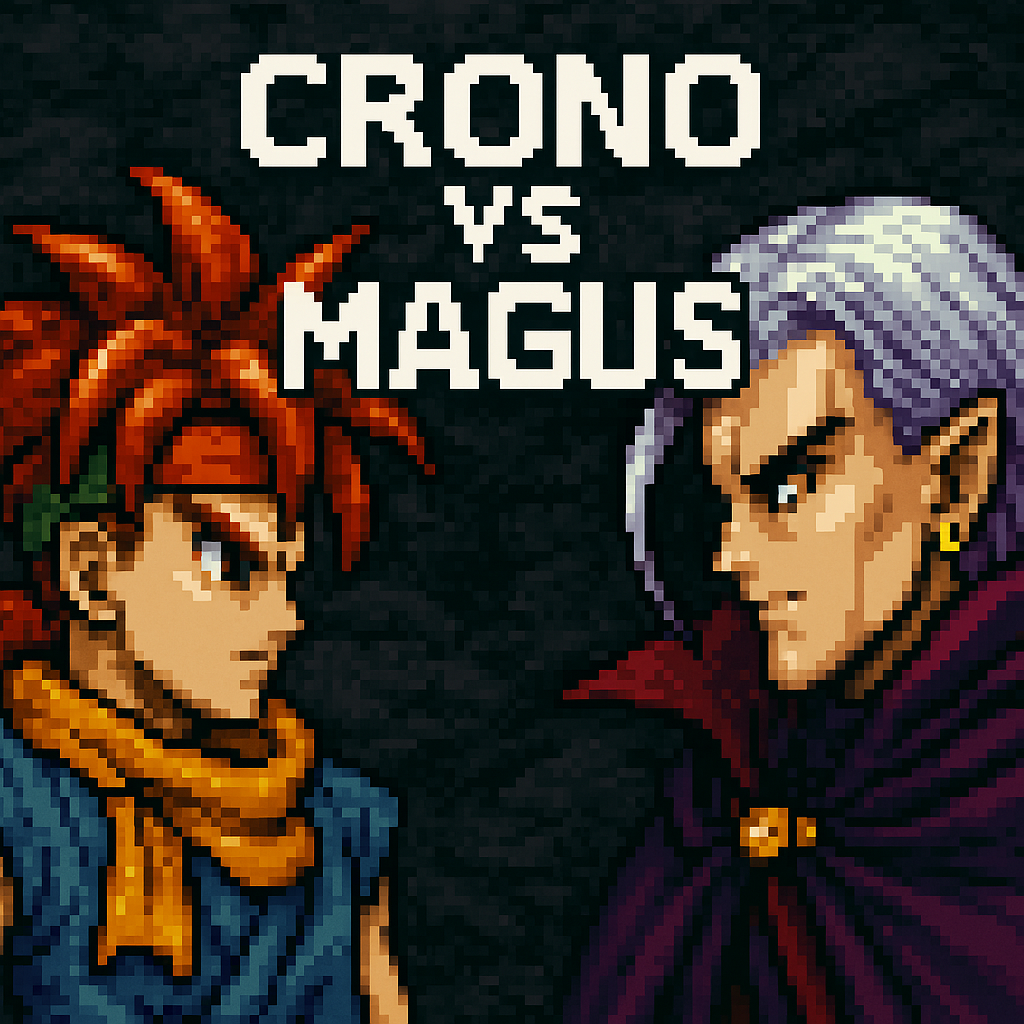
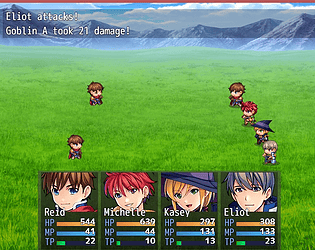
A custom battle system made by a friend.
"Hey guys.
As I said before, I'm training Javascript/HTML/CSS and using RPG Maker as a training table.
I want to propose a challenge for you to beat Magus in my customized battle system.
Once you've played the game, give me some feedback on how the battle style is going, which is actually quite empty, but you can understand it a bit.
Maybe I'll create a game in this style of battle.
You don't need to download it, just play it straight from your browser via Itchio:"

I've created another free plugin for you to enjoy! I created for MZ too, just check my Itchio page.
By default, RPG Maker MV can support up to 100 pictures and you have to delete them manually or use a specific script to clear all the pictures on the screen at once.
This plugin for RPG Maker MV makes that much easier, allowing you to show up to 9999 pictures on the screen and a plugin option to clear them all at once!
If anyone wants to create any plugin or script talk to me privately, I can create any code for any maker.
I also have Itchio and Discord if you want to take a look.
Itchio: https://decinbr.itch.io/picture-limit-breaker-mv
Discord: discord.gg/E6frTVBSXS

itch.io Community » General » Release Announcements · Created a new topic MMO-RPG Maker MV (Admin Power added)
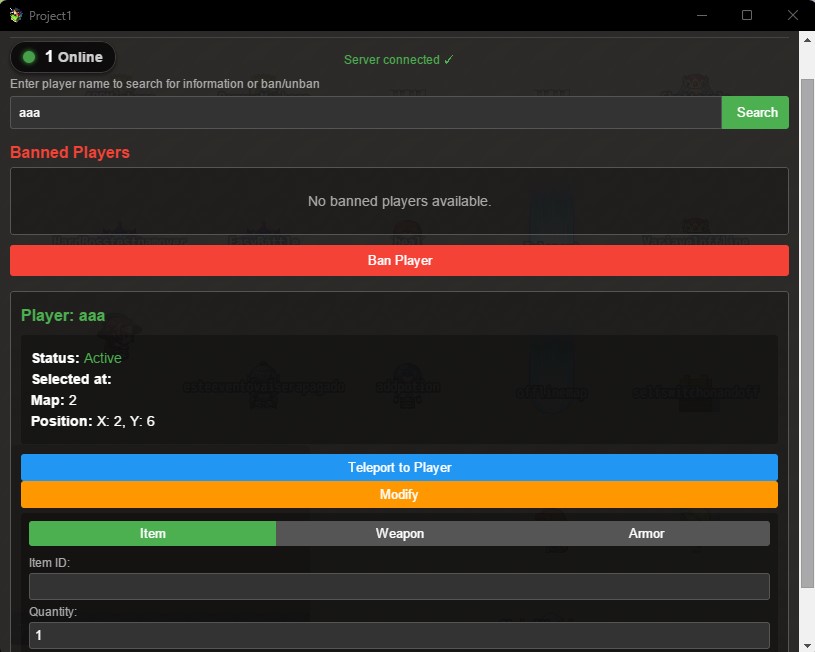
MMO-MV New Update available! Admin Power added: Now you can ban players, teleport to their maps and add items or equipments in real time with that tool. The admin will be those who have the name specified on MMO_Core Plugin Manager. Press F10 to call the panel inside game.
https://decinbr.itch.io/mmo-rpg-maker-mv
itch.io Community » General » Release Announcements · Created a new topic Trade system added to MMO-MV Pugin
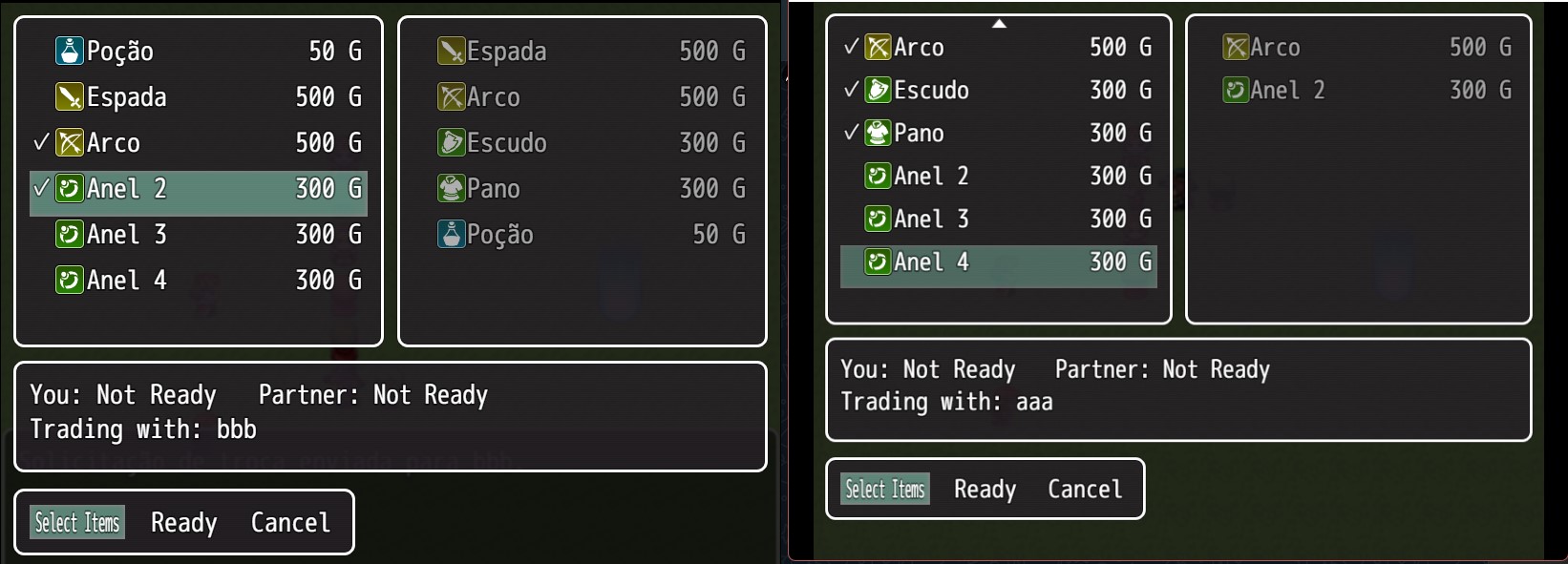
New update of MMO-MV Plugin > Trade System!
Trade between players(Add this tag if you don't want the item to be non-exchangeable > <non-tradable>).
You can choose in the Plugin Manager whether you want to leave it activated or deactivated.
Players can send requests after interacting on the map.
https://decinbr.itch.io/mmo-rpg-maker-mv/devlog/902942/new-update-trade-between-...
itch.io Community » General » Release Announcements · Created a new topic Animated Enemies Plugin for RPG Maker MZ
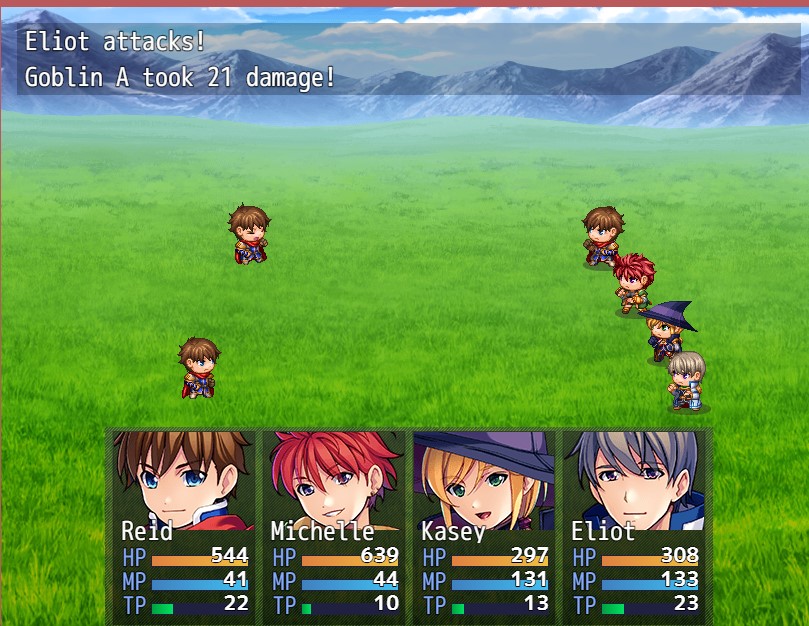
itch.io Community » General » Release Announcements · Created a new topic New update > MMO MV Plugin
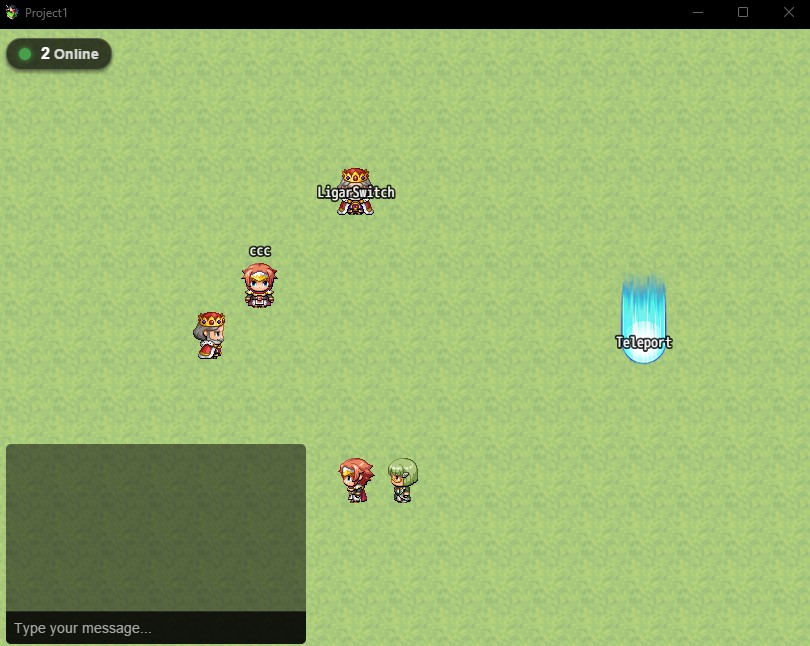
-Fixed a bug when starting the plugin with the login screen background image selection field empty. This is in the Plugin Manager. -Added a new option to see how many players are online on the server (this can be configured in the Plugin Manager). -Now the message after a player registers is green. -3 Plugin Manager options have been removed because they were useless. https://decinbr.itch.io/mmo-rpg-maker-mv/devlog/897936/new-update