On Sale: GamesAssetsToolsTabletopComics
Indie game storeFree gamesFun gamesHorror games
Game developmentAssetsComics
SalesBundles
Jobs
TagsGame Engines

Draque

49
Posts
13
Topics
A member registered Oct 07, 2015 · View creator page →

Recent community posts
Unfortunately, the Mac build version does not seem to be compatible with Apple silicon. You used to have the source for this shared on your github, is there any chance I could get access to that? Thank you for making a tool that looks really cool!

Huh! Ok, that is really good to know! If I just started treating the opening tags as state changers and didn't bother to close them at all, would that lead to problems on my end? I'm not sure whether unclosed tags lead to any kind of unexpected issues on STM's side.

Ahh, I. gotcha! It's not a huge deal for me either way, as I can code around it. I do feel like it might be clearer to eliminate the font close tag entirely if it simply acts as a font change tag. Otherwise I would prefer itpushing/pulling to a stack as the tags open and close though, which would act more like I had initially anticipated.

Thanks for the quick response! ^^

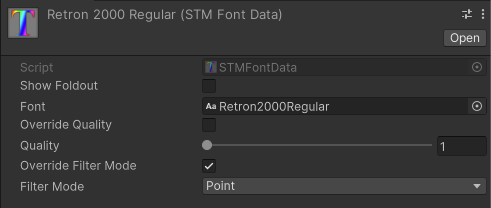
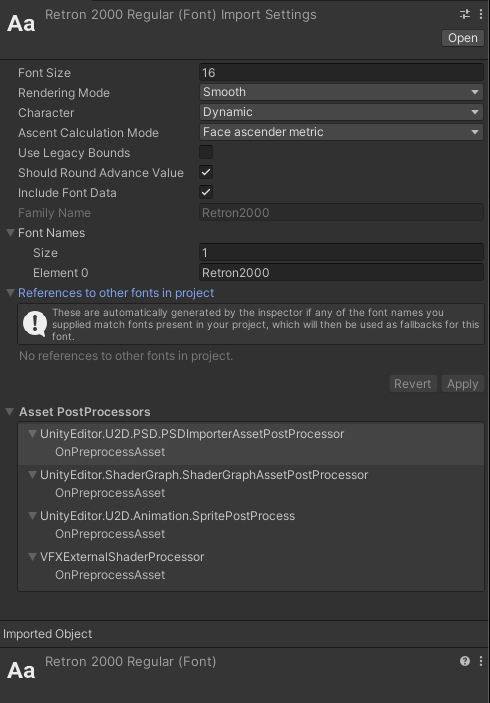
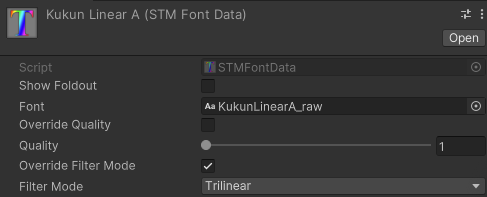
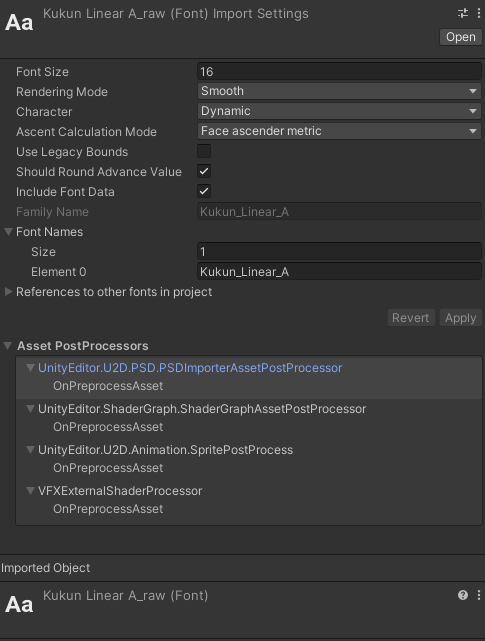
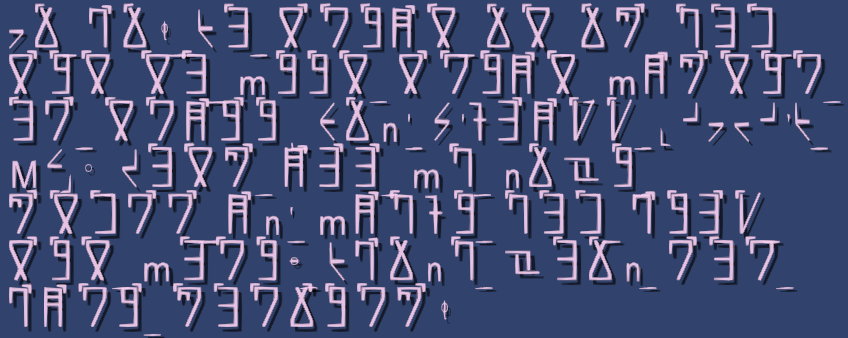
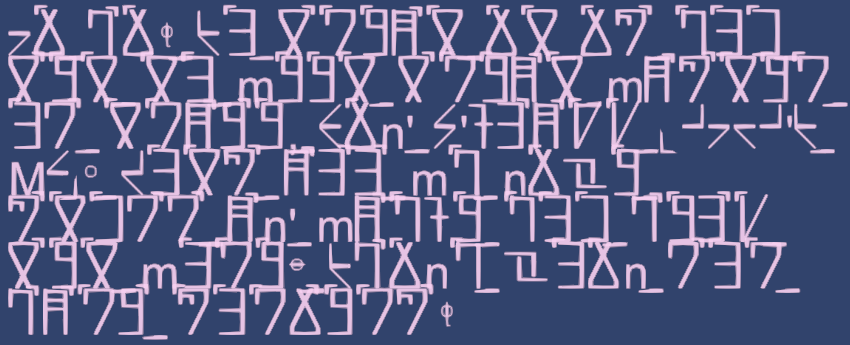
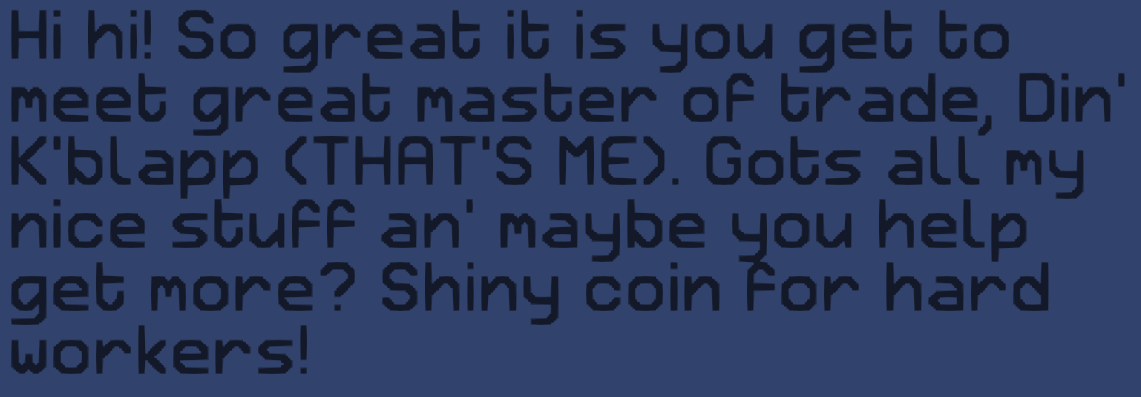
Just wanted to report a bug I've found with nested font tags. I have a screenshot of the effect below with the text that leads to it. If you open one font tag inside another then close the inner font tag, the display font returns to default rather than respecting the font of the enclosing tag.

Let me know if any additional details would be helpful! ^^
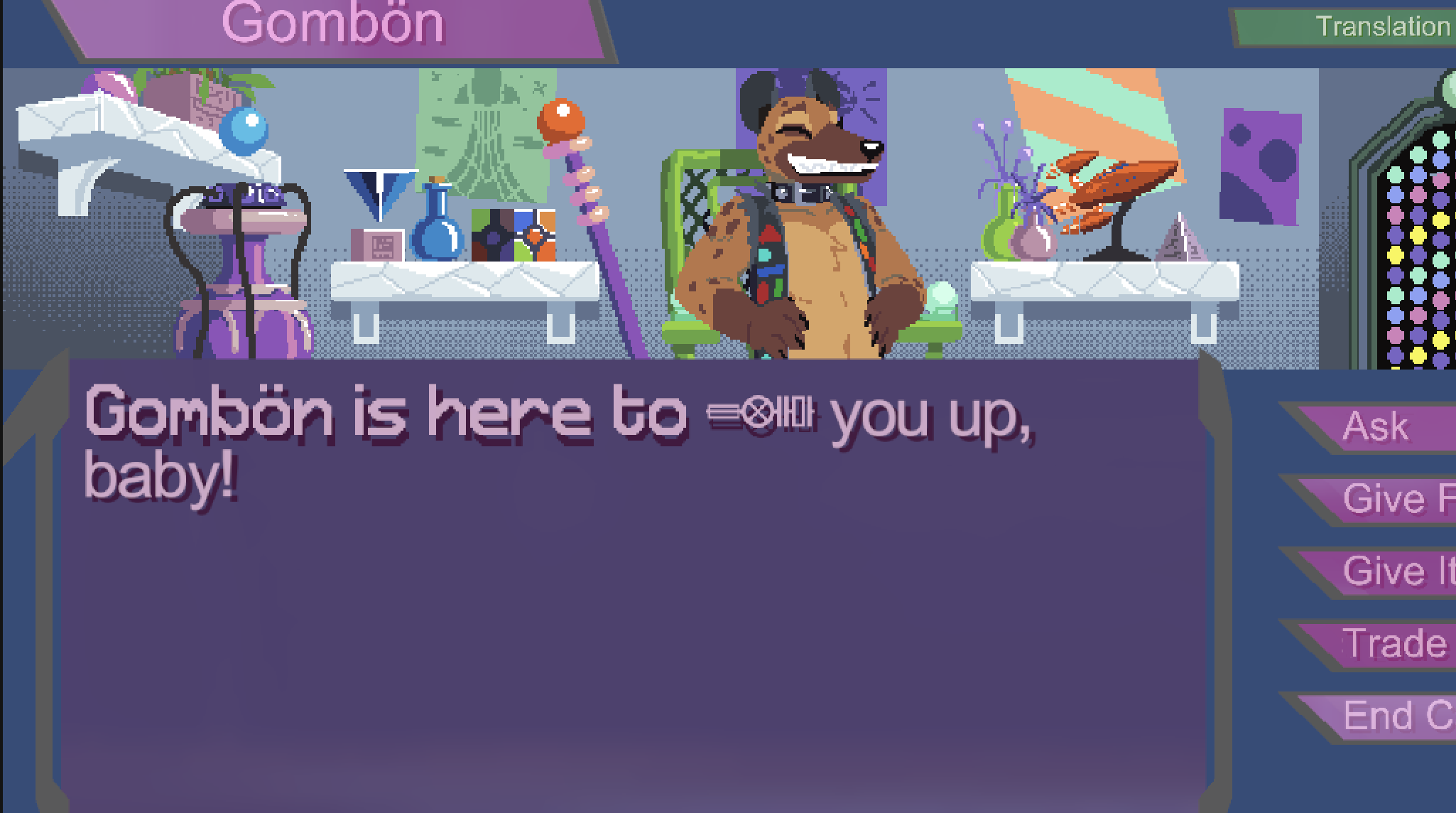
<f=Retron2000Regular>Gombön is here to <e=bleepOpen><f=Helpers>fuck</f><e=bleepClose><e=excl=open> you up, baby!<e=excl=close></f>

I double checked, and the render order was set to 3000, yeah. (sorry for super late reply!)

Just wanted to give the heads up that the rendering queue order worked like a charm! I can't believe I didn't understand that portion of rendering to screen already. ^^;

Hrm, I will have to mess with the render queue order and see if that works, thanks! I wasn't aware that could make layered shaders stack properly!

(1 edit)

Heyo! Back with another question for you!

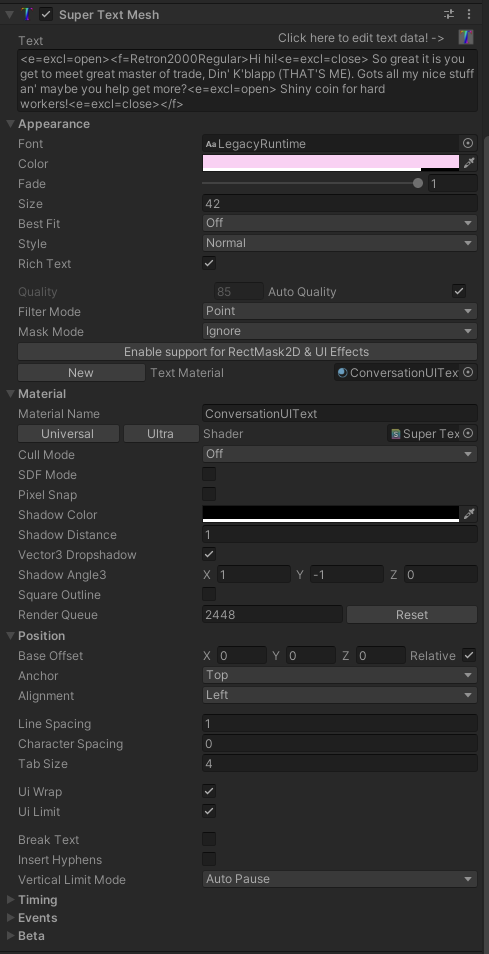
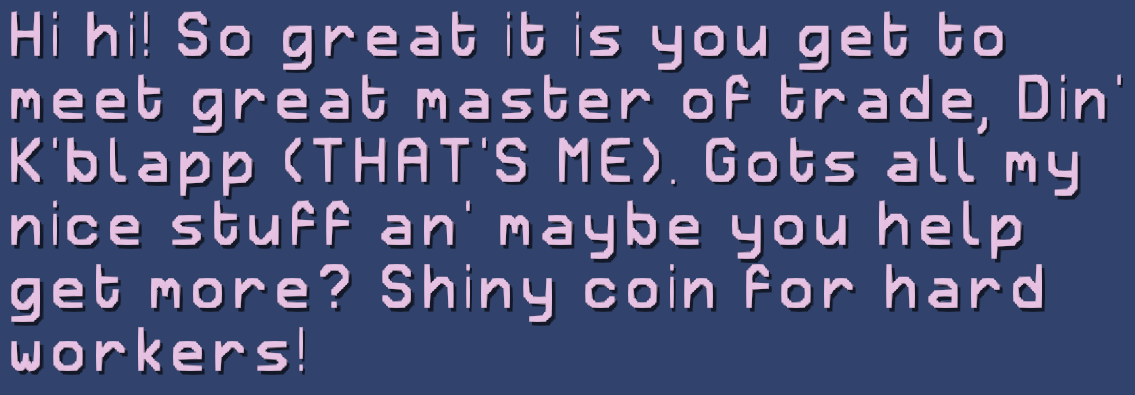
Is there a good/easy way to make SuperTextMesh paint directly to the face of a surface? The reason I would like to do this is because it would allow me to place STM beneath objects which are using clear-glass shaders. As it stands, STM renders as a shader, and when you place one shader beneath another... the first simply vanishes. If I can paint it to an object, this issue should go away.

Any thoughts welcome! 

Heyo! I am still very interested in the ability to export flat images of the worlds as surface/bump map values. Would you be interested in implementing that a s a paid contract?

Is it possible to export as a set of png files? If I could export planets as

1) A png that could be applied to a sphere, and 

2) A png that represents a bump map

This program would suit my needs more or less perfectly if it could do these two things. Is there any way it can do them now? Or is there any way I could convince you to implement this? It would be a massive help to me, and very appreciated! :3

Ah! Alright,  I would be happy to help test out the new version! I have tons of automated tests in my game already, I can let you know if anything goes awry with it at all! :3

Ahh, I see! Ok, thank you for the clarification there! And no worries, I am still good to wait. I'm on 2022.3, though depending on how things go, I might end up seeing if it's possible to bump that and move to up to 6. As always, I appreciate all the work you put into this, it continues to kick ass! ^^

(1 edit)

Note x2: I have gone through STM and converted all existing materials to URP materials as well.

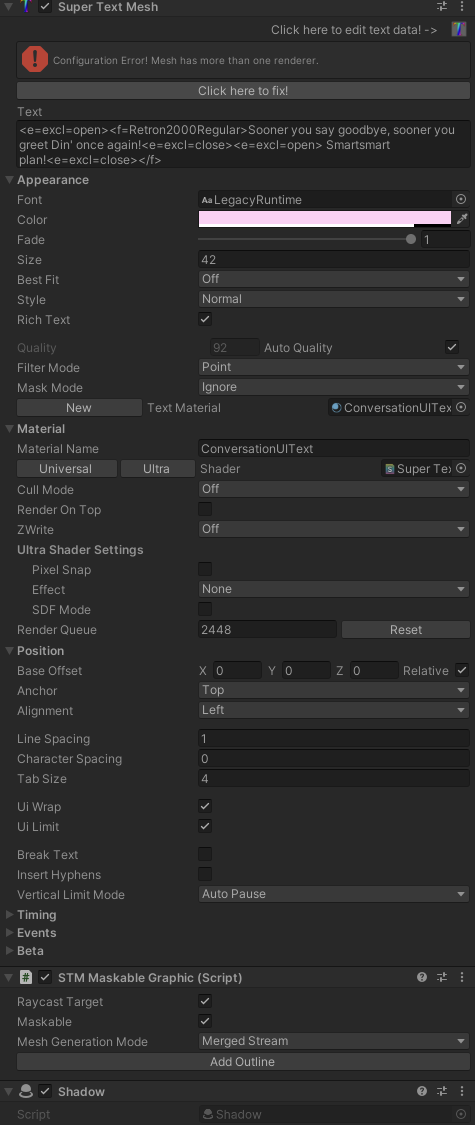
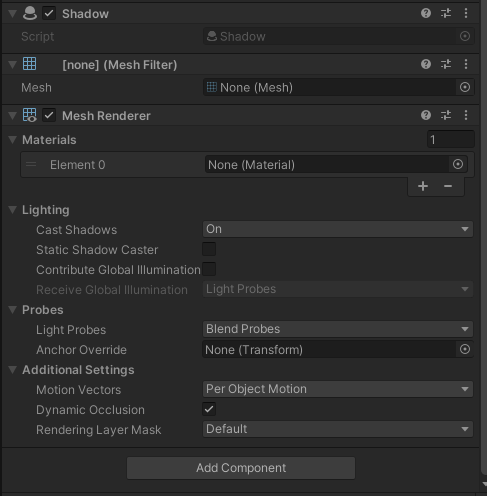
Note x3: The issue I am seeing is the exact one mentioned in documentation, with the shadow being rendered, but not the text itself.

Is there anything special I need to do to get Dropshadow to work properly in URP? The documentation has some conflicting info about this (saying it is not quite working in one section, then that it has been fixed in an update note). When I try to use it, the shader appears to be broken both in the Editor and in fully built versions. Not sure if there's any kind of setup that I need to complete before it will act the same way it did before.

As a note, I did just bump my project to using URP due to needed shaders requiring it.

I'm in no rush, I'll wait for the official release if you're almost there anyhow. Appreciate it, though! :3

Thanks for the updates! Do you have an idea when the next version will be out? I'm in no rush, but I am just planning when I need to carve out some time to get a new version in place. 

That is the issue, yes. I have a stopgap in my code that adds in the \u200B character on either side of the delay when it comes up, which seems to fix things. Example of what I'm doing below:

text.Append($"<e={TypeToTextmesh.ANIM_QUIET}>\u200B<d={delayTime}>\u200B<e={TypeToTextmesh.ANIM_TALK}>");

Woo!

Also, if I need a break from my game, I might follow your suggestion and put something together for the PreParse so that it is more neatly packaged (and extend character support from two to an arbitrary number). At that point I think it would be suitable to be put in the Useful Scripts post.

All great suggestions, thank you! I explored the built in PreParse event, and it probab;y would have been where I put this stuff if I had been using STM from the get go in my development. As it stands, I have a significant amount of code devoted to building/validating/massaging text before it gets to STM, and it makes the most sense for it to go there.

I checked out Konash's solution, and at the end of the day, it's very similar to mine. It maps directly to the glyphs of final ligature forms. The big difference is that everything is hard coded in their solution, while I'll be needing different ligature sets/mappings for each different language in my game.

I DO think it would be possible to make a truly generalized solution to this, but that would be a project unto itself.  Ultimately it would look very similar to either my code or Konash's, but it would build its mapping tables by opening and consuming the OTF files directly.

Ultimately I am just flabbergasted that Unity has not implemented this and has no plans to. Ligatures are... just fundamental.

Partial solution for anyone out there out finds this thread:

Because I could not force ligatures down Unity's wretched throat any other way, I made a last minute processing system to bypass the problem. I took all the glyphs for correctly rendered ligatures and pasted them over top of unicode characters that I am not using. After this, I made a text file of this format:

AA=¢
Aa=¢
aa=£
CH=¤
Ch=¥
ch=¦
EE=§
Ee=§
ee=¨
GH=©
etc...

This solution covers only two character glyphs. Sorry to not have something better, but I already wasted way too much time on this. With some work, the system could be adapted for arbitrarily lengthed ligatures. The order in this list also represents the PRIORITY of the ligatures. Earlier ones are checked first. They are applied in a left to right fashion. Tags are ignored and unmodified, so you don't need to worry about those. The code to apply this is below. I realize that it is not optimized, but again. Already over-engineered for the a feature as tiny as this one in my game. Some of the code in here is specific to my game, but I feel like anyone looking for this kind of solution will have no trouble with that.

private static string ApplyLigatures(string target, string ligatureFile)
{
        var ligatureAsset = Resources.Load<UnityEngine.TextAsset>($"STMFonts/{ligatureFile}_lig");
       if (ligatureAsset == null)
              return target;
       // capture ligatures (dummied to unused unicode positions)
        var ligatureMap = new Dictionary<string, string>();
        foreach (var line in ligatureAsset.text.Split('\n'))
       {
               var values = line.Split('=');
               // currently each ligature must be exactly 2 characters long (may upgrade later) - dummy character MUST be single character
               if (values.Count() != 2 || values[0].Length != 2 || values[1].Length != 1)
                     throw new Exception($"Improperly formatted ligature file: {ligatureFile}: {line}");
               ligatureMap[values[0]] = values[1];
        }

        // iterate over length of string...
        var result = "";
        for (int i = 0; i < target.Length; i++)
       {
       // capture tags
        if (target[i] == '<')
       {
               var tag = target.Substring(i, target.IndexOf('>', i) - i + 1);
               result += tag;
               i += (tag.Length - 1); // account for the +1 on loop
               continue;
        }

        // test if the character should be replaced with a ligature
        if (i < target.Length - 1)
        {
               var testPair = target.Substring(i, 2);
               if (ligatureMap.ContainsKey(testPair))
              {
                      result += ligatureMap[testPair];
                      i++; // only add 1 (account for the +1 on loop)
                      continue;
              }
       }

        // if nothing else fired off, just add the character
        if (i < target.Length)
               result += target[i];
        }

        return result;
}

(2 edits)

Is there a way to activate/use ligatures in Super Text Mesh? I just spent a bunch of time perfecting a font that uses ligatures heavily, and I am really hoping to show it off.


EDIT: This is a fundamental flaw in UNITY. OOG. I am exploring my options, as I REALLY want this feature. If I end up making something which can scrape an OTF for its ligature definitions then apply them by force (just removing/injecting characters via direct unicode manipulation) to all text not within tags, would you be interested in incorporating it into STM? If I end up making it, you can just have it so everyone benefits from it.

Sounds good! And again, thank you for being so responsive on the boards!

Ok, I can't speak for the others who experienced this bug, but I found why I was. There was code (mine, not yours) which I intended to remove callbacks I had registered to OnCustomEvent, OnPrintEvent, and OnCompleteEvent. I was accidentally TOTALLY wiping them. I corrected this on my end and <PAUSE> is now behaving as it should.

I am wondering whether there is ALSO an unknown bug out there that causes the same thing to happen? Or maybe the other reports made the same mistake that I did?

Ok, that actually matches with what I saw. I SWEAR this was working for me at one point, but I have jumped back and forth in my git repo and am now having trouble finding at what point it actually functioned. I am wondering whether there is some combination of settings which make this bug pop which were committed to my repo, while the settings which do not make the bug appear are not.

But I think that you're onto something there in terms of the bug popping sometimes, while not others. I'll mess around with my settings a bit and see whether I can find anything there.

Ok! I've found the issue here. (Also, please let me know if the bug reports are getting annoying, I'm not trying to be a problem, user. ^^;) It's a bit more complex than I anticipated. The specifics here (the exclamation point) have to do with some of my in game preprocesing of text, but it still applies to STM.

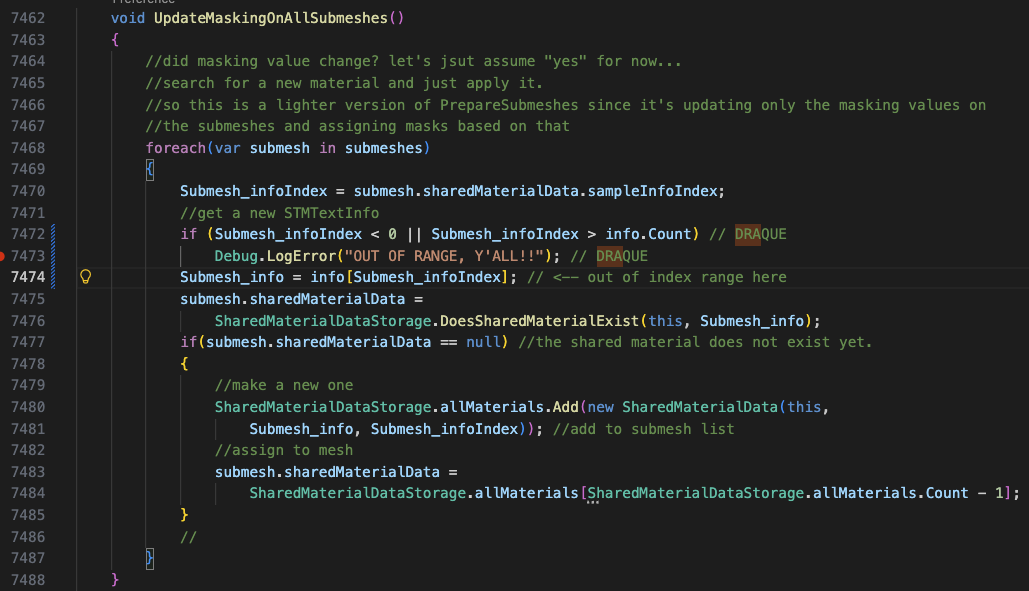
Ultimately the bug is this: The next character which is considered includes the opening "<" of tags when it should ideally be testing the next VISIBLE character. Consider this string:

"<i>I'll never give up!</i> I'll try forever!"

The first sentence will not have its autodelay fire off for the exclamation point even though the next visible character is a space. I am changing some of how my preprocessing works and will be able to work around this, but its worth considering. It's a bit of an edge case, but when it comes up, it's pretty confusing.

On line 2601 of SuperTextMesh.cs (in my version, actual if statement quoted below), the test which determines whether the autodelay will happen is processed. The problem is that when you have this pattern: "!<TAG> " that it only returns true when the '<' character is evaluated. '<' is never printed, so the delay does not fire off. 

'''else if(data.autoDelays.ContainsKey(myText[i-1].ToString()))'''

(2 edits)

EDIT: I am actively debugging this, will post results shortly.


This string will cause the bug to appear:

"This is a test EN! This is a testEN. This is a testEN? This is a testEN, This is a test; This is a testJP! This is a testJP。 This is a testJP?This is a testJP、 blah"

I did this testing with the default autoDelay settings left in place, and tested with Japanese punctuation marks as well as English ones. I am wondering whether there is something that is interpreting/consuming the exclamation mark in SuperTextMesh logic before a given character can be assigned the auto-delay in the preprocessing step.

And again, this only appears when the ruleset it set to STMAutoDelayData.Ruleset.FollowedBySpace.

I gotcha! Also, if you end up implementing other types of planets (desert, lava, asteroid pocked), it would be absolutely amazing! I am looking at this for creating planets for a game I am creating. (will def up my donation if I end up using it)

Is there a way to change the size of the window? I am have a very wide monitor and this causes the menus to display incorrectly. When I run it in windowed mode, it will not allow me to resize.

Thank you! I already have ideas for how I would use this if you end up implementing it!

This one is pretty specific, and the only character I have found that it applies to is the standard exclamation point. The autodelay will not be applied, given the code below. If I set the period with the same code, it will work. If I change the ruleset to  STMAutoDelayData.Ruleset.FollowedByDifferentCharacter, it will work.

The code below will yield the bug:

'''

var autoDelay = ScriptableObject.CreateInstance<STMAutoDelayData>();
autoDelay.character = '!';
autoDelay.ruleset = STMAutoDelayData.Ruleset.FollowedBySpace;
autoDelay.count = 5;
dialogText.data.autoDelays[autoDelay.character.ToString()] = autoDelay;

'''

I'm still experimenting with what works best with my system and writing style, so it's not a huge problem or anything, but I thought it would make sense to just toss a bug report up for it.

I am currently using 1.13.3 btw. If I need to upgrade to a newer version I can do so!

Got another one for you (sorry ^^;)! Let's say that the following text was fed into SuperTextMesh to draw to screen:

'''

Hi there! <pause>

Nice to meet you!<pause>

Let's play a game with text! <pause>

And stuff!

'''


In all of my tests, text will stop after "Hi there!" until Continue() is called 3 times. After this, it will print the remainder of the text without pausing at all. It seems like all three of the pause tags get stacked at the first instance of a pause that is encountered.

Currently you can make an offset point for draw animations, which can be used to have characters fly across the screen to their final draw position, but it would be great to be able to have a single origin point. This would allow effects like letters flying out of a radio to the text box, visually showing players where they came from.

Not sure if this is the proper place for requests, but I can move it to somewhere more appropriate if so! : )

Heyo! Just a suggestion for an addition to documentation on STM.

It took me some digging to figure out how to properly import/use ttf/otf fonts in STM. After dropping them into the fonts directory and referencing them by name in text, a warning would pop be shown in the console, but it referenced a menu that I could not find (the name is different than it is in the warning). I've noted the steps below, but could not find anything in the documentation to explains it directly.

  • Save font to Assets/Clavian/SuperTextMesh/Resources/STMFonts
  • In same folder in Unity Assets->Create->SuperTextMesh->Font Data
  • Name the font data as you want it to appear in editor menus/be referenced in tags
  • set the base font to the raw font file (TTF or OTF)

It might save others the trouble of doing this digging themselves. ^^

Heyo, I have completed integration with SuperTextMesh and it is fantastic! I did need to make minor modifications to the base class in ways that I feel would be really useful to have in there for others, though. The way I've done/exposed these things is pretty basic, but done in a way that quickly met my needs (for the record, my needs were just visibility with the two bools, not writing). If future updates allowed these to be done in a way that had official support, I would definitely update to that version right away. Diff is below:

947,948c947,948

<     public bool speedReading = false;

<     public bool skippingToEnd = false; //alt version of speedread that just skips to the end

---

>     private bool speedReading = false;

>     private bool skippingToEnd = false; //alt version of speedread that just skips to the end

1293,1310d1292

<     public void UnsubscribeAllRegisteredEvents()

<     {

<         onCompleteEvent?.RemoveAllListeners();

<         OnCompleteEvent = null;

<         onUndrawnEvent?.RemoveAllListeners();

<         OnUndrawnEvent = null;

<         onRebuildEvent?.RemoveAllListeners();

<         OnRebuildEvent = null;

<         onPrintEvent?.RemoveAllListeners();

<         OnPrintEvent = null;

<         onCustomEvent?.RemoveAllListeners();

<         OnCustomEvent = null;

<         onVertexMod?.RemoveAllListeners();

<         OnVertexMod = null;

<         onPreParse?.RemoveAllListeners();

<         OnPreParse = null;

<     }

<

This is ultimately the same bug as existed with <e>pause<e> in the past. I fixed it by inserting the \u200B character, as you did in the code for <pause>.

(1 edit)

Yup, I've made a parameterized system that works very similarly to this!

Last question, but when I <pause> (which I used to do via something custom), calling stm.Continue() only moves things forward by one aditional character. How do I tell it to start reading normally again? I have some text with multiple pauses in it. What I'm doing is making a custom tag that calls continue in X seconds via a coroutine, then hitting the <pause> tag. It pauses, but when Continue() is called, it prints a single character without returning to normal auto reading cadence.


EDIT: Alright! Figured this one out on my own. I had been handing delay float values, which causes it to be ignored, but it accomplishes exactly what I was. looking for. Thank for all the help here!

All your suggestions are great! One suggested addition to the SuperTextMesh class:


public void ClearAllEvents()
{
onCompleteEvent.RemoveAllListeners();
OnCompleteEvent = null;
onUndrawnEvent.RemoveAllListeners();
OnUndrawnEvent = null;
onRebuildEvent.RemoveAllListeners();
OnRebuildEvent = null;
onPrintEvent.RemoveAllListeners();
OnPrintEvent = null;
onCustomEvent.RemoveAllListeners();
OnCustomEvent = null;
onVertexMod.RemoveAllListeners();
OnVertexMod = null;
onPreParse.RemoveAllListeners();
OnPreParse = null;
}

Ahh, I will explore those, thanks! I will need to see whether there's a good way for me to get passable parameters into the tags in a way that I'm able to use, but I think I can figure something out there. The OnPrint() event coupled with that method for pulling the last character should work as well...

Anyhow, have a good trip and thanks for typing this out before you headed off! It absolutely saved me a ton of trouble!