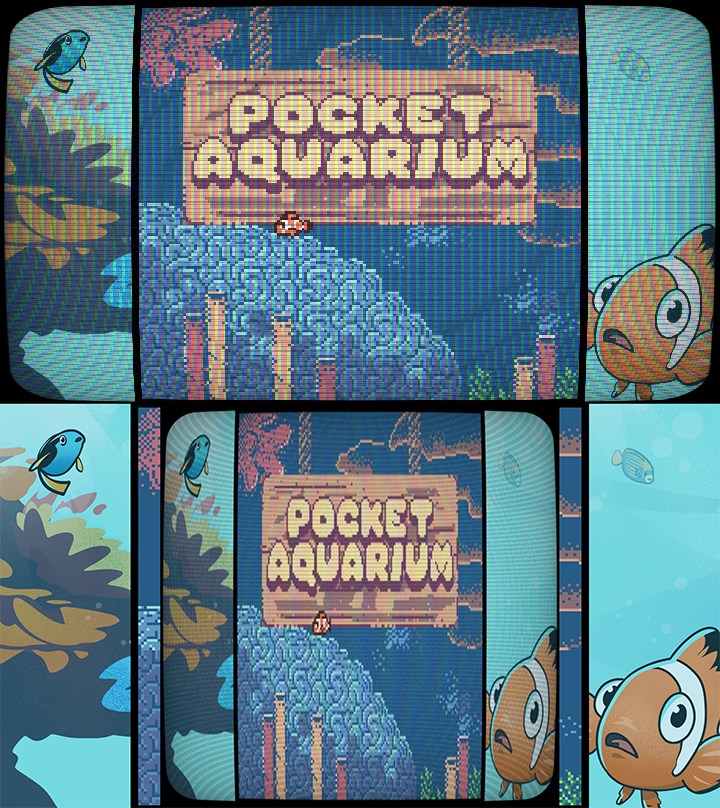
We just released our game using Godotboy! Thank you for the template!!
Creative Name Studios
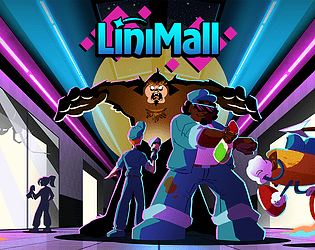
Creator of
Recent community posts
Hey! Thank you so much for taking time to share your feedback. We're looking into things currently!
Specifically on the fish food, this is an issue we've had and tried to address for ages but can't seem to get around. I agree that it definitely seems to be a GB Studio issue because to our frustration, there doesn't seem to be any rhyme or reason to what causes that.
https://godotshaders.com/shader/vhs-and-crt-monitor-effect/
I'm using this one! Somebody else mentioned it further in the comments. It's hard to tell from the lower res screenshot I attached but I basically turned off the rolling effect and reworked it to be a little more minimalistic but that filter has a ton of features to customize.
And thank you for the advice!

We're new to Godot so this could be a simple fix but we're trying to apply this CRT filter specifically to the GB window. When applied to the game window directly, the CRT filter replaces the game visuals, so you can't see anything.
When you apply it to the canvas, it catches everything, and when you resize it, it's still catching the whole screen information and just squishing it down. How do we get it to apply just to the game window?