

Oh, sorry, I meant that the character goes from lying down to standing up. He doesn't need to be sitting on the ground. As an intermediate transition between the two, downed on one knee would be awesome!
A member registered Aug 25, 2025 · View creator page →
Creator of
A simple tool to make your 2D sprites smaller by trimming horizontal or vertical pixel lines.
Recent community posts
RPG Maker Cook Tool Deluxe community » Tech Support » Troubleshooting · Posted in The loading never finishes...
RPG Maker Cook Tool Deluxe community » Tech Support » Troubleshooting · Posted in FireHawk ADK is not defined


Hi Memao,
The new hair is amazing, thank you very much!
I ended up putting my tiles scaled x2 and developed a little tool to reduce the size of the character by removing some lines from the character sprite (for all directions) and can also add an outline.
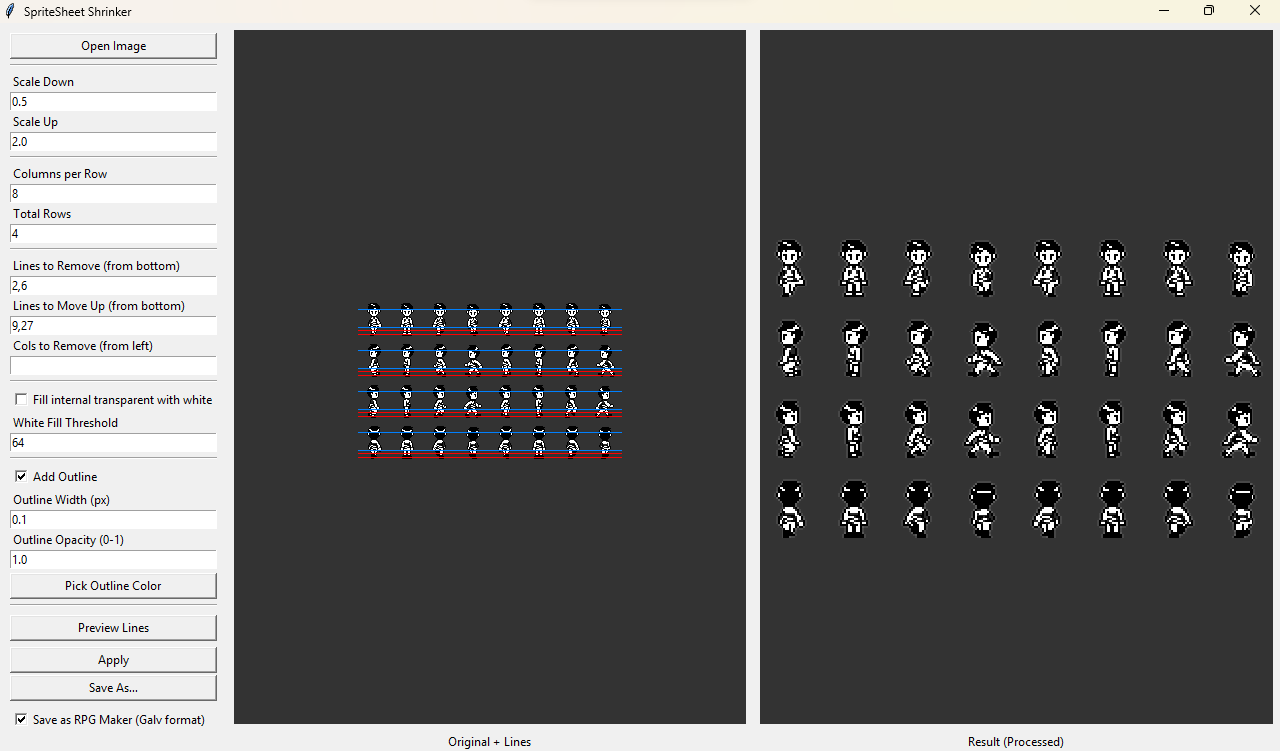
That actually helped a lot to reduce their size so it fits my tiles better (sprites reduce by 4px at left and by 6px at right):
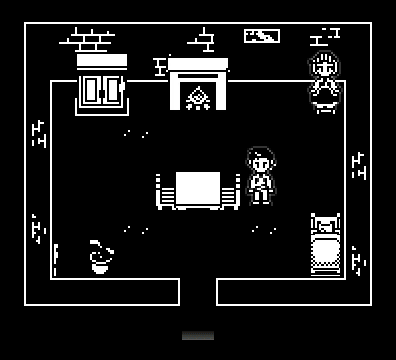
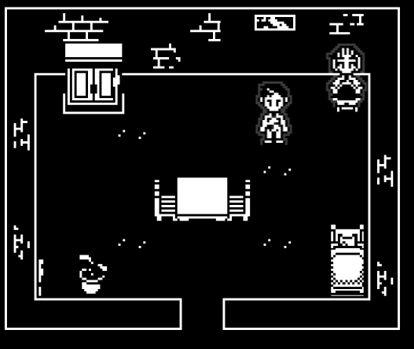
I will put this tool free to use if people have the same issue. I only tried it with your spritesheet but hopefully it can help the community with their spritesheet as well :).
Hi,
That would be great thank you and the ear option with the outline sounds amazing!
Also, I have a question. In RPG Maker, the default tiles are 48×48. For my game, I use 16×16 tiles that I upscale x3, so each original pixel becomes 3 pixels. I noticed that when I export your characters (originally 16×32, upscaled ×2 for RPG Maker), one pixel ends up being drawn over 2 pixels. This causes a problem with pixel consistency with my tiles.
If I try to upscale the characters to 3 pixels, their size becomes 48×96, which looks far too big. I can’t seem to find a solution. I feel like the characters would need to be 16×24, which would then become 48×72 when upscaled (already more visually appealing to me).
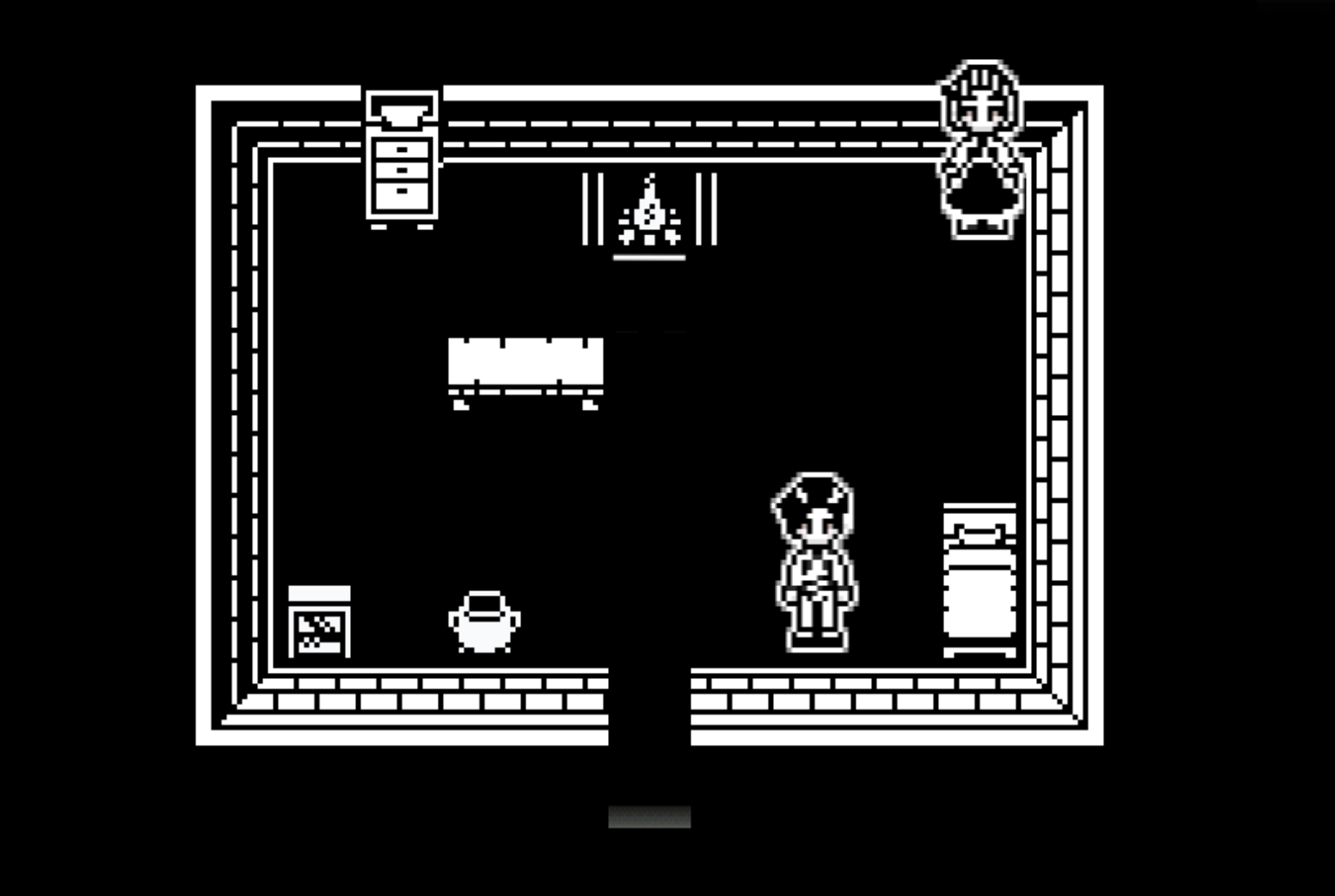
Thanks for the quick answer! That looks amazing, I think that would be close enough and work! I'll need to test it in black and white though. Will you include it in the next update?
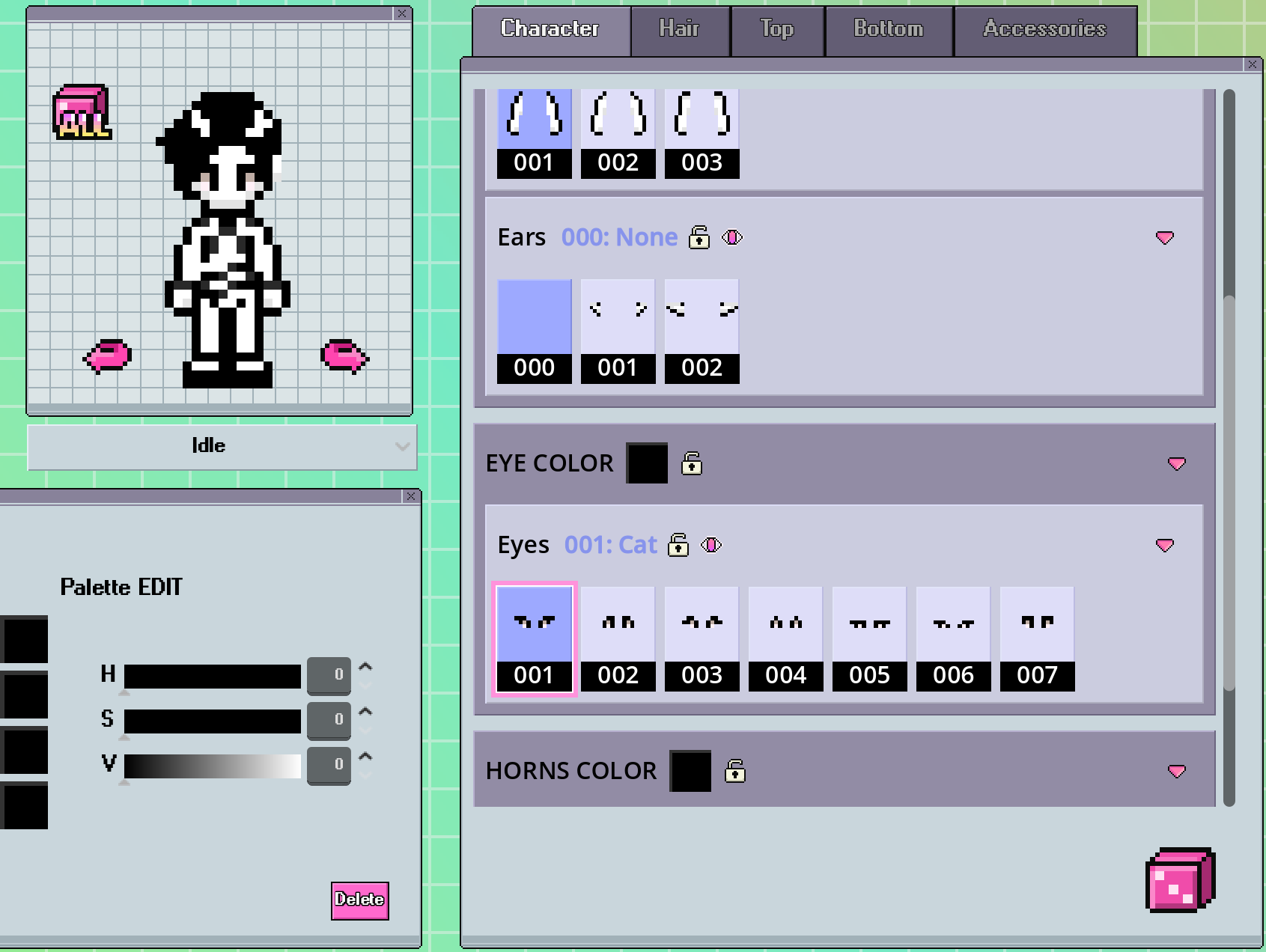
Also, I couldn't find more options for the eyes color. My palette is fully black and white but I still see the pink pixels.
Hi!
Thank you so much for the update that integrates RPG Maker, it's amazing!
I have a couple of questions. First, I need to create black and white characters for my 1-bit game.
I can't get rid of the pink pixels near the eyes without using an external software. And also, is it possible to add an option to add an outline around the character? I'd like to add a white outline around characters since my game is mostly black.
Example of one characters where I'd need an outline.
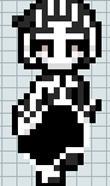
My second question is regarding the faces and haircuts available. I'd need to create a character close to the one below (and in black and white to add on complexity). It would be great to have different face shapes available including a more elongated one, and ideally a similar haircut as the man be low as well.
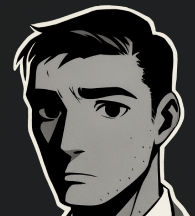
Third question, I think someone already asked but I'd love to alter the character size to make children. Is it planned?
Thank you very much!