I thought you had deleted the topic, I was so scared.
agg1401
Recent community posts
Hi everyone,
I’m an indie developer from Turkey. Since I started making games with TIC-80, I’ve always dreamed of building my own fantasy console. I know it’s a tiring and ambitious task—perhaps even a "gamble"—but I believe creating the tool itself is as enjoyable as playing the games.
The project is called **Bee Console (BEC)**. I haven’t started coding the core engine yet; I am currently in the **design and planning phase**. Before I write the first line of code, I want to share my vision with you and get your honest feedback.
**🐝 The Vision**
Unlike other fantasy consoles that rely on Lua or general-purpose languages, Bee Console will feature its own custom DSL called **BECL (Bee Console Language)**.
- **Philosophy:** "One solution, no ambiguity." There will be no multiple ways to do the same thing.
- **Language Structure:** It combines the determinism of Assembly with the simplicity of BASIC. Initially, the syntax will be **Turkish-based** to keep the logic clear for our team, but it is designed to be easily localized to English later.
- **Target Audience:** Beginners who are intimidated by complex syntax, and retro enthusiasts who value clarity.
**🛠️ Technical Plan (Not Started Yet)**
I plan to build the engine using **Go** and the **Ebitengine** library.
- **Target Platforms:** Windows, Mac OS X, Web, Raspberry Pi, and AmigaOS.
- **Resolution:** 256x240
- **RAM:** 256 KB
- **Palette:** A custom 32-color palette designed for specific retro aesthetics (e.g., Night Blue for backgrounds, Peach Orange for warmth).
**💻 Example Syntax (BECL)**
Instead of cryptic parameter lists like *sprite(1, 10, 10, {1}, 1, 0, 0, 2, 2)*, BECL aims for natural readability:
**Basic Usage:**
```
baslat oda menu
spr($01, $02, $03), x: 160, y: 100
bitir oda menu
```
**Centering Feature:**
If you want to center the sprite automatically:
```
baslat oda menu
spr($01, $02, $03) x: merkez, y: 100
bitir oda menu
```
*(Note: `merkez` means "center" in Turkish. This shows how the language handles common tasks without complex math.)*
[hr]
**📅 Roadmap (Draft)**
To avoid burnout and maintain motivation, I plan to release small, functional milestones:
- **v0.10:** Go infrastructure, basic room initialization (`baslat/bitir`), and the `yaz` (write) command.
- **v0.20:** Boot system, input handling, and SFX room (F4).
- **v0.30:** `.bec` file format support and palette management.
- **v0.40:** Mouse input, Sprite Editor (F2), and the first official Windows build.
[hr]
**❓ Seeking Your Advice**
This project is a big gamble for me, but I am passionate about it. I’d love your thoughts on:
- **Syntax:** Does this "natural language" approach feel intuitive? Is the `x: merkez` shortcut a useful feature or too much magic?
- **Constraints:** Is 256KB RAM and a 32-color palette enough of a challenge for modern indie devs?
I value **transparency** over marketing. There is no product yet, just a dream and a plan. Your feedback will help shape this dream into reality.
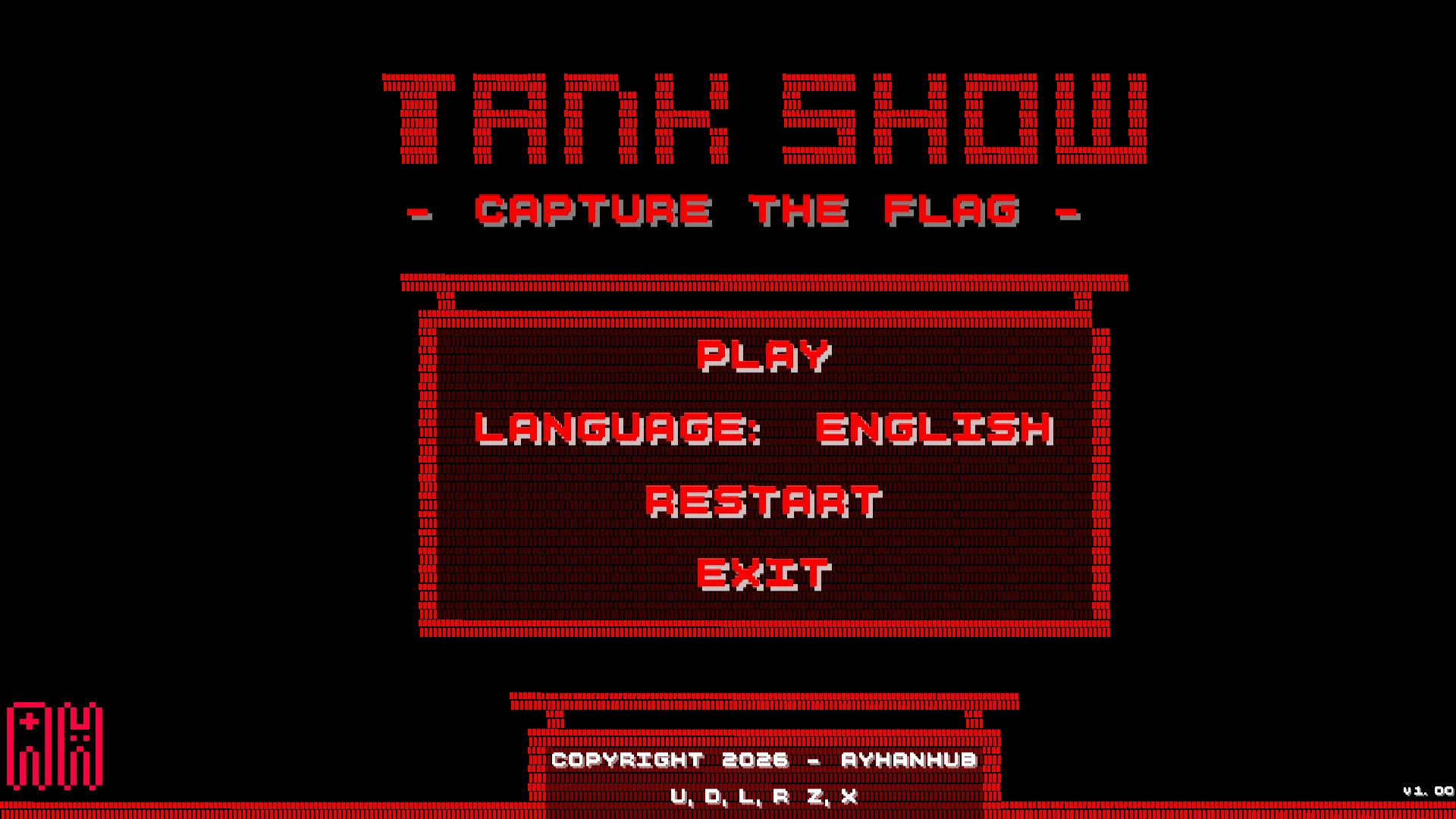
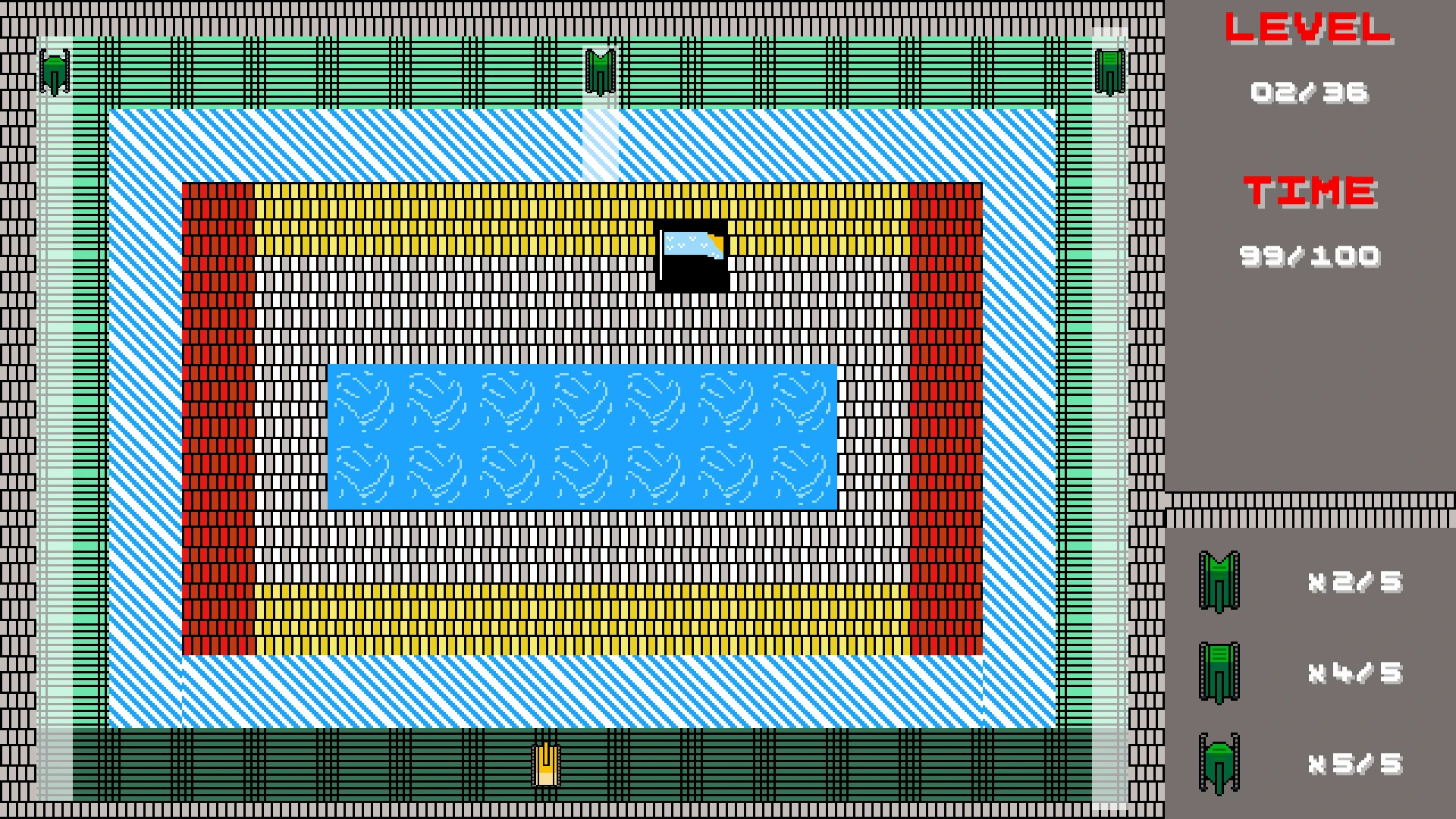
As a fan of Battle City, I originally planned to bring my patch—based on that game—directly to PC. However, when the plan changed and the project no longer resembled the original game, I decided not to cancel it. Instead, I changed the objective and turned it into a capture-the-flag mode.
I redesigned the levels to fit the new goal and added three extra rules to preserve the game’s brutal difficulty:
-
If the flag is hit—whether by enemy tanks or your own—the game ends.
-
If your tank is destroyed, the game ends.
-
If the time runs out, the game ends.
The result is a 36-level hardcore experience that truly forgives no mistakes. In some levels, enemy placements—or the tight, pressure-filled layouts reminiscent of the NES era—will push you into making the wrong shot.
While the objective may look simple, Tank Show: Capture The Flag is designed to be stable but intense—forcing players to think carefully while acting quickly.
Play: https://ayhan-hub.itch.io/tank-show-capture-the-flag
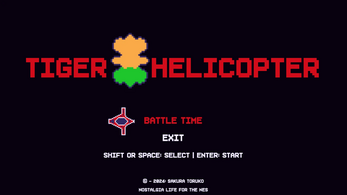
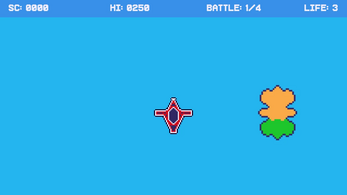
Despite its basic mechanics, Tiger Helicopter delivers a surprisingly challenging gameplay experience. Players must stay focused and react quickly to survive the increasingly intense waves of enemies. With its minimalist design and unforgiving difficulty, Tiger Helicopter proves that even the simplest games can provide hours of addictive fun.
This is a clicking game played with Roman numerals. The objective of the game is to gain points by clicking on the numbers II and IV. These numbers are your allies, and each click on them will increase your score. However, be careful and stay away from the number III, as it is dangerous and represents fire in the game.
The gameplay revolves around quick decision-making and precision. Players must react fast and click on the correct numerals to avoid losing points or encountering hazards. The more you click on II and IV, the higher your score, but one wrong click on III could cost you dearly. Stay alert and try to achieve the highest score possible in this thrilling Roman numeral challenge!