

Can't open the Mac version for some reason, but would love to try it out!
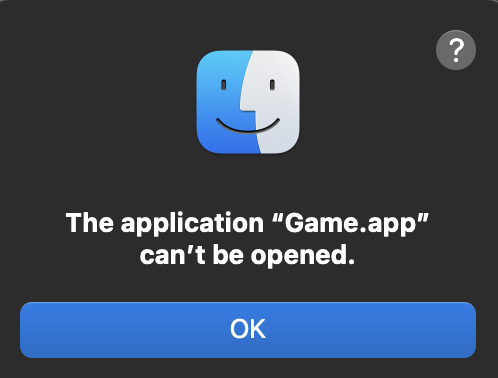
I noticed you are using rpginabox, so perhaps it's not really any your fault at all, but the Mac exporter of the tool is too old. I don't have any other explanation right now. It seems to be a valid x86_64 application as far as I can see, but just doesn't run on any of the latest two macOS releases.
This was the response the developer gave me -
I'm not sure, I would need more details beyond the generic error they provided to narrow it down more. Not too familiar with MacOS, but I know that it can be overzealous when blocking things from running. They could try running this "chmod +x" command to give the app executable permissions as it may not have them by default, this article has an example: https://superuser.com/questions/1345755/how-to-fix-the-application-cant-be-opene... - they'd open a Terminal window where the game is located and run a command like this:
```chmod +x Game.app/Contents/MacOS/rpginabox```
Thinking more about it, though, they could also try installing and running it through the itch.io desktop app, as I believe it fixes the permissions automatically when it installs the game. There's a bit here about it: https://docs.itch.ovh/itch/v23.6.1/integrating/platforms/macos.html. Not sure if that's the issue, but probably worth trying that before messing with the command above.
okay so I was able to test it myself at work.
If you open terminal and do the following it will work
Cd downloads(assuming its in your downloads)
Cd mac(if you know how to do both these in go cool)
Chmod +x Game.app/Contents/MacOS/rpginabox
Then go to privacy and security settings and allow the game to run.
I wish it was easier and there probably is an easier way in the future but at least thats how I got it to work at work.