

This tool manages to blur across seams exactly the way that I've been trying to figure out how to do, but I keep getting a tear along the seams, which is kind of rather the point I was trying to address over using the in-engine blur. Doesn't matter the settings, whether it generates the Position map or Substance Painter does, and shows up in both the texture blur and when blurring normals. SP version is a 7.4.2.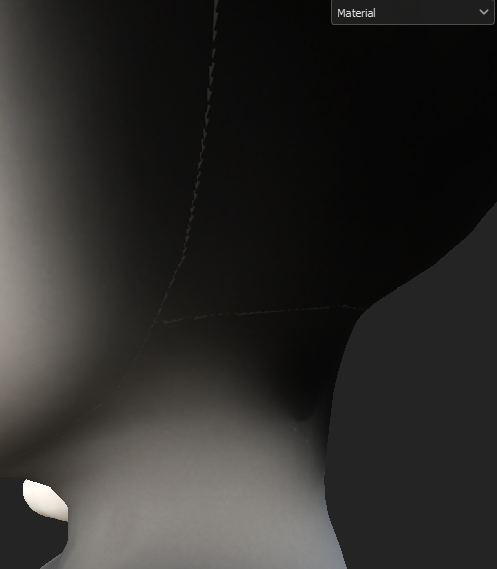
Viewing post in Substance 3D Blur 2.0 comments
I threw together some files:
https://drive.google.com/drive/folders/1QDga5K2FGQ0q6BPh23A3DJE0lRKeGb6b?usp=sha...
I wasn't using any color management settings off of default, and cycling through those didn't change the outcome. I ended up trying different unwrapping techniques, and different texture bakes and texture set sizes, and I found that the problem mostly shows up when SP is set to 4096 texture scale, creating a few hard pixels along the seams. Granted this filter is advertised for LQ textures (and looks great for that), I was just used to working at a higher map size.