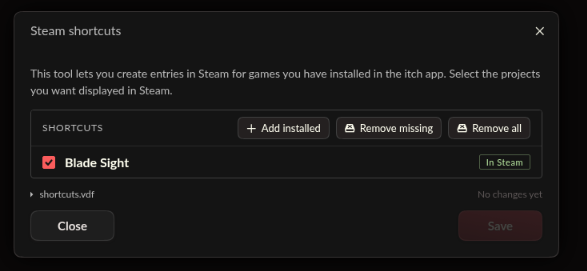
Having the same issue. Interestingly enough, when I run itch through Proton 4.11-13 it for some reason does show those options.
Running Itch directly: 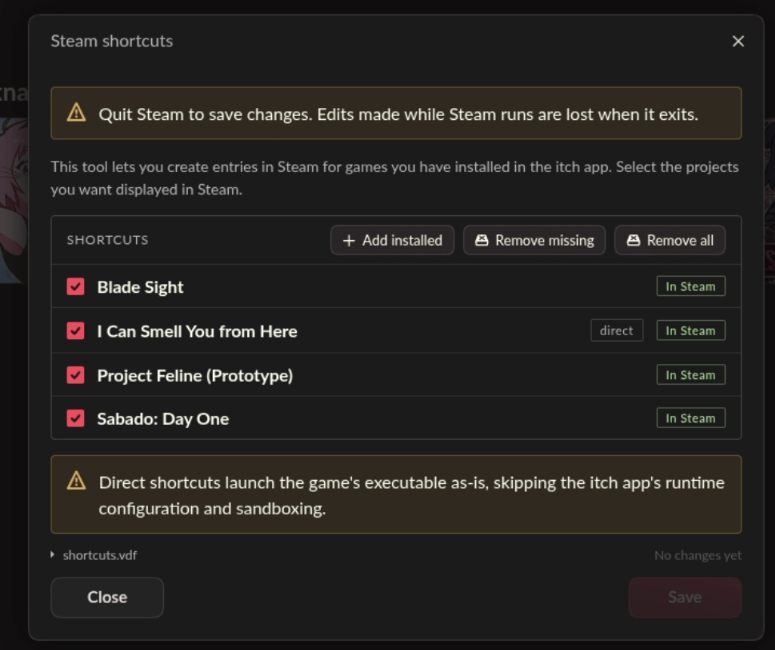
Through Proton: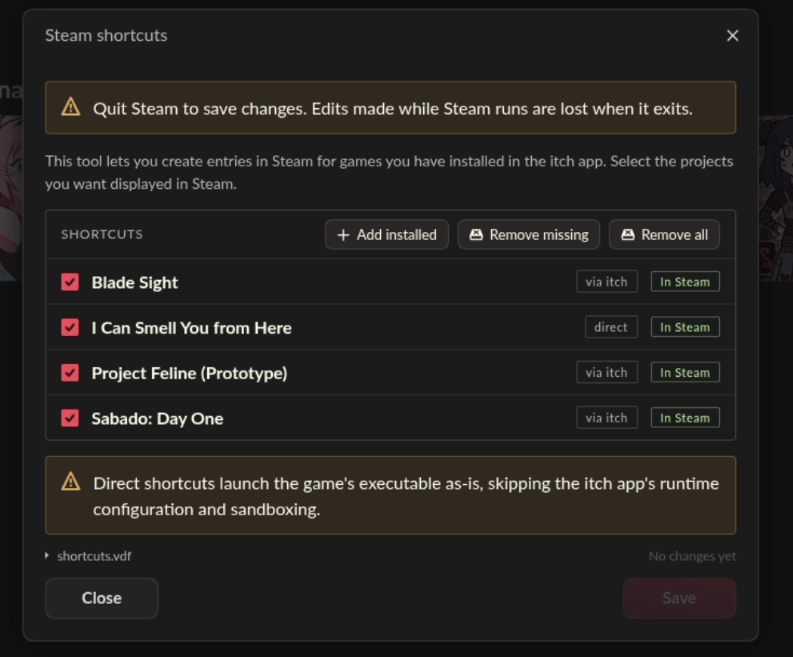
However I can't apply those changes since it requires exiting Steam which in turn exits Itch before it can do any changes.
I assume Itch app allows adding games directly only if it thinks it is fully compatible. And since those games are built for Windows, they can't run directly, therefore it does not show the "direct/via itch" switch. Maybe Proton makes it think it is on Windows and so it thinks it can run natively on the machine so it starts showing this option. Anyway its very confusing and probably should be changed to be less constrained. I wish the app would allow you to do more and just give you a banner like "it might not work" instead of fully disabling useful features.
The thing is, the latest update (v26.22.0) specifically added support for Windows games installed on Linux to have the direct/via itch switch.
https://itch.io/updates/itch-app-collections-and-steam-shortcuts-proton-support
"Additionally, we’ve added support for creating shortcuts that run through Proton within Steam. The end -to-end experience is now fully functional: you can install Windows games on Linux via itch, and then add them to Steam to be launched with Proton. Perfect for those who are using a Steam Deck and may have picked up a few bundles over the years."
Before this update, I would have been willing to say that this is a missing feature that I would like added -- now, it seems more like a bug.
Are you also on the latest update?