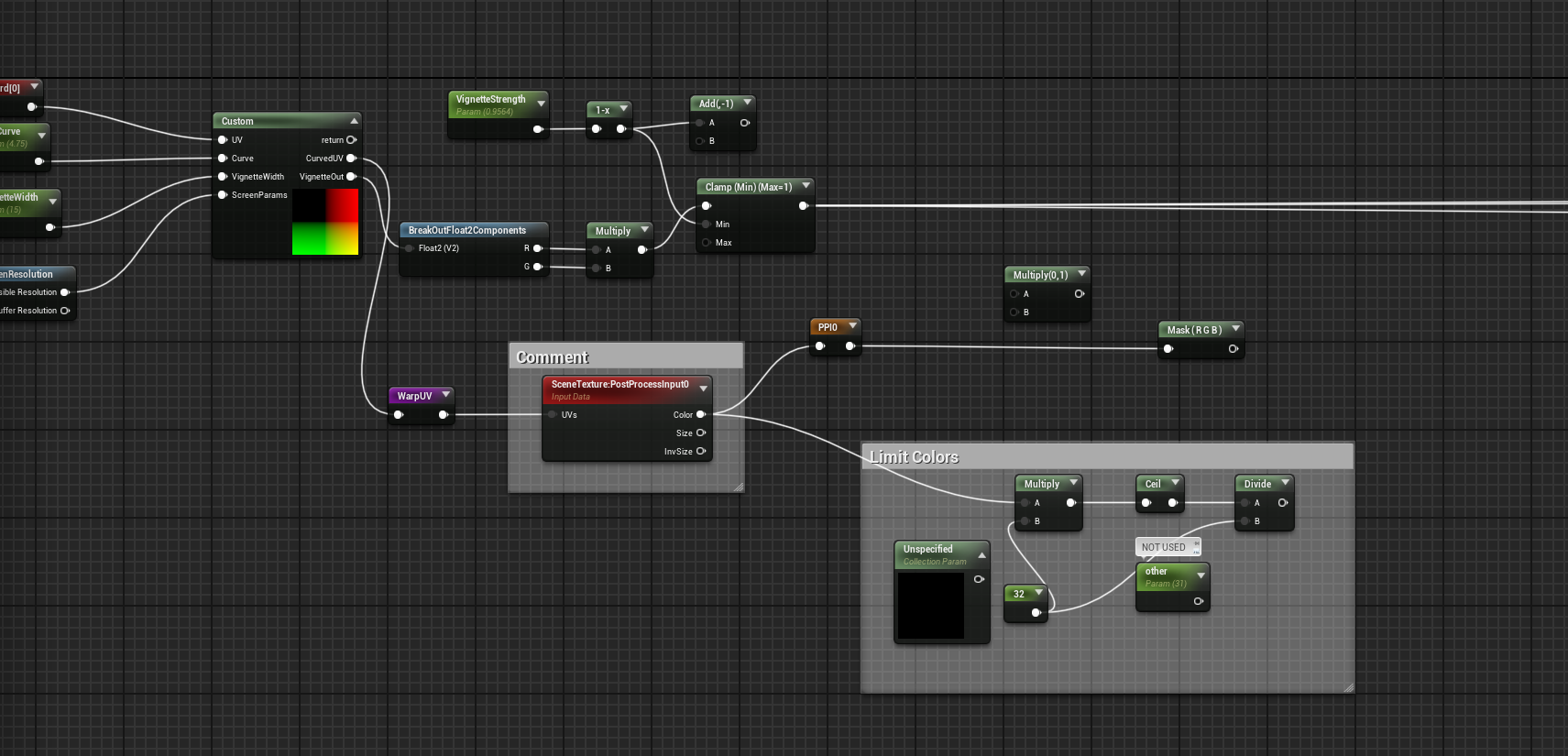
So i tried it in 4.27 and ran into some issues myself so its not something you did wrong. It seems i made some updates and forgot upload them.
In 4.27 the screen background is totally black in my case. hopefully this is what is cause your problems cause its an easy fix.
Btw it seems that in 4.27 it doesn’t show the effect in the editor? I have to run the game to see it. In the newer versions of the engine it shows in editor (those pics i posted were from 5.4)
Open up MUI_ScalelineBase (its in “Materials/PostProcess/”)
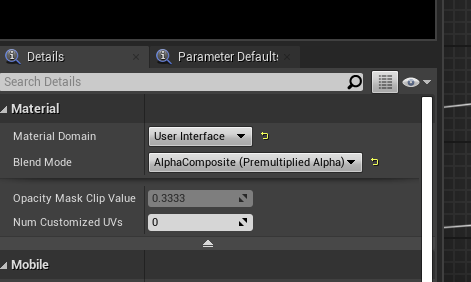
Set Blend mode to “AlphaComposite”
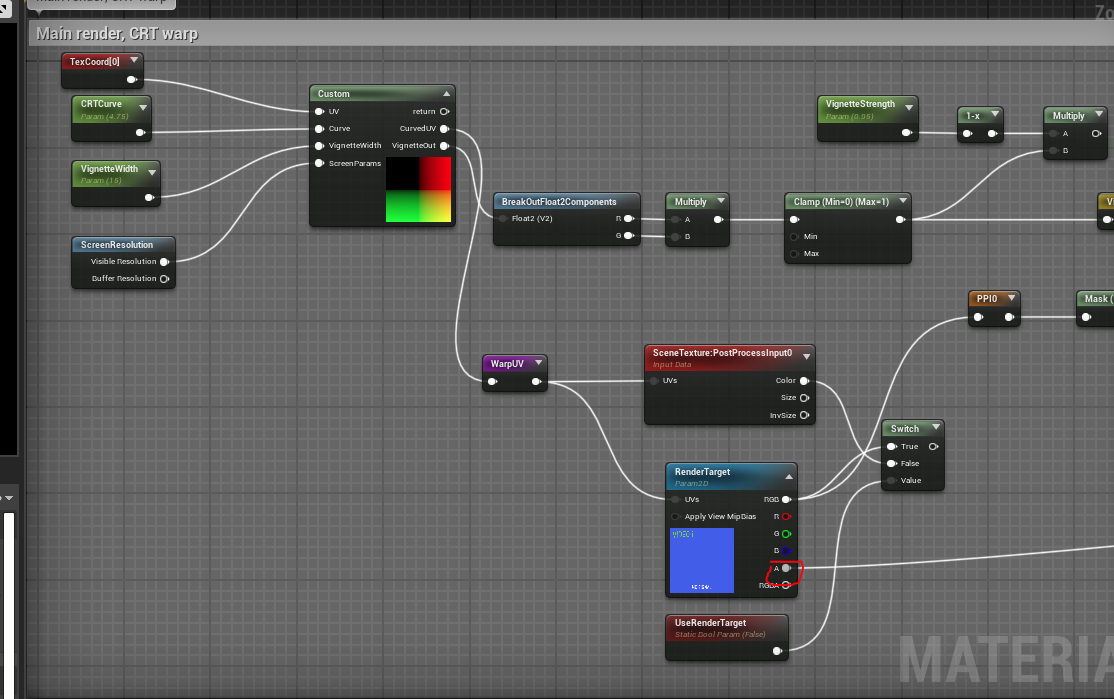
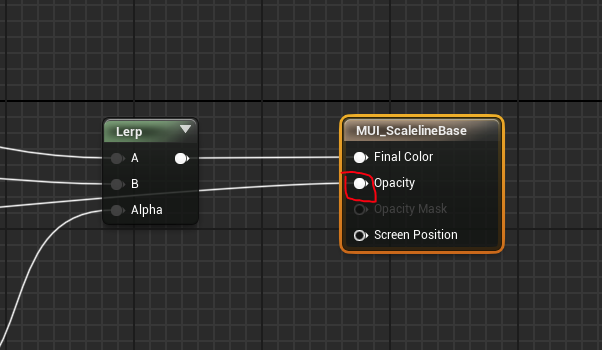
Then connect the Alpha from the “RenderTarget” node to the Material’s Opacity
If this doesn’t fix it for you then we can do the discord call and sort it out Also i made a new 4.27 project to test it out. you can download it for a closer look