Thank you for responding. Many plugin developers seem to move on after making a plugin and don't respond to questions.
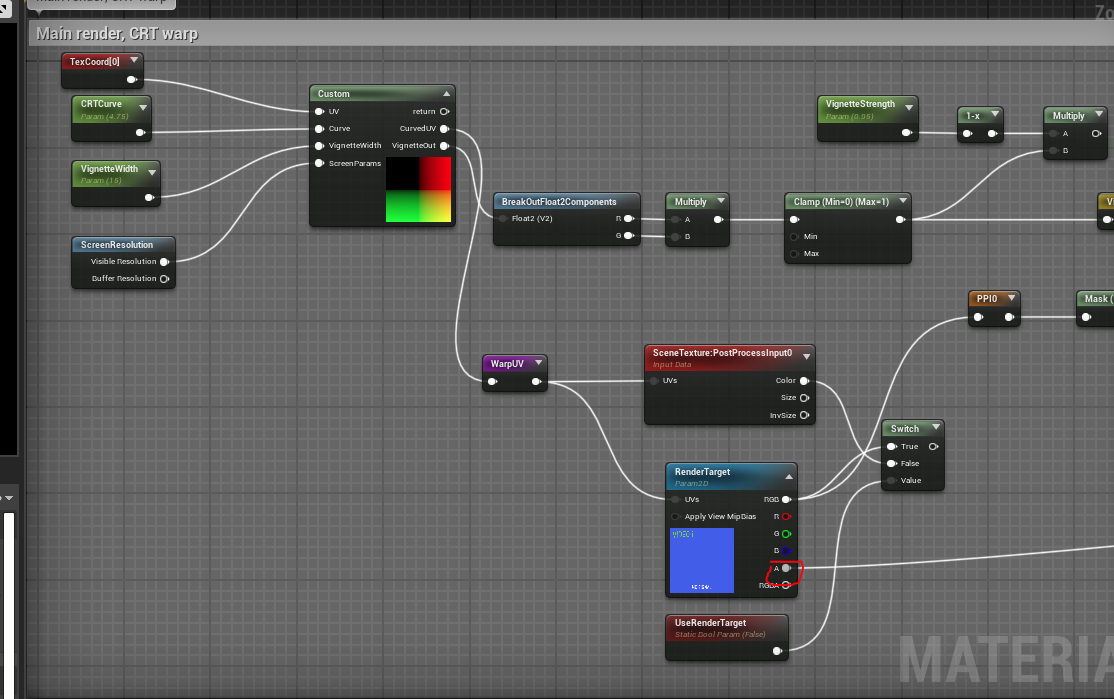
When I added the material instance to the retainer box, the widget would not appear on screen. Admittedly, I'm not experienced in post processing effects and didn't think about adding "RenderTarget" to the Texture Parameter. However that didn't solve the issue I have.
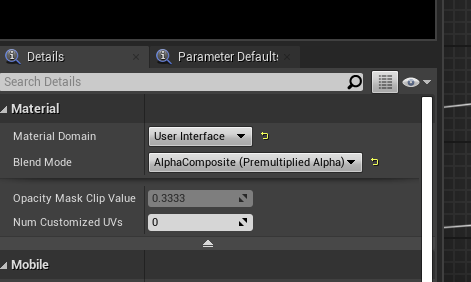
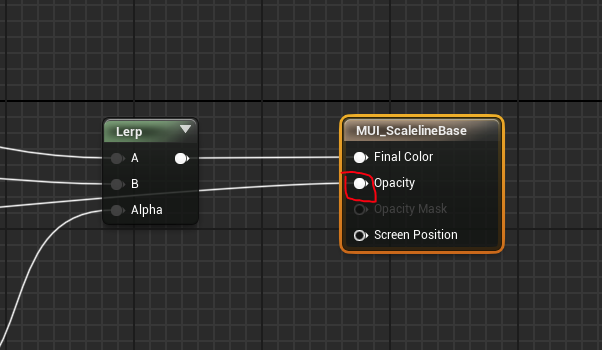
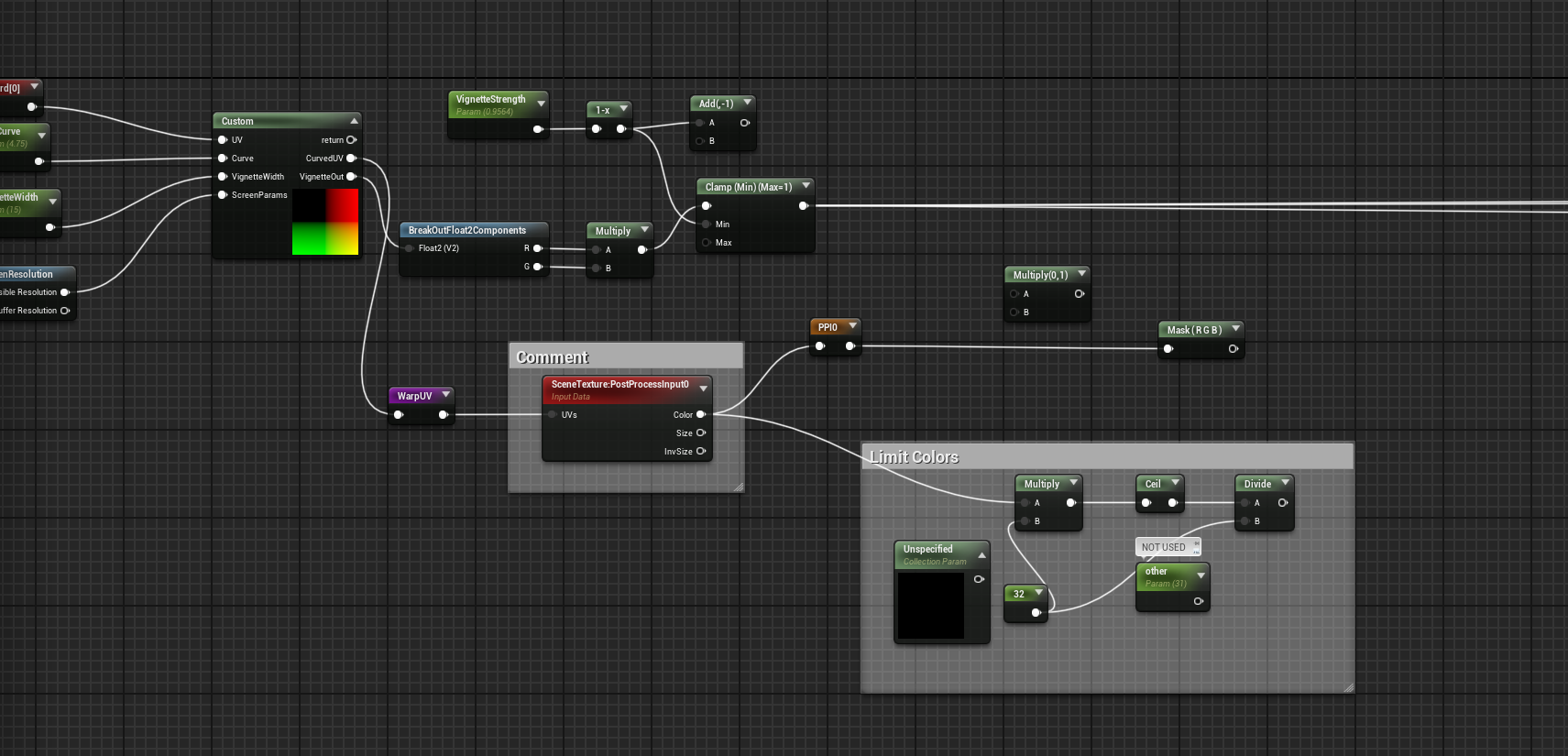
Which engine version are you using? I'm using 4.27, and I don't see some of the options you have in the images. Could that be the issue?
Just to weed out any potential project-specific variables, I started a new 4.27 project with the third person template. I added a basic widget with an image in a retainer box, similar to how you showed in your example. However, with the material instance in the Effect Material and RenderTarget in Texture Parameter, the widget just fails to show. However when I revert the retainer box options to default, the widget is fine.
In case it mattered, I tried it with and without the RetroResolution actor in the level to apply the post processing.
Have you run into this issue before? Do you know how to solve it? If it's complicated, I can do a Discord call. I'd be happy to donate some money if it ends up working fine.
Unfortunately Itch.io is not letting me post a reply with images. It keeps telling me there's an issue with the server.