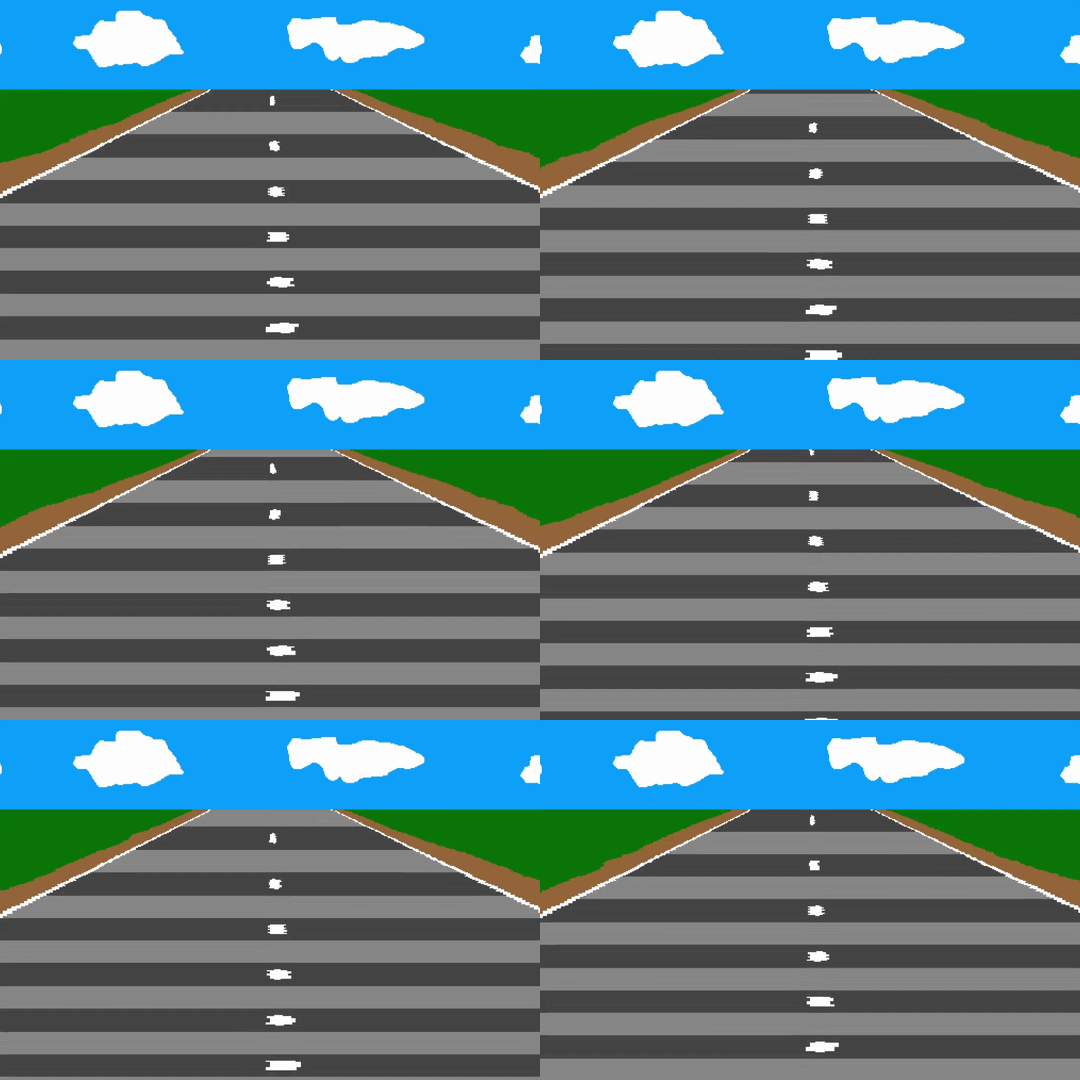
This is a neat experiment!
The zazz.scroll[] function is mostly a convenience wrapper around image.translate[], so you could slightly reduce the overhead of each call by doing that more directly, I guess:
lup.nw:-1,-1  lup.n : 0,-1  lup.ne: 1,-1
lup.w :-1, 0                lup.e : 1, 0
lup.sw:-1, 1  lup.s : 0, 1  lup.se: 1, 1
on scroll target offset do
 if "card"~typeof target target:target.image end
 if "string"~typeof offset offset:lup[offset] end
 target.paste[target.copy[].translate[offset 1]]
end
Probably doesn't make much of a difference if you're only shifting the canvas once per frame. Alternatively, you could make the source image twice as tall as you need and cut a sliding window out of it with a y coordinate modulo the original height, avoiding the need to translate anything.
The canvas.paste[] (or image.paste[]) function can be called like "canvas.paste[image (x,y,width,height)]" to scale the source image as it's pasted, avoiding the need to do a separate scale operation first.
It's also possible to paste graphics directly onto a card background (card.image) instead of a canvas; this is a bit more efficient than having canvases which cover the entire card, if you can get away with it.