

Hi, are you using a game file that was saved before the plugin was added when you playtest? If so, you will need to use the plugin command Change Vehicle to get it to work with your saved game. The vehicle map, etc. is save data so you can change it mid-game. If you start a new game in your playtest you should see it working if this is the issue.
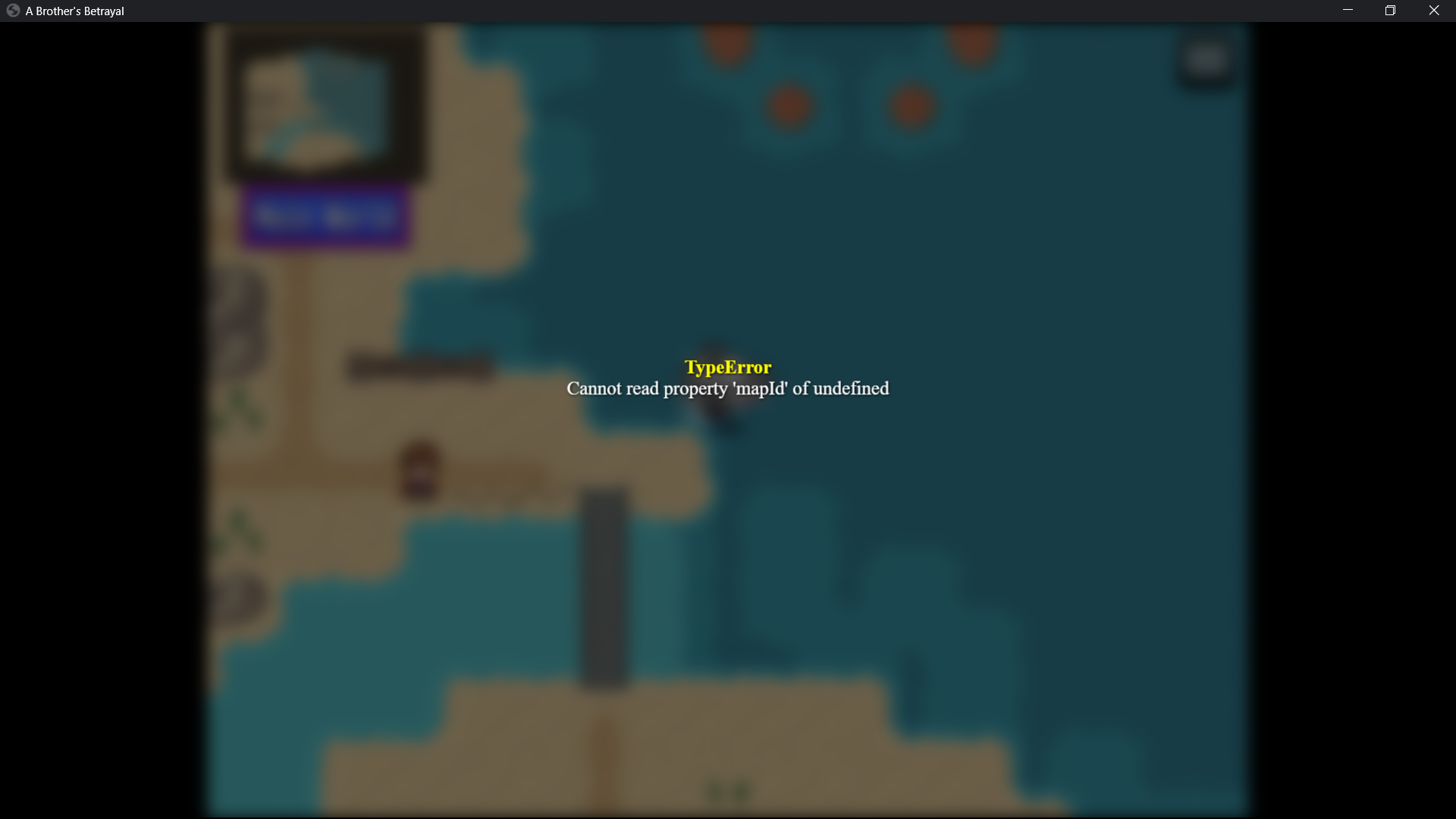 I have tried new game during play test . this is the error I am getting when I press the "i" key for interior. Also there is no interior button on the UI. isn't there supposed to be a button that appears? Its not there when I get into the ship. The interior button does not appear.
I am using your custom vehicles plug in and that is working fine. I added the interior map to that plug in and it still gives me the error. Both plug ins match with map parameters and its giving me this error when I press the key to goto the map.
The home button is a custom button. You should be able to download the demo if you would like to use it. By default, the RPG Maker button set did not include a home icon so I had to make one for this plugin.
Can you open dev tools (F8 in game), switch to the console tab in the window that opens up, and show the console view of the error? I am not able to reproduce the issue. You could also try downloading the demo and opening it in-editor to see how things were set up there.
If you would like, you can also come into the Discord for quicker troubleshooting the issue, it might be easier than through itch comments: https://discord.gg/Gbx7JXP
4 days ago (+1)
I have figured it out! Your custom vehicle plug in parameters for interior BLOCK this plug in. You cannot set them both. I had to use the originnal vehicle slots instead of a custom vehicle. I turned off custom vehicle and the interior map worked right away. So the custom vehicle plug in actually interferes with this one. I will just use this one because I don't really need custom vehicles right now I need the interior map more. but thank you for your time.
I am glad you got it working 😁
However I am not quite sure I am following... did you set up a custom ship vehicle in [CGMZ] Custom Vehicles? Or were you trying to make a custom vehicle with the id "ship"? Custom vehicles should only be used for custom vehicles, not for the default vehicles, and you should stay away from the ids "boat" "ship" and "airship" for your custom vehicles. Likewise, this plugin should only be used to add interiors to the 3 default vehicles.