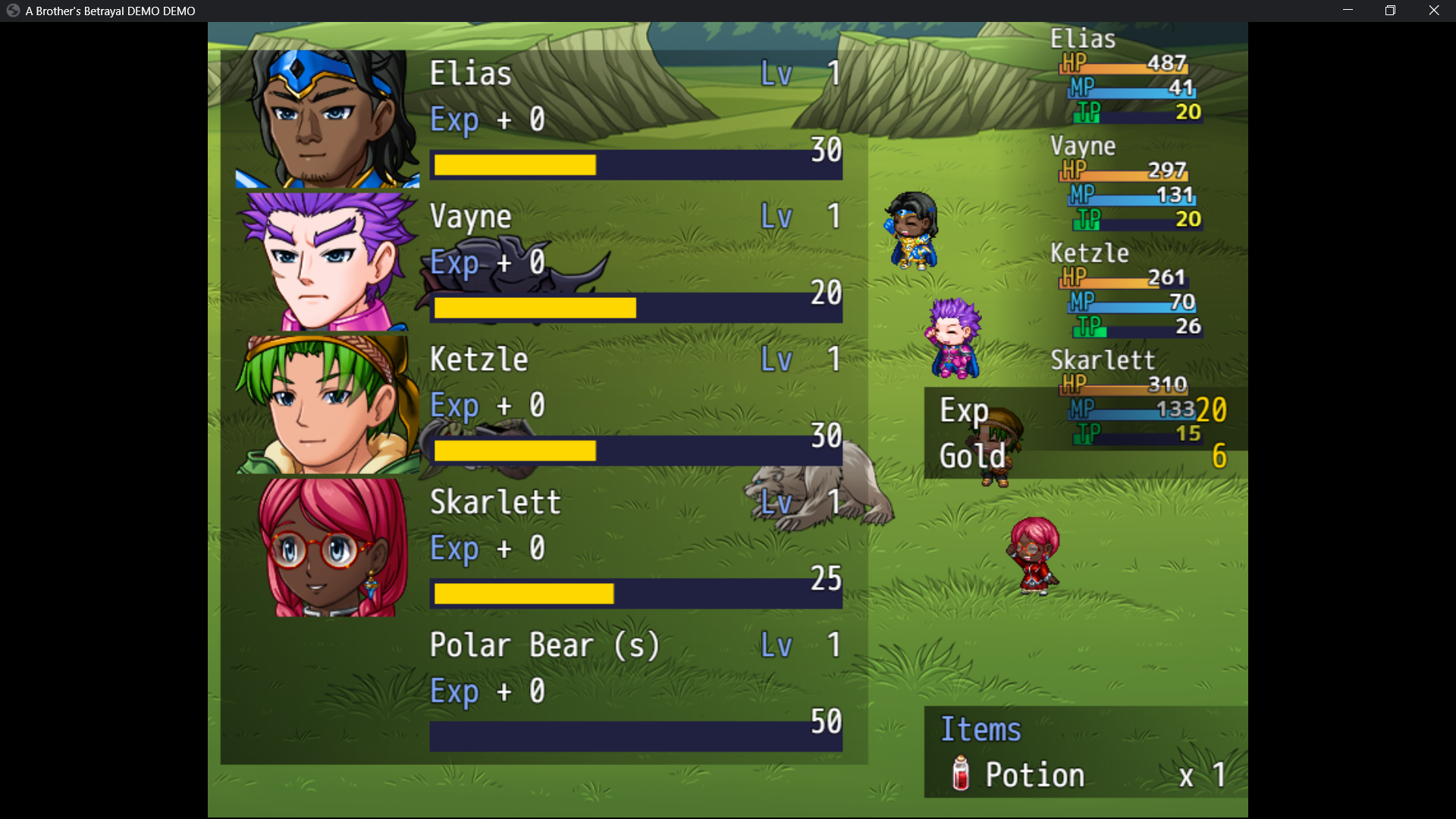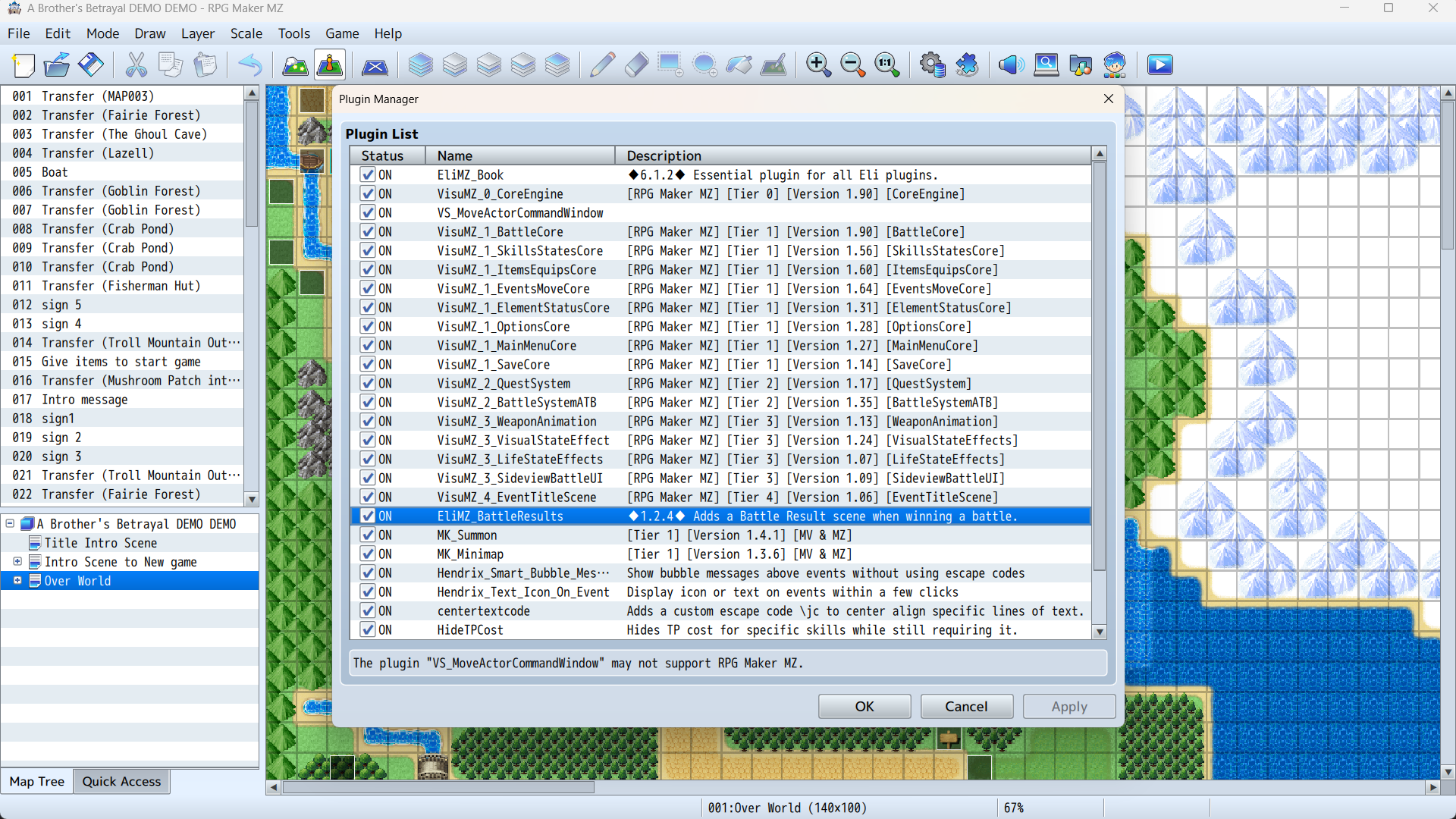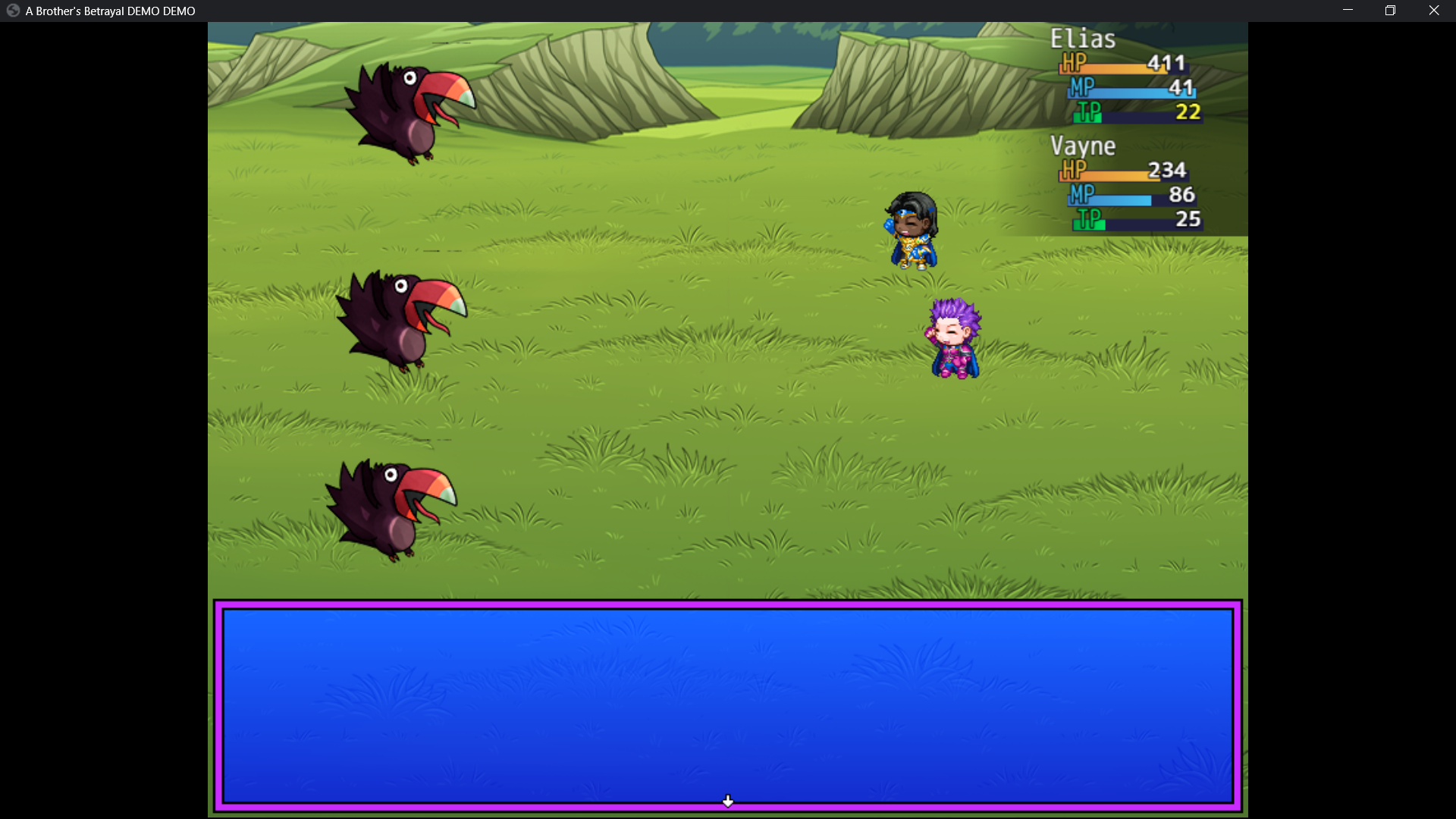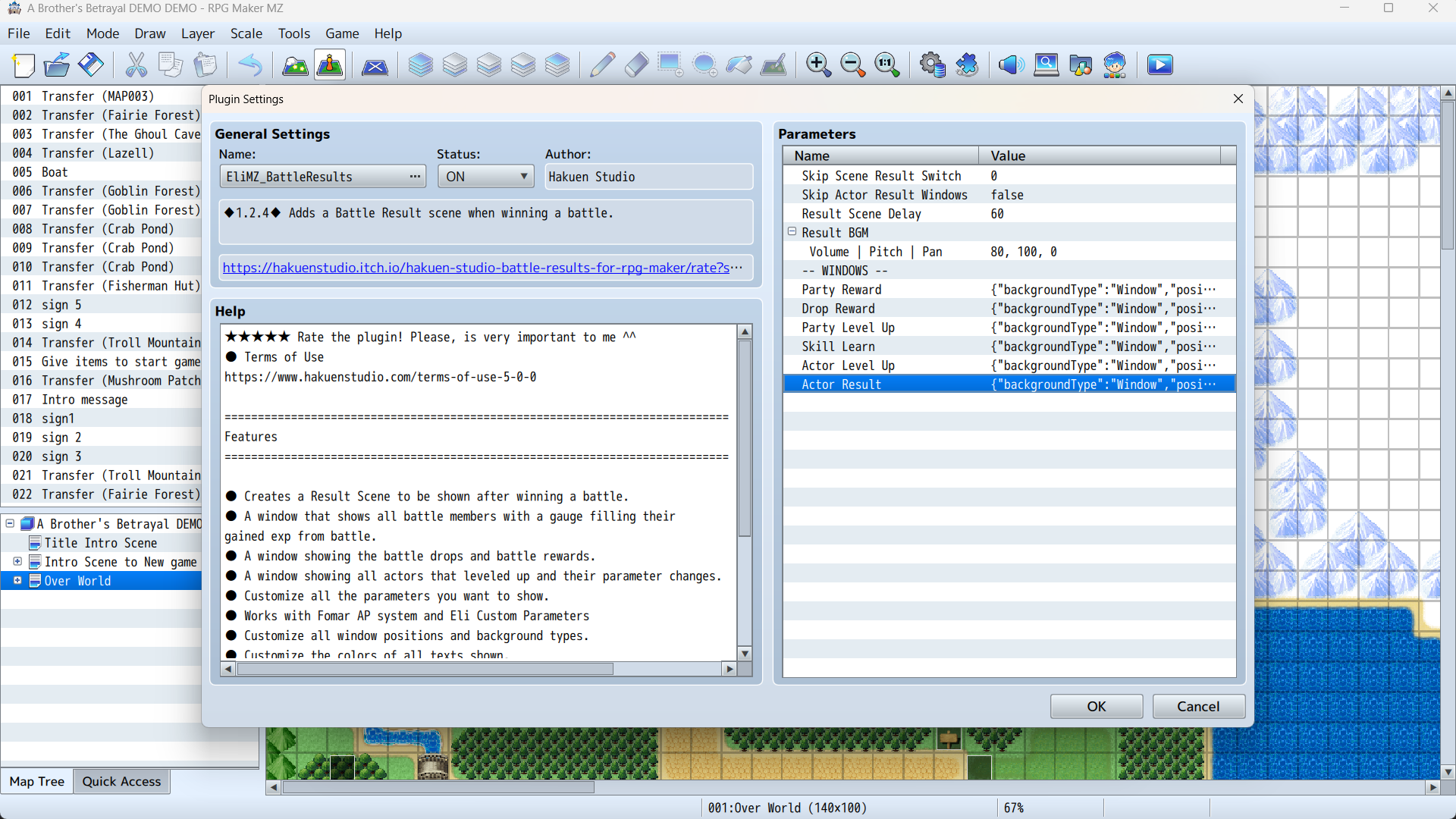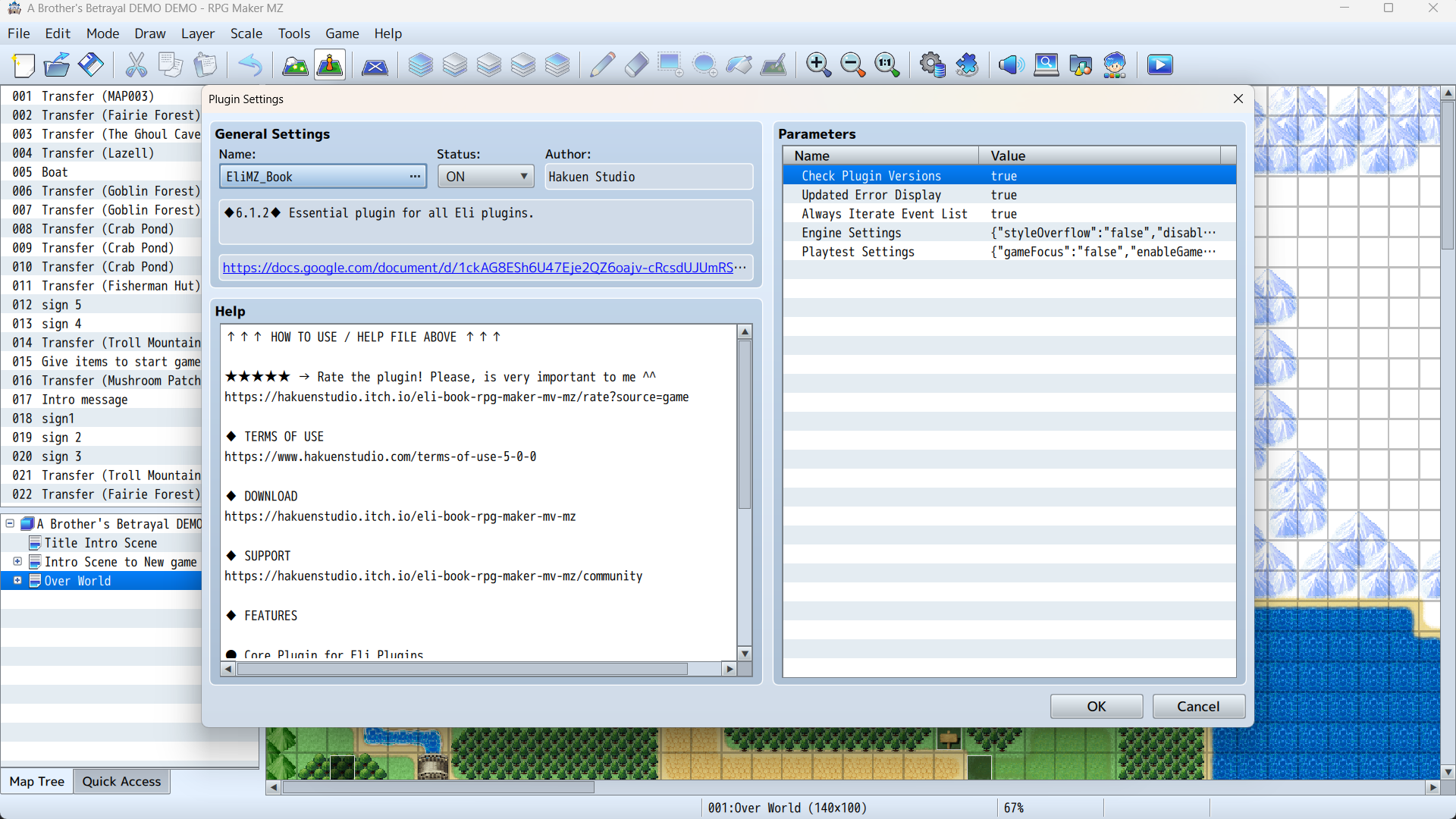
I been doing research on this exact issue for 24 hours and it's a wide spread issue. Tons of people need to use a party system that works with mk summon and they can't find one that works. This is the first one I was able to locate in 24 hours. There's even other pages with summoners plug ins that visu Stella breaks. It's not even just yours. It brakes many summon plug ins. It's a wide spread issue.
A member registered May 25, 2025 · View creator page →
Creator of
Recent community posts
Summon System for RPG Maker MV & MZ comments · Replied to Aerosys in Summon System for RPG Maker MV & MZ comments
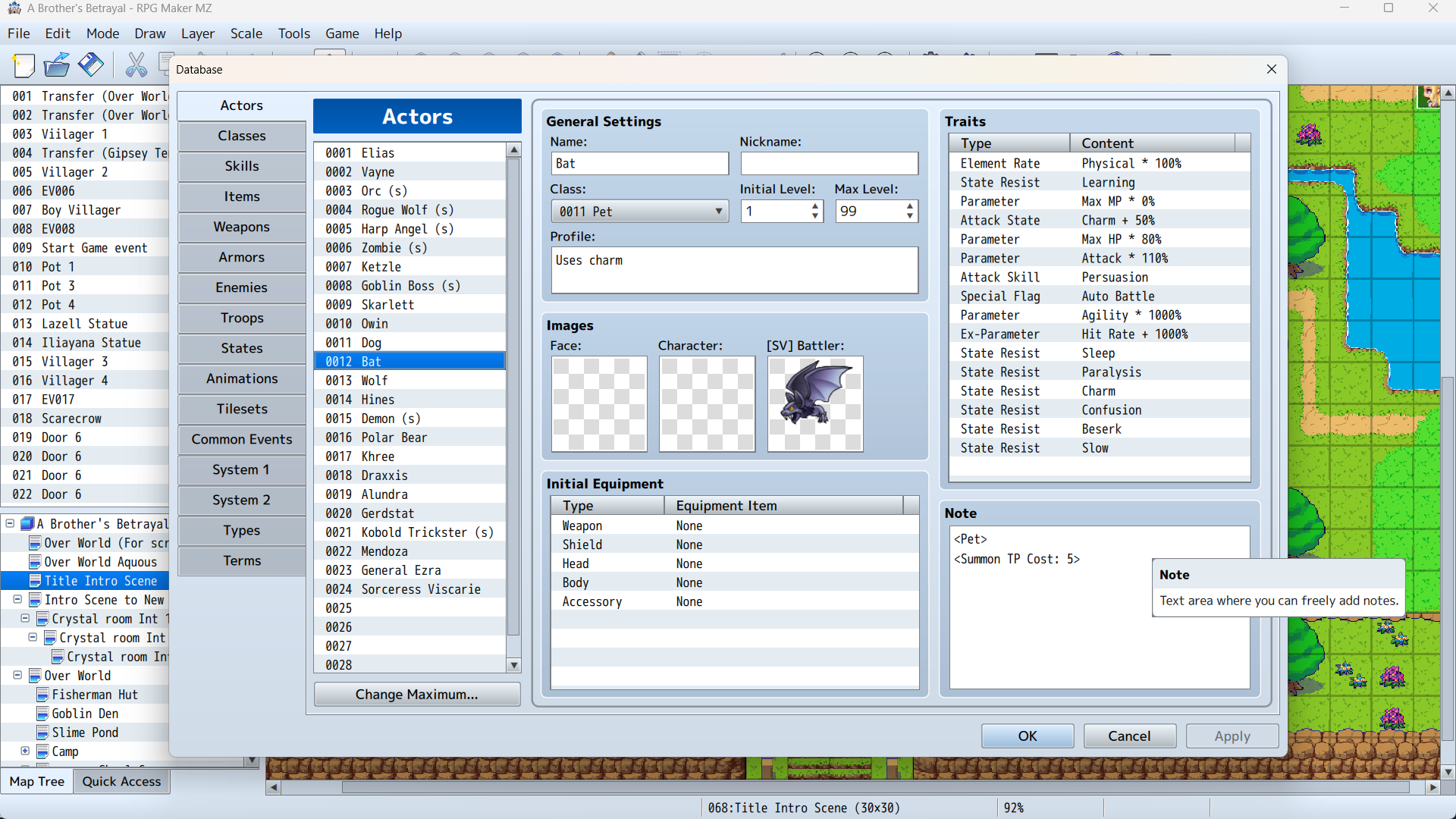
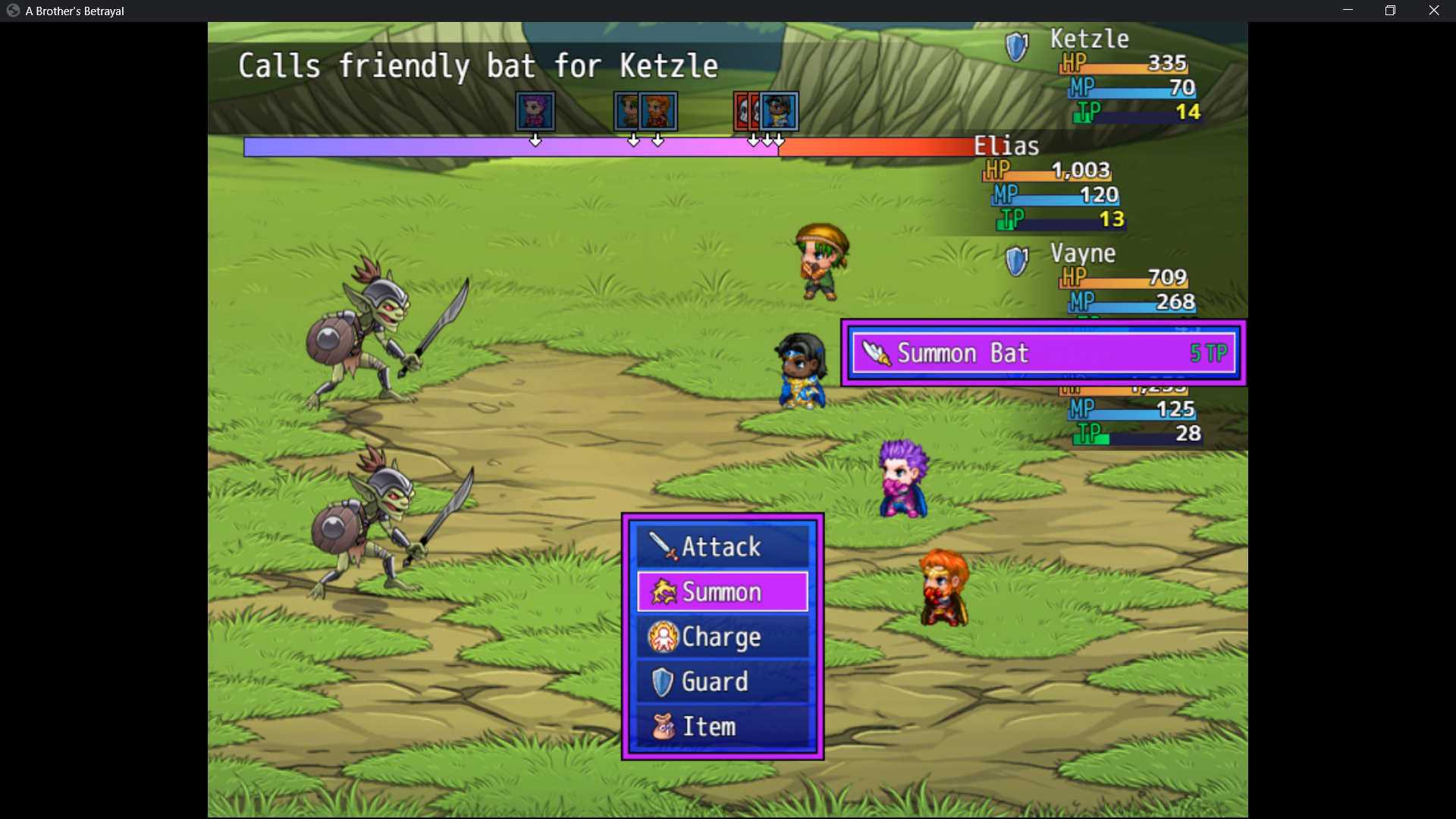
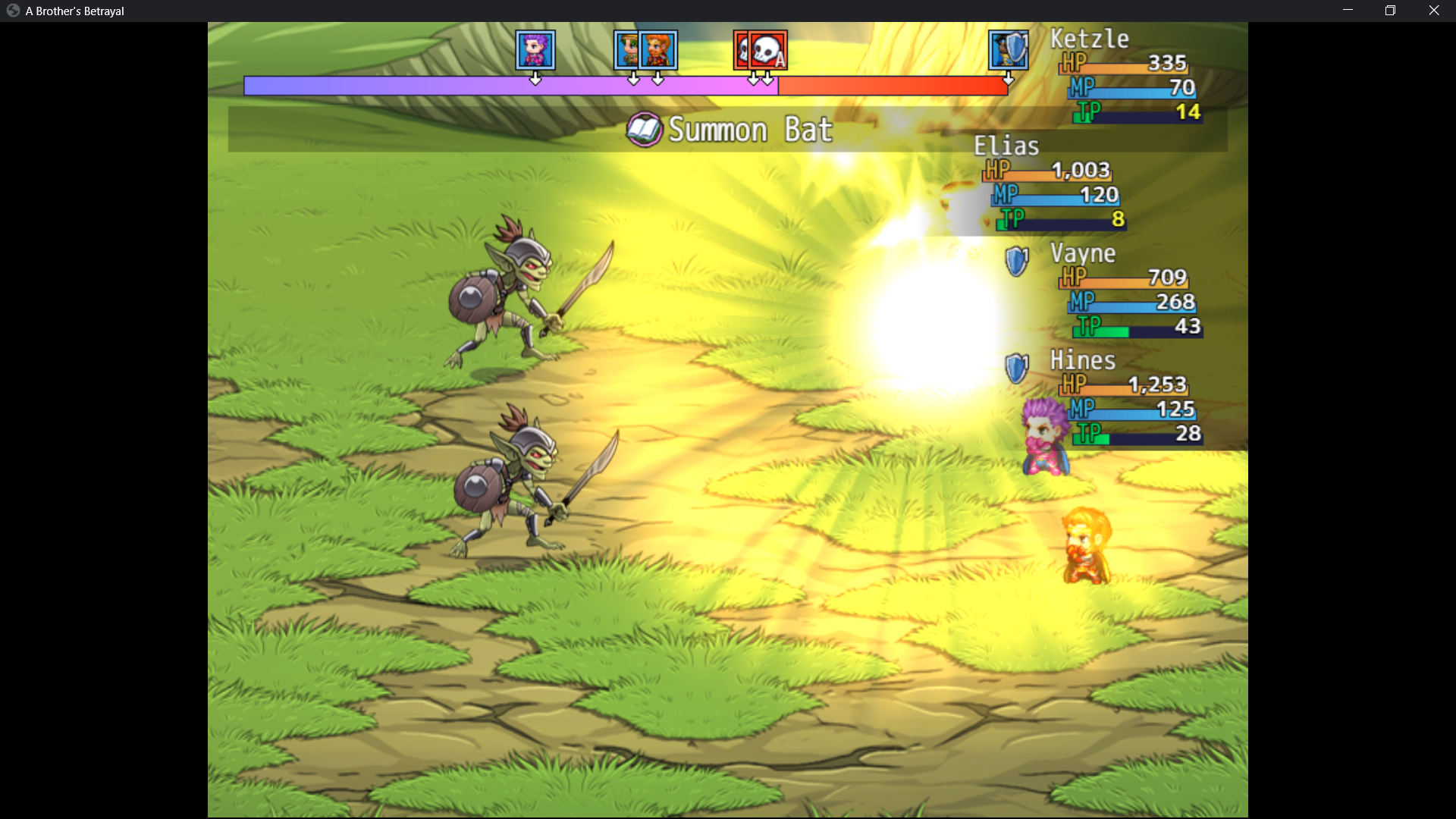
Here is what is going on with the plug in. The skill is corret. The note tags are correct. When I use the skill in battle is is bringing up a "Ghost skill" that does not exist. It's even using the wrong icon in battle as you can see in the last picture I do not have that book for my icon I have the bone knife as the icon. So its not even drawing the correct skill and I have no idea where it's pulling this mystery skill and icon from . It was working for 3 months straight until last night,
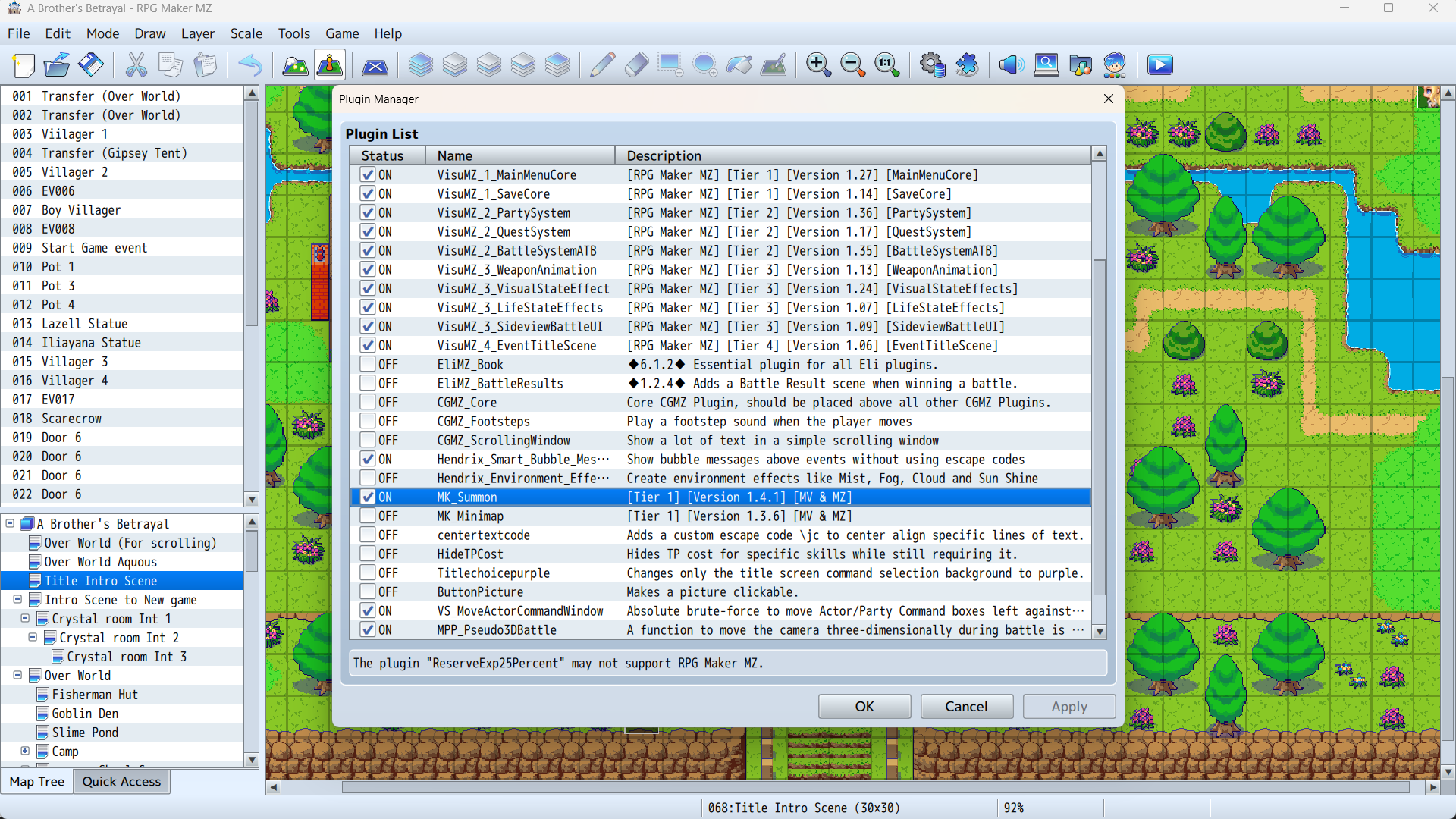
I have disabled all plug ins and it is still not working . 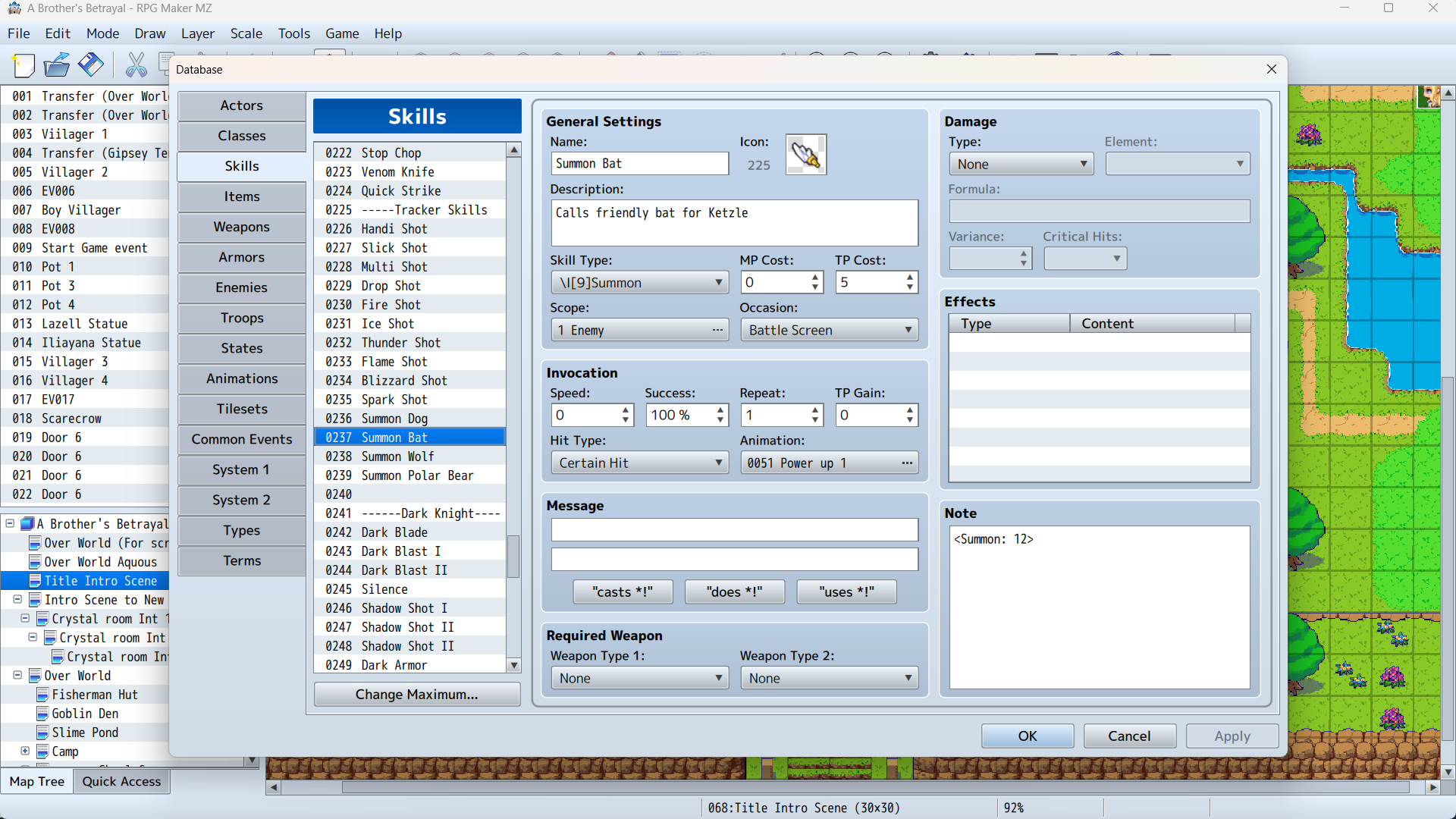
Dynamic Environment Effects - RPG Maker MZ Plugin community · Created a new topic This is your best plug in
The portals in the dungeon package have 2 issues.
1. The portal animation does not work. Not sure how you got your working so beautifully but mine doesn ot do anything. The animation for the portal is static and does not move no matter what setting the event is on. I check the walking box and stepping box. The portal does not animate at all it remains static.
2. The walls stone walls to the portal are not solid. I have provided a picture of this. The walls are able to be walked through and are not solid walls. The portal itself is solid. The stone walls holding the portal are not solid and players can pass through them.
This is upsetting because I really would like to use the green portal for my exit dungeon portal but I can't because of these 2 problems. The animation not working I can over look. But I can't have my actors clipping through the portal walls that makes them not usable. 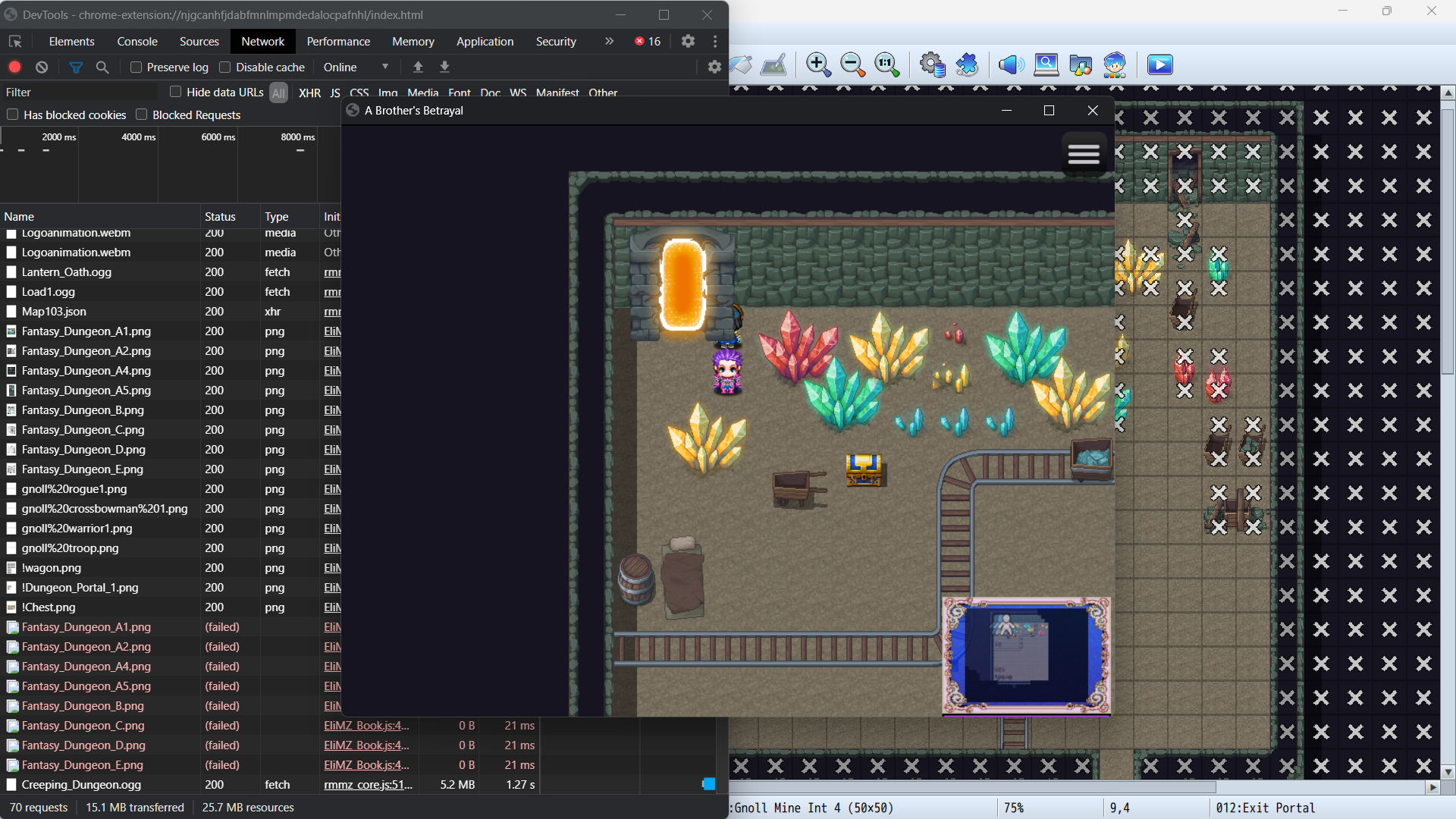
Easy Text & Icon on Events - RPG Maker MZ Plugin community · Created a new topic Not working when game is Deployed
Hakuen Studio Battle Results for RPG Maker MZ community · Replied to Gilgrimesh in Plug in not working