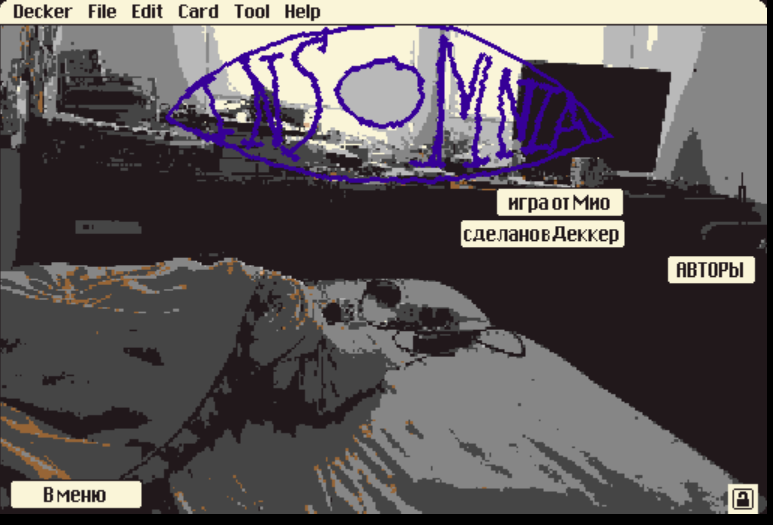
I have a question about editing the text in Decker.
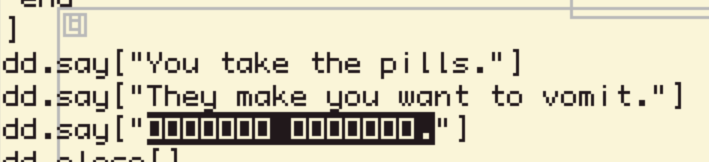
I managed to edit the UI text, but I can't figure out how to edit the rest of the text properly. I can see the text content in Visual Studio Code, but some Cyrillic characters need to be entered manually using Alt keys, so editing it directly there is difficult. It's a font, so it won't appear if I edit within the code.
When I try to select the text inside Decker, only the window/frame gets highlighted, and the actual text elements don't seem to be accessible.
I need access to the text in order to work with fonts and make sure Cyrillic characters display correctly. Could you please tell me the correct way to edit the text or where the source text should be modified in Decker? Is it even possible?
Thank you!
Iamyourmind0.0@gmail.com