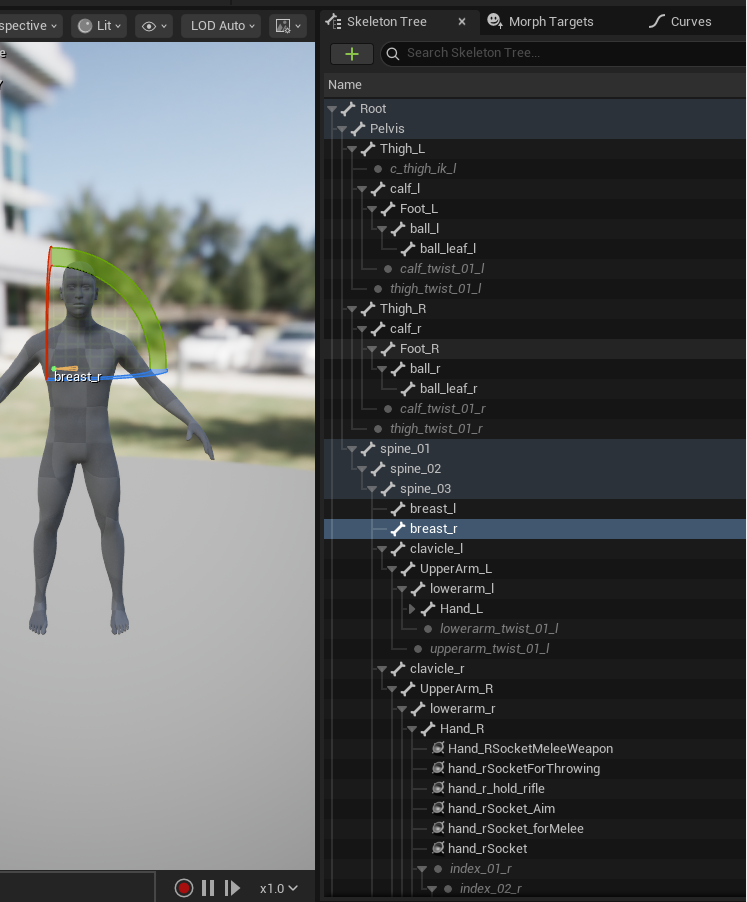
This latest version that I just put out hasn't been put through the ringer of tests in all engines yet. Just Godot and Unity. Although the most recent changes should still be tight for scale restraints for the bones that'd normally struggle bones. Are you sure you applied all transforms to the meta rig before generation and conversion of the control rig (and that you scale is applied to all your meshes and final control rig too just in case)?
Because wacky issues with unreal we had solved in the last version and the new version only slightly tweaked a few alone constraints so hopefully nothing is too messed up.
Either way, I'll be doing more tests this next week to be sure it's not something on the Rigodotify side. If you find your issue/solution in the meantime, please share with here.
I managed to fix the scale issue by seting unit scale to 0.01 and then applying a scale by 100 to everything, then to get the rig to cooperate i needed to rename to root and remove one node. then when I imported with ue4mannequin as the skeleton it didnt complain but unfortunately the preview of my animation blueprint was messed up(I will try and edit this with some screens later but itchio was refusing to let me post with them) 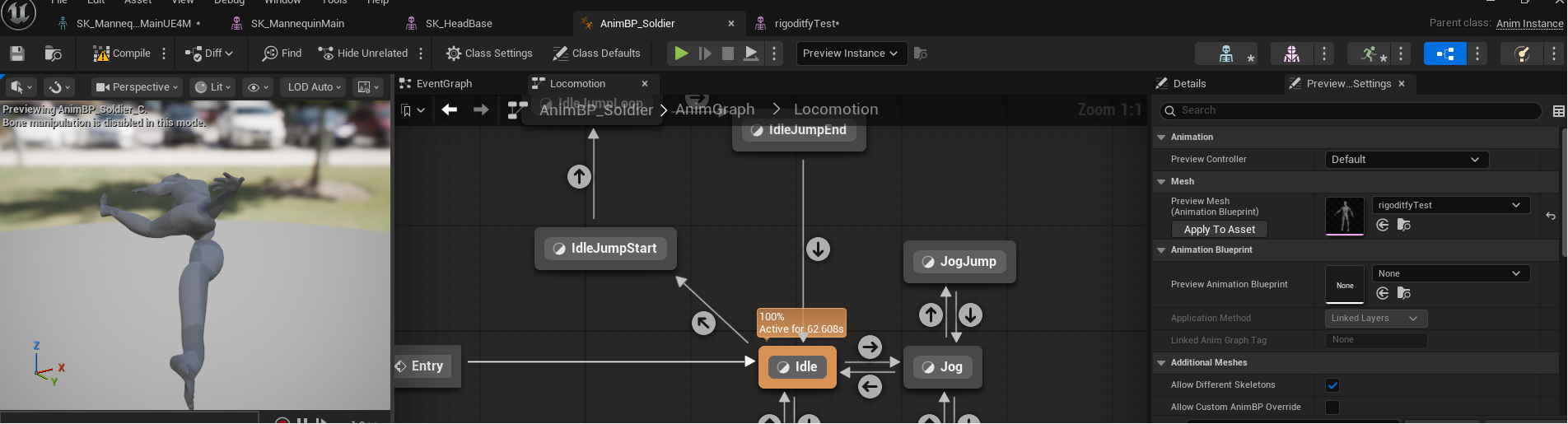
this is the last step in getting my custom characters in so I will keep working on this and post updates in this thread as I have any.