
Indie game storeFree gamesFun gamesHorror games
Game developmentAssetsComics
SalesBundles
Jobs
TagsGame Engines
(1 edit)

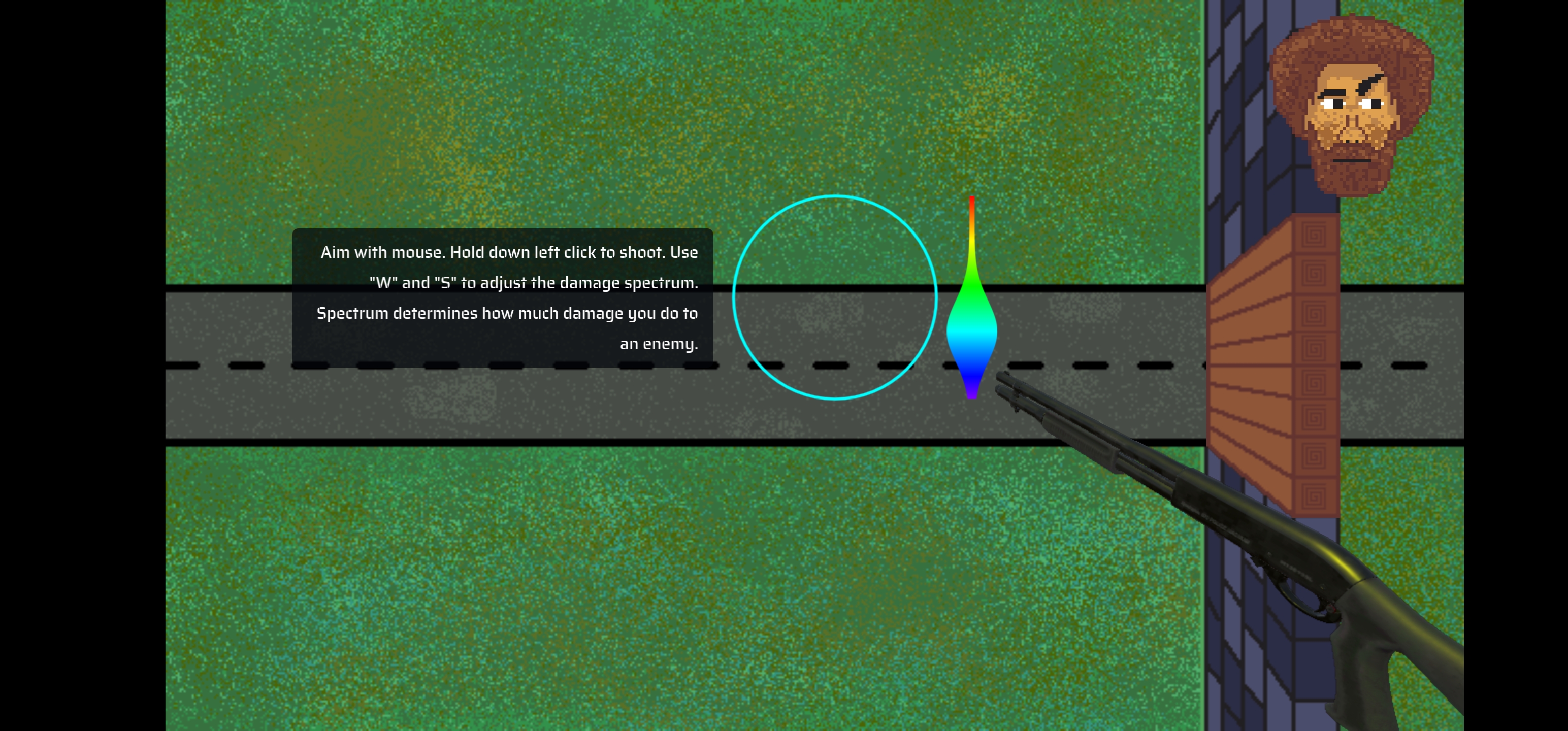
Glad you liked it. You have to use W and S to adjust the bulge of the spectrum. How much damage happens to an enemy depends on how wide that color is in the spectrum. Eg if the bulge is on yellow, yellow enemies will be hit very hard but blue ones will be barely hurt.

I did consider painting the ground but that might’ve made enemy colors hard to identify and interfered with the gameplay. That’s why the bg is dark’ish and enemies are brightly colored.
(+1)

Ah that makes way more sense. I just wish the controls were displayed in game. Knowing this makes the game a whole lot more fun and there's a lot more depth than I was expecting. Also I like the music and nod to doom at the top right lol.

They do display in level 1. Is there a bug that made it not display for you?

(+1)

You're right, it's not a bug it's just me not noticing it lol