Indie game storeFree gamesFun gamesHorror games
Game developmentAssetsComics
SalesBundles
Jobs
TagsGame Engines

Zombie Speed Golf version 0.2 Devlog

A topic by BrotherCompost created 4 days ago Views: 69 Replies: 1
Viewing posts 1 to 2
(1 edit)

I'm blitzing through my bug-list to get a playable version ready to release. I'm progressing to 0.2 because this feels like a substantial upgrade. 

One of the biggest changes has been removing the set timer (replenished by finishing holes) and replacing it with my "sanctuary" system and exposure meter. Now while you spend time outdoors your exposure metre goes up. Make it to a building to recover from your exposure. This has changed the urgency of the game somewhat, but I like it as a mechanic. 

I have also completely re-worked how guns work in the game. Now when you switch to either the shotgun or the rifle it switches to "FPS Mode", and the game plays like a first-person-shooter. Switching back to a club (or dynamite) switches the camera back to 3rd person. 

I have made it easier to tell where you need to stand to hit the ball cleanly, and added an aim assist setting so you can make it more difficult/realistic. This comes off the back of my playtest where players found it really hard to line up to hit the ball. 

i've added new zombies, taking the total kinds of zombie up to 4. 
- Standard Zombie
- Tourist Zombie
- Zombie Sheep
- Zombie Viking

I've also added a final mystery boss fight, taking the total up to 3. 

There's loads of stuff I've worked on, exploding buildings, little health bars for the harder zombies, oh and...

The game now has sound!
and controller support (although it still feels a bit janky aiming the guns) 


I'll update this topic when the version is live on my page! Thanks for stopping by!
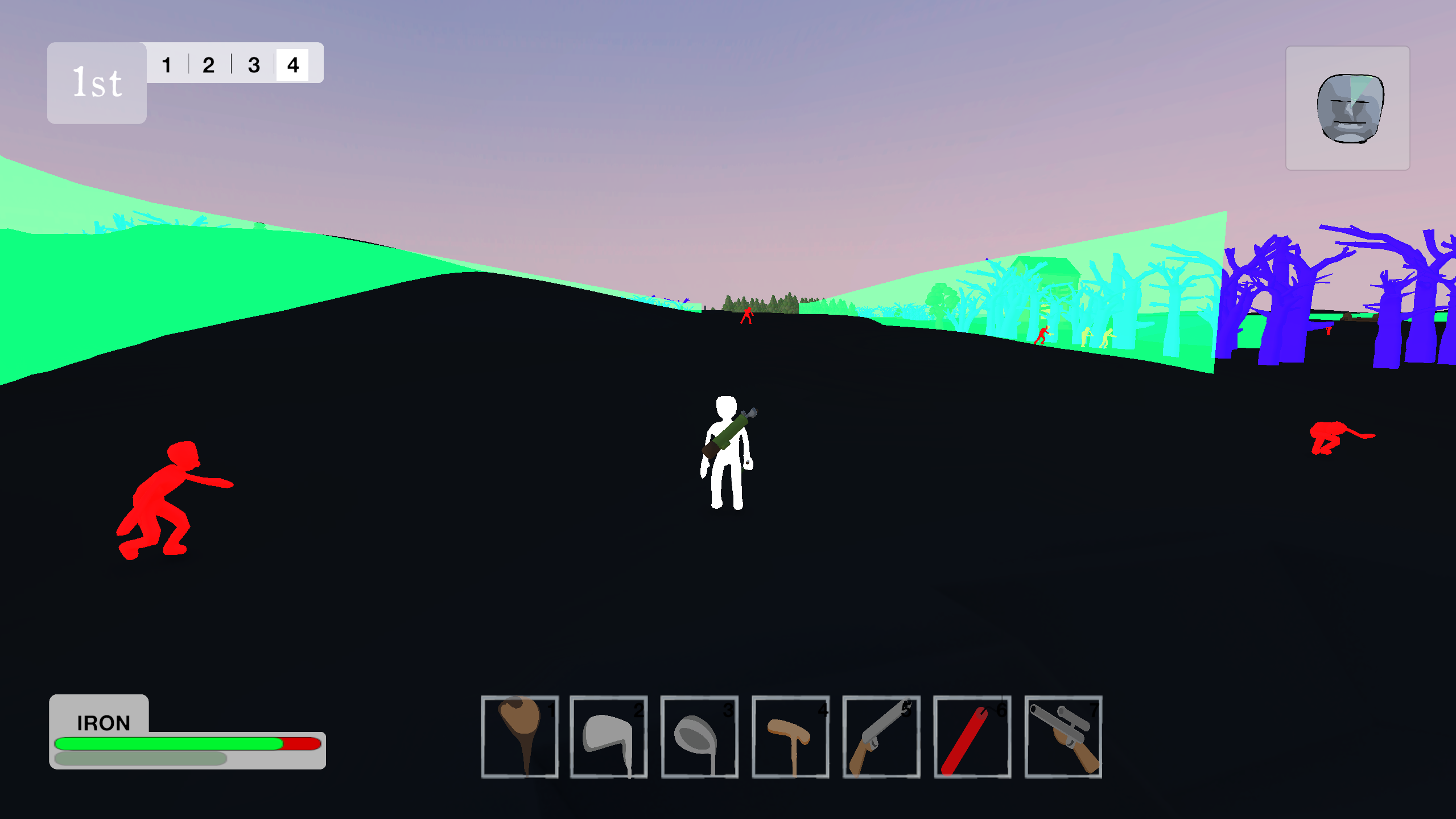
Accessibility Development: LOW VISION/High Contrast Mode

Just as some background, in my day job I work with blind and visually impaired people. So when I started making my own game, I was always intending to do my best to make it accessible to people with different levels of vision. First step has been a high contrast mode. 

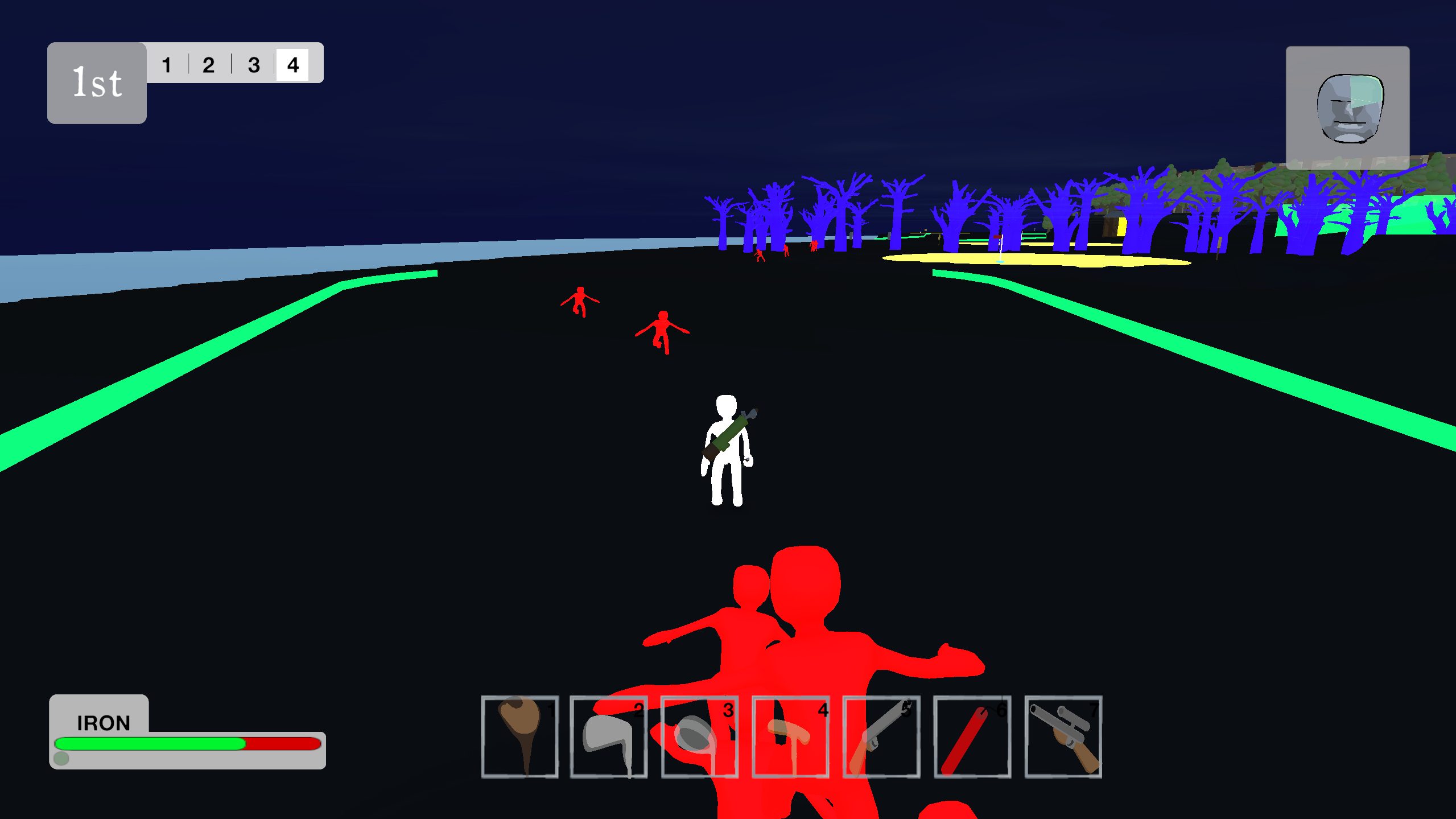
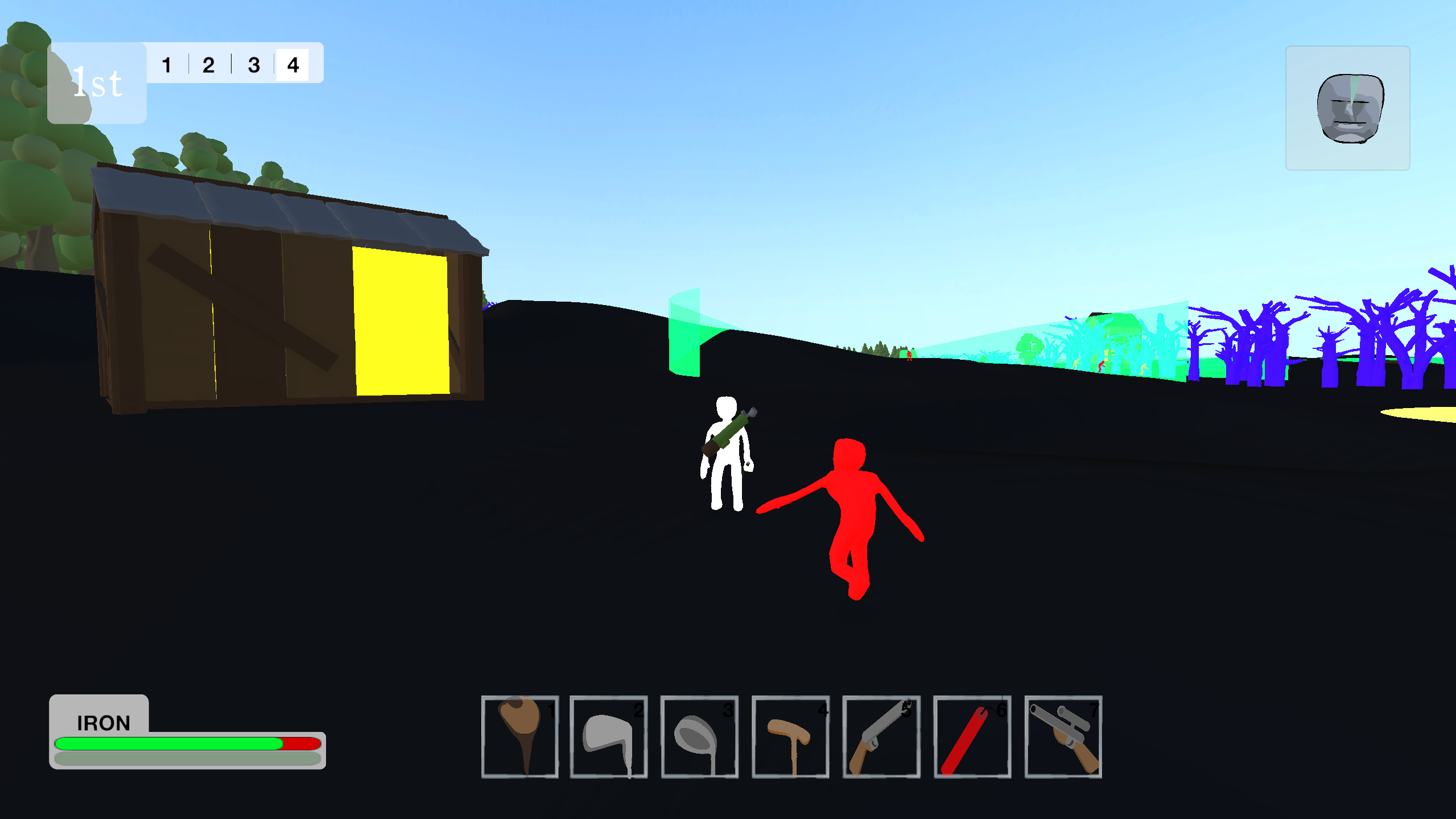
It works really simply. When the game starts, it checks for all the 3D objects with certain tags. At the moment, these tags are Player (obviously), Enemy, Obstacle, Goal and Guide. Then it changes the materials of those objects to high contrast materials with an emission. It also sets the terrain to black. 

All the high contrast guides I saw recommended Shaders, but they still scare me a bit. This was easy enough to code, and it doesn't seem to have any major issues in terms of optimisation. It also lets me do some pretty funky things. For example:

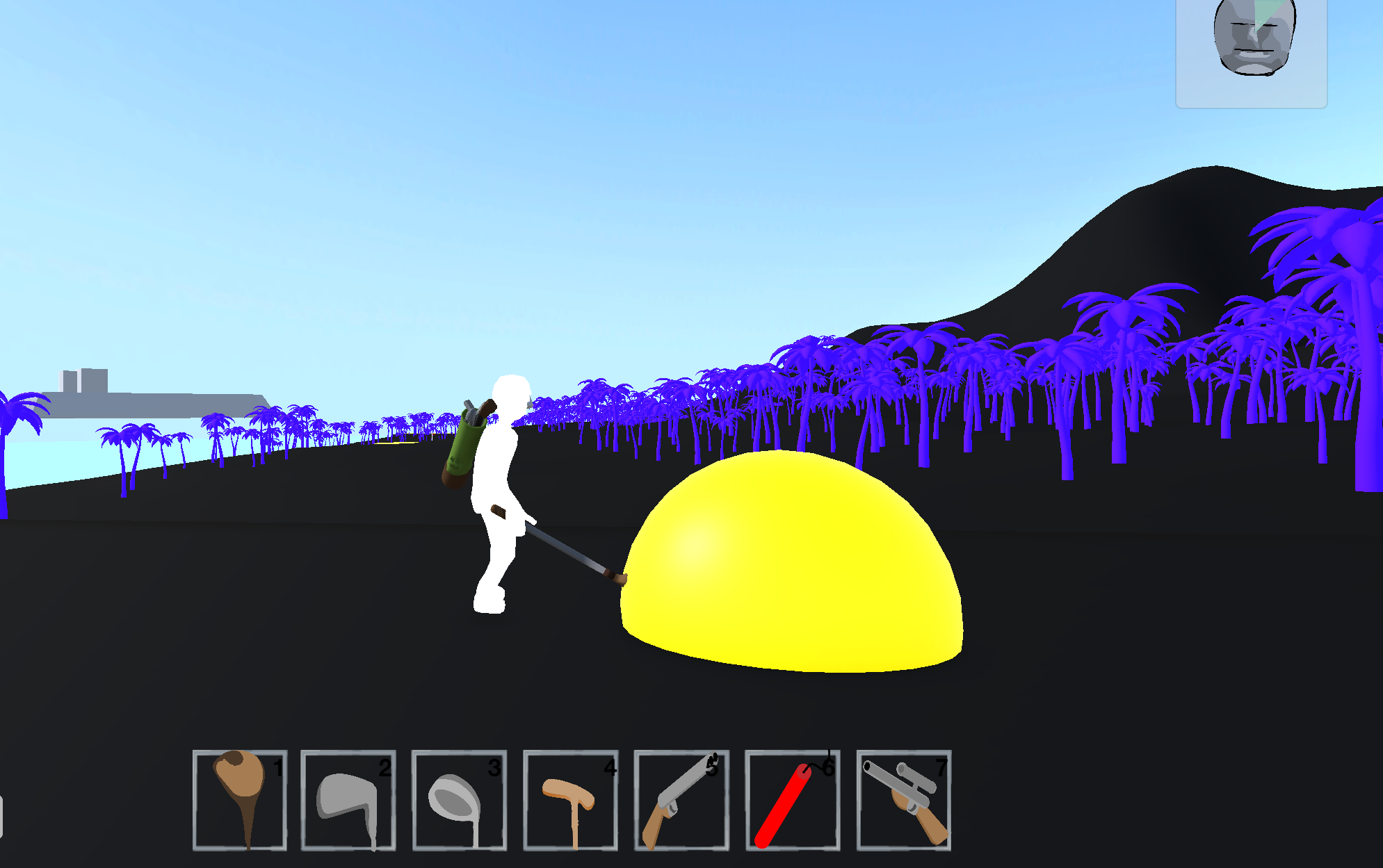
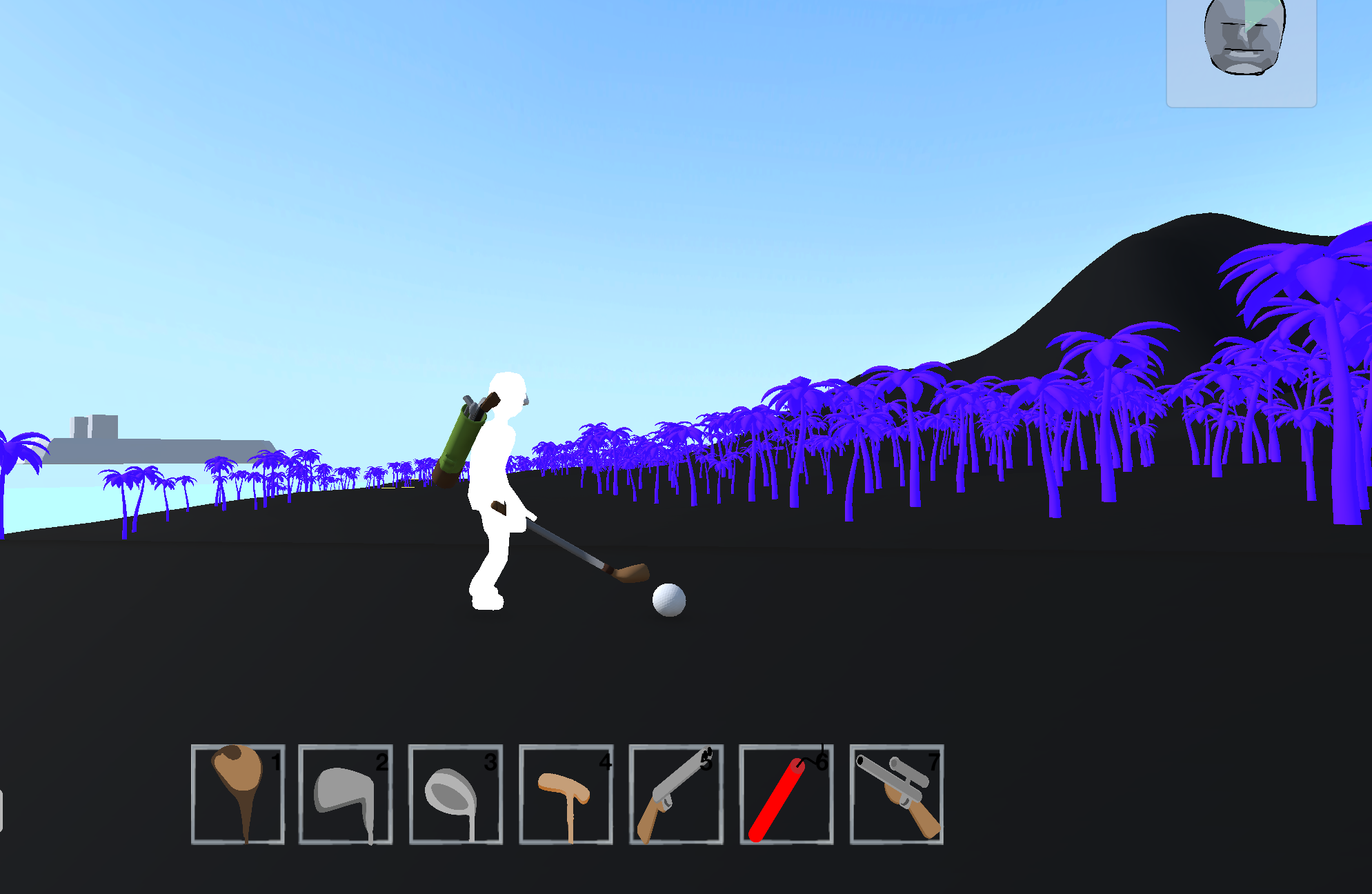
The ball has a large easy to see orb around it, helping the player spot the ball at a long distance. This orb exists even when the high contrast mode is off, it just has a transparent material normally. 

When the player stands closer, the orb disappears to show the ball. This is just a simple collider setup which turns off the model when the player comes near. I have done something similar with the greens: 

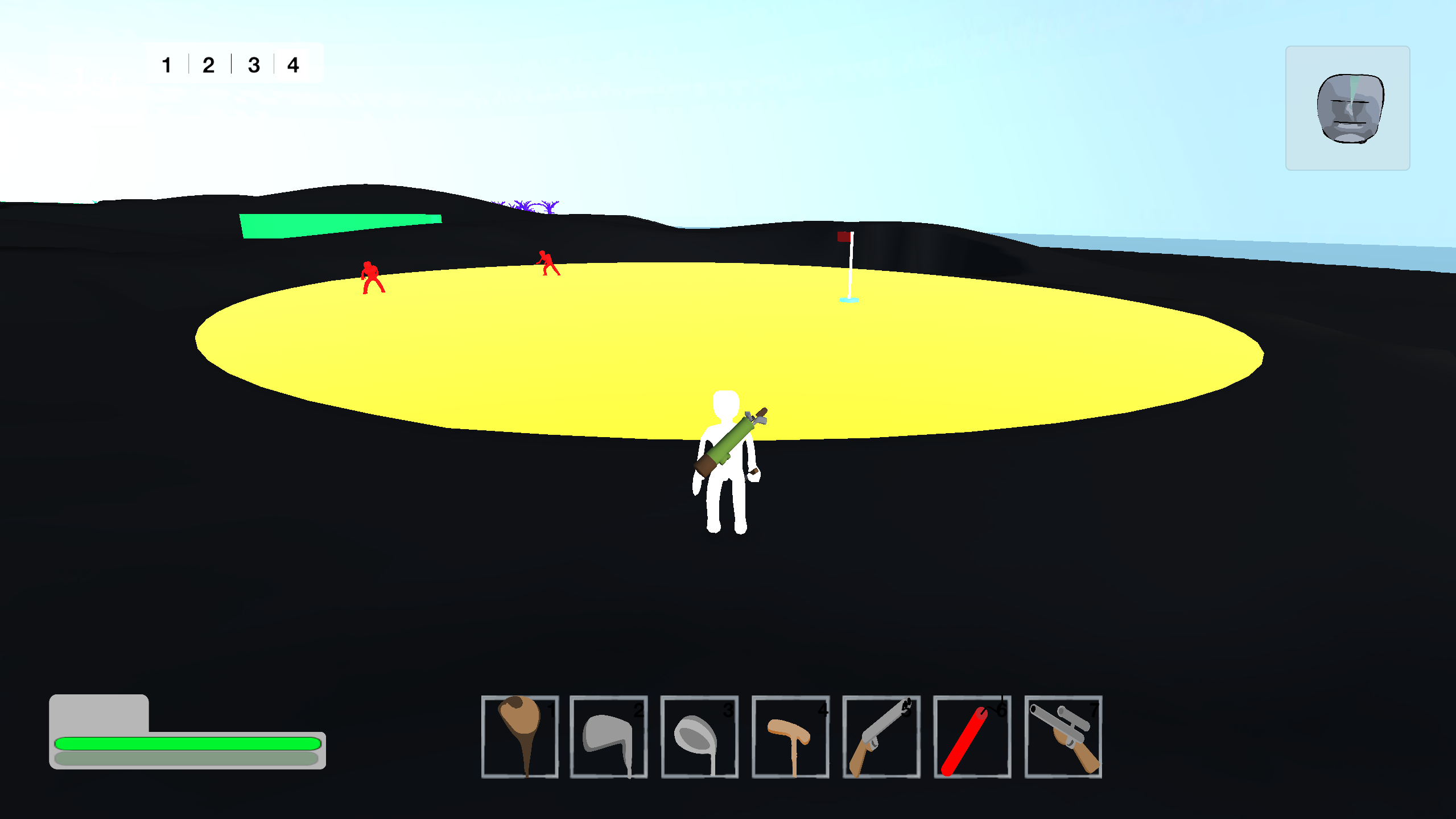
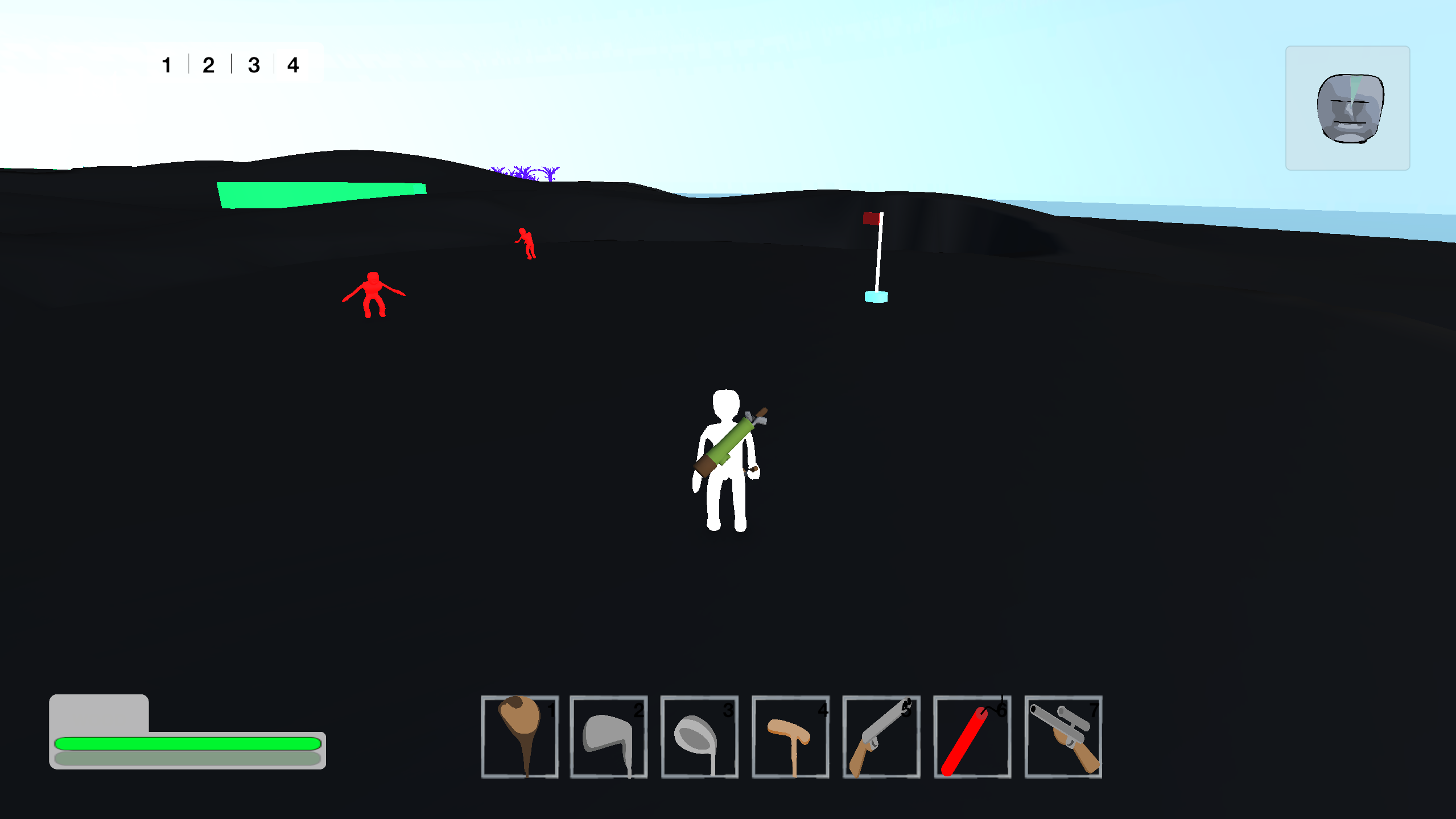
When the player or the ball isn't on the green, it will show up in yellow. But if the player or the ball touches the green, it disappears. 

I may make it so that an outline shows, I'm not 100% sure yet. 

The other feature I can add by using this material based solution is guide lines. I've set these to green, and are translucent. These indicate where the fairway is. The taller they are, the more gradient the fairway has. So low guide lines = flat fairway. High guide lines = hilly fairway. 

I'm really happy with how this accessibility feature is shaping up. I really want it to feel like some effort has gone into it, and it hasn't just been chucked on afterwards as an afterthought. 

Oh, and I also really loving this vaporwave night-time aesthetic!