The Power of Pride Bundle 2026 — $10 PWYC Edition
On Sale: GamesAssetsToolsTabletopComics
Indie game storeFree gamesFun gamesHorror games
Game developmentAssetsComics
SalesBundles
Jobs
TagsGame Engines

Fence it 🤺 Fencing game progress | GB Studio

A topic by Noob’s Games created 5 days ago Views: 121 Replies: 3
Viewing posts 1 to 4

Hey!

I started working on little bite-sized Gameboy Color game about fencing. Right now this is just an early prototype. 
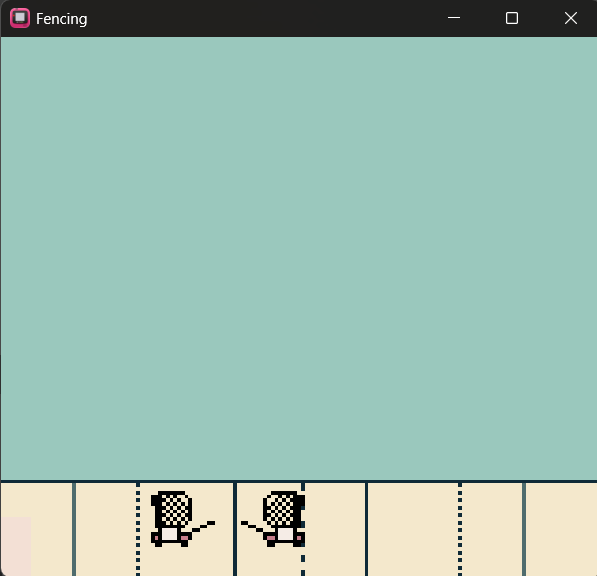
Fencers are hand drawn and also a piste.  Concept is to make it as close to this sport as possible  😊

Right now on my TODO list I have few mechanics:

1. Launge

2. Block

3. Scoring

4. Enemy AI

Also I translated size of piste and fencer really close to real ones 😁😁

What do you think about it? Let me know 😊

- Michael, AKA Noob's Games
Hi All! 

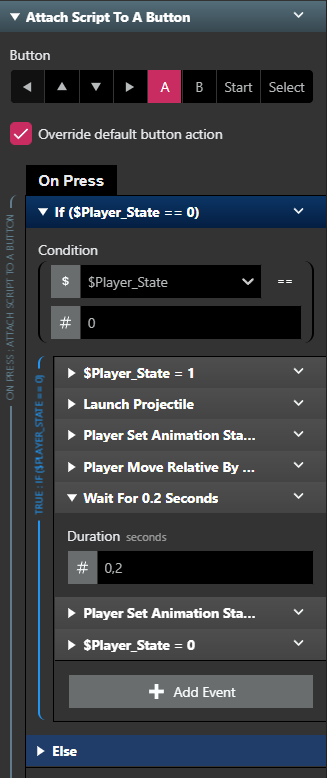
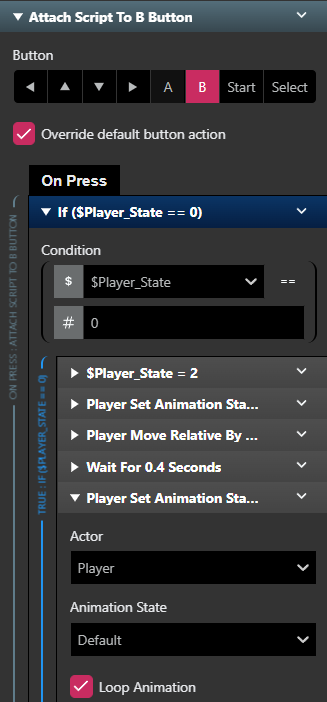
Here it is ... first progress. Today I designed lounge and block mechanics and connected them to "A" and "B" buttons. Do you think B for block sounds more intuitive? 🤔 Lounge and block are designed as custom scripts for reusability.

These 2 actions are connected to the player with simple state checker. So:

0 - for Idle

1 - for attack/lounge

2 - for block


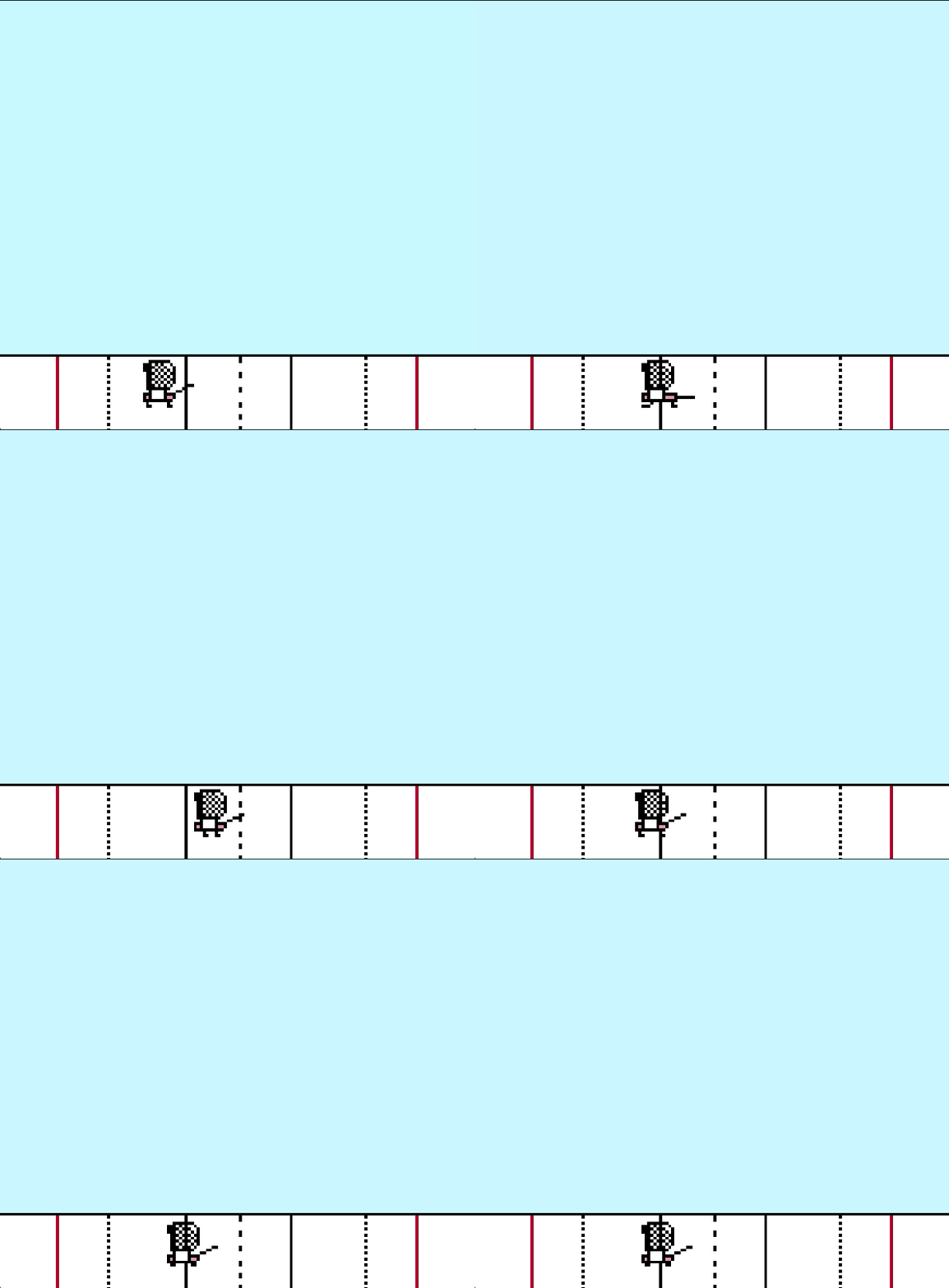
Right now it looks in a game like this:


Do you like it? Let me know 😊

Hello again!

Today I made little progress and I'm closer and closer to first working version :) 

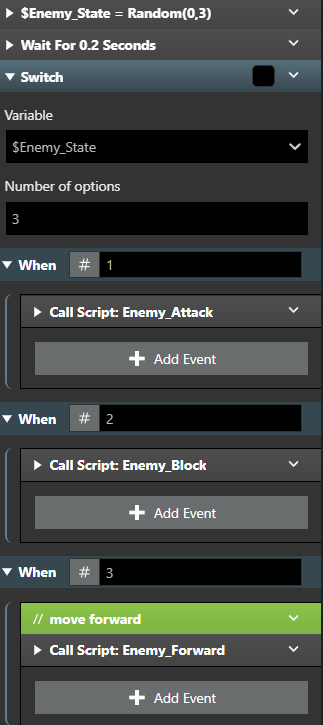
Today's progress is around enemy AI. Right now (just for MVP) i decided to go with simple state machine + distance checking to go backwards. It looks like this:


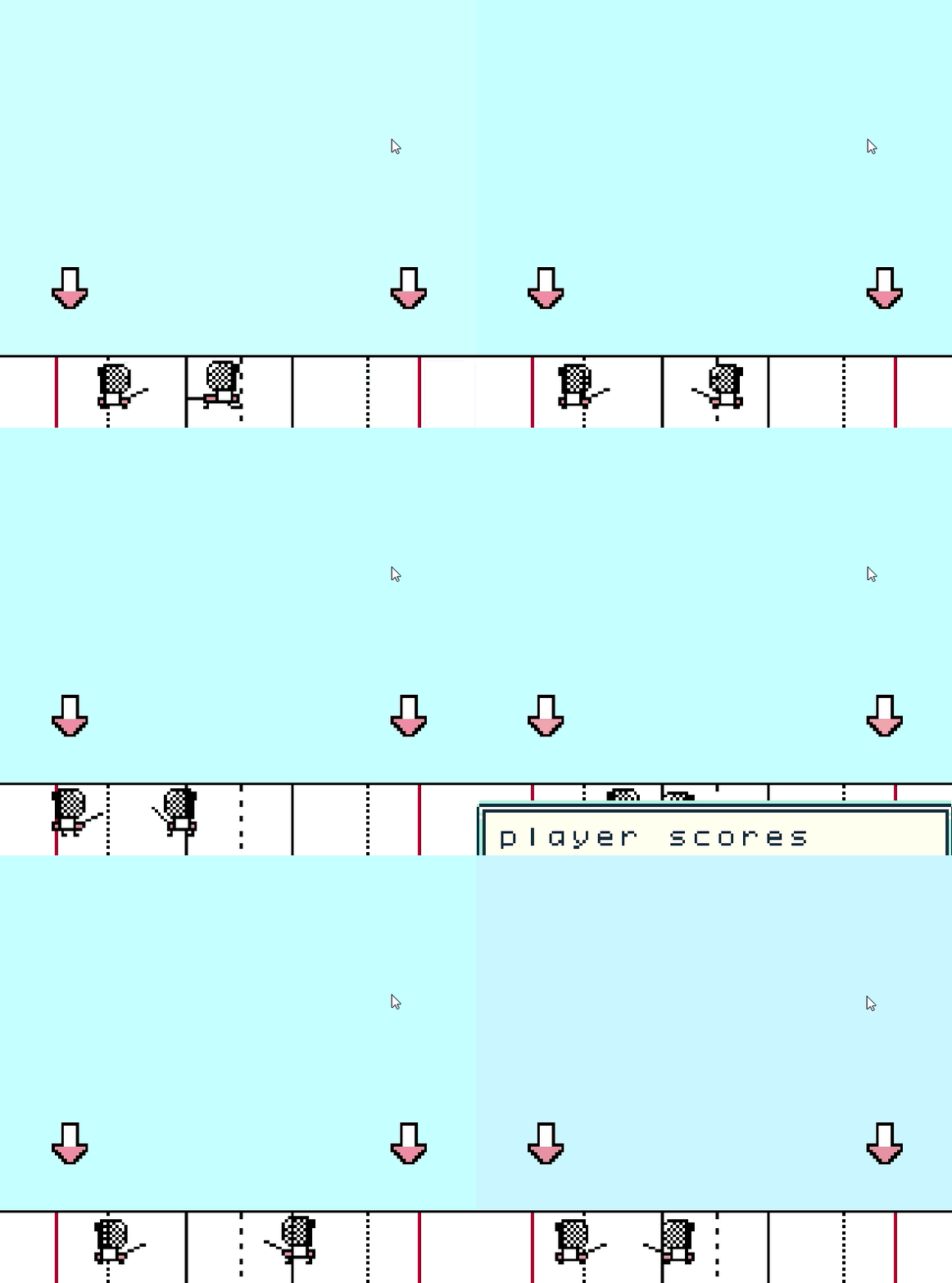
I decided to go with 1 for attack, 2 for block and 3 for enemy forward. Of course all three actions are closed in functions to make it more readable and better for maintenence. Final effect below:


Time to tackle points system :)

Cheers,

- Michael, AKA Noob's Games

Hi everyone!

I wanted to share a quick behind-the-scenes look at how the combat mechanics and, specifically, the player scoring system are structured in the current build. The entire logic relies on checking character states at the exact moment a hit connects (On Hit).

1. Hit Detection & Enemy State (On Hit)

When an enemy is hit, the game triggers a Switch statement that checks the $Enemy_State variable (the enemy's current status, which has 4 options: 0 to 3).

If the enemy is in state 0, 1, or 3, the game performs an additional check: If ($Player_State == 1).

If the player is in the correct state (for example, in the middle of a specific attack animation), the main scoring script is triggered: Player_Scores.

Fun fact: In state 2, instead of awarding points, the game currently just plays a blade sound effect (play blade sound)!


2. The Scoring Script (Player_Scores)

Once the Player_Scores script is called, it executes a sequence of key actions:

Updates and displays the current score UI (Display "player scores").

Increases the global player score variable by 1 (Increment $Player_Score by 1).

Calls an external script named Score_Changer (responsible for visual feedback or UI transition logic).

Finally, it fires the most important function: Check_Win_Condition.


3. Checking the Win Condition (Check_Win_Condition)

This function manages the end of the match. It checks whether the total points scored by the attacking side have reached the required threshold to win the fight.