

oh my! thats weird. so does the thing in the screenshot happen both in the browser version and the downloaded one? also what operating system are you on, windows or linux?
not trying to be annoying here, i would just like to help :)
To answer your question.. Yes it happened at both.. It happened At browser.. And even happened at download too.. For some reason.. As for which operating system I use.. I use a windows one... is there different to windows to Linux by any chance ?
( Also I don't think you are annoying.. You're help is welcome to me.. Because it shows you care about your games and us too :) )
Alright, I am pretty much at a loss here. I was asking about the operating system in case we could somehow replicate your error, to run it on our own computers. The three versions of the game (browser, windows, linux) should be the same ones. Just to make sure, which windows version are you on and what browser are you using? I am personally on firefox and it works correctly, so maybe try that?
One more thing we could try is to just click the places, where the buttons should be and hope that the only broken scene is the main menu. Under the post I'm posting the way it should look like, lets hope it works :D.
Also, did this happen with any other game in the jam or just this one?
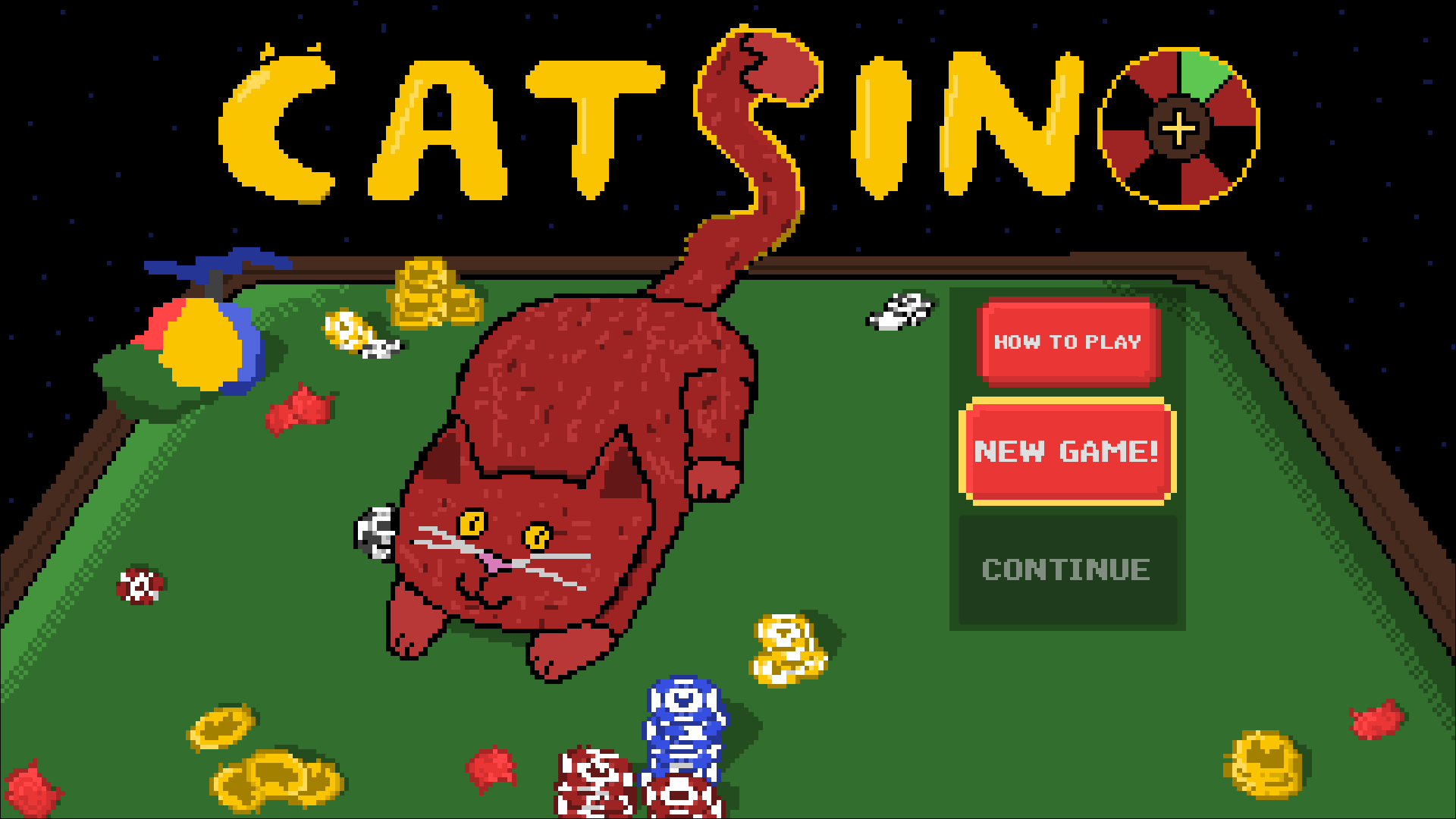
No.. Just this one game jam.. Where this weird bug happened at main menu.. Sadly :d.. I might try you're idea tomorrow after I get some sleep.. But Before I do that.. Can you please play and also rate my game call invader Jimmy?.. I pull a lot time and effort on it ( only have 6 rate :(((( ) So I would really appreciate it if you can play and also rate my game call invader Jimmy.. Even feedback too.. Thanks for reading!!!... :)
Sure thing, I played it on the website you linked and it was quite fun and I gave it a review!