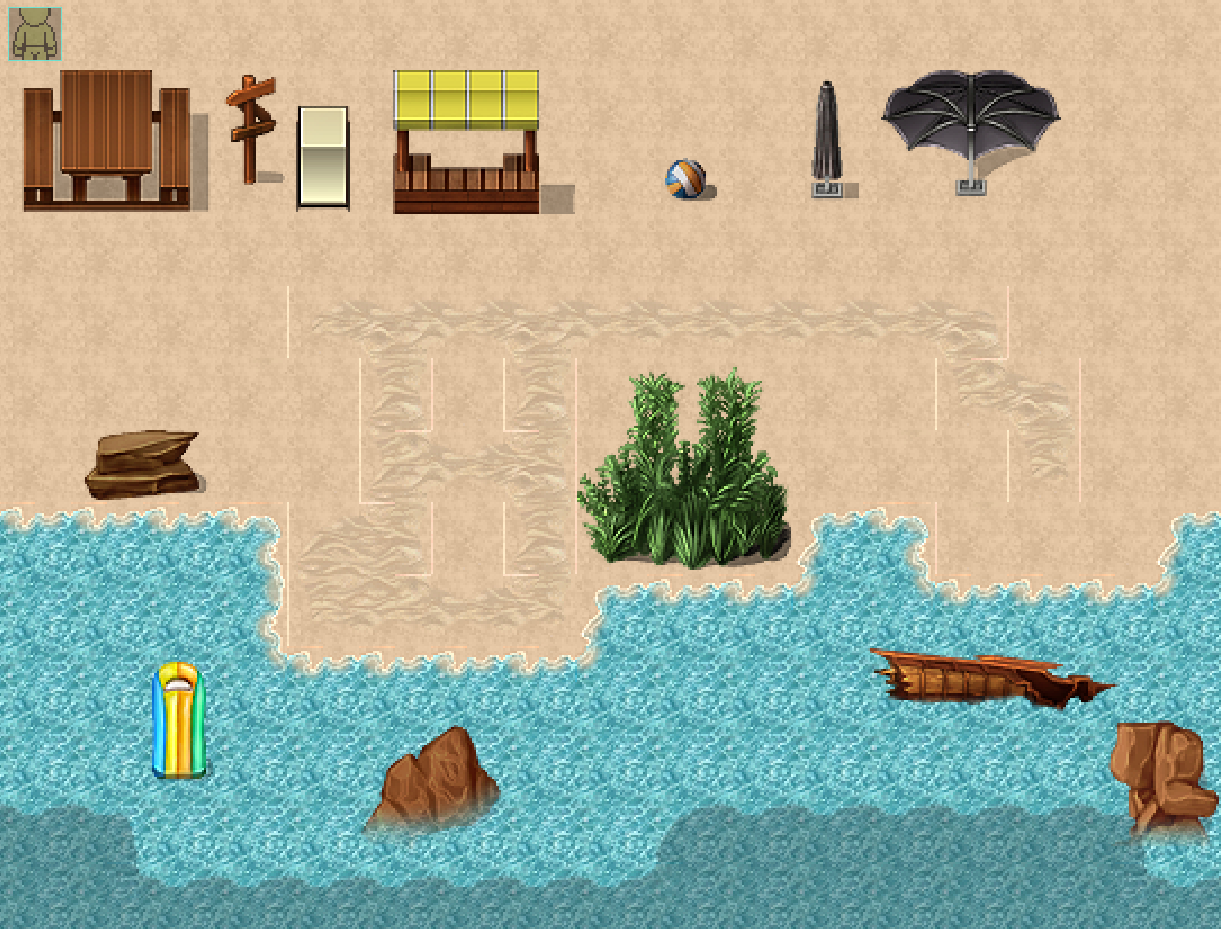
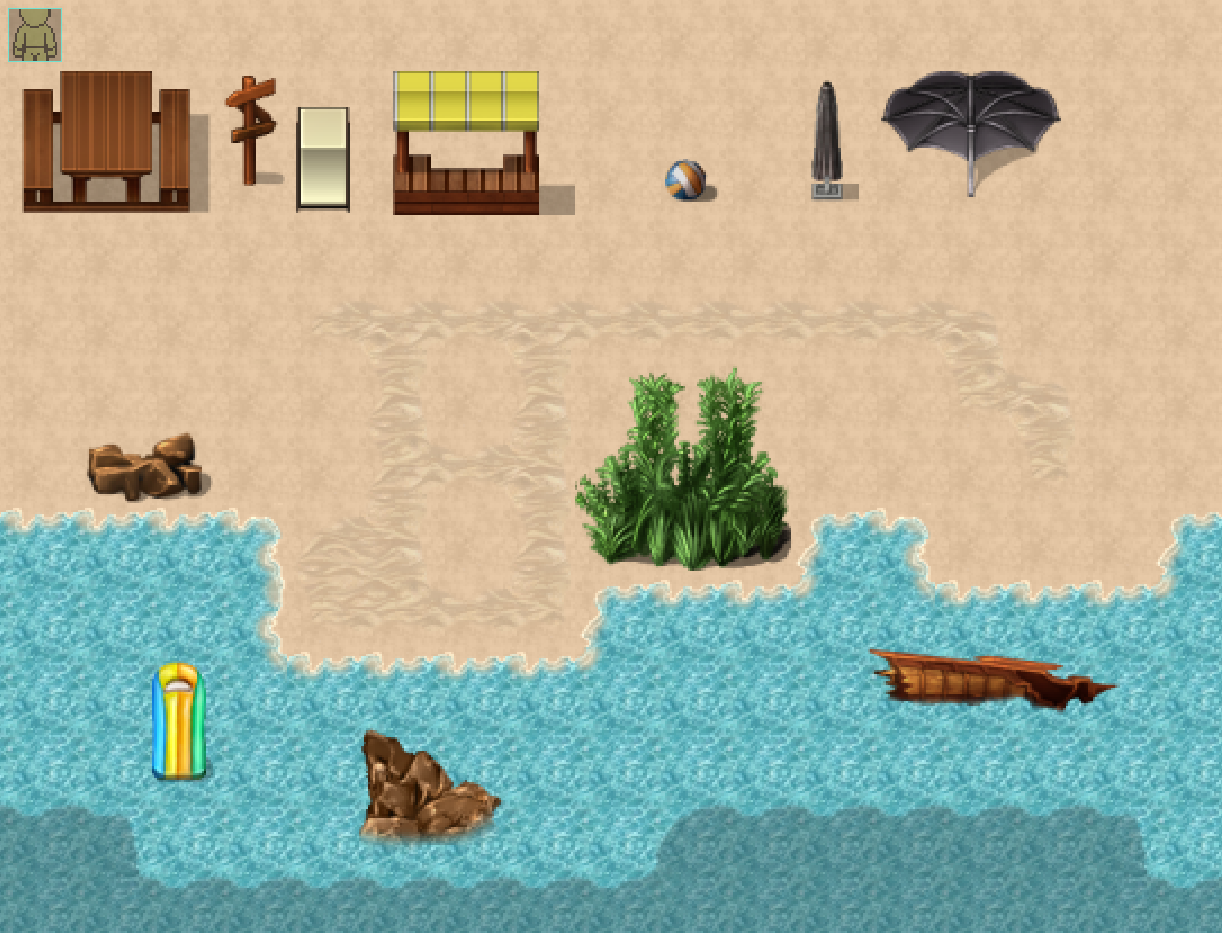
Hello, apologies for reviving such a long-ago past discussion, but we just came here after purchasing this pack to report having what I assume from your response (as the original post is deleted) is probably the same issue. But I think we figured it out.
This product comes in the form of a beach.zip file, which contains the 32px+VXACE folder, 48px+MVMZ folder, sample maps folder, two readme files... and beachv1.zip, a nested zip-inside-a-zip.
Going one layer deeper, inside beachv1.zip are copies of the same files and folders: 32px+VXACE, 48px+MVMZ, sample maps, two readmes. At first glance, the contents appear identical, like this asset pack just included all its assets twice.
However, the 32px version of Beach_A2.png in the beach.zip tree is broken: It has weirdly bright single-pixel borders around a lot of the terrain regions, which I believe are what's causing the visual misalignment when transitioning between terrain types.
If the author fixes/updates this then this entire comment becomes irrelevant and outdated, of course. But if they don't, and anyone else happens to be experiencing this issue in the meantime: Just use the one inside beachv1.zip instead. That one seems to work properly.