
The Power of Pride Bundle 2026 — $10 PWYC Edition
On Sale: GamesAssetsToolsTabletopComics
Indie game storeFree gamesFun gamesHorror games
Game developmentAssetsComics
SalesBundles
Jobs
TagsGame Engines

How are you detecting the difference? What pointing device are you using?

Here’s a canvas that draws a line from its centre to pointer.pos-pointer.prev to visualise how far that points, and in which direction:

%%WGT0{"w":[{"name":"canvas","type":"canvas","size":[100,100],"pos":[206,121],"locked":1,"animated":1,"volatile":1,"script":"on view do\n me.clear[] me.line[me.lsize/2 (pointer.pos-pointer.prev)+me.lsize/2]\nend","scale":1}],"d":{}}

The patterns I get (in Native Decker) when waving my mouse around are pretty similar whether I am holding the button down or not. Maybe the “button down” lines are a bit longer? But it’s hard to tell whether that’s just because my hand posture changes and I’m holding it differently.
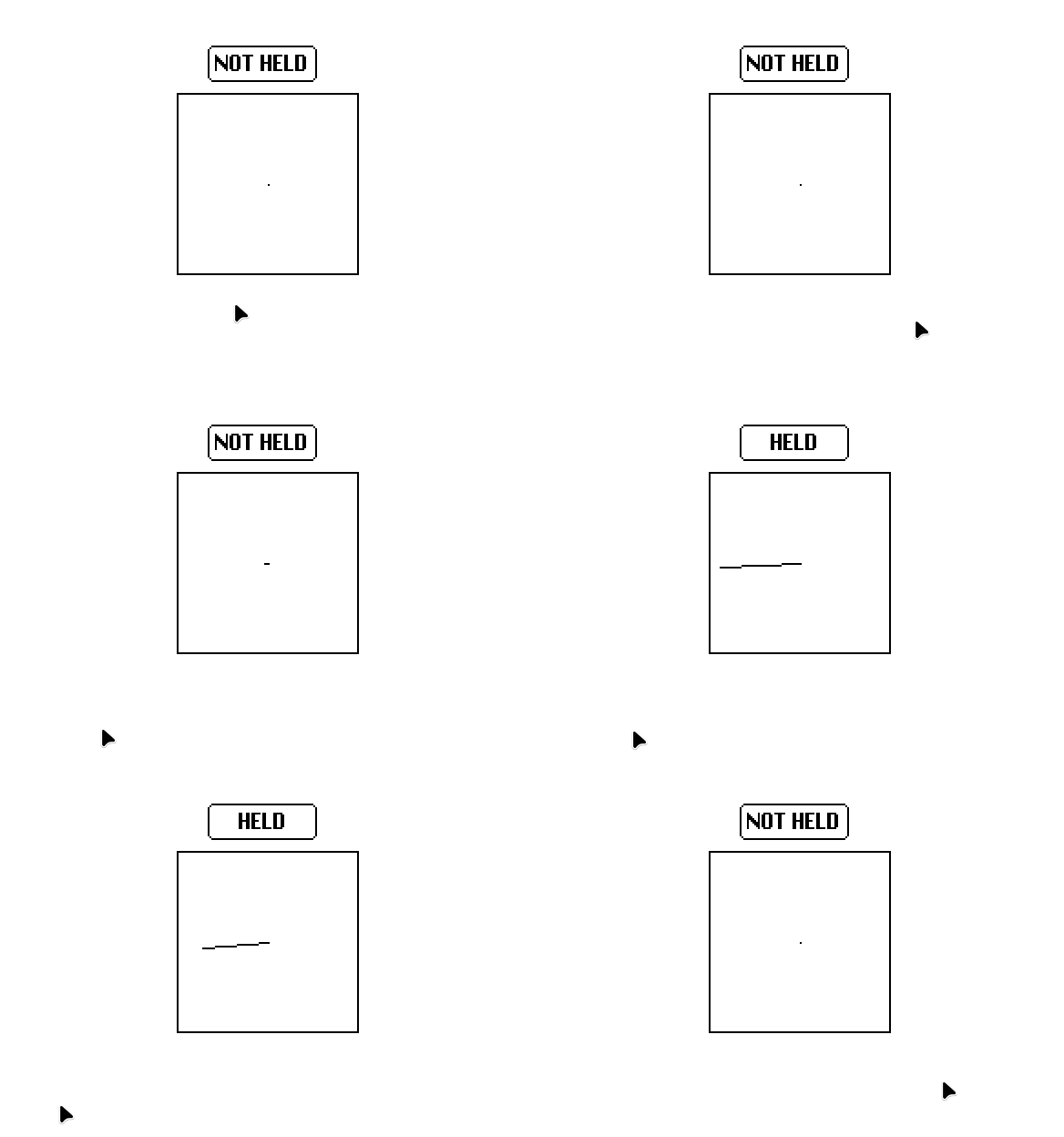
(3 edits)

For reference, I’m using my mouse to detect inputs in Native Decker on Linux Mint.

(I added an animated button on top of the canvas to show when my mouse is being held.)

On my end, it’s a pretty substantial difference. Previously, I was using this slider widget to specifically detect changes in Y pos:

%%WGT0{"w":[{"name":"slider","type":"slider","size":[38,151],"pos":[163,94],"locked":1,"animated":1,"script":"on view do\n diff:(pointer.pos[1]-pointer.prev[1])\n me.value:(diff/1)\nend","interval":[-50,50],"style":"vert"}],"d":{}}

Here’s an even fancier version:

%%WGT0{"w":[{"name":"canvas","type":"canvas","size":[100,100],"pos":[206,121],"locked":1,"animated":1,"volatile":1,"script":"on view do\n p:colors.black,colors.red\n i:me.copy[]\n me.clear[]\n me.paste[i (-1,0)]\n me.pattern:p[pointer.held]\n dy:(pointer.pos-pointer.prev)[1]\n c:(1,0.5)*me.lsize\n me.line[c c+(0,dy)]\nend","pattern":47,"brush":1,"scale":1}],"d":{}}

It only draws the Y component of the delta, but it draws in red when the pointer is held and black otherwise, and it slowly scrolls old values off to the left instead of clearing each frame, so you can get a sense of whether the black spikes are smaller than the red spikes.

I do see that in Native Decker (also on Linux), but I don’t see it in Web Decker. In Native Decker, I see about the same difference regardless of whether it’s in a tiny window or full-screen, so I don’t think some scaling factor is being applied the wrong number of times.