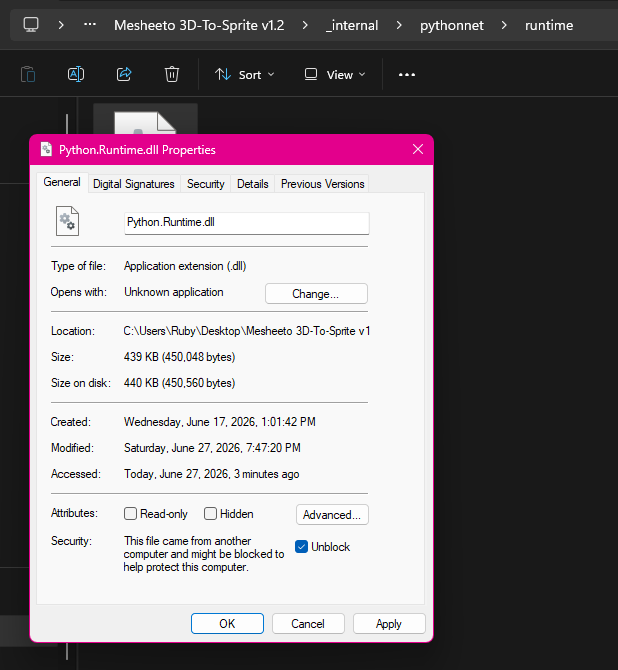
I just did some testing on a couple of clean PCs with NO PYTHON installed and the app ran fine (Windows 11). I did have to turn off the smart app control to allow windows to run the exe, because it has no reputation, yet. But then the app ran, no problem. I don't know if it's the same issue that is causing it to not work for you, but I was getting a smart screen blocking the app from running at all, but no errors.
Can you try to run the app on another machine to verify the app actually runs? Maybe you got a corrupted download, I don't know, just guessing. I even just tried downloading the zip from itch to make sure nothing was messed up with it after I uploaded it, and it ran too. It may just be an edge case with your machine.
Sorry, again. I hope you can get it working. If not, again, feel free to get a refund. And thanks for giving it a try!