

clear, thanks for the quick response
54 days ago(+1)
No problem! It really comes down to drawing your own more curved tilesets with associated collision mask, and setting up more angles in the "track flow" instances amongst other things. It shouldn't be too difficult, but it does require expanding the template a bit further.
54 days ago(+1)
Understood.
...and what about "cars"? Are they expected to be 2D sprites, is the handling of their collision included?
54 days ago(+1)
This is like the original F-Zero, so its billboarded sprites (sprites that are tilted in 3D space to appear standing up). Their collision is a small 2D area on the track below them. Like with wall collisions, very high speeds are taken into acount when colliding.
53 days ago(+1)
Thanks! It's been a while now since I designed this, but if you have questions I'll open the project again in Game Maker and see if I can be of further help :) Feel free to ask stuff in this comment section ;)
53 days ago (+1)
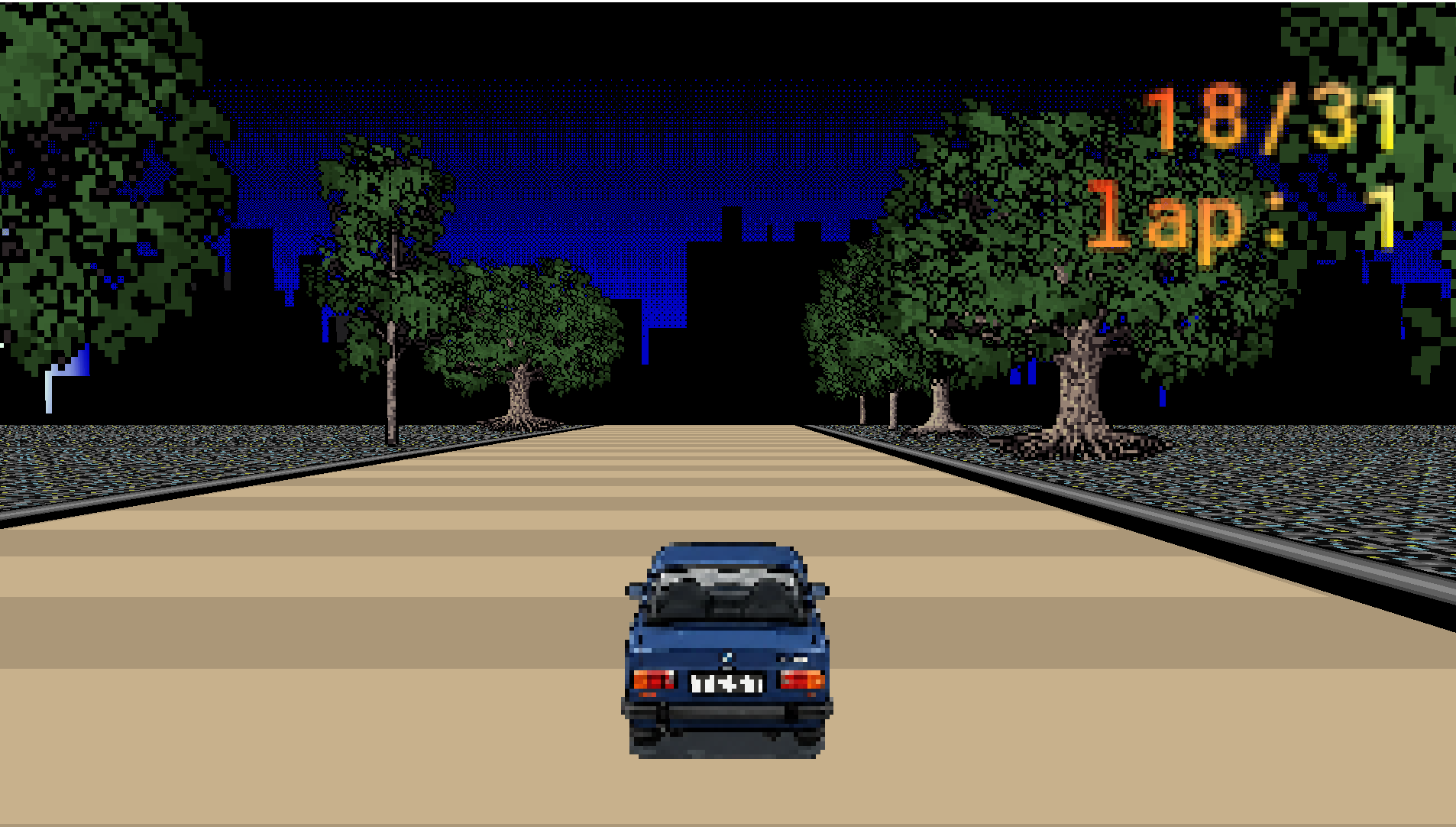 Thank you, I'd have couple of questions, but I know it is not a training section :)
I do not know so much about shader-magic; but I can see that is used mainly to draw the world.
What would be the reasoable way to add decor items to the map, like 3D buildings? Adding simple 'billboard' trees seem to be easy
53 days ago (+1)
Exactly, the billboard shader is already in there, so you would need to make non-moving objects and draw them through that shader, then place them. Make sure to check their depth values and such so that they appear on the same height as the vehicles :)
As for 3D buildings, you could create a vertex buffer for them, simple cubes stacked or something, and give them a texture. Look up DragoniteSpam tutorials on youtube, it will help a bunch!