
On Sale: GamesAssetsToolsTabletopComics
Indie game storeFree gamesFun gamesHorror games
Game developmentAssetsComics
SalesBundles
Jobs
TagsGame Engines
(12 edits)

Here’s the step-by-step guide I used:

https://itch.io/blog/484532/how-to-update-nwjs-in-rpg-maker-mv-for-rpg-devs

It may be worth trying, since updating NW.js can improve the performance of the whole project, not only this plugin.

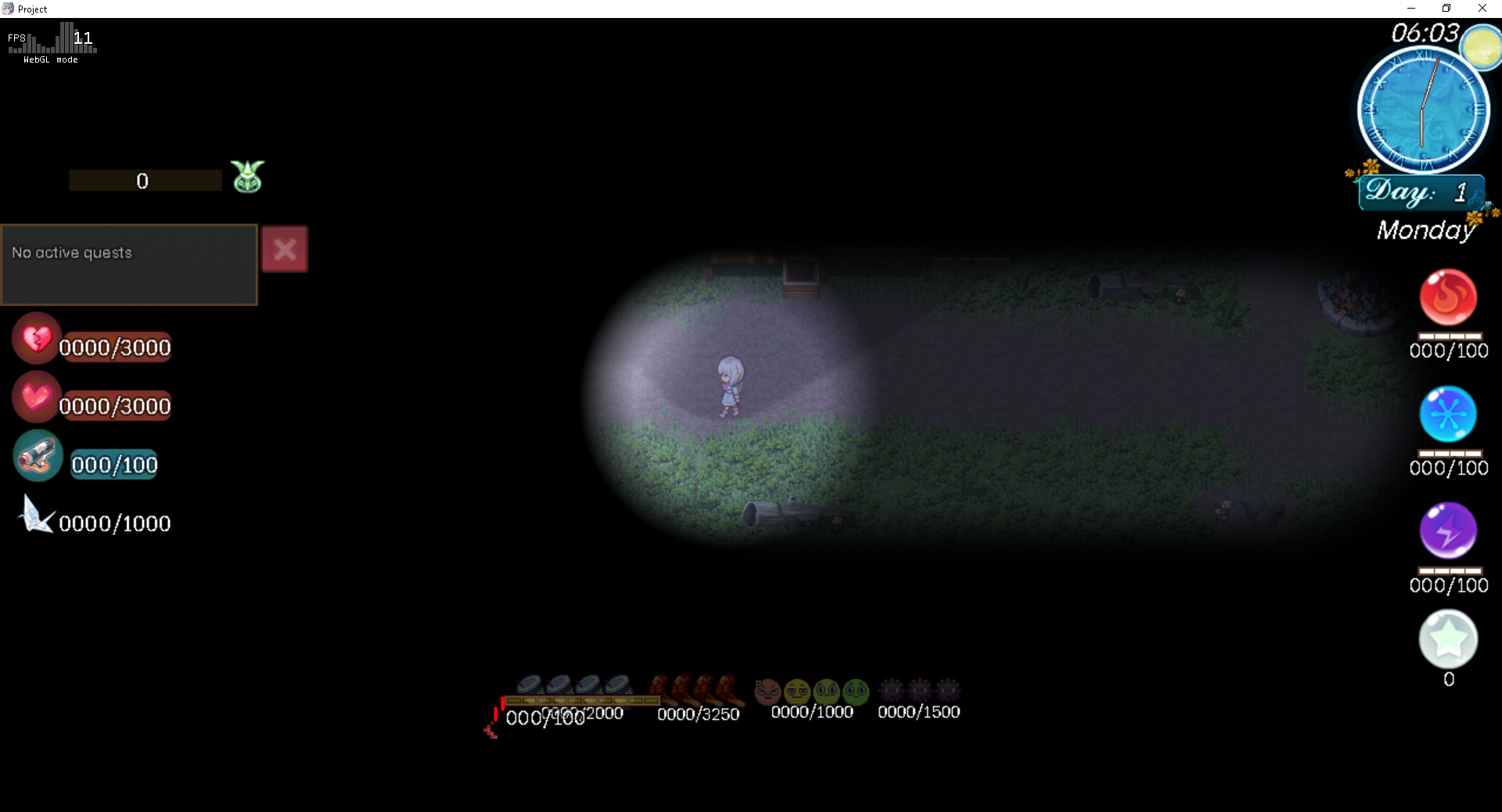
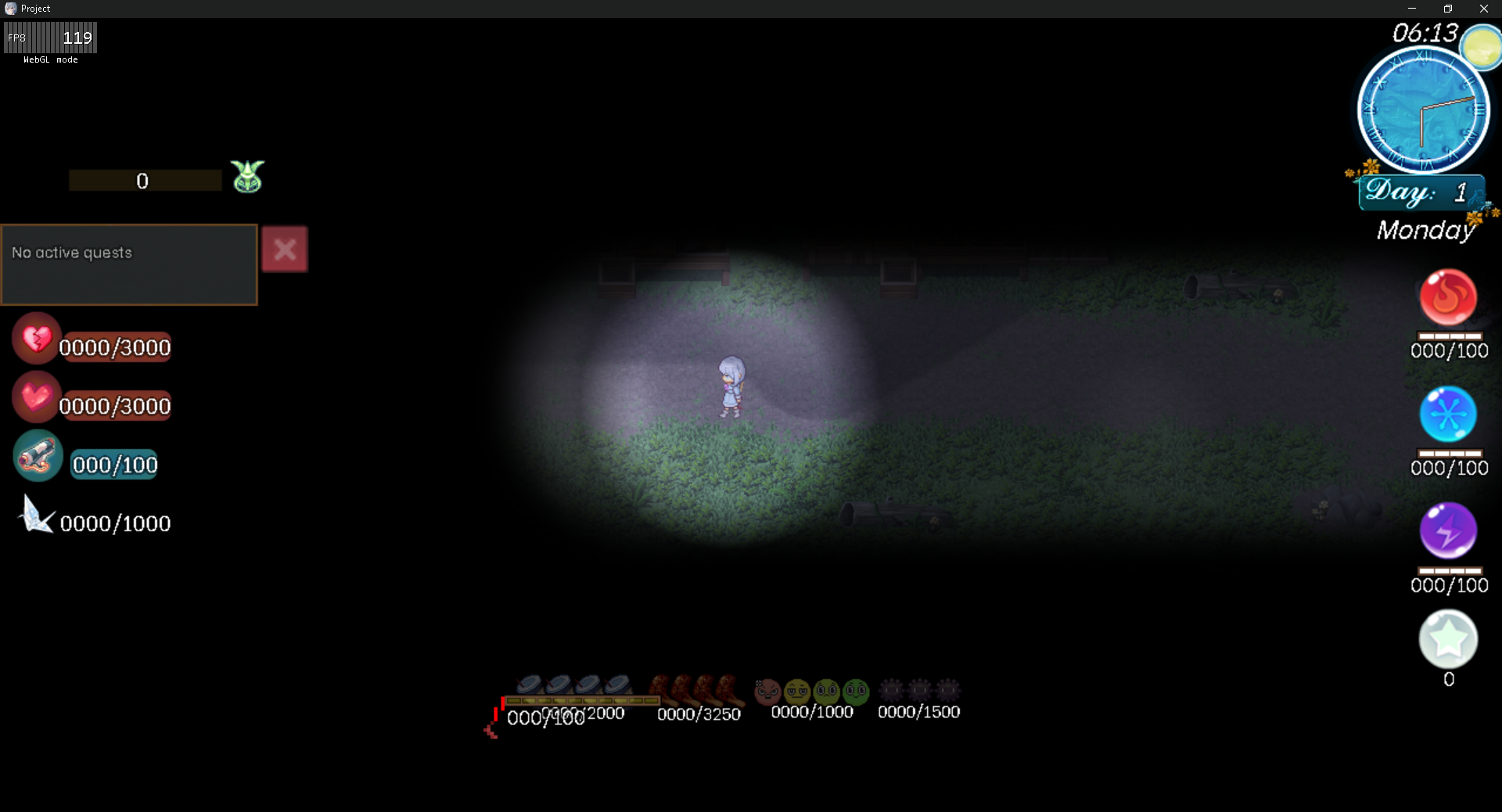
For reference, I tested the default NW.js 29.0 against NW.js 111.3 on a 100×100 map, and the performance difference was significant in my test project. I recommend making a backup before updating.

NW 29.0

NW 111.3
(+1)

Thanks. Oof, that's complicated. -_-

(+1)

Yeah, it's a bit tricky. My project was actually stuck on NW.js 0.29.0 for the longest time. After adding several plugins, I kept getting severe lag spikes and FPS drops until I discovered this solution. Alternatively, watching the clip might be much easier to digest than reading text: