Indie game storeFree gamesFun gamesHorror games
Game developmentAssetsComics
SalesBundles
Jobs
TagsGame Engines

vishi221

41
Posts
1
Topics
89
Followers
A member registered May 07, 2017 · View creator page →

Creator of

Recent community posts

That sounds interesting! I'll look into whether this feature is easily feasible or not. I'll give it a try and aim to have an update ready within this February.

(1 edit)

The Battle Scene for the plugin is now complete and is currently undergoing testing before release. I wanted to give you an early heads-up that the price might increase slightly. Developing the Battle Scene was quite difficult and time-consuming, so I hope you understand.
https://vishi221.itch.io/rpg-maker-mz-menu-ui-pro/devlog/1319341/upcoming-full-release-roadmap-update-price-change-1249-1499

Oh, I see. I've already added that feature for you. The upcoming battle update will include your suggestion, so stay tuned!

Thanks! I'll try to update a few more essential features so users can fully deploy their projects, and I'll write the documentation when I have some time. The current kit is almost stable now, so I'll just add a few minor functions before wrapping it up.

As you know, given the price of the Kit, the roadmap won't be too long because there isn't an overwhelming amount of content for this specific genre. However, I'm currently working on the Aim and Shooter plugin, which will be much more advanced for developing shooter and zombie games and that roadmap will definitely be longer.

(1 edit)

No problem! As long as it helps with your project. But wouldn't preloading be better for a smoother UI? I've considered that approach before, but I'm worried that things like buttons or FX might not load consistently, especially on mobile devices.

(1 edit)

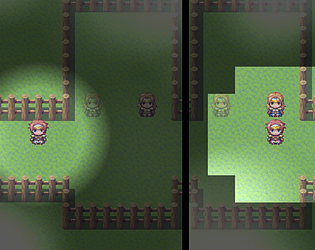
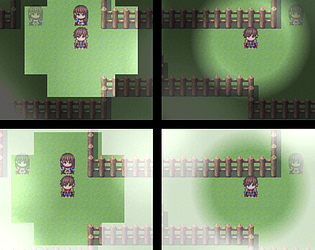
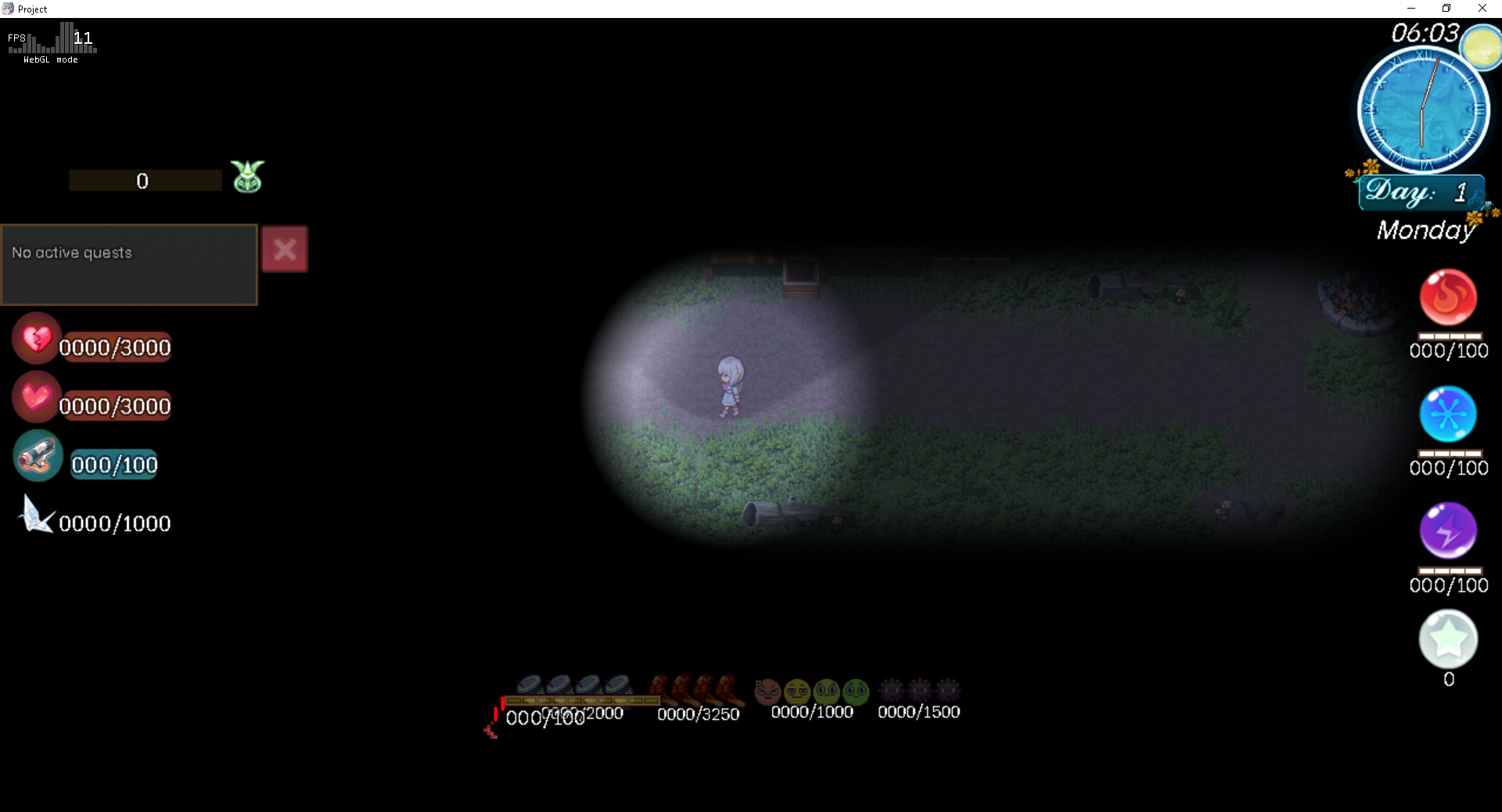
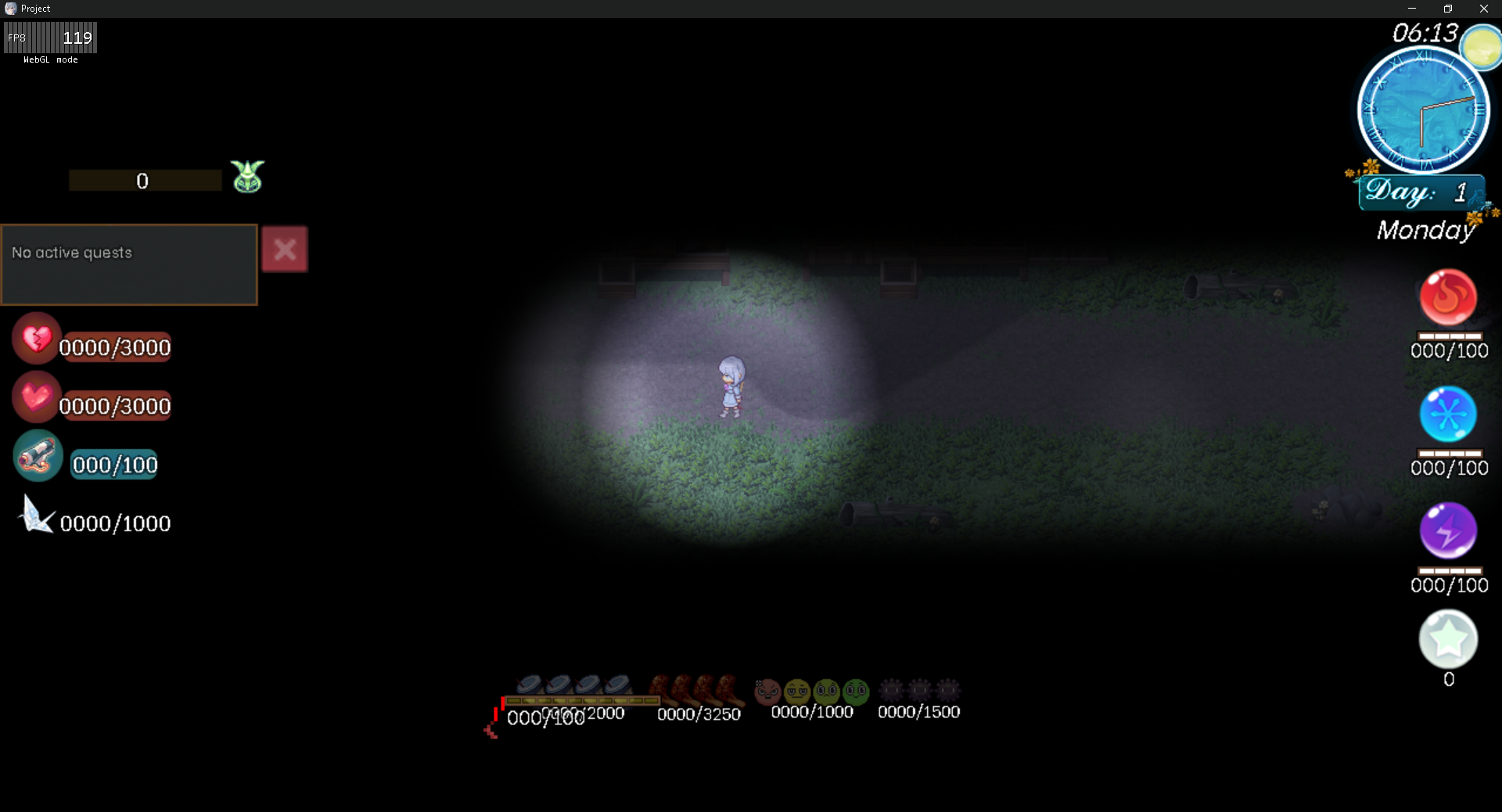
Hi! Currently, there isn't a written documentation or user guide for the lighting system. However, are you using the real-time lighting settings? It shows the changes instantly.
Because the plugin is still in the process of development and being updated, I haven't had the time to write the documentation yet.

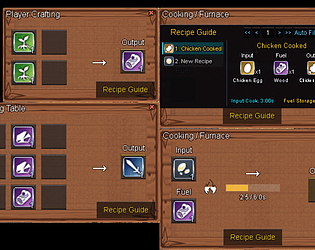
Yeah, I've actually considered adding a crafting queue machine so players don't have to do it all manually. It might not be simple to implement, but I'll try my best to add this feature in a future update.

I also have an idea where players could hire an NPC to handle the crafting queue for them in exchange for a fee.

Thanks! Usually, when I update, I'll post a devlog on itch.io immediately, or I'll just send a message here whenever there's an update.

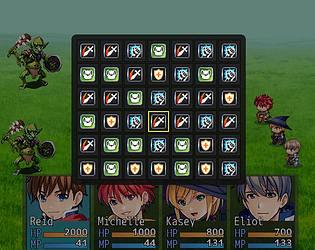
Thank you for your interest in this plugin. The battle ui is currently under development, since there are many windows involved in battles, there's still a lot of work to be done.

Oh, glad to hear everything is settled. Please don't hesitate to contact me again if you encounter any further issues. Or you can also check the demo for the basic setup and folder structure.

Hello! Did you place the button assets in the img/pictures/buttons or button folder yet?

(1 edit)

You're right. I haven't had the time to clear out the dead code yet, but I will clean it up later.
As for the extra features, I included them because I use this plugin for my own project as well. I don't have the time to create separate plugins, and since these features are somewhat related to the UI, I decided to just add them in.

I have already exported Sprite_UIPicture and Sprite_UICommand under the window.VS221.MenuUIPro namespace. This should be sufficient for you to implement the Dynamic Pictures compatibility on your end.

Oh, I totally forgot. Thanks for reminding me!

Please try the new version. I'm not sure if it will fix it for you, but I suspect your old NW.js version is causing the error.

Oh, that's quite strange for it to happen right at the start of the game. Does this happen on the itch.io demo as well?

Yes, I know. Are you experiencing a crash in the item or equipment scene?

I'm currently at my day job. Please describe how the crash occurs while you're editing. I will fix it in the next few hours and include an update for the skill scene as well.

Yeah, but in the meantime, I can't neglect this plugin either. The shop and battle systems still need to be updated to make the plugin feature-complete.

You're welcome, thanks for stopping by! In the future, I plan to release two more plugins for visual choices and HUDs.

Thanks! I'm currently in the process of fixing the bugs. Users have been reporting them to me, so I need to provide an update quickly.

Thanks! Currently, I'm trying to fix the bugs and optimize it as much as possible.
If you don't mind, please leave a rating for the plugin.

I appreciate your trust in my plugin. I wish you the best of luck with your project!

Thanks! Glad you love the hammer animation! I tried to make the UI as satisfying as possible.

I’ve tested it, and it does run.

However, it may cause some visual bugs, so I might release an update later to make it compatible with this plugin.

Hope your game runs smoothly!

Thanks! Actually, this mini update is to support my client’s project in my Discord.

Sure, keep it at 144×144 to match the default face. For now this version can’t edit the text box; I’ll include that in a later update.

It’s fine.  I’ve gamed a lot, so I want perfect, fast actions with no bugs.

Yeah. I’ll keep updating and fixing it to make the plugin as perfect as possible.

(1 edit)

That’s odd! I tested both MV and MZ, start (x1,y1) and destination (x2,y2) included. Which engine are you using?
If you’re using variable IDs, there’s no support for that right now.

Thanks! I’m planning to add a ‘life’ mechanic for icons, for example; if you don’t pick up an icon within a set time, it will auto-shatter + add a temporary lock period before it can be picked up again.
Anyway, that’s my idea; I’m not sure I’ll have time to add both features since I still have a lot of new plugin ideas to finish.

Oh, back when I first built this plugin, I cut that feature. Icons appearing from nowhere didn’t make sense, so I switched to ‘throw via event’ instead. I didn’t expect it to be useful. Now I’m rummaging through my memory to put it back.

Do you mean, for example, having the icon pop out at (x1, y1) and then land at (x2, y2) on the map?

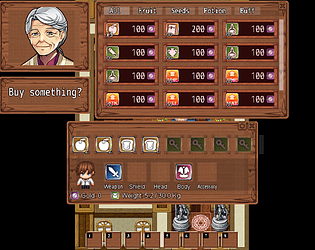
A weight system and slot locking are definitely coming, after I release the shop plugin that integrates with this one. Thanks for your interest!

Please. Check Mini Update.

Oh, this feature isn’t in the current version yet. I’ll update it as soon as I can possibly tomorrow as I’m busy preparing the release of the drag-and-drop inventory plugin. Thanks for your patience.

Yeah, I think so. I should add a description for the free version. Thanks for the reminder.

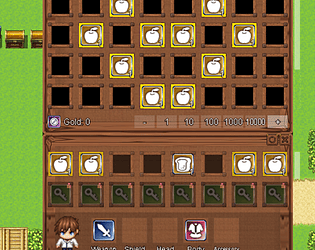
Thanks for noticing. I'm working on a drag and drop inventory with drop on map support to pair with this plugin, probably centered on a Stardew Valley like farming genre.

(1 edit)

What’s fixed:

  • Crash after deleting/erasing Event IDs (or pages with no commands) is resolved.

Thanks:

  • Big thanks to RegalBuster for spotting the issue!