Hi, In the OneFile mode the created exe will not run without the other file(s)/folders in that final folder eg. license and/or source.
Is it possible to actually get it so that there is just the exe file.
Also, please place a donate button on the Wapper website.
Thankyou for a great program
Hi RickiRu!
Unfortunately, no. The source folder is your original files and need to be there for the exe to serve them in the webview window. Wapper creates a custom webview wrapper for your files to be served to, that's what the exe is. It looks in the source folder for the files to open in the window.
As for the license folder, you should be able to remove the license folder, but you should leave it in there if you plan on distributing the app/game. The licenses are required to distribute the underlying libraries that make the output app work. Wapper automatically adds the needed license files to make it easier for you.
Thank you for the question and the kind words!
I'm sorry you're having trouble extracting the files. Try moving it to the root of a drive then extract it. Windows has a weird thing about long paths to files. The deeper into a drive it is, the more likely it will fail to extract. Also, you may need to open the zip properties and look at the bottom for the unblock toggle. It may get blocked otherwise.
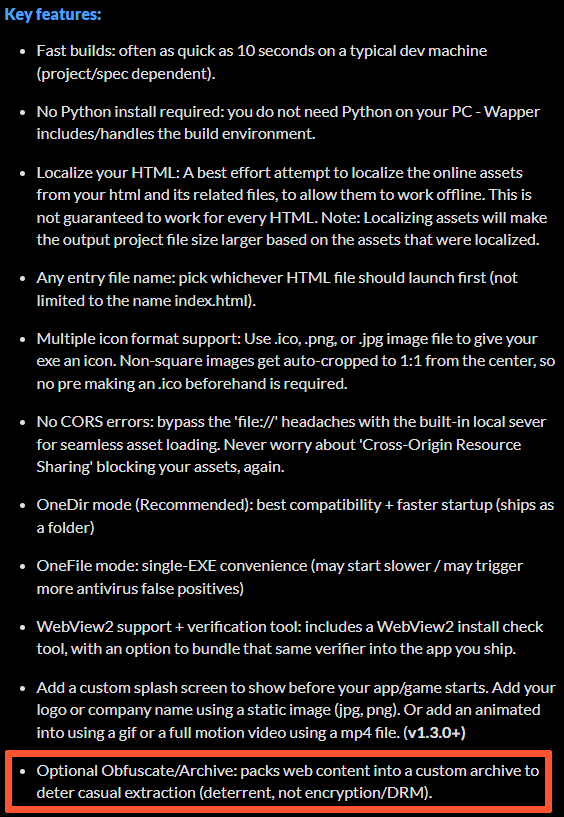
As for the hiding your files, it is mentioned, that is what the obfuscation settings are for in the advanced settings. The app will pack your original files into a custom archive that won't open in normal zip software like 7zip or others. It uses a custom archive I made for this app. Also, just curious, how did you figure out it wouldn't put your files in the exe without testing it? If you can't extract it then how could you test it?
I hope you get it figured out.
Feel free to get a refund if you need to, no worries.
Cheers, EyeFly.