State this somewhere obvious. The whole reason I purchased was to hide my files in an exe, if they have to be there then what is the point in this? I can't even unzip the download because it keeps saying some of the file names are too long.
I'm sorry you're having trouble extracting the files. Try moving it to the root of a drive then extract it. Windows has a weird thing about long paths to files. The deeper into a drive it is, the more likely it will fail to extract. Also, you may need to open the zip properties and look at the bottom for the unblock toggle. It may get blocked otherwise.
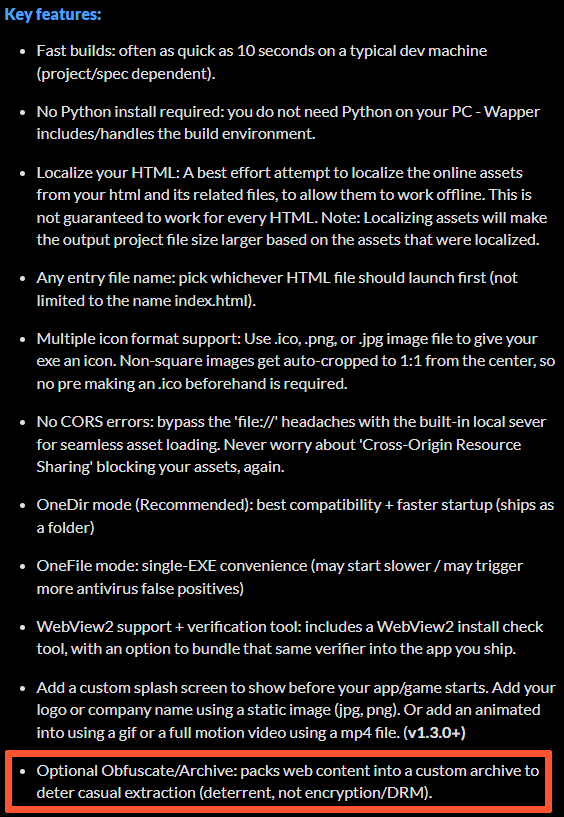
As for the hiding your files, it is mentioned, that is what the obfuscation settings are for in the advanced settings. The app will pack your original files into a custom archive that won't open in normal zip software like 7zip or others. It uses a custom archive I made for this app. Also, just curious, how did you figure out it wouldn't put your files in the exe without testing it? If you can't extract it then how could you test it?
I hope you get it figured out.
Feel free to get a refund if you need to, no worries.
Cheers, EyeFly.