Indie game storeFree gamesFun gamesHorror games
Game developmentAssetsComics
SalesBundles
Jobs
TagsGame Engines
(3 edits)

Hi Dolos, 
Thank you for trying out this tool,
Can you confirm you've followed the steps above to download the assets?

Step 1: Download and Unzip spritesheets.zip
Step 2: Open RapidLPC
Step 3: Click Open Spritesheets Folder
Step 4: Select spritesheets folder 

If yes, would you mind take a screenshoot of the issue?
Also provide your environments, e.g OS version, what folder path did you unzip the tool ?
Thank you ! 
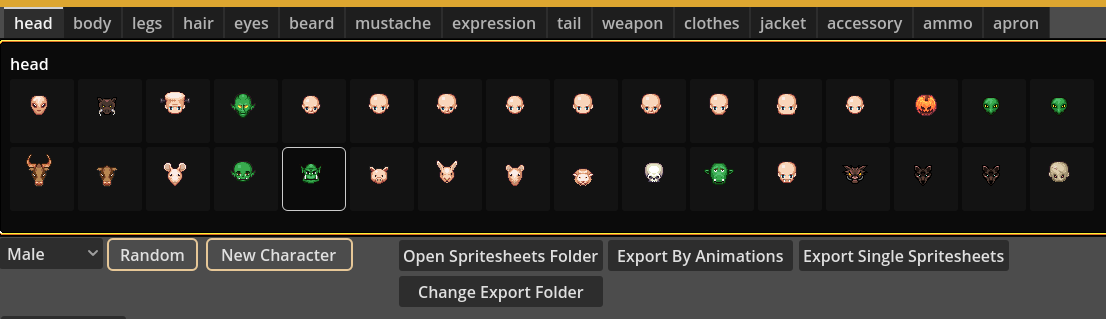
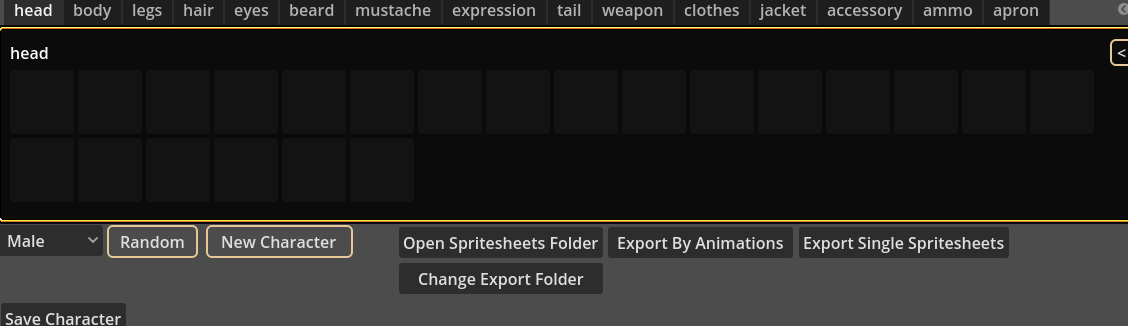
Hello. Yes, I followed those steps. I even tried it on two different computers but the issue remains. All tabs are the same but I will elaborate on the pictures. The top level of the head tab shows images:

But when I click into one of them all of the images in the subfolder are blank:

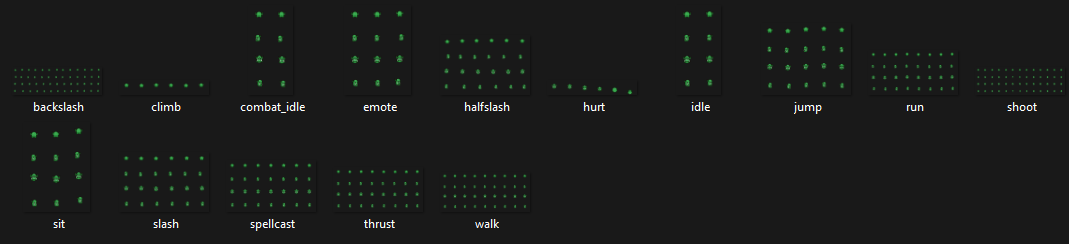
If I manually go into the subfolders of the directory, all the spritesheets have images on them:


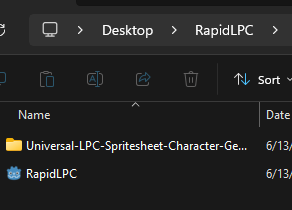
The directory is a folder on my desktop:


Here are my system specs:

Windows 11, 25H2

AMD Ryzen 7 7700X, 32GB-5600, GeForce RTX 4080

(2 edits)

Hi Dolos,

Thank you so much for the detailed information — it helped me locate the problem quickly!

Since the structure of the assets folder has changed, we now need to use a specific version of the assets. If you could download the file below, everything should work properly:

spritesheets.zip

I’ve also updated the relevant description.

Thank you!