

I tried the link but it says the token has expired. Thanks for the fast responses!
A member registered Oct 17, 2025
Recent community posts
RapidLPC - LPC Character Generator comments · Replied to etamity in RapidLPC - LPC Character Generator comments
Hello. Yes, I followed those steps. I even tried it on two different computers but the issue remains. All tabs are the same but I will elaborate on the pictures. The top level of the head tab shows images: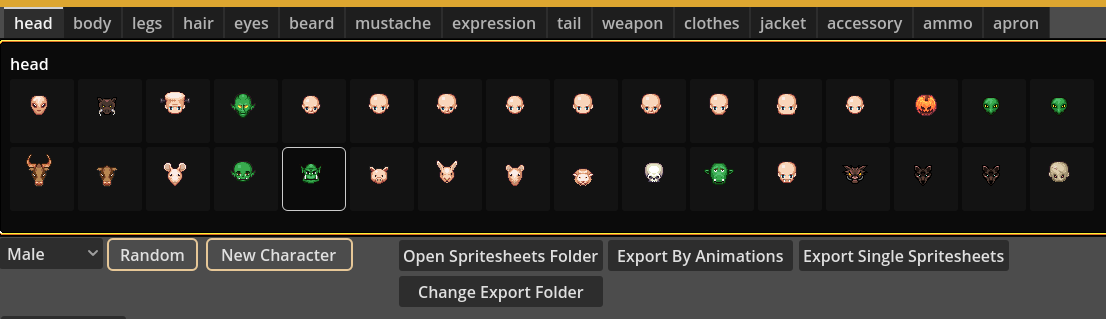
But when I click into one of them all of the images in the subfolder are blank: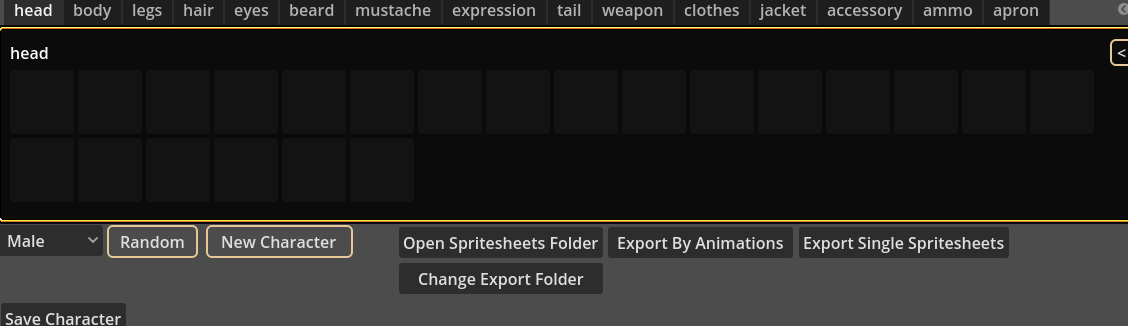
If I manually go into the subfolders of the directory, all the spritesheets have images on them:
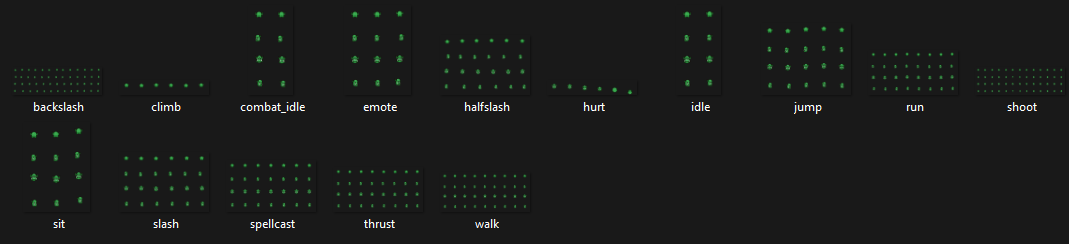
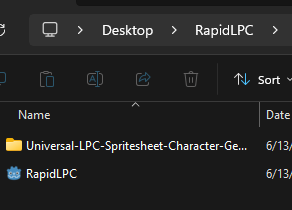
The directory is a folder on my desktop:
Here are my system specs:
Windows 11, 25H2
AMD Ryzen 7 7700X, 32GB-5600, GeForce RTX 4080