From what you’ve described, it looks like there may be an issue with the asset files you’re using. Could you please try re-downloading the latest assets.zip and test again?
If you still run into problems, I’ve set up a Discord server where we can talk directly and even do a screen share to help resolve this faster:
Thank you so much for the detailed information — it helped me locate the problem quickly!
Since the structure of the assets folder has changed, we now need to use a specific version of the assets. If you could download the file below, everything should work properly:
Hi Dolos, Thank you for trying out this tool, Can you confirm you've followed the steps above to download the assets?
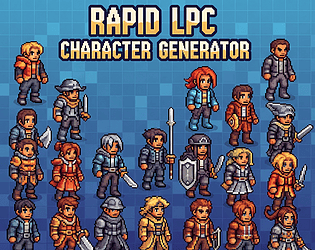
Step 1: Download and Unzip assets.zip Step 2: Open RapidLPC Step 3: Click Open Spritesheets Folder Step 4: Select spritesheets folder
If yes, would you mind take a screenshoot of the issue? Also provide your environments, e.g OS version, what folder path did you unzip the tool ? Thank you !