
Indie game storeFree gamesFun gamesHorror games
Game developmentAssetsComics
SalesBundles
Jobs
TagsGame Engines

Upload not found

A topic by Llen created Mar 04, 2026 Views: 659 Replies: 8
Viewing posts 1 to 5
(1 edit) (+2)

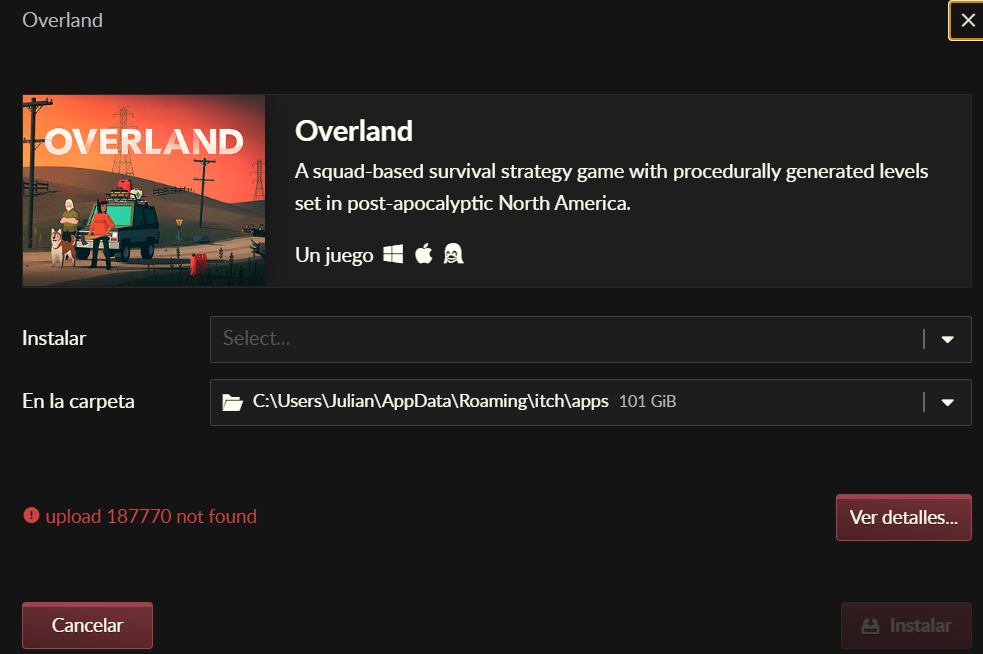
I'm getting a lot of games showing "Upload # Not found" on the app. 

The downloads will work on normal browser, but not on app. :c

(1 edit) (+1)

It also says for certain titles I do not OWN them, but I know I do. 

(1 edit)

I am also getting this error.  Tried the alternative download mode same error with different numbers.

(1 edit) (+2)

I have the same problem with other bundle, Is there any other solution than using browser?
Admin(+1)

I believe you may have run a script “claim” individual items on your account from one of our “mega” bundles. This is not necessary and can cause issues with loading your entire library since it floods your primary library list. If you want I can reset your library to make it so only items you have explicitly downloaded show up, it should resolve the issue you’re having.

We intend to address bundles in our next app update to make it easier to access the mega bundles, which use a different representation in our backend.

Thank you again, and yeah I did. ^^;;;; Beat me to the update.

(1 edit)

Welp now it is saying I no longer own a game I have gotten from a bundle...spite been playing it via the app for a while now, until recently asked me to update it and it made it the demo version... When I have the full version. 

Maybe add a way to download from the bundles section under My Purchases in app? Currently you cannot do that. 

(1 edit)

I recently had to reinstall the launcher and that  fixed the problem, have you tried it? I also saw some youtube videos saying that was the solution

Sadly, did not work. :c